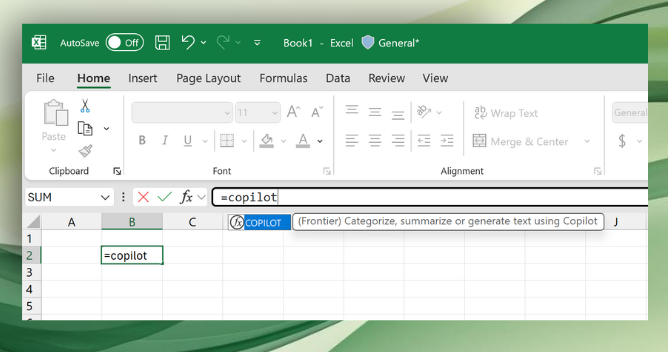
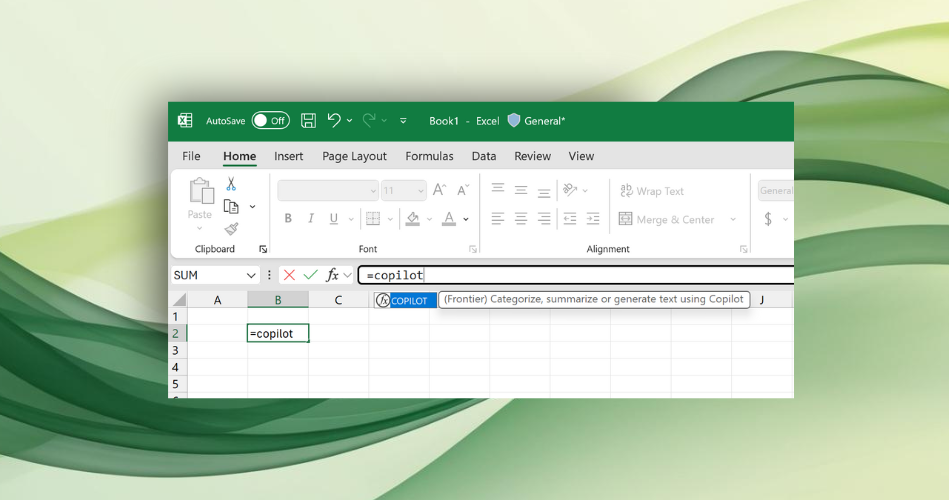
Microsoft has integrated a new 'Copilot' AI function into Excel, allowing users to generate, summarize, and analyze data directly within spreadsheet cells using plain-language prompts, enhancing productivity and data handling capabilities.
Microsoft Excel is testing a new AI-powered feature called Copilot that can automatically fill and analyze spreadsheet cells using natural language prompts, powered by OpenAI's GPT-4.1-mini model. The feature allows users to classify, summarize, and generate text within spreadsheets, with privacy assurances and some limitations. It is currently available in beta for Windows and Mac users with a Microsoft 365 Copilot license.
Microsoft Excel is integrating a new Copilot function that allows users to use natural language prompts within spreadsheets to summarize, categorize, and analyze data more efficiently, with results updating automatically and supporting various workflows, although it currently has usage limits and requires a Microsoft 365 Copilot License.
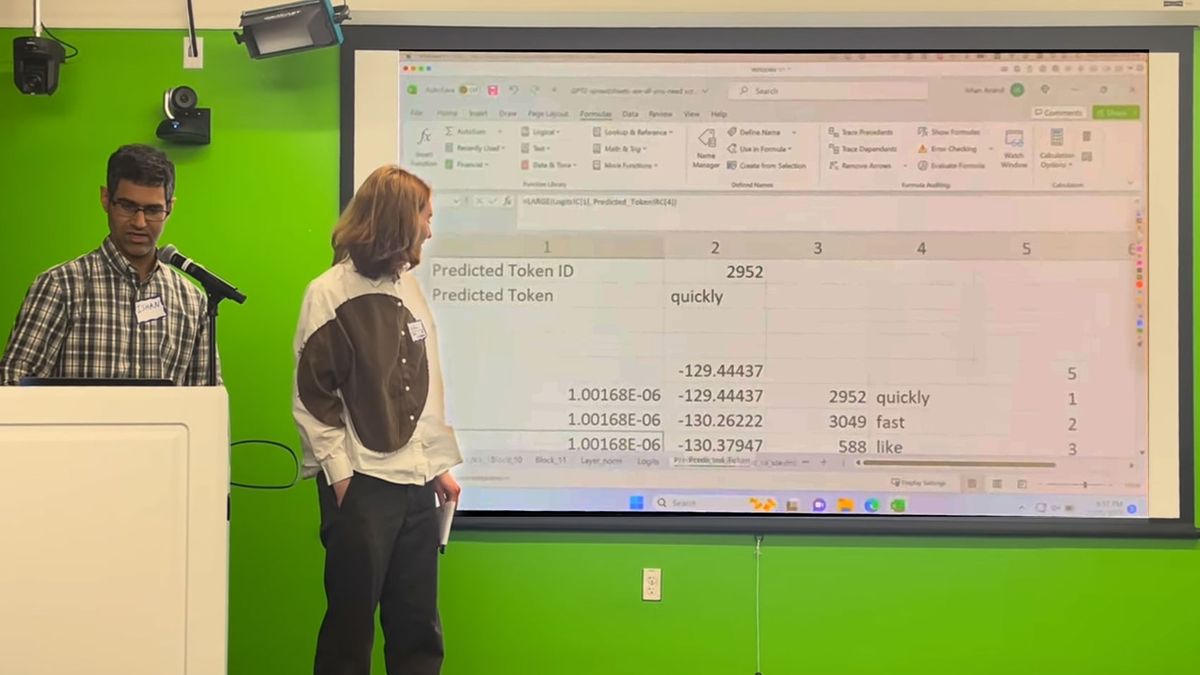
Software developer Ishan Anand has successfully implemented GPT-2, a large language model, into a 1.25GB Microsoft Excel spreadsheet, providing insight into how such models work. While this implementation is based on the GPT-2 Small model and has limitations compared to newer models, it serves as an educational tool for understanding AI and the Transformer architecture. Anand has made the spreadsheet available on GitHub for others to explore, emphasizing that it runs locally without requiring cloud API calls.
Software developer Ishan Anand has successfully integrated OpenAI's GPT-2, a precursor to ChatGPT, into a Microsoft Excel spreadsheet, allowing users to explore and understand the workings of large language models (LLMs) locally. The "Spreadsheets-are-all-you-need" project provides a hands-on experience of how LLMs function, with tutorial videos available for learning. Anand's implementation runs the GPT-2 Small model, offering insight into the inner workings of AI language models. The spreadsheet, available on GitHub, is designed for the latest version of Excel and is not compatible with Google Sheets due to its size.
Microsoft Excel has a hidden Camera tool that allows users to take dynamic snapshots of data and paste them as linked images within the workbook, enabling automatic updates when the underlying data changes. The tool is not enabled by default but can be added to the Quick Access Toolbar through Excel Options. Once added, users can easily capture and paste data or charts as linked images, making tasks such as creating dynamic dashboards, managing large datasets, and creating micro-charts more efficient.
Microsoft has announced the release of a public preview of Python in Excel, allowing users to add Python code directly into a spreadsheet. This integration enables data analysts, engineers, marketers, and students learning data science to perform complex statistical analysis, advanced visualizations, predictive analytics, and machine learning within Excel. Users can enter Python code directly into cells using the new =PY function, leveraging the Anaconda distribution of Python, which includes pre-packaged libraries and packages. The functionality runs on the Microsoft Cloud with enterprise-level security, ensuring data privacy and authorized operations. The public preview is available to Microsoft 365 Insiders using the Beta Channel in Excel for Windows.
Microsoft is introducing the ability to run Python scripts as formulas in Microsoft Excel, allowing users to perform data analysis and manipulation directly within the spreadsheet software. The feature is currently available in the public preview for Microsoft 365 Insiders in the Beta channel, with plans to roll it out to Excel for Windows in the future. Python code will be executed in a cloud-based container on Azure, ensuring security and preventing access to local resources. Users can embed Python code using the new 'PY' function and view the results, including plots and visualizations, in the worksheet.
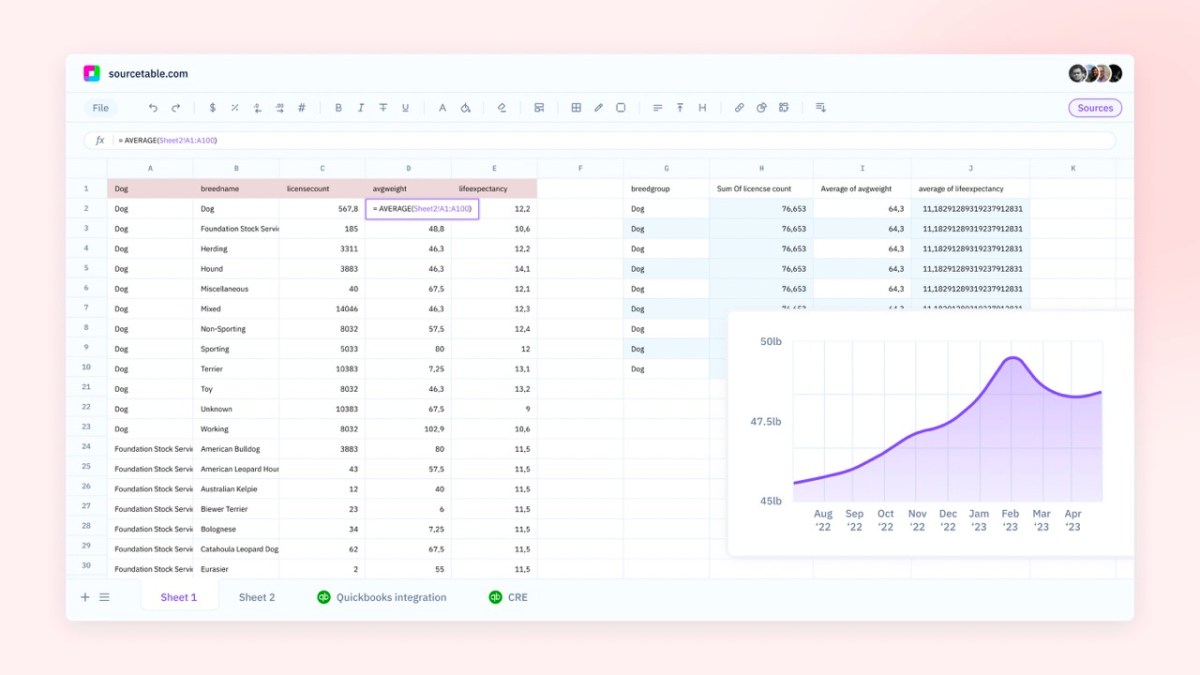
Sourcetable, a startup aiming to build "the world's best spreadsheet," has raised $3 million in seed funding to take on the spreadsheet challenge posed by Microsoft Excel and Google Sheets. The company plans to focus on improving integrations, templates, analysis, reporting, and collaboration features. Sourcetable aims to attract professionals in sales, accounting, finance, support, and HR who require access to and manipulation of significant data. The startup is currently in private beta and plans to launch publicly by the end of the year.
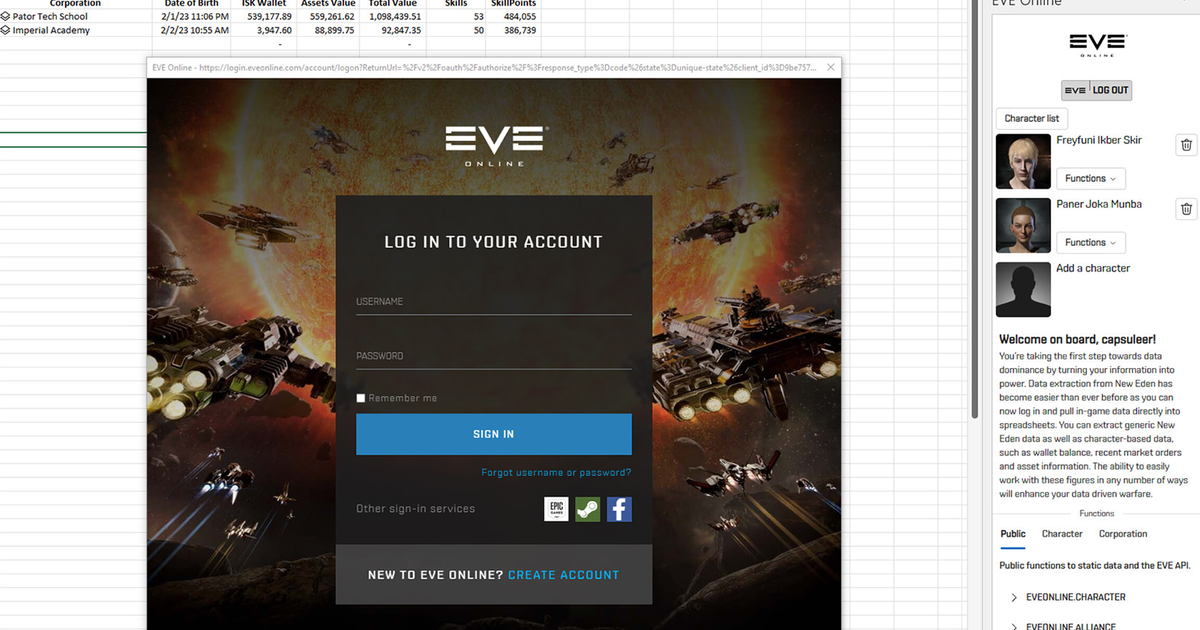
CCP Games has collaborated with Microsoft Excel to create the first-ever native Excel add-in for a video game, EVE Online. The free extension allows players to access in-game data, generate custom reports, and visualization tools like graphs and charts. The add-in could help level the playing field and make it easier for new players to enjoy the long-running MMO. The tool is available now and can be found in the Microsoft Store.
EVE Online now has an official Microsoft Excel add-in that allows players to export data to the spreadsheet app. The integration will let players make custom reports and graphs to help track their in-game activity and plan their next raid. Among the data that can be exported are item values, locations, market orders and prices, skills and wallet transactions in the game’s currency of ISK, as well as the finances of your galactic corporation if you have the right in-game privileges. The Excel add-in is available for members of EVE’s paid "Omega" subscription tier.
ChatGPT cannot directly create an Excel spreadsheet, but it can help by generating formulas and gathering data. You can use prompts to ask for Excel formulas or command the AI chatbot to create Excel Macros. Microsoft Copilot is in development and should integrate AI more seamlessly into Office Products.
ChatGPT, an AI chatbot, can help users create Excel formulas for free and without signing up for a specialized website. Users can request formulas that are as simple or as complicated as they'd like, as long as they're clear in their instructions. The accuracy of ChatGPT's results depends on how clear the prompts are. Other AI chatbots, like Bing Chat and Google Bard, can also create Excel formulas.