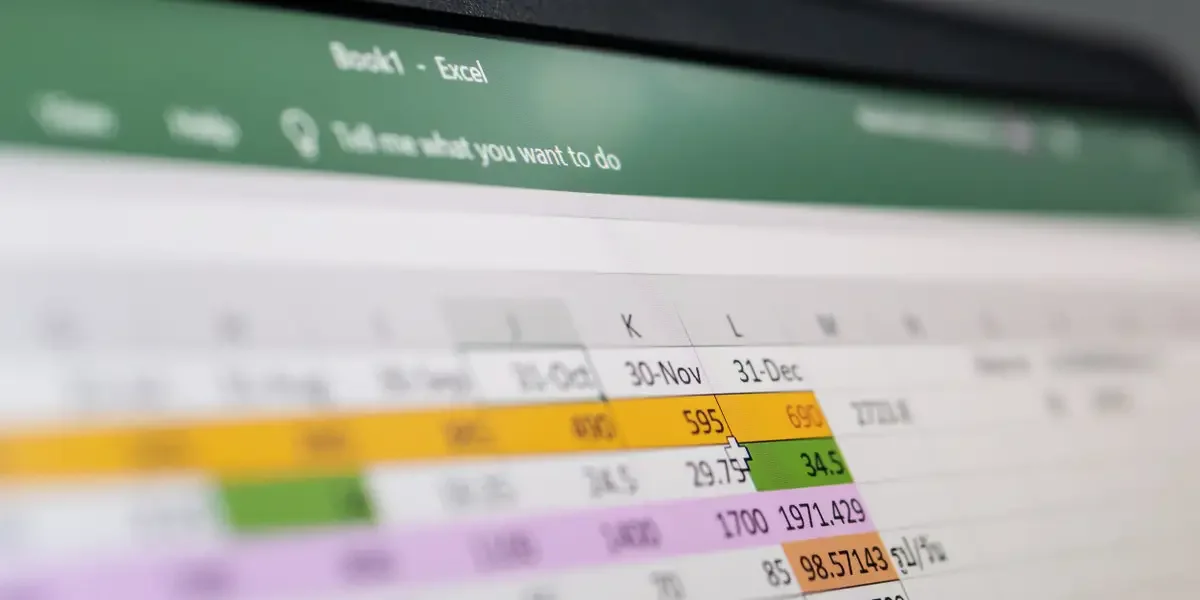
Despite its 40-year history and widespread use, Excel remains a staple in business for quick data analysis, but organizations are increasingly seeking to replace it with more secure, automated, and AI-integrated systems to improve data control and operational efficiency, though resistance due to familiarity and control issues persists.

Diarmuid Early, winner of the 2025 Microsoft Excel World Championship, shares practical Excel advice for office workers, emphasizing the importance of seeking better methods, automating repetitive tasks, and learning functions like SUMIFS to save time and reduce errors. He also highlights the potential of AI to improve Excel skills and warns against manual, error-prone practices.
The article explains how to use Microsoft Excel's geography data types to quickly insert country-related information like population and birthrate, saving time and effort compared to manual web searches.
Competitive Excel, a puzzle-solving e-sport where players solve data and problem scenarios under time pressure, has gained popularity worldwide, with championships offering significant prizes and attracting diverse participants, from beginners to experts, aiming to showcase their skills and inspire new talent.
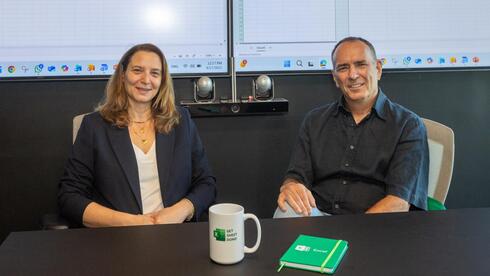
Excel, celebrating its 40th anniversary, has evolved from a simple spreadsheet tool to an AI-powered platform, largely driven by the Israeli team led by Tamar Tzruya Bar-Zakai and Yair Helman, transforming how millions work and interact with data worldwide.
Microsoft has introduced AI agents for Word, Excel, and PowerPoint, available to both business and personal Microsoft 365 subscribers, offering advanced assistance like data analysis, document editing, and presentation creation, initially on the web with plans to expand to desktop.
Despite the rise of AI and programming languages like Python, Excel remains the most in-demand skill in Silicon Valley job listings, highlighting its continued importance in data management and business operations even amidst fierce competition for AI talent.
Microsoft is testing an AI-powered feature in Excel called COPILOT that can automate tasks using natural language, but it is warned to be unreliable for critical calculations and high-stakes tasks, raising concerns about over-reliance on AI for essential functions.
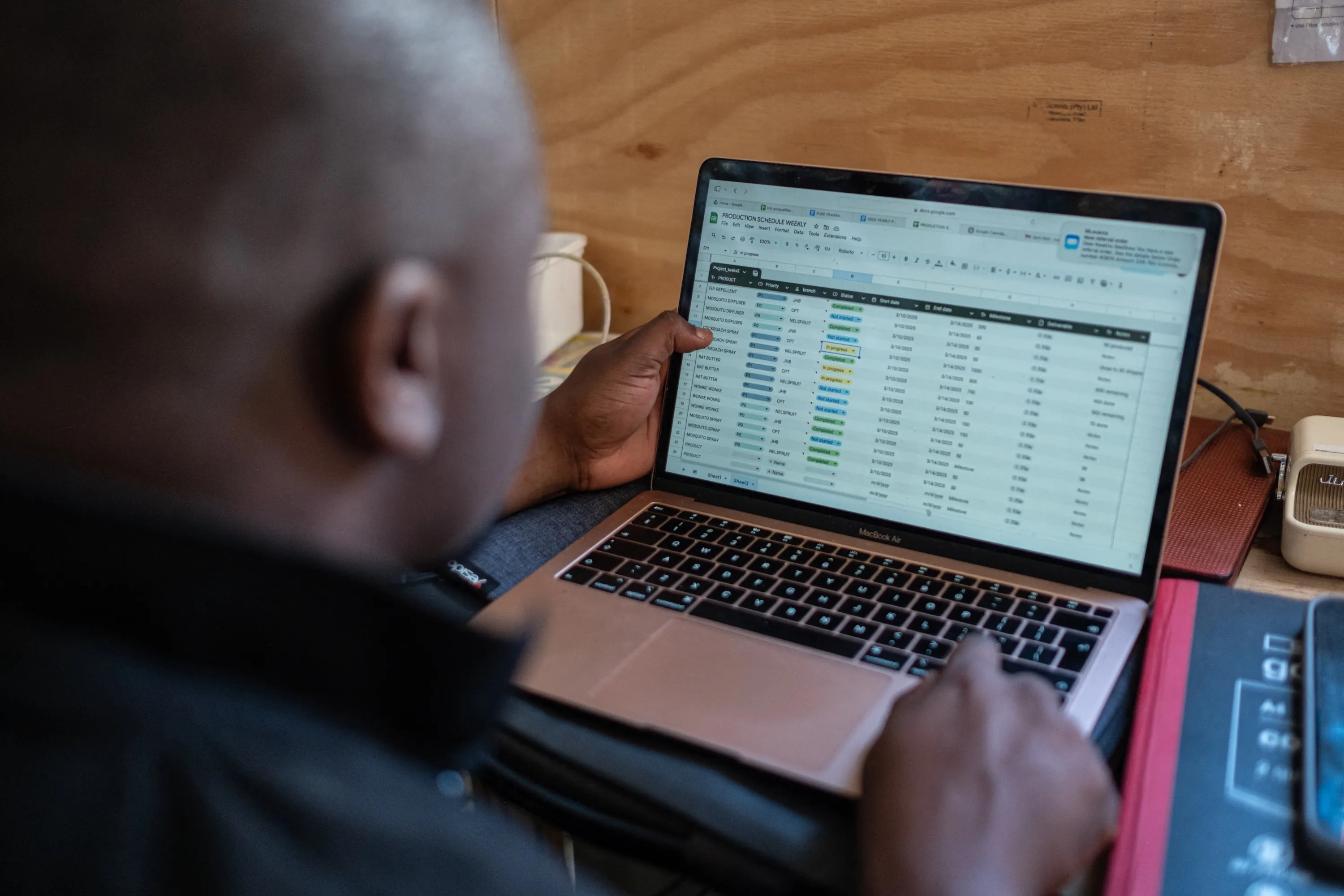
Shortcut AI automates up to 90% of repetitive tasks in Excel and Google Sheets, enhancing efficiency and accuracy in data management, financial modeling, and analysis through AI-driven features like error detection, natural language processing, and customizable visualizations, suitable for a wide range of users from professionals to small business owners.
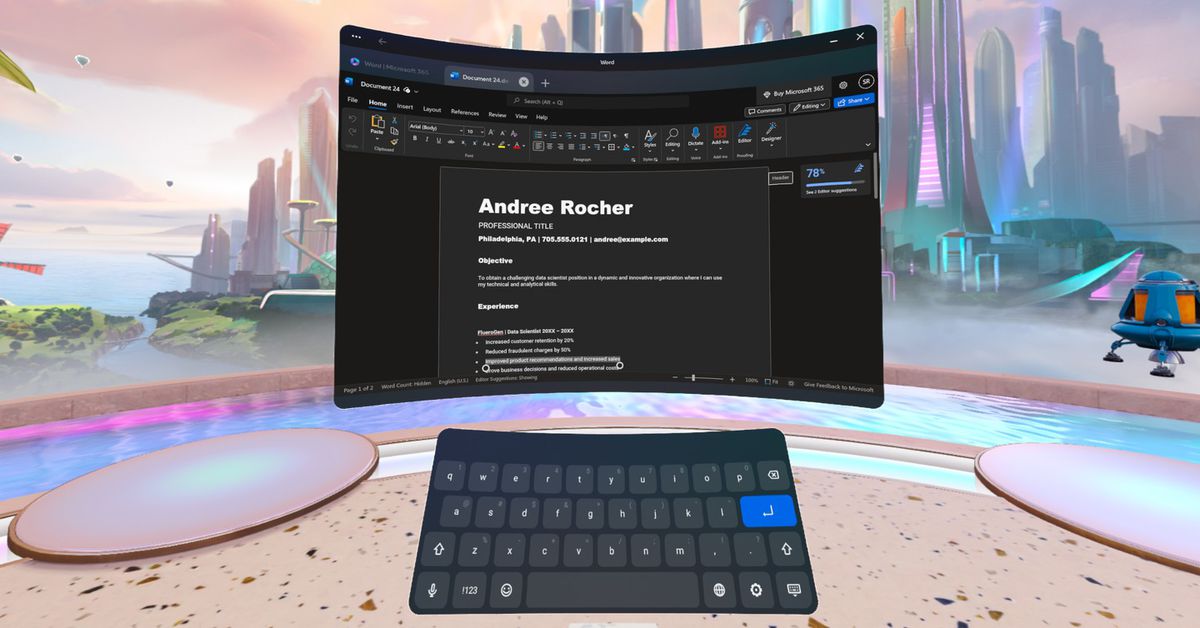
Microsoft's Word, Excel, and PowerPoint are now available for free on Meta's Quest VR headsets, but using them in VR still has some quirks. Users need to log in with their Microsoft account password, which can be a tedious process without a Bluetooth keyboard. The apps are not optimized for VR, making it difficult to select icons or move the cursor. To enhance productivity, users will likely need to pair a Bluetooth mouse and keyboard. The apps can be downloaded from Meta's Quest marketplace and are compatible with various Quest headsets. Microsoft and Meta previously announced plans to bring Office apps, Teams, Windows, and Xbox Cloud Gaming to Quest headsets.
A viral video of Microsoft CEO Satya Nadella demonstrating how to integrate data into Microsoft Excel has resurfaced, highlighting his humble beginnings as a Technical Marketing Manager. Nadella's journey from making Excel demo videos to becoming the CEO of Microsoft involved being approached by a board member to take on the role after Steve Ballmer's departure. Nadella admits to making mistakes, including the decision to discontinue Windows Phone, but considers his leadership skills and fostering a collaborative team environment as his biggest win. He emphasizes the importance of empathy in leadership and has no plans for retirement, focusing on ongoing projects and AI advancements at Microsoft.
Microsoft has released an update for Excel that allows users to disable Automatic Data Conversion, addressing an issue that forced scientists to rename human gene names due to Excel converting them to dates. Previously, there was no option to disable this automatic conversion, resulting in errors and data loss in scientific papers. The update includes a checkbox to toggle the conversion feature on or off, as well as a warning message for automatic number conversions when opening certain file types. However, the new conversion option does not work when running macros.
Microsoft has released an update for Excel on Windows and macOS to fix a feature that was causing scientific data to be incorrectly reformatted. The feature, which automatically converted alphanumeric symbols into dates, had been causing problems for scientists trying to input gene names. The update includes a checkbox that allows users to toggle the conversion, building on previous settings that warned users before making automatic conversions. However, there are some caveats, such as the data being saved as text and potential issues with disabling conversions when running macros.
Microsoft has introduced Python support in Excel, allowing users to perform advanced data analysis directly within the spreadsheet software. The integration eliminates the need for additional installations or add-ons and provides access to popular Python libraries such as pandas and Matplotlib. Python computations are processed in the Microsoft Cloud, with results displayed in Excel, enabling users to create formulas, PivotTables, and charts based on Python data. The feature is currently available as a public preview for Microsoft 365 Insiders in the Beta Channel.
Microsoft is introducing Python support in Excel, allowing users to write and run Python code directly within the spreadsheet editor. This integration extends Excel's data science capabilities, enabling users to perform advanced data analysis, create visualizations, and train machine learning models. The new version of Excel comes with preinstalled Python modules, eliminating the need for manual installation and configuration. This integration simplifies the workflow for data scientists who previously had to switch between separate code editors and Excel.