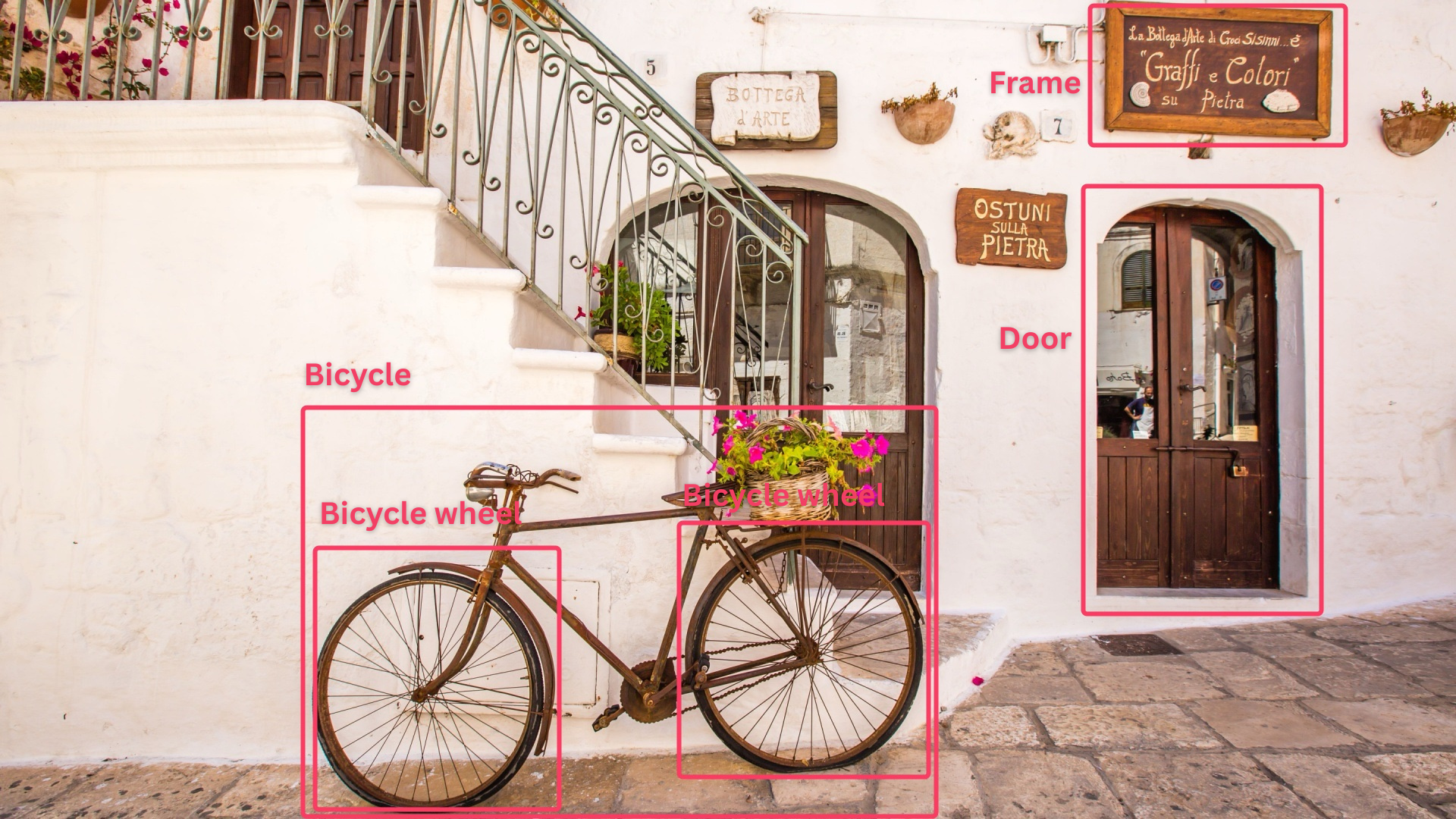
The article discusses how traditional image SEO practices are evolving with the rise of multimodal AI models like ChatGPT and Gemini, emphasizing the importance of optimizing images for machine readability through techniques such as high-resolution, high-contrast visuals, effective alt text as grounding, and ensuring packaging and visual content are suitable for OCR and visual tokenization. It highlights the need for technical hygiene, semantic clarity, and emotional resonance to improve AI understanding and search ranking in the AI era.
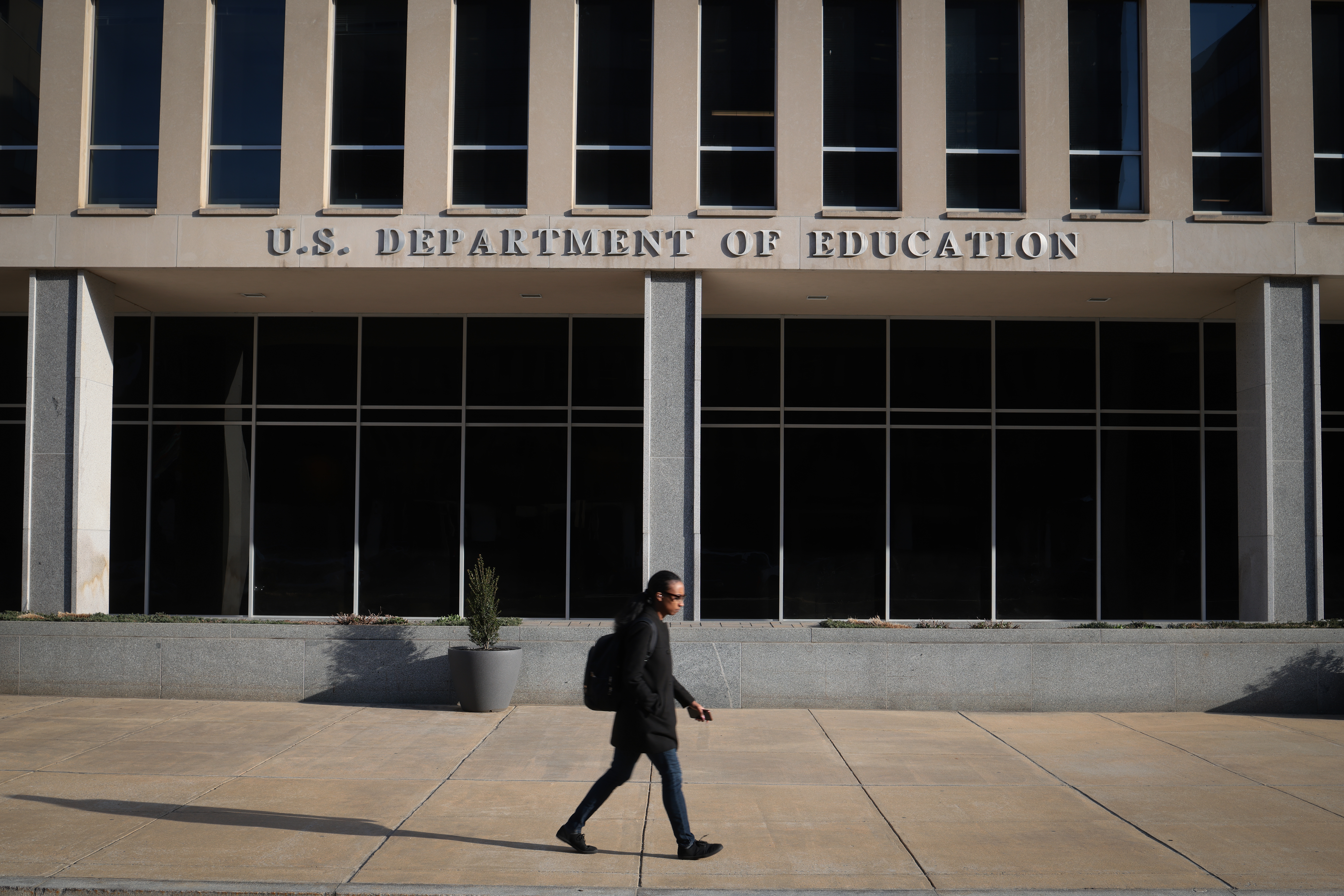
The Education Department's Office for Civil Rights (OCR) has significantly reduced its civil rights investigations and dismissals, with critics concerned that recent policy changes and staff reductions are impairing its ability to address issues like discrimination and campus misconduct, contrasting sharply with higher activity levels during the previous administration.
Microsoft is updating its Phone Link app to allow users to select and copy text from images synced from their Android phones directly on their Windows computers. This feature is currently available in Release Preview Insider builds and will roll out to all users soon. While the OCR functionality is decent, it may not be as accurate as similar features from Samsung or Apple.
Optical Character Recognition (OCR) technology allows for the conversion of printed or handwritten text into a digital format, making it easier to edit, copy, and paste. Installing an OCR app on your Android device can save time and boost productivity by eliminating the need for manual typing. Popular OCR apps for Android include Google Lens, Adobe Scan, Microsoft Lens, Text Fairy, and CamScanner.
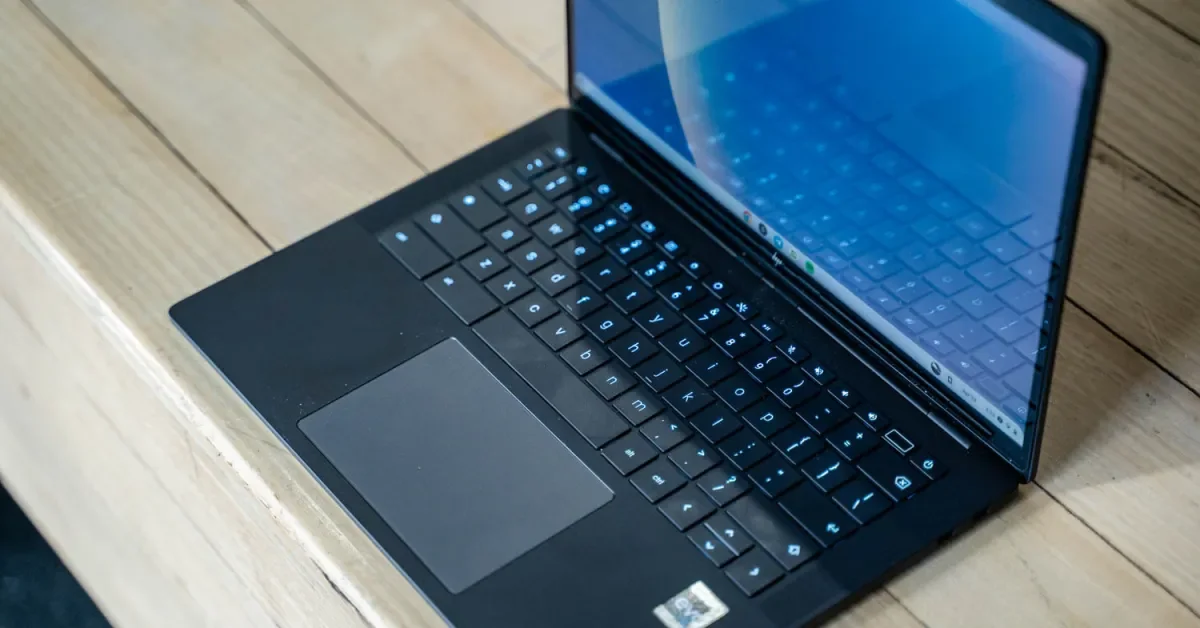
Google is rolling out ChromeOS 116, which includes enhanced Autocorrection, simultaneous search across local and Google Drive content in the Files app, OCR for converting image-based PDFs into text, customizable RGB keyboard options for select Chromebook models, and an updated setup experience with pre-configured customization options.
Two new Android malware families, CherryBlos and FakeTrade, have been discovered on Google Play. CherryBlos is a cryptocurrency stealer that uses various tactics, including loading fake user interfaces and employing OCR to extract text from images, to steal cryptocurrency credentials and assets. It also acts as a clipboard hijacker for the Binance app, redirecting payments to the attackers' wallets. FakeTrade consists of 31 scam apps that trick users into watching ads, agreeing to premium subscriptions, or topping up in-app wallets without allowing them to cash out. Google has removed the reported malware apps from Google Play, but manual clean-ups may be necessary for infected devices.
Windows has built-in tools and features that make text entry easy and efficient. These include clipboard history, autocorrect, clipboard sharing, emoji and symbols panel, paste as plain text, jump words and paragraphs, find text lightning fast, select text even faster, extract text from photos, and type with your voice. These tools can save time and increase productivity for anyone who frequently types on a Windows computer.