Tag

Keyboard Shortcuts

All articles tagged with #keyboard shortcuts

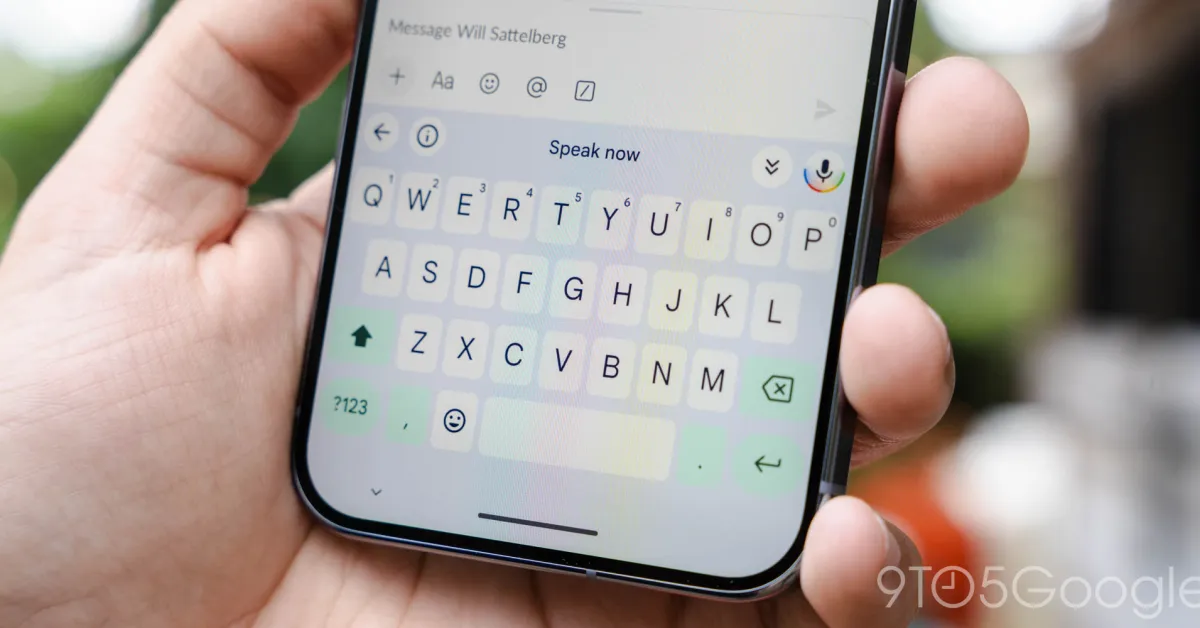
Gboard Introduces Flick Keys for Symbols on Android

Originally Published 2 months ago — by 9to5Google

Featured image for Gboard Introduces Flick Keys for Symbols on Android
Source: 9to5Google

Gboard for Android is introducing a new 'Flick keys to enter symbols' shortcut, allowing users to quickly access numbers and symbols by swiping down on keys, with the feature rolling out in Gboard 16.2. Users can enable it in settings and it works best with the 'Touch & hold keys for symbols' option, though it may take some time to get used to due to accidental triggers.

Microsoft Retires Win+C Shortcut to Push Copilot Key

Originally Published 1 year ago — by Ars Technica

Featured image for Microsoft Retires Win+C Shortcut to Push Copilot Key
Source: Ars Technica

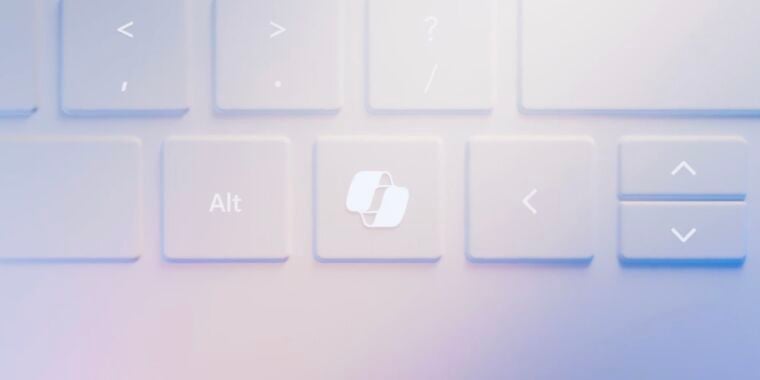
Microsoft is retiring the Win+C keyboard shortcut in the upcoming Windows 11 24H2 update, making it no longer usable to summon the Copilot assistant. This change follows a history of Win+C being associated with unsuccessful Windows features like Charms and Cortana. Users can still remap the shortcut using tools like Microsoft's Keyboard Manager PowerToy.

"Master Windows 11 with 70 Keyboard Shortcuts for Efficient Work"

Originally Published 1 year ago — by CNET

Featured image for "Master Windows 11 with 70 Keyboard Shortcuts for Efficient Work"
Source: CNET

As Microsoft's support for Windows 10 is ending in 2025, users are encouraged to switch to Windows 11 for continued free usage. Mastering Windows 11 keyboard shortcuts can significantly enhance productivity, from basic functions like copy and paste to managing the Start menu, taskbar, and virtual desktops. The article provides a comprehensive list of essential keyboard shortcuts for Windows 11, covering various tasks such as taking screenshots, managing windows, utilizing the Windows key, and using shortcuts within the Windows Command Prompt.

"ChromeOS Update: Enhanced Customization with Keyboard Shortcuts and Mouse Button Customizations"

Originally Published 1 year ago — by The Verge

Featured image for "ChromeOS Update: Enhanced Customization with Keyboard Shortcuts and Mouse Button Customizations"
Source: The Verge

Google has released a new ChromeOS update (M123) that introduces the ability to customize keyboard shortcuts and mouse buttons, as well as enabling hotspot connections on cellular Chromebooks. The update also includes per-app language preferences for Android apps, improved offline text-to-speech voices, and bug fixes for Pixel Watches and Pixel phones. Additionally, Google has added its own version of Taptic Time to the Pixel Watch and addressed issues such as camera stability and biometrics bugs in the April update.

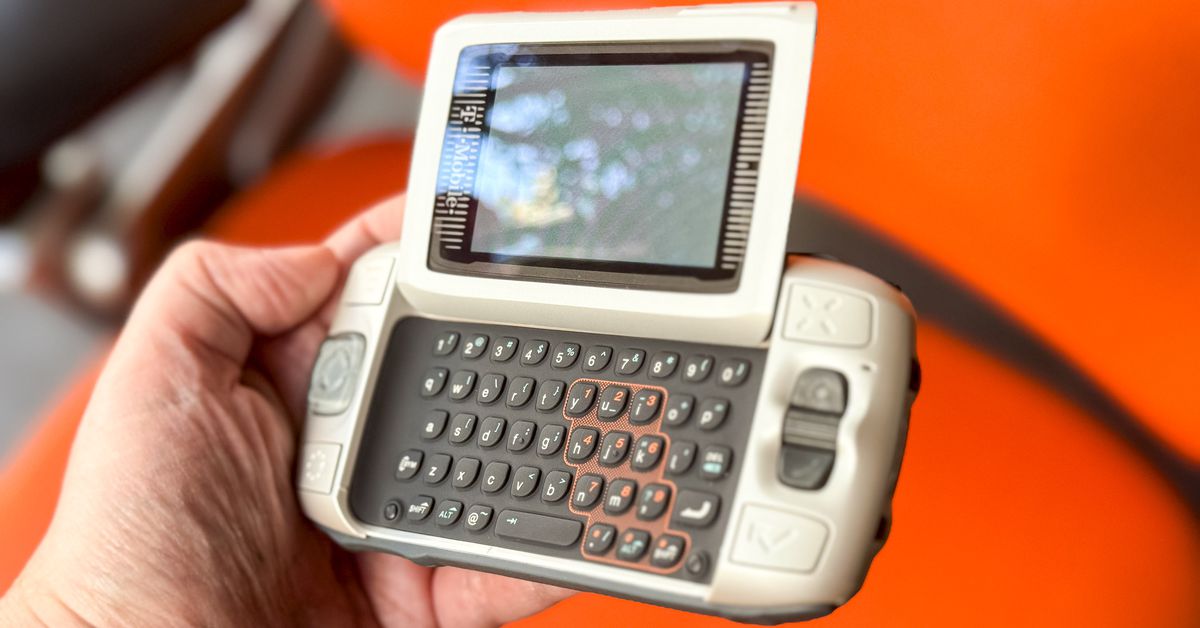
"Effortless Mobile Multitasking with the T-Mobile Sidekick's Jump Button"

Originally Published 1 year ago — by The Verge

Featured image for "Effortless Mobile Multitasking with the T-Mobile Sidekick's Jump Button"
Source: The Verge

The T-Mobile Sidekick, also known as the Danger Hiptop, revolutionized mobile multitasking with its Jump button, which allowed users to easily switch between apps using keyboard shortcuts. Despite being marketed as a glorified home button, the Jump key was designed to be chorded, enabling seamless task-switching and real multitasking. The Sidekick's innovative features, such as cloud sync, unlimited data, and real web browsing, paved the way for modern smartphones, and its keyboard shortcuts continue to influence mobile devices today.

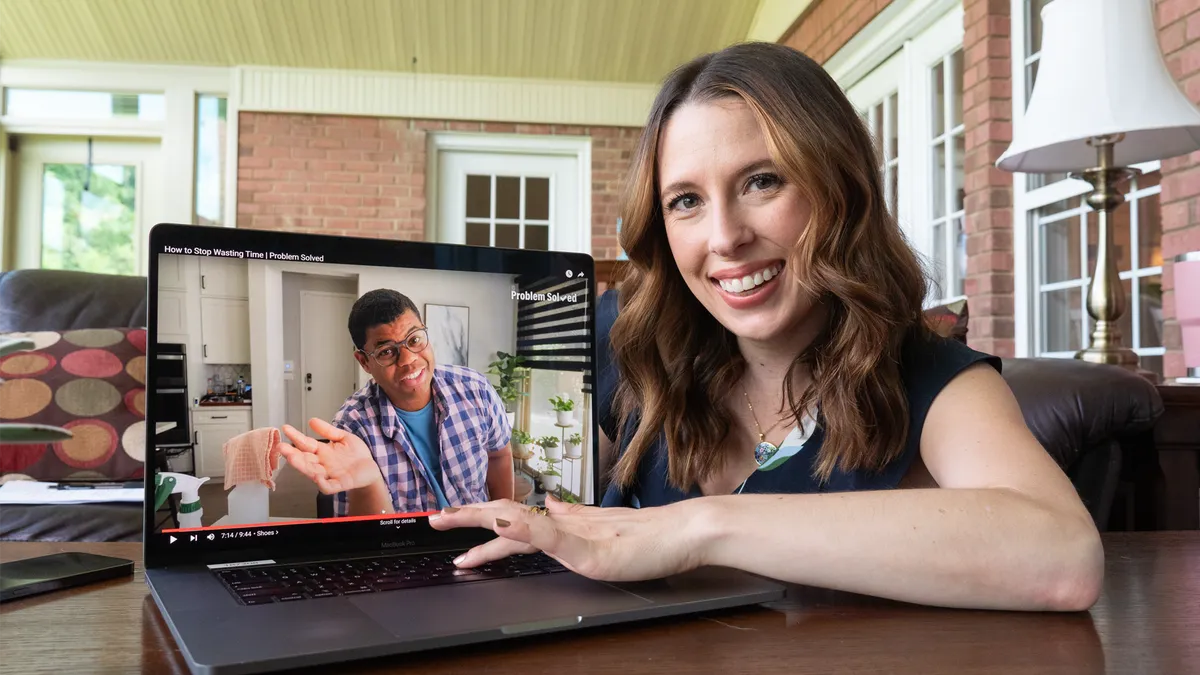
"Enhance Your YouTube Experience with 5 Simple Tweaks"

Originally Published 1 year ago — by Kotaku

Featured image for "Enhance Your YouTube Experience with 5 Simple Tweaks"
Source: Kotaku

Here are 5 tips to enhance your YouTube experience: 1) Maximize video quality by adjusting settings on both web and mobile. 2) Put videos on a loop for continuous viewing. 3) Improve your recommendations by interacting with videos and managing your watch history. 4) Use keyboard shortcuts to navigate videos and playlists more efficiently. 5) Enhance your experience with browser extensions that add extra features like picture-in-picture and uninterrupted playback.

"Maximizing Your YouTube Experience: 5 Quick Tips"

Originally Published 1 year ago — by Gizmodo

Featured image for "Maximizing Your YouTube Experience: 5 Quick Tips"
Source: Gizmodo

Here are 5 quick ways to improve your YouTube experience: 1) Maximize video quality by adjusting settings on web and mobile. 2) Put videos on a loop for continuous playback. 3) Improve recommendations by interacting with videos and managing watch history. 4) Use keyboard shortcuts for easier navigation. 5) Enhance features with browser extensions like Picture-in-Picture for Chrome and YouTube NonStop for Firefox.

"Mastering Essential YouTube Keyboard Shortcuts"

Originally Published 1 year ago — by USA TODAY

Featured image for "Mastering Essential YouTube Keyboard Shortcuts"
Source: USA TODAY

YouTube offers a range of keyboard shortcuts and hidden features to enhance video viewing, including precise navigation, playback control, audio and captions management, and optimization for viewing. These shortcuts allow users to navigate through videos with ease, control playback, adjust volume, and optimize their viewing experience. Additionally, tech recommendations for gaming consoles, chargers, keyboards, controllers, laptops, VR headsets, TVs, streaming devices, gaming headsets, and monitors are provided.

Unveiling the Secret US Keyboard Shortcuts in macOS

Originally Published 2 years ago — by The Verge

Featured image for Unveiling the Secret US Keyboard Shortcuts in macOS
Source: The Verge

macOS has a collection of undocumented US keyboard shortcuts that utilize the Fn key instead of the commonly known command, option, or control keys. These shortcuts offer easier alternatives to some of Apple's listed options, such as using Fn-F instead of the more complex Control-Command-F for entering fullscreen mode. This discovery is particularly exciting for users who prefer tabbing between text input fields and highlights the hidden usability features of the Fn key.

"Boost Your Productivity with Essential Keyboard Shortcuts for Mac and Google Sheets"

Originally Published 2 years ago — by USA TODAY

Featured image for "Boost Your Productivity with Essential Keyboard Shortcuts for Mac and Google Sheets"
Source: USA TODAY

This article provides helpful Mac keyboard shortcuts for various tasks, including right-clicking, adding emojis, using split-screen mode, and navigating between open applications. It also recommends tech products and devices for enhanced productivity and gaming experiences.