
Mac's Face ID Still Unavailable Despite Rumors
Despite years of speculation, Apple has not yet introduced Face ID for Mac computers, and it remains a distant possibility.

All articles tagged with #biometric authentication
Despite years of speculation, Apple has not yet introduced Face ID for Mac computers, and it remains a distant possibility.
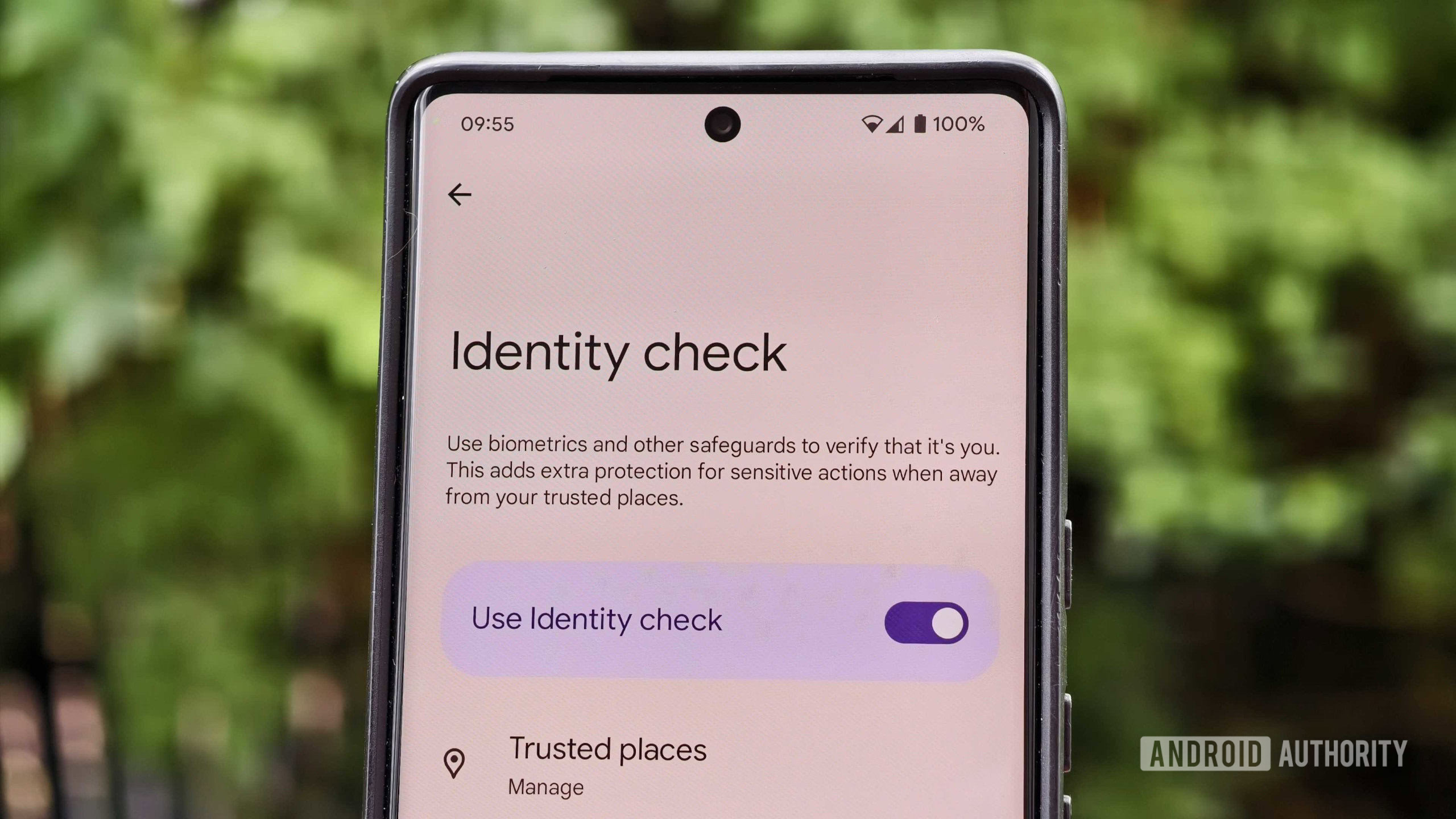
Google is expanding its Android Identity Check feature in the upcoming Android 16 QPR2 update to enforce biometric-only authentication for apps that use the biometric prompt, removing the fallback to screen lock credentials, thereby enhancing security against theft outside trusted locations.
Leaked Apple code suggests that Touch ID support may be added to the 2026 Apple Watch models, indicating potential new biometric authentication features, although the technology is still in the prototype stage and not yet implemented in current models.
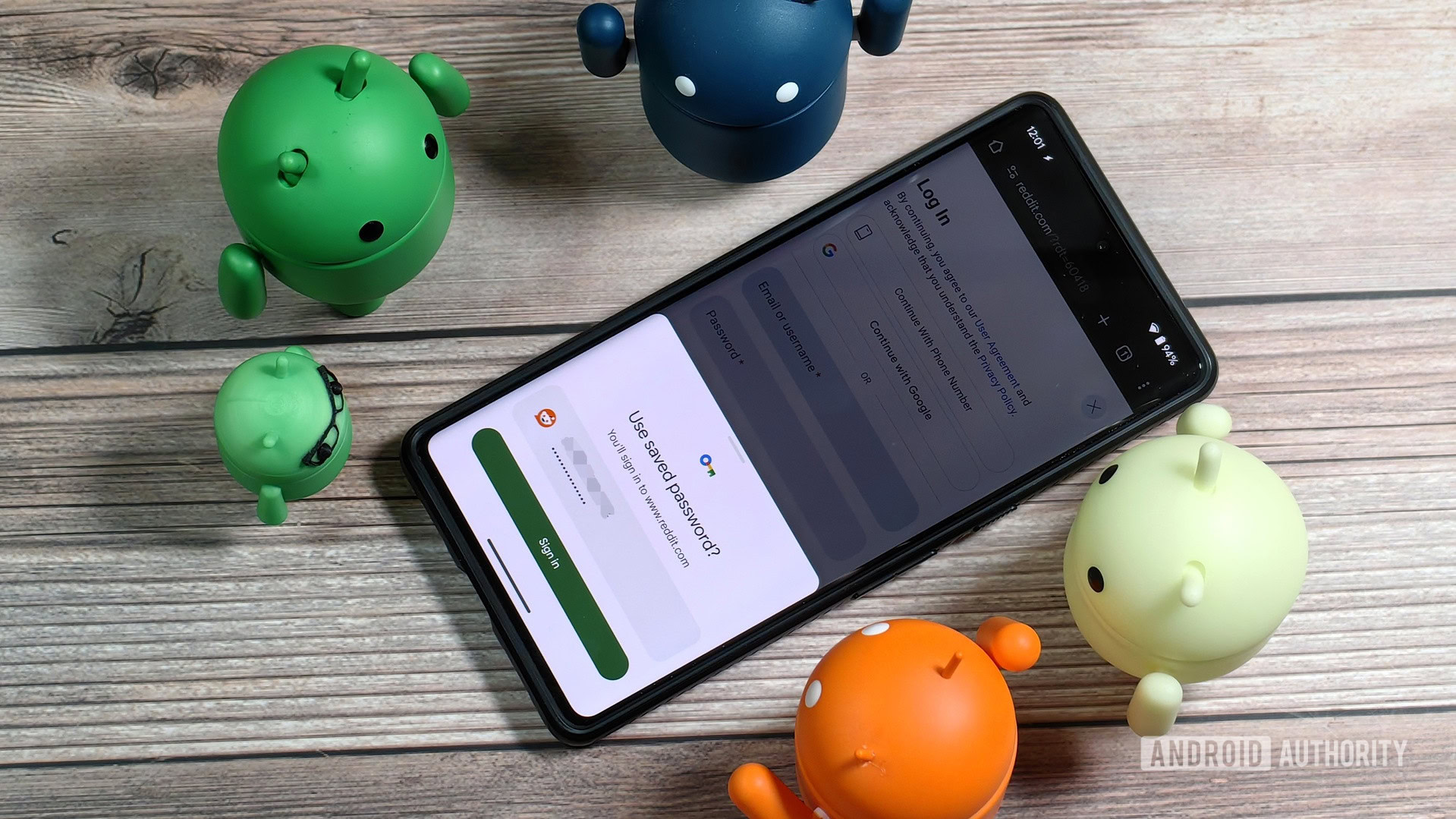
Google Chrome on Android will soon require biometric verification before autofilling passwords, addressing a security loophole where current autofill features do not ask for user verification, thus enhancing security against theft or unauthorized access.

Google Wallet will soon introduce a feature allowing users to scan and store digital copies of various text-only documents and passes, including passports and student IDs. This feature, which requires local data processing and may involve biometric authentication for sensitive documents, is expected to roll out in a future update.

Apple's new Stolen Device Protection feature in iOS 17.3, meant to add extra security by requiring biometric authentication or a security delay for critical operations, has a vulnerability. The feature determines familiar locations based on frequency of visits, potentially flagging less secure places as significant. Users can disable this feature to prevent false positives, but doing so will require biometric verification even at actual familiar locations. Alternatively, users can toggle the Stolen Device Protection feature on or off in settings.
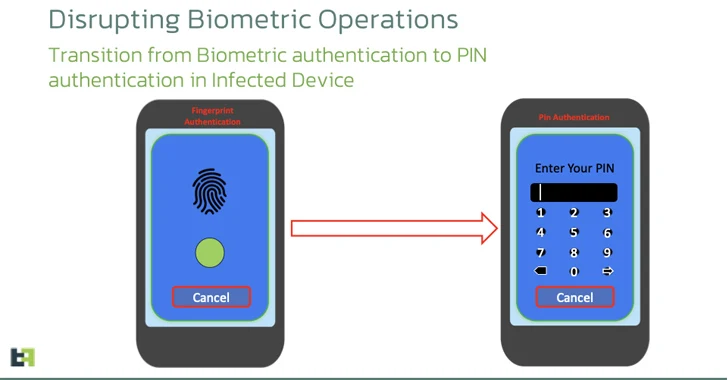
A new variant of the Android banking malware called Chameleon has been discovered, expanding its targeting to users in the U.K. and Italy. This evolved version of Chameleon excels in executing Device Takeover (DTO) using the accessibility service and is now being delivered via Zombinder, a dropper-as-a-service. The malware masquerades as the Google Chrome web browser and tricks users into enabling the accessibility service by checking the Android version on the device. It also disrupts biometric operations by transitioning the lock screen authentication mechanism to a PIN, allowing the malware to unlock the device at will. This development highlights the sophisticated and adaptive nature of the Android threat landscape.
Apple has released the iOS 17.3 beta, which introduces the Stolen Device Protection feature for iPhone. Users can install the beta by making a backup, signing in with their Apple ID, and selecting the iOS 17.3 Public Beta option in the Settings app. The update adds an extra layer of security for Apple ID and device passcodes in case of theft, requiring biometric authentication.

Apple has released a beta version of its Stolen Device Protection feature, which requires users to enter their biometric information to access certain phone functions. The feature activates when a phone is in an unknown location and provides an additional layer of protection against thieves who may have observed the user entering their passcode. The new security feature is currently available for testing to members of Apple's beta software program.
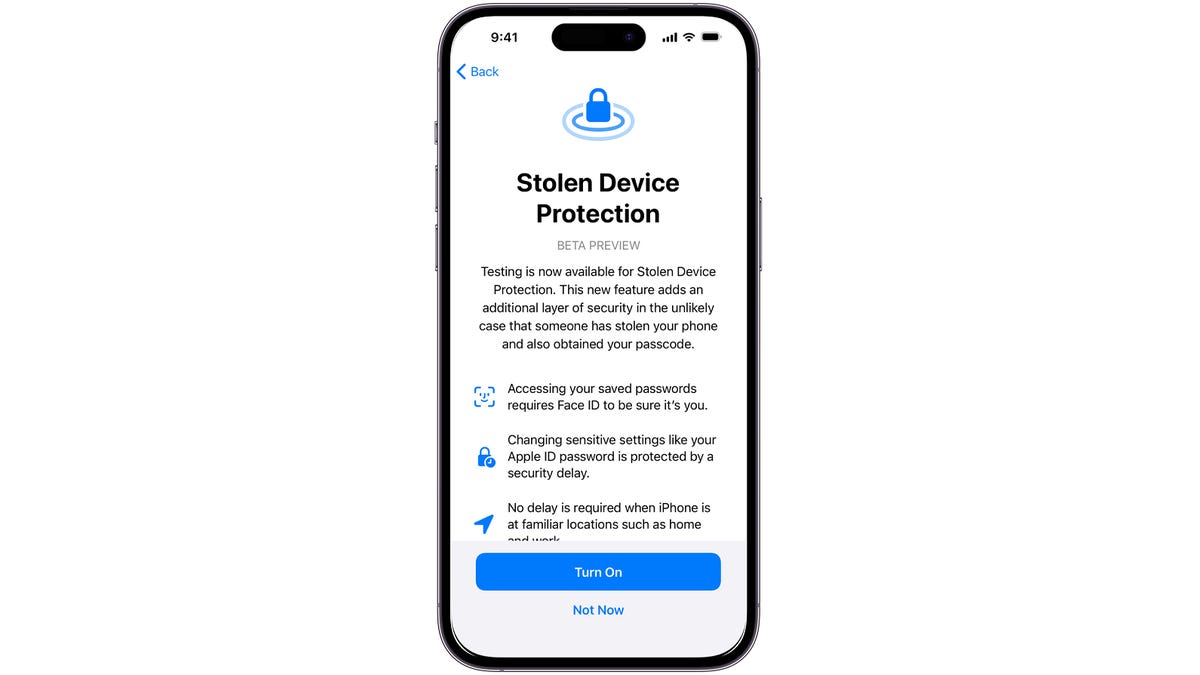
Apple is introducing a new security feature called Stolen Device Protection in iOS 17, which requires Face ID or Touch ID authentication. The feature adds a Security Delay that prompts users to scan their face or enter a fingerprint a second time after an hour to protect sensitive iCloud settings. It is an optional feature recommended by Apple and is designed to make it harder for thieves to access sensitive settings without obstructing everyday use. Only specific settings will be locked under Stolen Device Protection, and the Security Delay won't be required in trusted locations. The feature is currently available in the iOS 17.3 developer beta and will be included in a future public iOS 17 update.
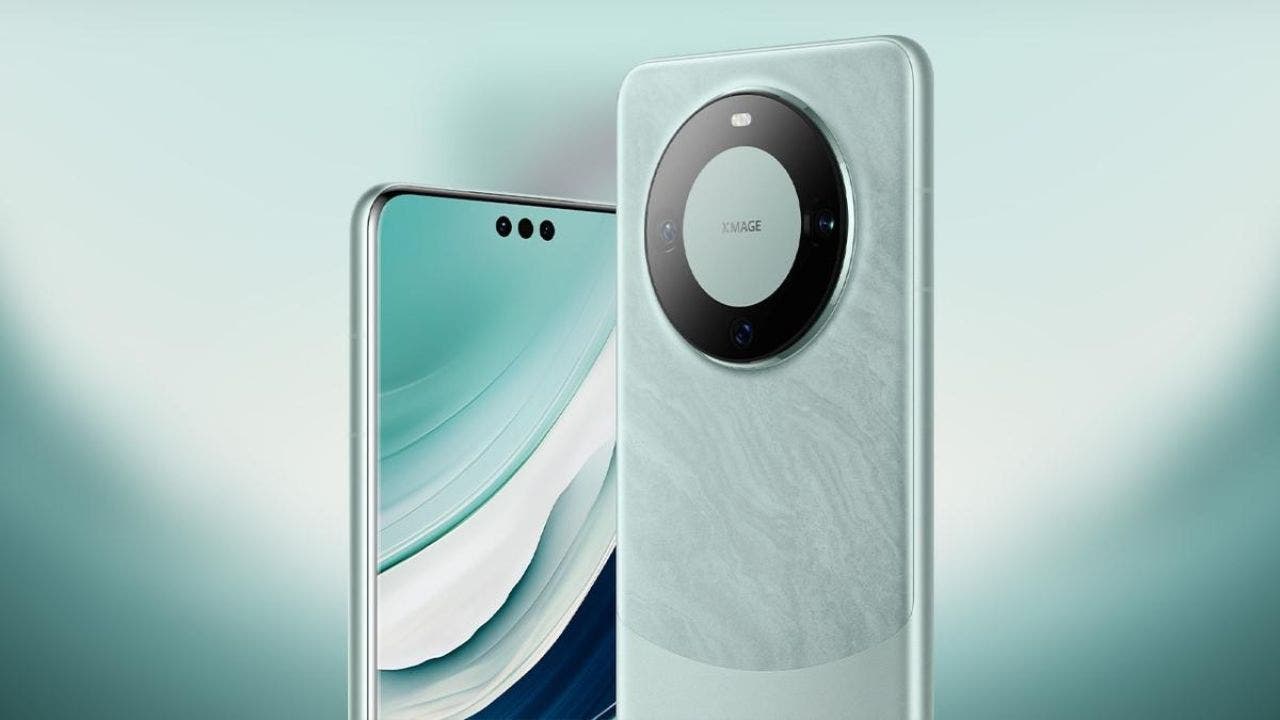
Protecting your smartphone's security and privacy is crucial in today's digital age. Here are 10 simple steps to enhance your device's security: enable two-factor authentication (2FA) for sensitive accounts, regularly update your software, review and limit app permissions, keep sensitive notifications off the lock screen, install reliable antivirus software, prioritize regular backups, enable biometric authentication (fingerprint or face recognition), download apps only from trusted sources, activate spam filters for text messages, and invest in protective screens and cases. Additionally, be cautious with Wi-Fi and Bluetooth usage and charging your device from unknown sources.
Realme's GT5 Pro smartphone features a unique biometric authentication method that allows users to unlock the device by reading their palm, providing an alternative to traditional fingerprint or facial recognition methods.
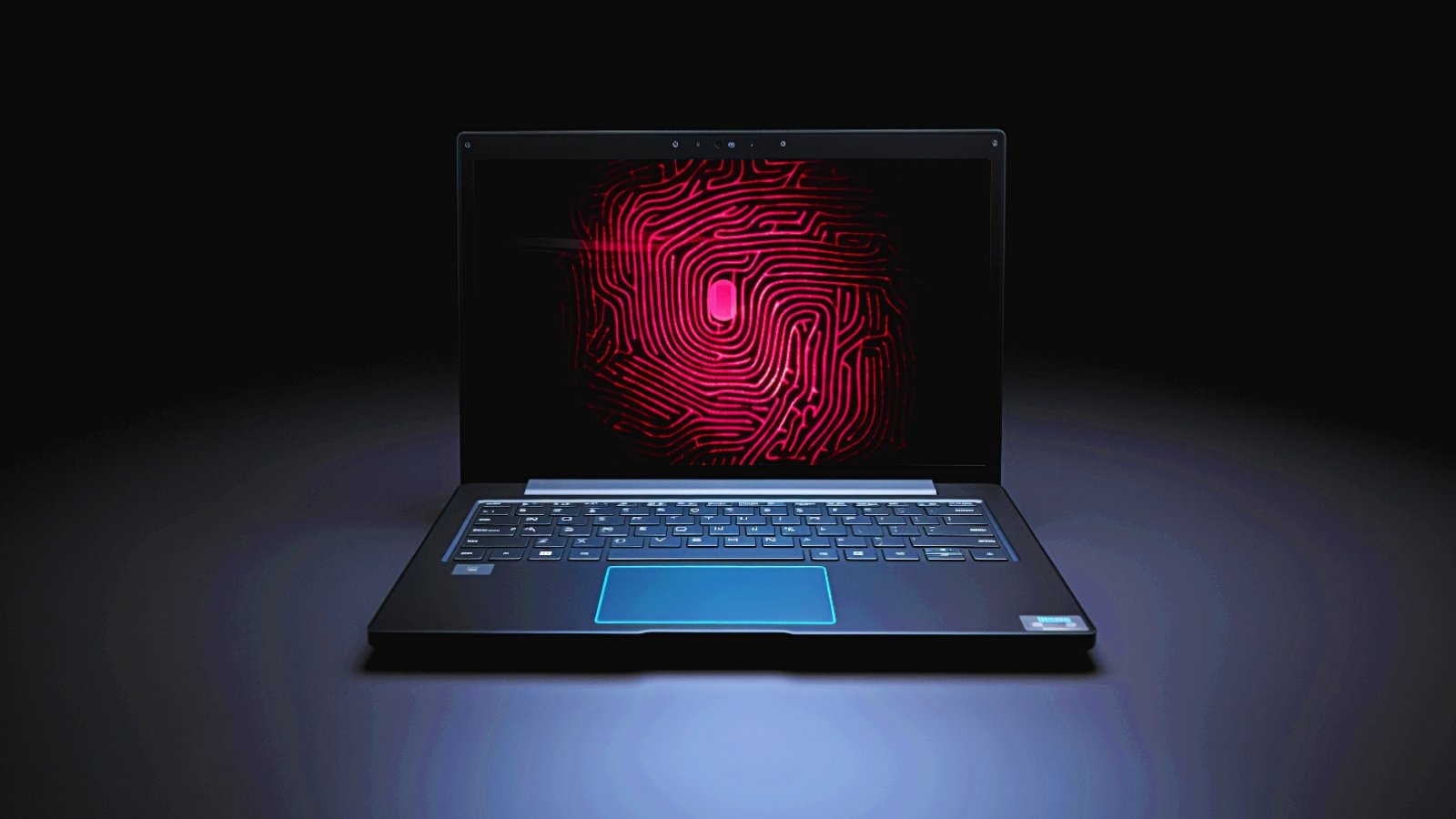
Security researchers have discovered vulnerabilities in the embedded fingerprint sensors of Dell Inspiron, Lenovo ThinkPad, and Microsoft Surface Pro X laptops, allowing them to bypass Windows Hello fingerprint authentication. The researchers successfully exploited security flaws in the fingerprint sensors made by ELAN, Synaptics, and Goodix, using man-in-the-middle attacks and custom Linux-powered devices. Despite Microsoft's Secure Device Connection Protocol (SDCP), which was designed to protect the communication between the fingerprint device and the host, the researchers found that SDCP was not enabled on two out of three of the targeted laptops. They recommend that vendors enable SDCP to enhance the security of biometric authentication solutions.
Researchers have discovered vulnerabilities in the fingerprint sensors of Dell Inspiron 15, Lenovo ThinkPad T14, and Microsoft Surface Pro X laptops, which could allow attackers to bypass Windows Hello authentication. The flaws were found in the fingerprint sensors from Goodix, Synaptics, and ELAN, all of which are "match on chip" (MoC) sensors. The vulnerabilities include sensor spoofing, cleartext transmission of security identifiers, and the lack of support for the Secure Device Connection Protocol (SDCP). To mitigate these attacks, it is recommended that OEMs enable SDCP and have the fingerprint sensor implementation audited by independent experts.

Amazon has joined the passwordless movement by introducing passkeys as an alternative to traditional passwords. Passkeys allow users to log in to their Amazon accounts using biometric authentication, such as fingerprint or face scan, instead of a password. While switching to passkeys is not mandatory, users can set up their Amazon passkey by going to their Account page and selecting Login & Security. Passkeys are considered more secure and convenient than passwords, and Amazon plans to expand passkey support to other apps in the future.