Tag

Apple Id

All articles tagged with #apple id

technology1 year ago

Beware of New "Apple ID Suspended" Phishing Scam Targeting iPhone Users

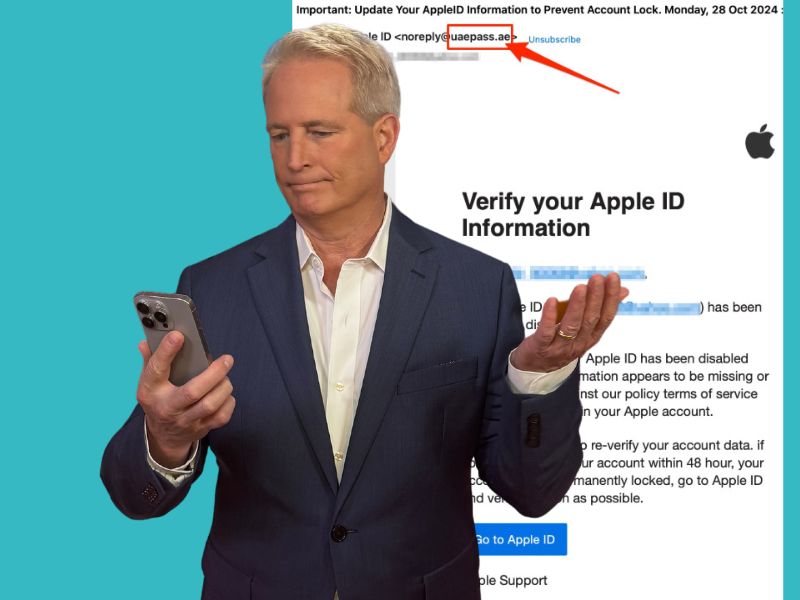
A new phishing scam is targeting Apple users by sending emails that falsely claim their Apple ID has been suspended due to unusual activity. These emails mimic legitimate Apple communications and urge recipients to click a link to verify their identity, potentially compromising their login credentials. To avoid falling victim, users should verify sender email addresses, avoid clicking suspicious links, enable multi-factor authentication, and contact Apple directly if in doubt. It's also recommended to use antivirus software and be cautious of unsolicited messages.
technology1 year ago

Beware of "Apple ID Suspended" Phishing Scam

The 'Apple ID Suspended' phishing scam is a sophisticated attempt to trick users into revealing personal information by mimicking official Apple communications. These emails often feature Apple branding and urgent messages about account suspension due to 'unusual activity.' To protect yourself, verify the sender's email address, check for grammar mistakes, avoid clicking suspicious links, enable two-factor authentication, and contact Apple directly if unsure. Investing in data removal services can also help reduce exposure to such scams.

technology2 years ago

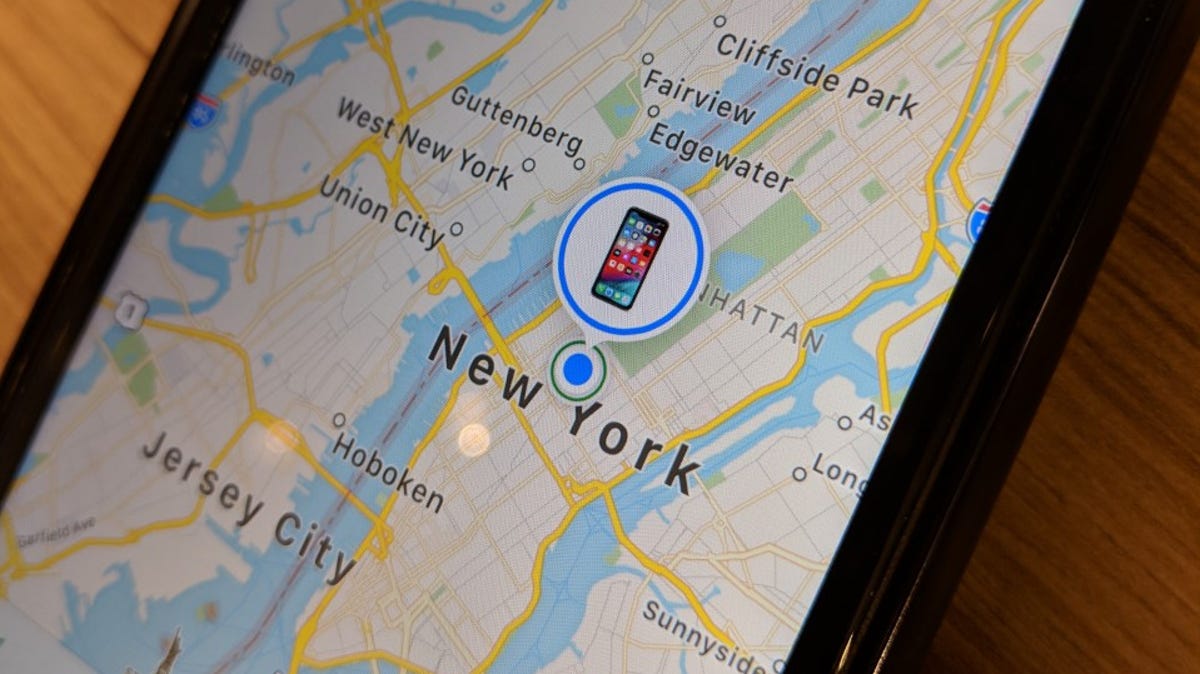
"Quick Steps to Disable Find My iPhone and Remove Devices"

Apple's "Find My" setting helps locate lost devices and friends' devices, but if you want to turn it off, go to the Settings app, tap your name, and scroll down to the “Find My” settings. To remove a device from Find My iPhone, go to the "Find My" app, select "Devices," choose the device you want to erase, and hit "Remove This Device" or swipe left and click the trash can icon.

technology2 years ago

"Apple's iOS 17.3 Beta: Enhanced Security and Exciting Features"

Apple has released the iOS 17.3 beta, which introduces the Stolen Device Protection feature for iPhone. Users can install the beta by making a backup, signing in with their Apple ID, and selecting the iOS 17.3 Public Beta option in the Settings app. The update adds an extra layer of security for Apple ID and device passcodes in case of theft, requiring biometric authentication.

technology2 years ago

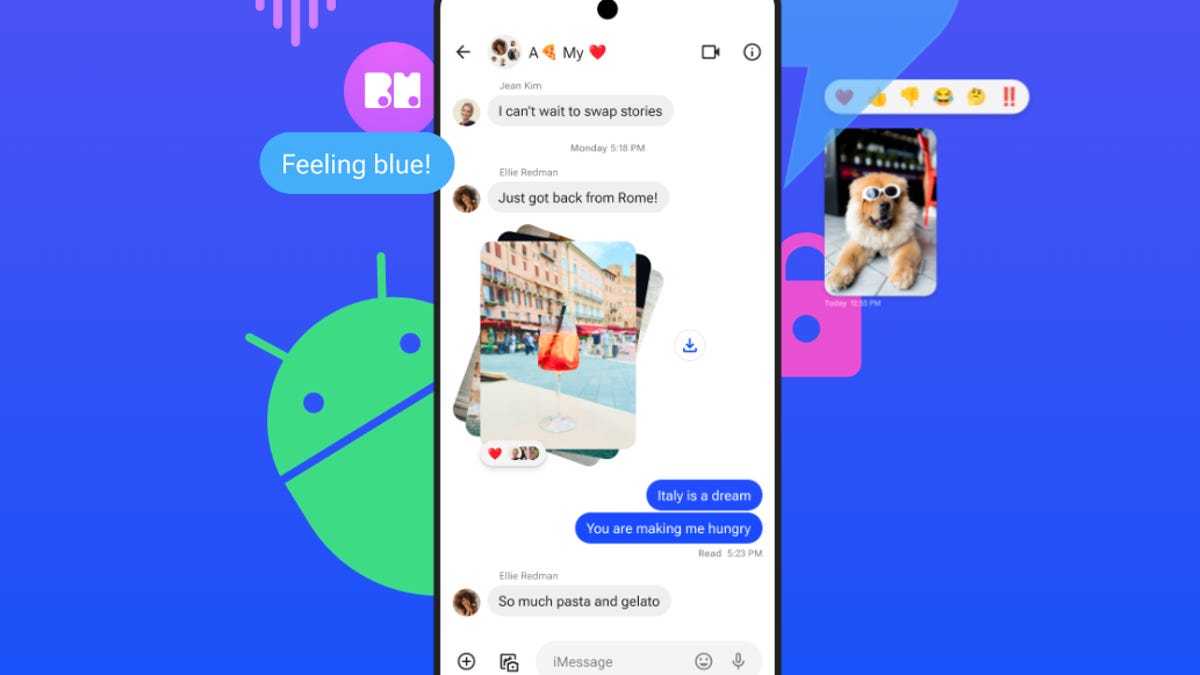
Beeper Mini Returns, Offering iMessage on Android with Apple ID Sign-In

Beeper has relaunched its iMessage-texting app, Beeper Mini, on Android, but with a new requirement of an Apple ID to function. Users need to provide their Apple ID and password to sign up for the service, similar to other third-party iMessage apps. However, this raises concerns for iPhone users as their Apple ID is linked to the App Store and other Apple services. Beeper Mini allows texts to be sent only from the email address associated with an Apple ID. The service is currently free but will eventually cost $2 per month. Beeper is willing to share the app's codebase with a third-party security firm, following Apple's action to block the initial launch.

technology2 years ago

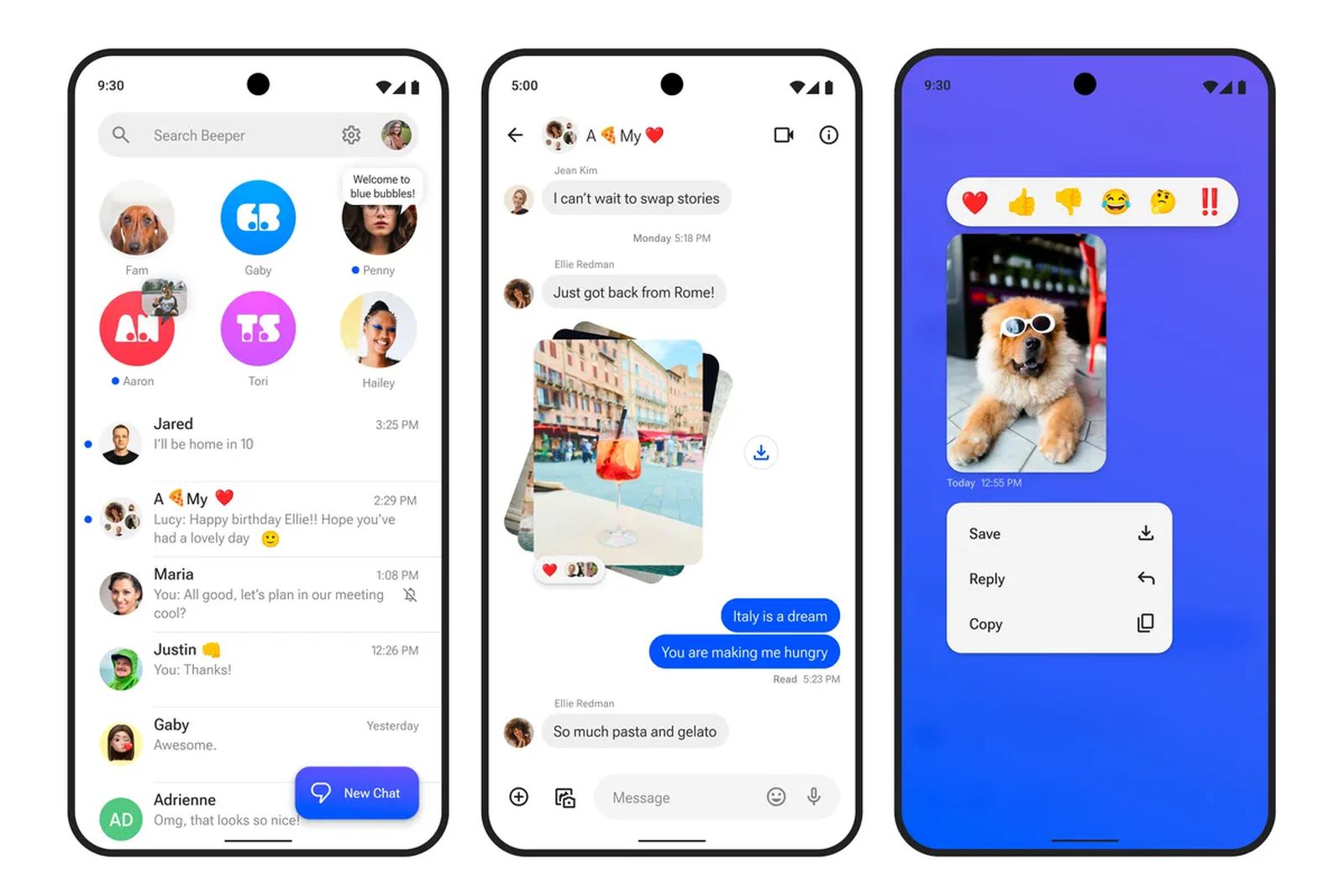
Apple Blocks Android's iMessage App 'Beeper Mini', Senator Warren Calls Out Company

Beeper Mini, an Android app that brought iMessage functionality to Android users, is back with some major changes. The new version of the app requires users to sign in with an Apple ID and sends and receives iMessages through an email address instead of a phone number. The prior version of Beeper Mini registered Android users' phone numbers with Apple's iMessage servers without permission, leading to its shutdown by Apple. Despite reaching out to Apple, Beeper Mini's developers have not received a response. Apple plans to bring iMessage-like features to chats between iMessage and Android users through RCS next year.

technology2 years ago

Enhanced Apple ID Sign-In: Phone Number or Trusted Device

The upcoming iOS 17, iPadOS 17, and macOS Sonoma updates will introduce new sign-in options for Apple ID accounts, including the ability to sign in with a phone number or secondary email address on file. Additionally, a proximity sign-in feature will allow users to pair a trusted iPhone or iPad with a new device being set up for automatic sign-in. Passkey support has also been added to Apple IDs. The updates are set to be released on September 18 and September 26.

technology2 years ago

"Kurt's Tips: Preventing Text Messages from Reaching Family Devices"

If you suspect that someone in your family is receiving copies of your text messages on their iPhone, it may be due to Family Sharing or sharing the same Apple ID. To fix this, you can disable Text Message Forwarding in your iPhone settings or create a separate Apple ID for your text messages. Family Sharing allows you to share certain features and content with other family members, but it can get confusing when it comes to who has access to what. It is recommended to have separate Apple IDs for each person to avoid sharing text messages unintentionally.

technology2 years ago

Preventing iPhone Theft and Lockouts: Essential Tips.

Some iPhone thieves are exploiting a security setting, called the recovery key, that makes it nearly impossible for owners to access their photos, messages, data and more. Apple requires this key to help reset or regain access to an Apple ID in an effort to bolster the user's security, but if a thief changes it, the original owner will not have the new code and will be locked out of the account. Users can protect themselves by regularly backing up an iPhone, protecting the passcode, and enabling a secondary password within an iPhone's Screen Time setting.

technology2 years ago

"Protecting Your iPhone: Tips to Avoid Lockouts and Security Threats"

Some iPhone thieves are exploiting a security setting, called the recovery key, that makes it nearly impossible for owners to access their photos, messages, data and more. Apple requires this key to help reset or regain access to an Apple ID in an effort to bolster the user's security, but if a thief changes it, the original owner will not have the new code and will be locked out of the account. Users can protect themselves by regularly backing up an iPhone, protecting the passcode, and enabling a secondary password within an iPhone's Screen Time setting.

technology2 years ago

Protecting Your iPhone and Apple ID from Thieves: Tips and Tricks

Thieves are exploiting Apple's recovery key system to lock users out of their Apple accounts for good. However, there are steps you can take to better protect yourself from the consequences of iPhone thievery, including setting up a custom alphanumeric code, using a Screen Time Password to limit Apple ID access, and disabling Control Center access on the lock screen.

technology2 years ago

Apple Devices Experience Outage and Password Glitch

Multiple users are reporting a bug causing Apple devices to constantly ask for the Apple ID password, with some users being logged out of their accounts and unable to log back in. It is unclear how many users are affected, but reports on Twitter suggest that it may be limited to certain regions. Apple's System Status webpage does not acknowledge any problems with Apple ID. This comes after a series of outages and slowdowns on Apple's online services this month.