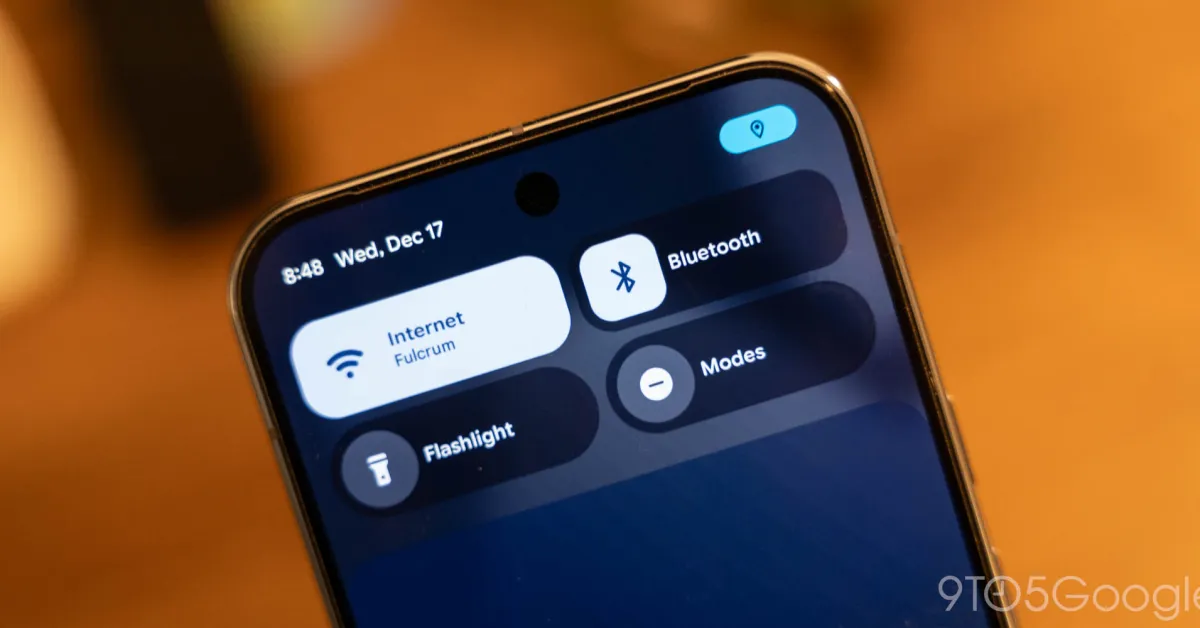
Google's Android 16 QPR3 beta introduces a new blue dot notification to alert users when apps access their location, expanding on previous permission indicators for camera and microphone, and is currently available on Pixel devices with plans to expand to other Android devices.
The T-Mobile T-Life app records users' screens by default to troubleshoot issues, which raises privacy concerns despite being compliant with app store rules. The feature can be turned off in settings, but its default enabled status and lack of user notification highlight ongoing privacy issues with app permissions managed by Apple and Google.
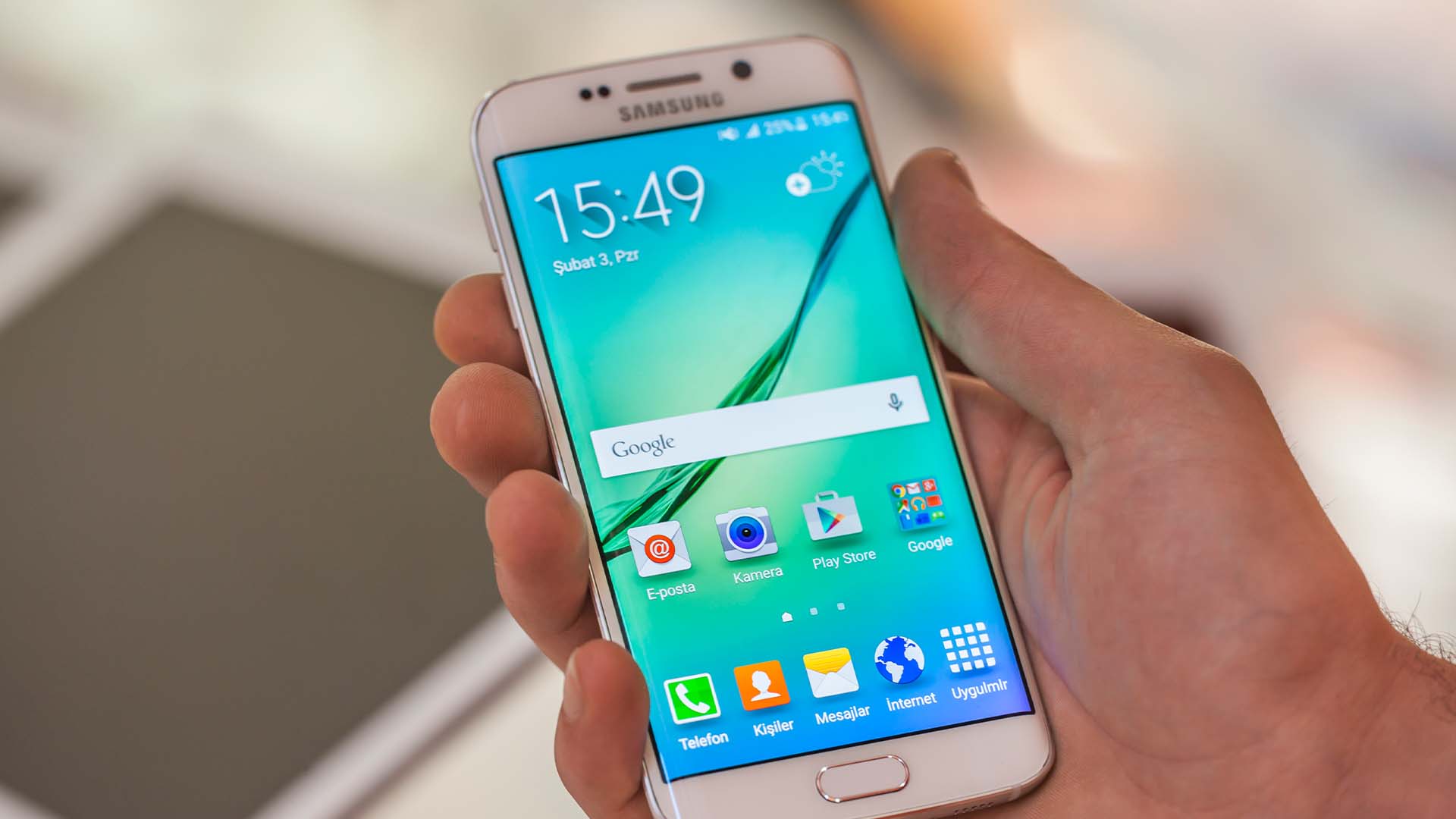
Protecting your smartphone's security and privacy is crucial in today's digital age. Here are 10 simple steps to enhance your device's security: enable two-factor authentication (2FA) for sensitive accounts, regularly update your software, review and limit app permissions, keep sensitive notifications off the lock screen, install reliable antivirus software, prioritize regular backups, enable biometric authentication (fingerprint or face recognition), download apps only from trusted sources, activate spam filters for text messages, and invest in protective screens and cases. Additionally, be cautious with Wi-Fi and Bluetooth usage and charging your device from unknown sources.
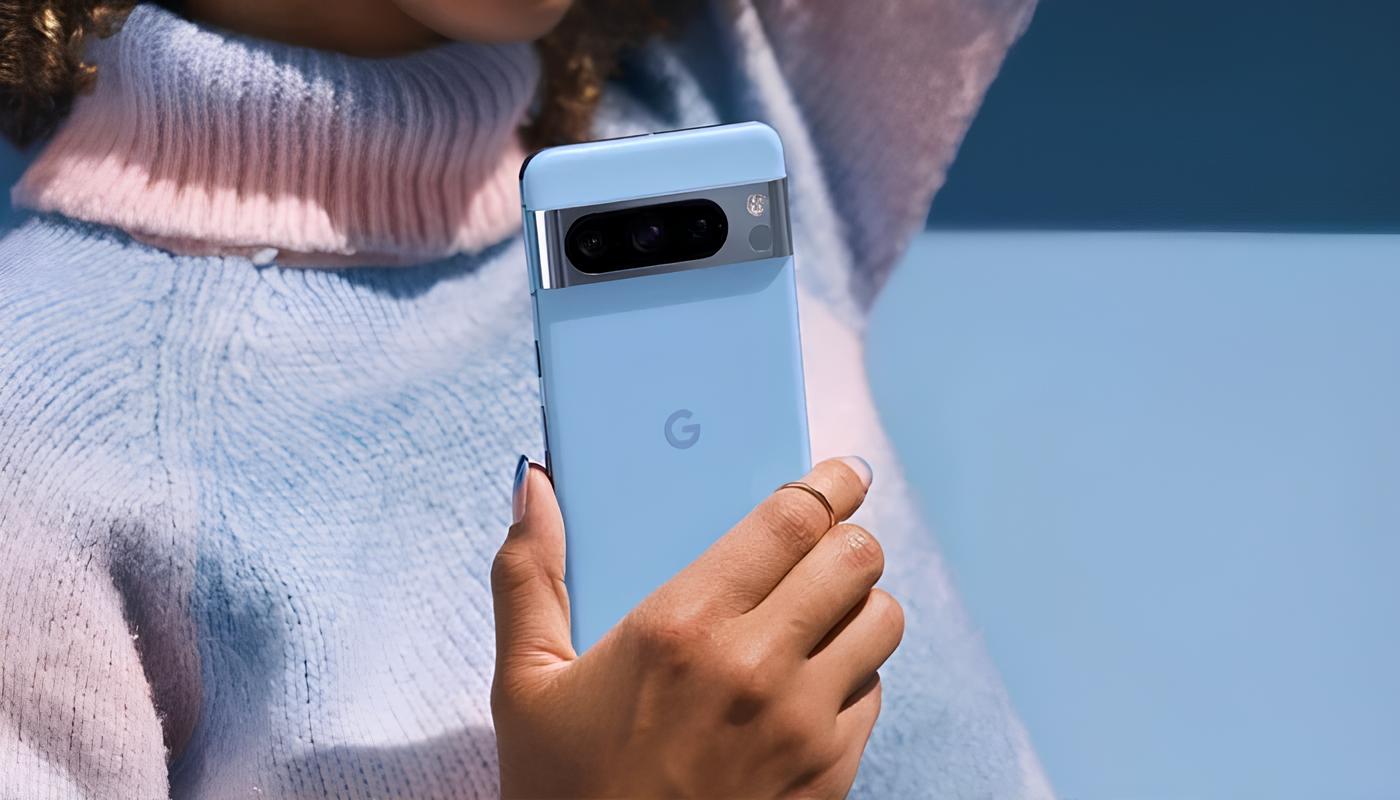
Google has locked down the temperature sensor on the Pixel 8 Pro, allowing only trusted apps to retrieve data from it to minimize misuse. The sensor is not FDA approved and can deliver inaccurate readings when in contact with human skin. Only pre-installed or Google-signed apps have permission to access the sensor, and there are preset emissivity values for different objects to obtain relatively accurate temperature readings. However, it is advised to wait for FDA approval before relying on the sensor for body temperature measurements.
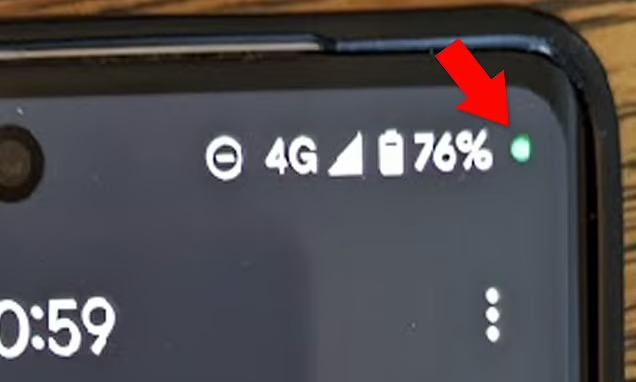
The green dot that appears at the top of an Android phone's screen indicates that an app is using the microphone or camera. While it can be harmless, it could also be a sign of spyware. To determine which app is using the sensor, swipe down from the top of the screen and tap on the microphone or camera icon. From there, you can revoke the app's permissions or uninstall it if necessary. It is recommended to run a malware scan and change passwords if spyware is suspected. Google's Privacy Dashboard feature allows users to monitor app access to sensors and personal information.
Android 14 will introduce a feature that allows users to revoke an app's permission to display full-screen notifications and ads. The USE_FULL_SCREEN_INTENT permission can be manually denied, reducing the frequency of intrusive content on users' screens. Google plans to stop granting this permission by default to newly installed apps, except for phone dialer and alarm clock apps. Users will need to manually revoke the permission for apps installed prior to Android 14. The feature will be accessible through the Android Settings page, allowing users to manage full-screen intents for individual apps.
Android users have been advised to change a setting that can prevent their data from being collected by apps. A study by Mozilla Firefox earlier this year found that several apps on the Google Play Store were misleading users via its Data Safety labels. Some apps they found worrisome included popular services like China-based TikTok, Twitter, and Facebook. To keep data safe, users can remove permissions from apps, turn off location sharing, and turn off their Android device’s location tracking completely.
Cybersecurity experts and hackers share lesser-known security tips, including checking recent login activity on email accounts, resetting printers if they start printing blank pages or unauthorized print jobs, disabling significant locations on iPhones to prevent tracking, remotely erasing lost phones, and being cautious about granting app permissions to access phone contacts.