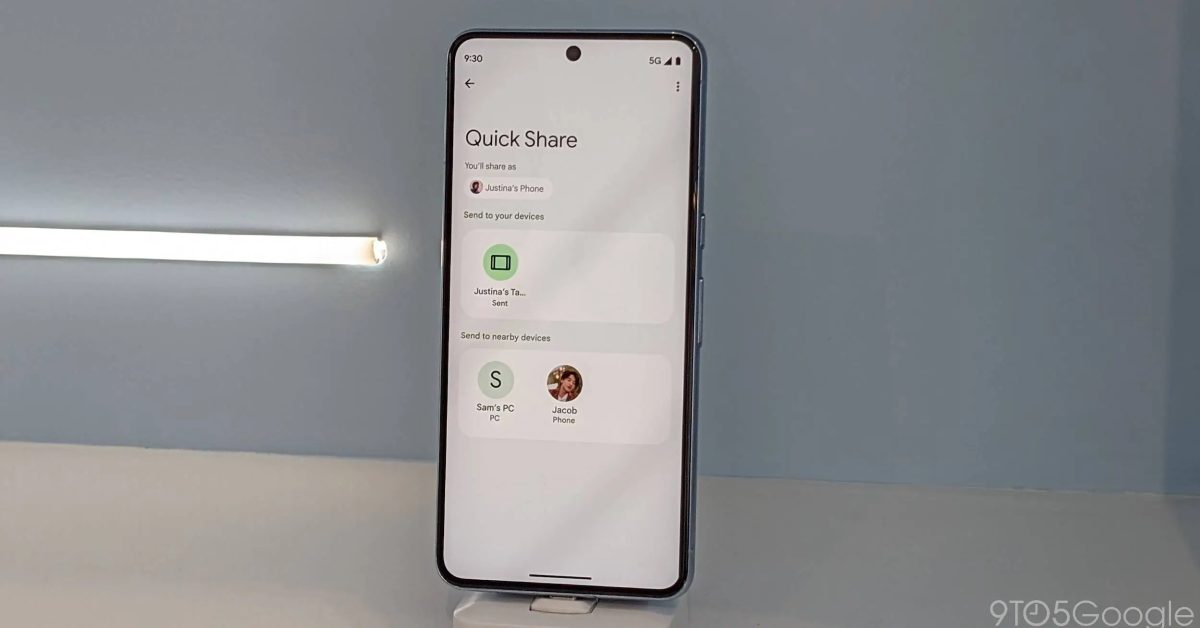
Google's Quick Share file transfer feature is receiving a refreshed transfer progress animation in line with Material Design 3 principles, featuring a determinate circular progress indicator and improved visual elements. The update, which is rolling out gradually, aims to enhance the user experience and align with Google's Material You design changes for Android devices.
Google has rolled out a redesign of its login page, featuring a more modern look in line with its Material Design 3 principles. The revamp includes rounded edges, soft features, and pale pastel colors, with a horizontal layout, a pill-shaped login button, and more negative space for a less cluttered appearance. The update will be gradually rolled out to all users on both mobile and desktop, aiming to maintain trust and recognition for the authentic login page while preventing phishing attempts.
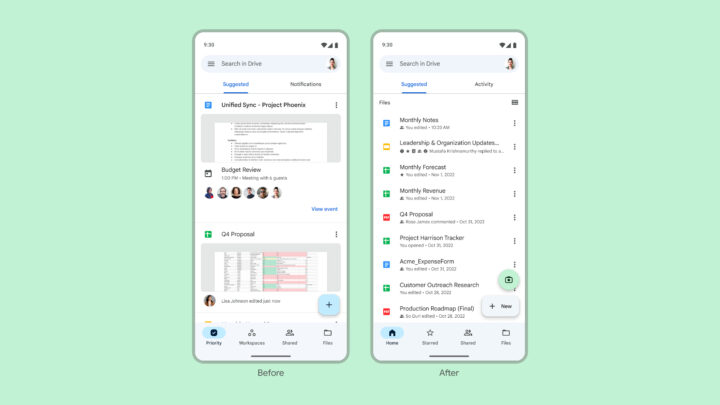
Google Drive for Android is receiving an improved document scanner with a separate camera button and two scanning modes: Manual and Automatic. Users can capture multiple pages, crop and rotate images, apply filters, and choose the storage folder within their Google Drive account. The update also includes a tweaked home page design, easier navigation, and adherence to Material Design 3 guidelines. With this enhanced functionality, users may no longer need third-party document scanning apps.
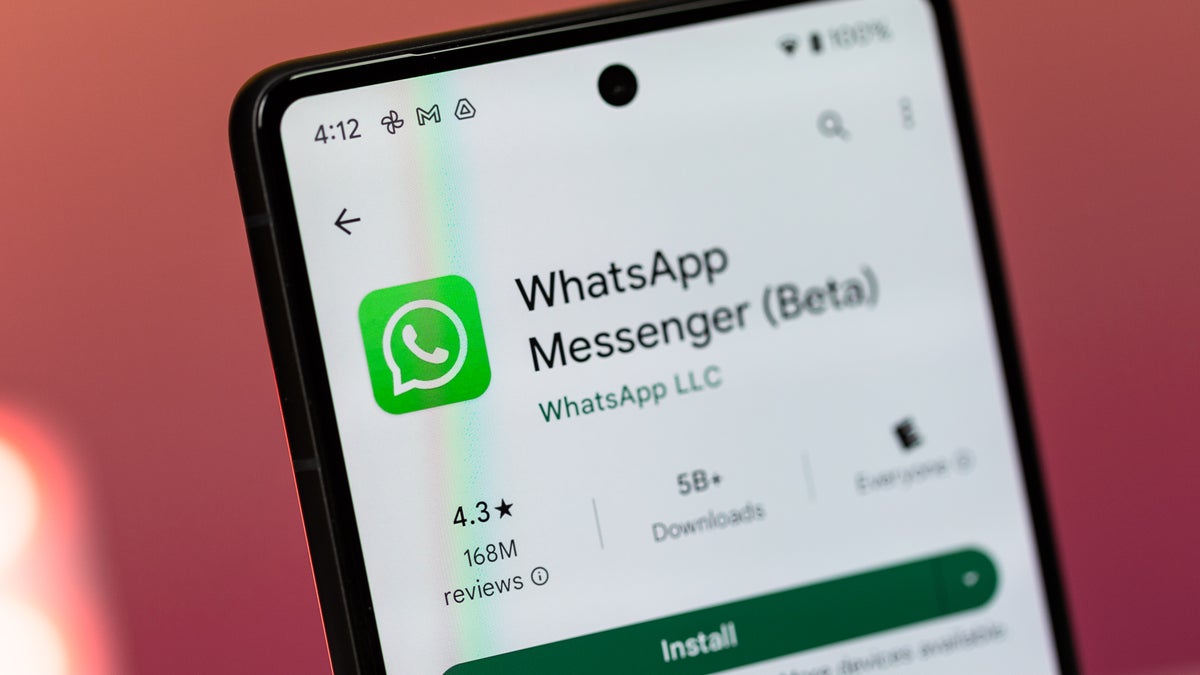
WhatsApp is working on a major interface redesign, including changes to the background color, top bar navigation, and the introduction of chat filters. The top bar will feature an additional menu button, and the background color will transition from green to white. WhatsApp is also developing a feature that allows users to filter conversations by sorting them into lists of unread messages, personal chats, or business discussions. These changes aim to align the interface and feature set of WhatsApp on both Android and iOS with the Material Design 3 guidelines. The new interface is currently in development and will be included in a future app update.
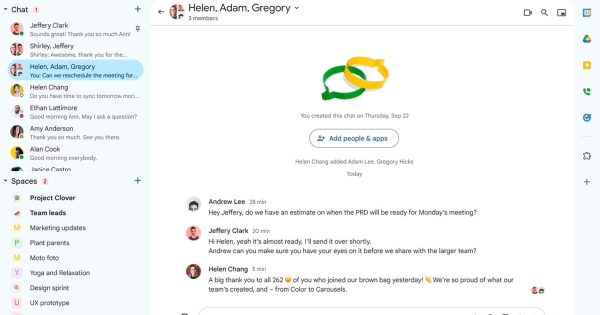
Google Chat is getting a redesign based on Material Design 3 system to match the interfaces of other Workspace apps. The redesign includes rounded buttons, blue accents, and minor changes to the main message view, compose setup, new topic button, and the thread panel. Google also announced a new Chat feature that lets Space Managers create announcement-only channels. The redesign will roll out within the next few weeks.
Google Chat on desktop has received a Material Design 3 UI update, featuring an updated font, new colors, rearranged layout, sizing changes, and more. The update includes changes to the top app bar, left navigation panel, compose section, and a new topic button. The update is rolling out to all users and should be visible within 15 days.