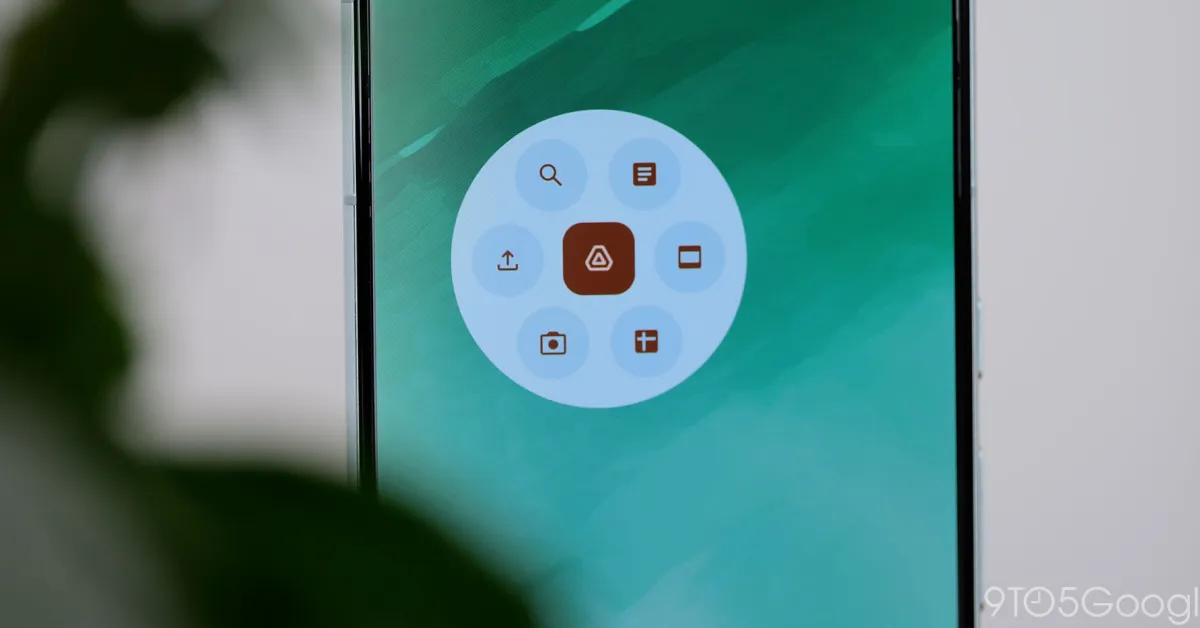
Google Drive has redesigned its document scanner editor with a new Material 3 Expressive update, featuring larger page previews, a new tools carousel, and improved navigation, enhancing the user experience on Android devices. The update is rolling out to all Google Workspace and personal Google account users over the coming weeks.
Google Drive is introducing a built-in document scanner to its iPhone and iPad app, bringing the feature to iOS for the first time. The scanner includes automatic and manual capture options, as well as features like adjusting boundaries, applying filters, and saving PDFs. Google Drive will also use machine learning to suggest relevant titles for scanned documents. The update is available for all Google Workspace customers and users with personal Google Accounts.
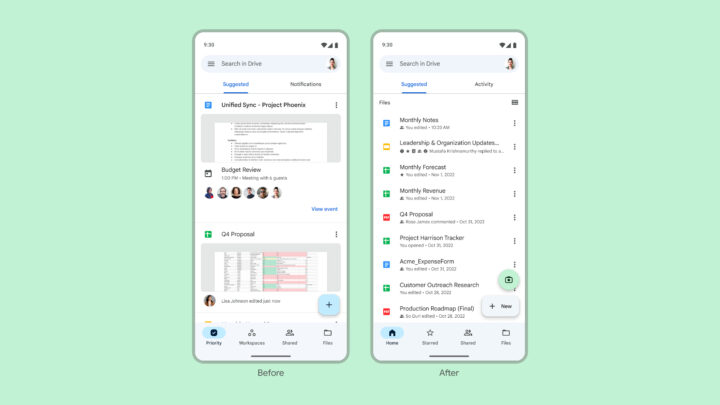
Google Drive for Android is receiving an improved document scanner with a separate camera button and two scanning modes: Manual and Automatic. Users can capture multiple pages, crop and rotate images, apply filters, and choose the storage folder within their Google Drive account. The update also includes a tweaked home page design, easier navigation, and adherence to Material Design 3 guidelines. With this enhanced functionality, users may no longer need third-party document scanning apps.
Google Drive on Android is introducing a redesigned document scanner interface with new features, including an "Auto capture" mode. The update also includes changes to the Home feed, Activity tab, and Workspaces tab, as well as improvements to the file preview layout.