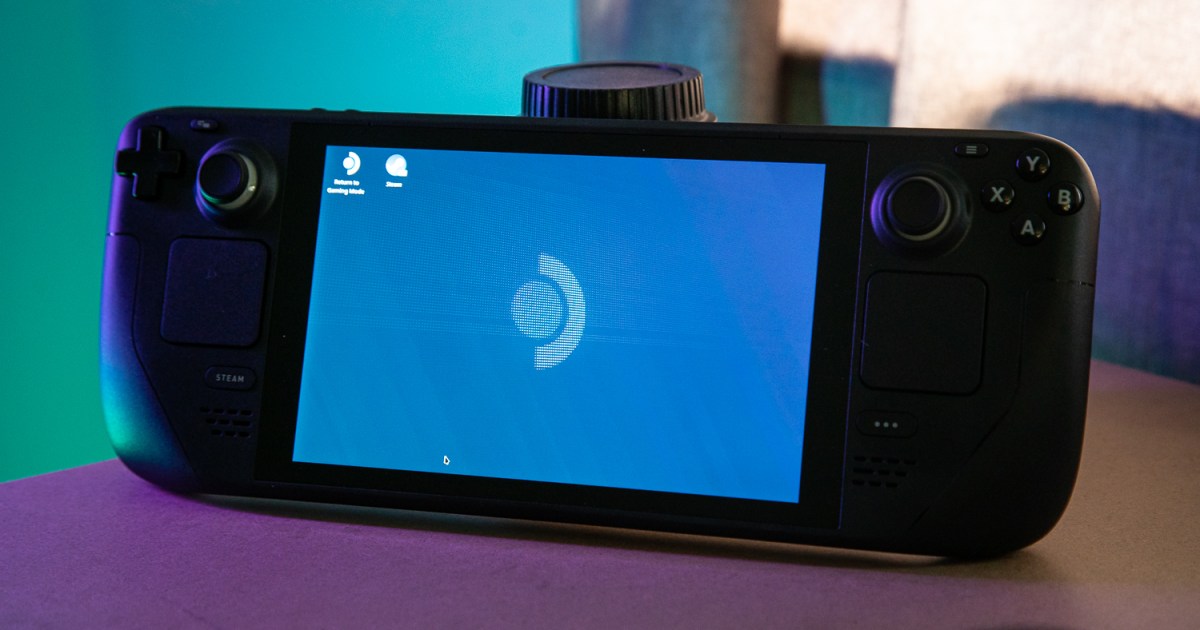
Free App Wirelessly Transfers Files to Steam Deck and Laptops
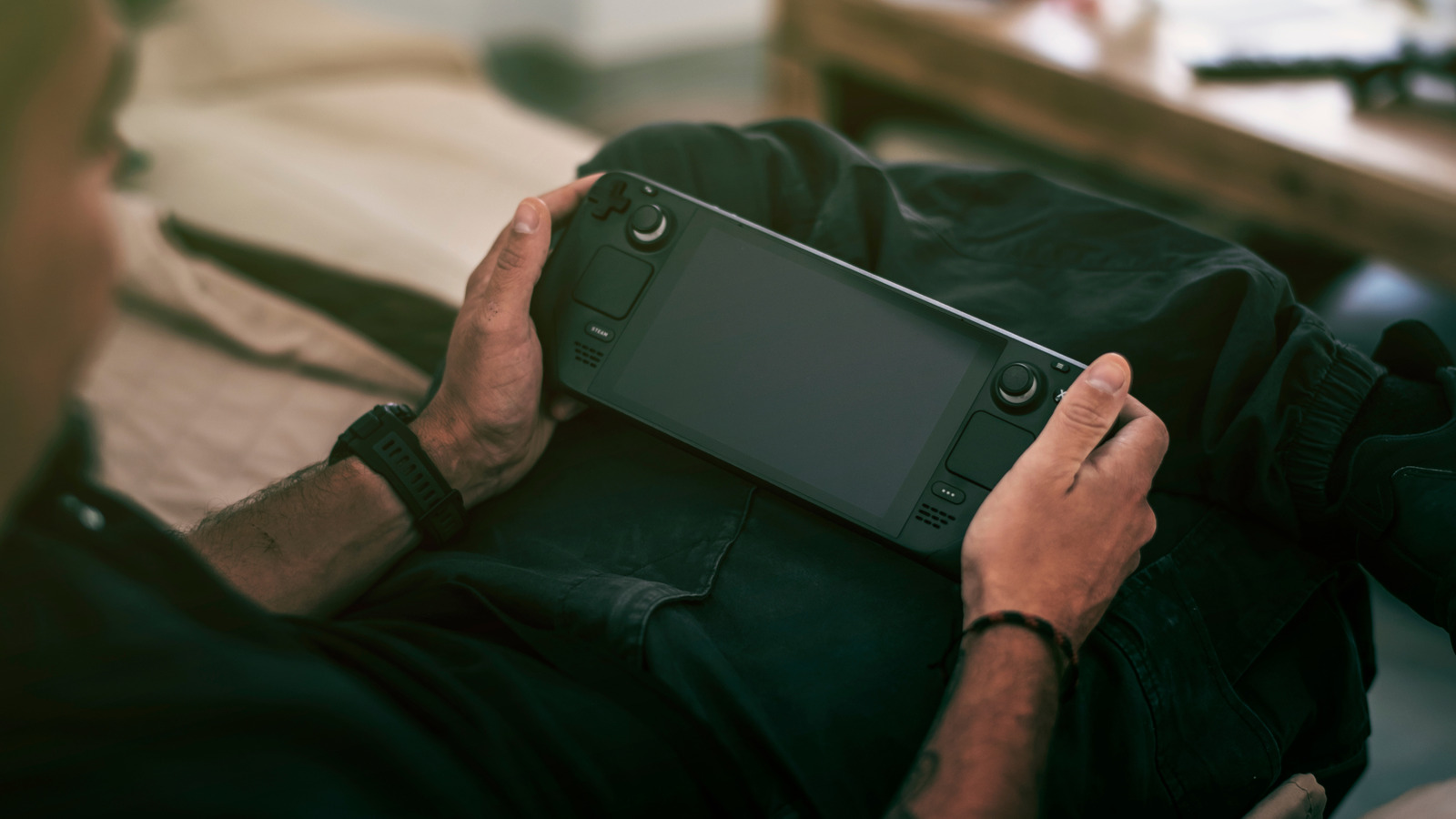
A free app enables wireless file transfer from a PC to a Steam Deck or laptop, simplifying the process of sharing files without cables.
All articles tagged with #file transfer

A free app enables wireless file transfer from a PC to a Steam Deck or laptop, simplifying the process of sharing files without cables.

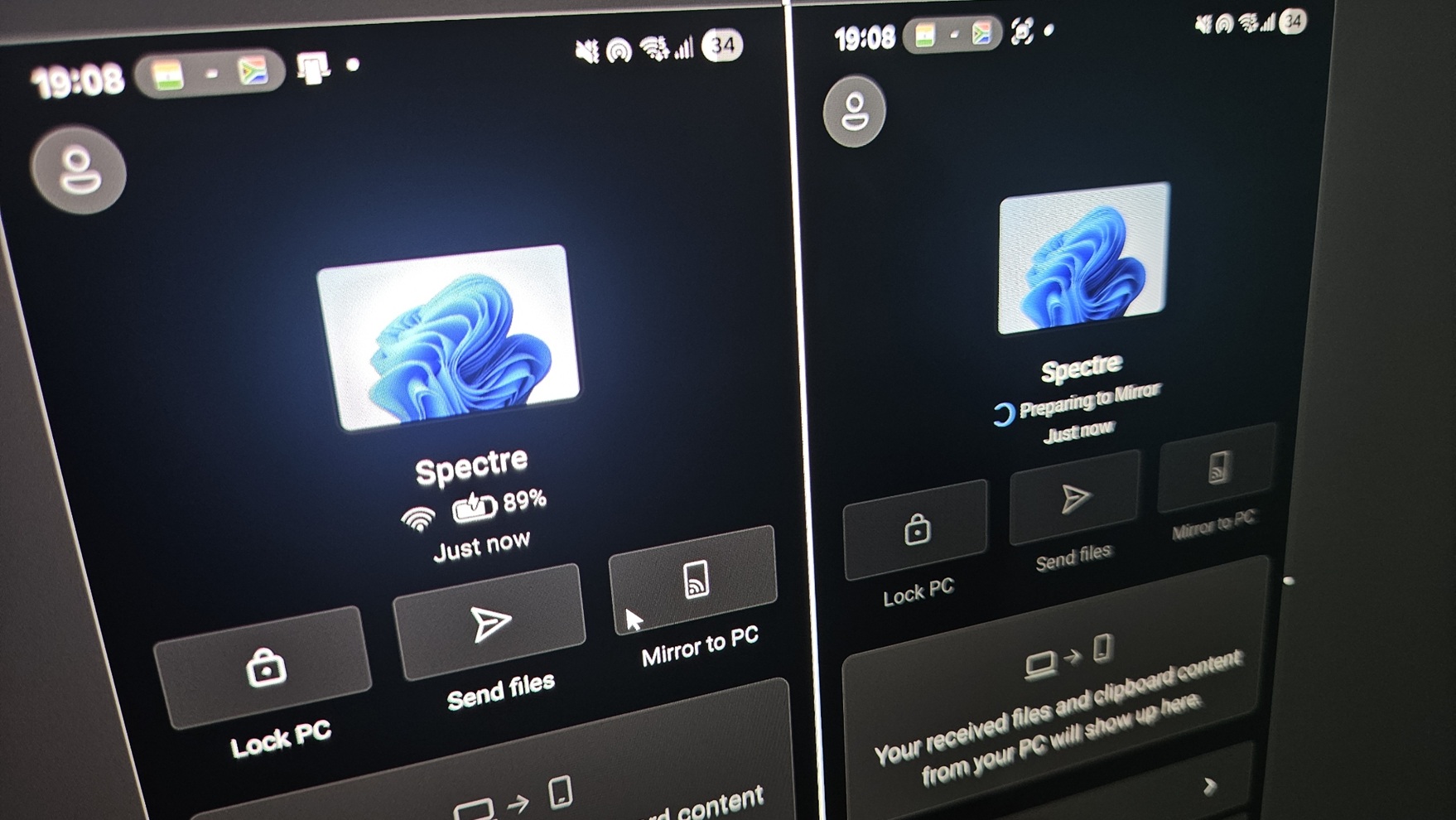
Microsoft has rolled out a major update to 'Link to Windows' on Android, enabling features like remote PC locking, file transfer, clipboard sharing, and screen mirroring, enhancing integration and control between Android devices and Windows 11 without needing beta programs.

Microsoft is improving Windows 11's dark mode support for legacy dialogs, including file transfer and pop-ups, with new updates that enhance visual consistency and aesthetics, currently tested in beta builds and expected to roll out widely soon.

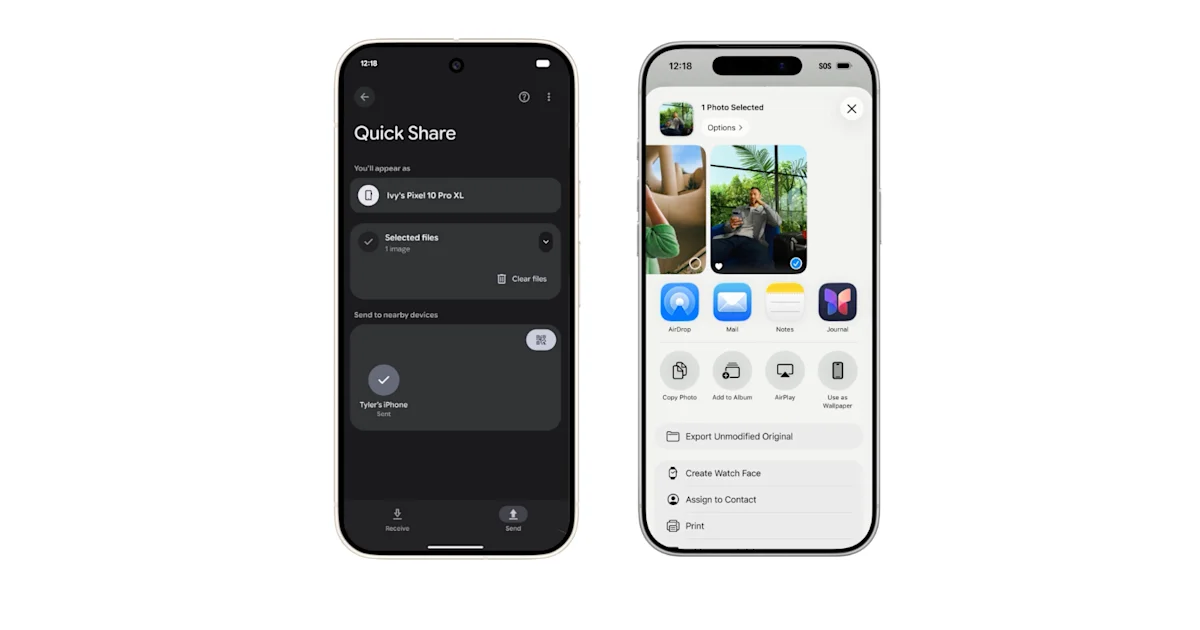
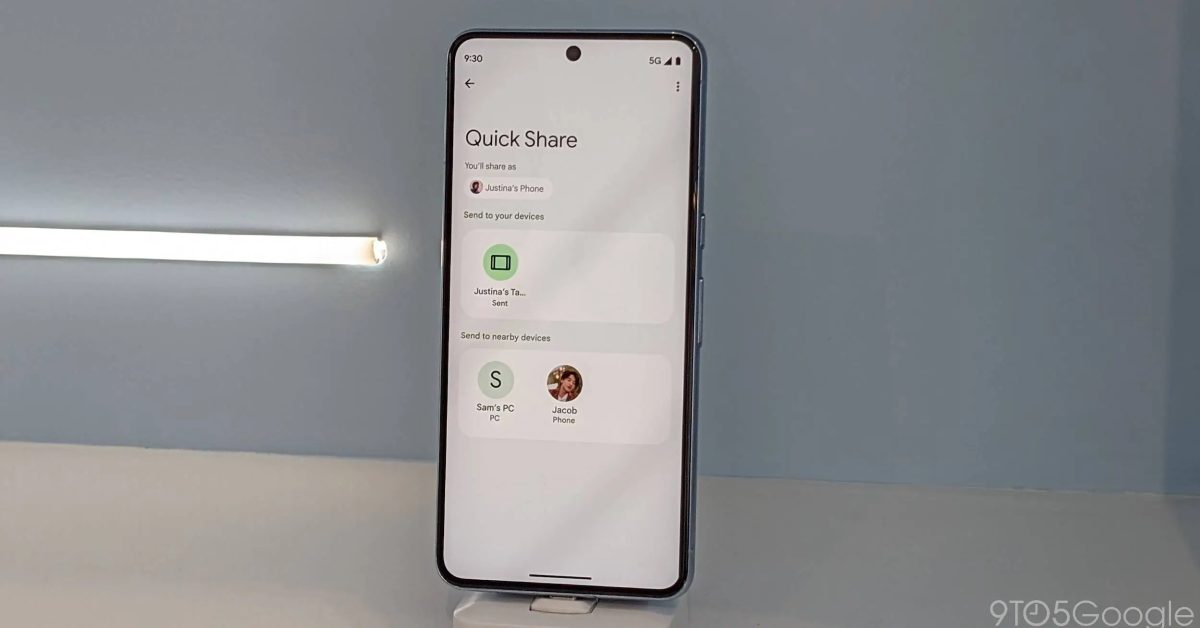
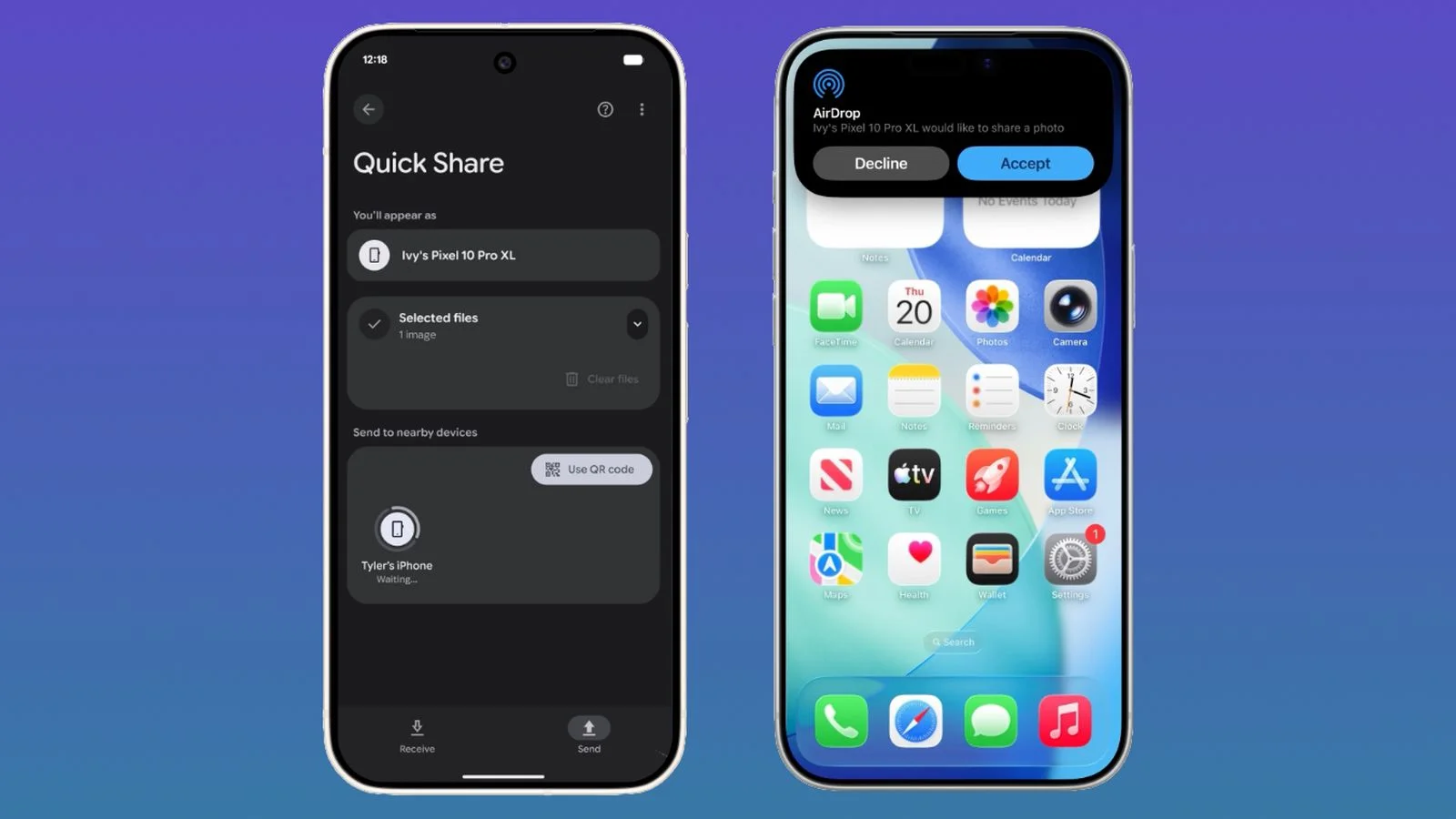
Google's Quick Share for iPhone will use QR codes for file transfer, but files will be uploaded to Google's servers and stored for 24 hours, requiring an internet connection, which is less convenient than Android-to-Android offline sharing.

Hackers are exploiting a high-risk vulnerability, CVE-2024-50623, in Cleo's file transfer tools, affecting LexiCom, VLTransfer, and Harmony, despite a patch released in October. Huntress researchers report mass exploitation since December 3, compromising at least 10 businesses, including consumer product and logistics companies. Cleo has not responded to inquiries or released a fully effective patch, prompting recommendations to firewall vulnerable systems. The incident highlights ongoing risks in enterprise file transfer tools, similar to past attacks on MOVEit Transfer and GoAnywhere software.

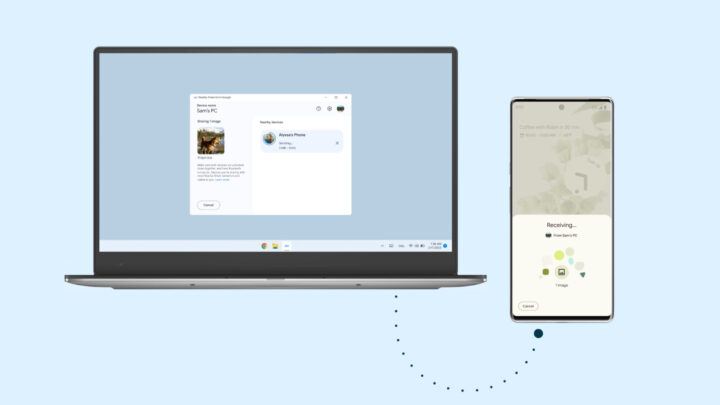
Google's Quick Share file transfer feature is receiving a refreshed transfer progress animation in line with Material Design 3 principles, featuring a determinate circular progress indicator and improved visual elements. The update, which is rolling out gradually, aims to enhance the user experience and align with Google's Material You design changes for Android devices.

Transferring large files between a laptop and desktop can be done using portable storage devices like external SSDs or flash drives with Thunderbolt 3 or 4, USB 3.2 Gen 2, or USB 3.0. Wireless options like Nearby Sharing for Windows PCs and AirDrop for Macs are also available if both devices run the same operating system. However, using cloud storage platforms like OneDrive, Google Drive, or Dropbox is recommended to keep files in sync and avoid manual labor and potential syncing issues.

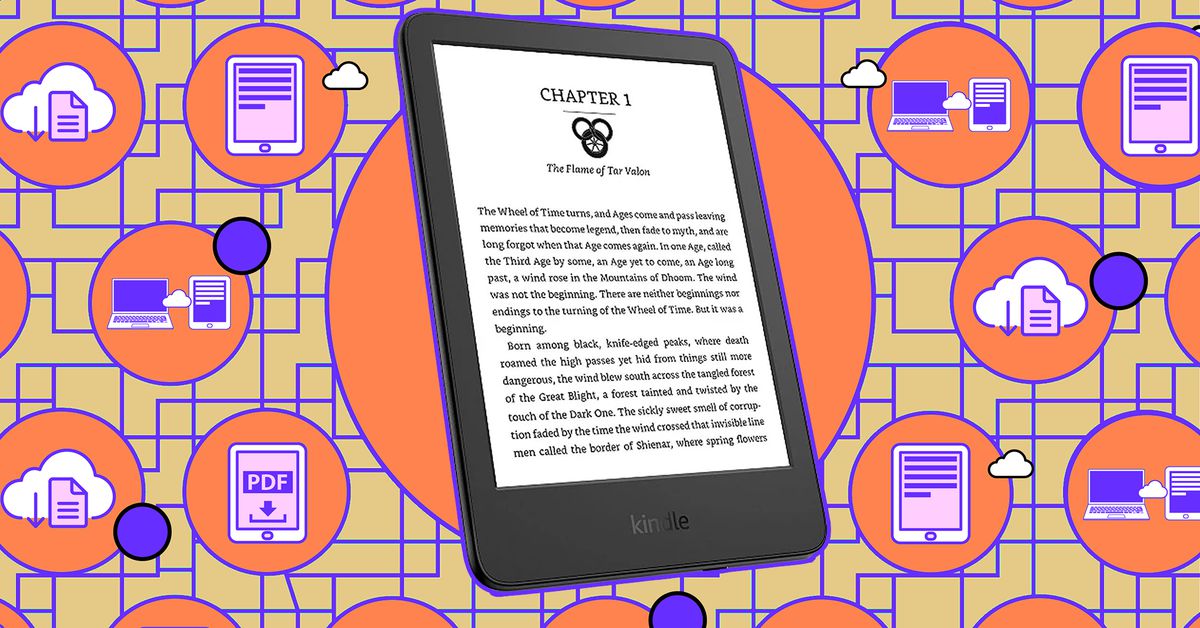
Amazon's Send to Kindle service has made it easier to send non-Amazon books to your Kindle or Kindle app. Users can go to Amazon's Send to Kindle page, drag and drop their file or select it from their device, and choose to add it to their library or save it locally. The file can then be sent to one or more registered Kindle devices or devices with Kindle apps. Alternative methods, such as sending via email, are also available.

Steam offers several hidden features that go beyond being a game launcher, including local file transfer for faster game installations, the ability to pin items in the overlay such as achievements and notepads, dynamic collections to organize your game library, shader pre-caching to improve game performance, and the option to launch Steam in Big Picture mode for a controller-based interface. Additionally, SteamDB provides access to a wealth of data about your Steam library, including game values and playtime metrics.

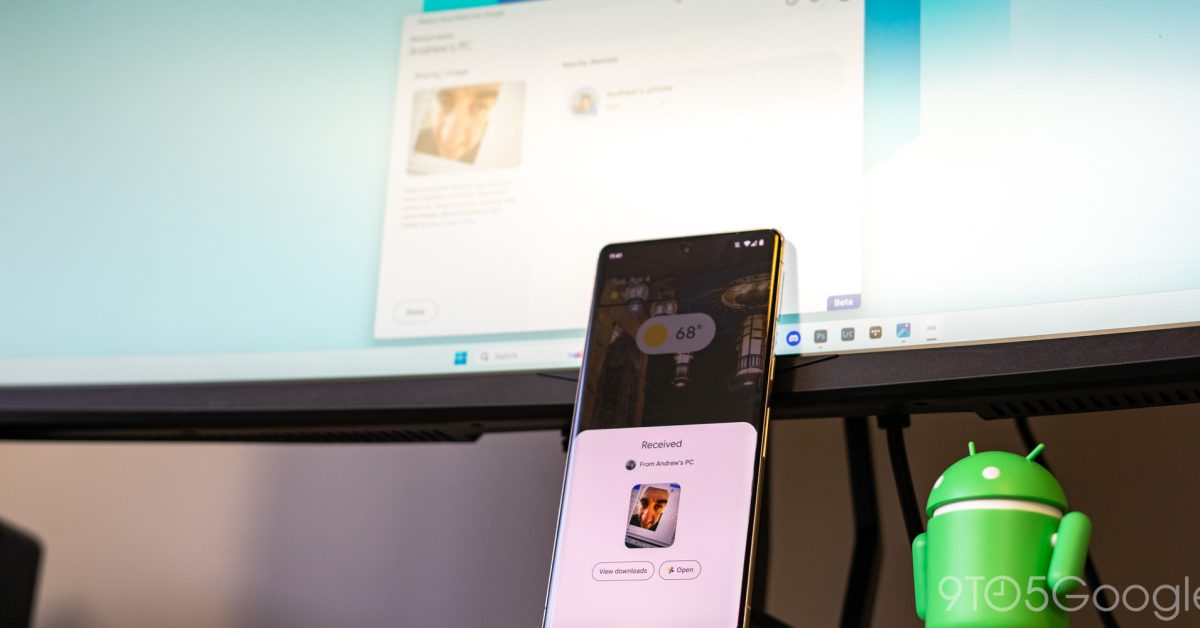
Google has officially launched Nearby Share for Windows, following a successful beta period. The file transfer feature has seen over 1.7 million installations and over 50 million transferred files since its preview. The stable release includes improvements in speed and reliability, as well as new features such as estimated file transfer time and image previews in notifications. Google is also partnering with manufacturers, starting with HP, to pre-install Nearby Share on select Windows PCs. The feature requires a 64-bit version of Windows 10 and up, with Bluetooth and Wi-Fi or Ethernet enabled.

Google's Nearby Share app for Windows, which allows easy file transfer between Android and Windows devices, is now available in most countries globally, except for Cuba, Iran, North Korea, and Syria. The app is still in beta and only works on 64-bit Windows 10/11 devices. Users need to download the app, install it on their Windows machine, and log in with the same Google account on their Android device to use it. Samsung's Quick Share app offers similar functionality and additional features.

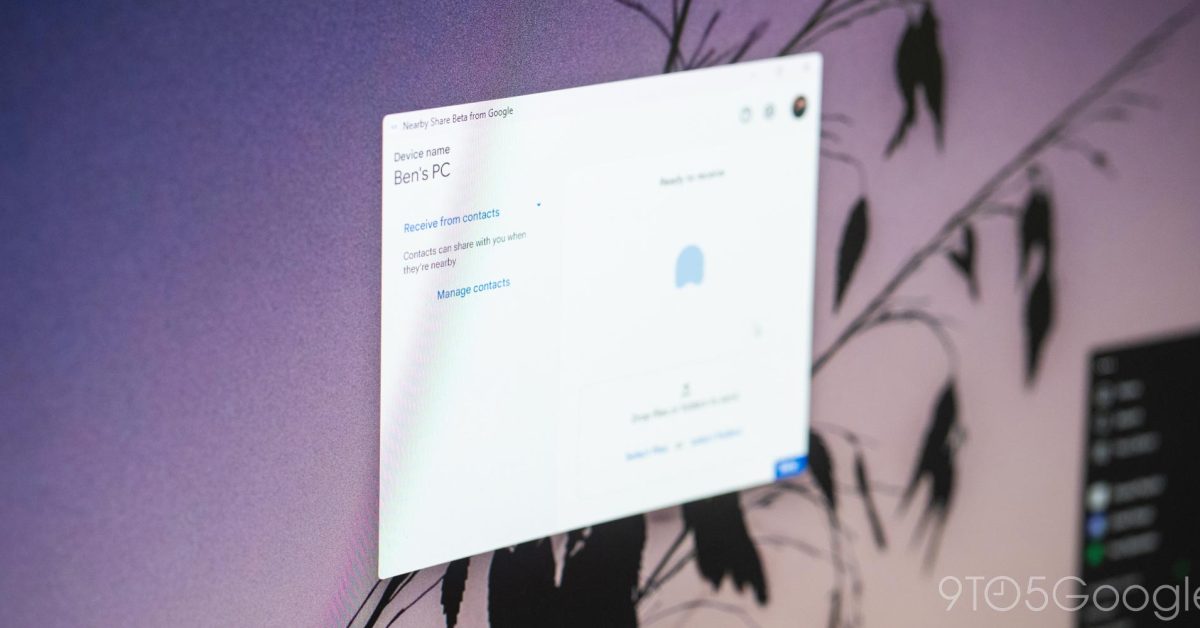
Google has launched Nearby Share for Windows in beta, allowing users to transfer files between Android and Windows devices. The app is easy to install and set up, and file transfer speeds are quick. Users can set privacy preferences and choose who can see their device. The app supports sending files from the right-click dialogue of the OS and notifications for incoming files through native Windows notifications. The future of Nearby Share on Windows looks promising, with no major changes expected in terms of functionality.

Google has launched a beta version of its Nearby Share app for Windows, allowing Android users to share files, photos, documents, and links between Android devices and Windows PCs. The app supports Windows 10 and up, but ARM-powered Windows laptops are not supported yet. Users can set up Nearby Share to allow sharing with everyone, just their contacts, or limit it to their own devices. The app works even if the phone or laptop screen is off. Google is testing Nearby Share on Windows in the US and some other countries, but it is not yet available in many European countries.

Google has launched the beta version of Nearby Share For Windows, which allows easy file transfers between Android and Windows devices. The app is compatible with desktop and laptop PCs running Windows 10 or 11, and offers three privacy options. To use the feature, users need to log into their Google account and have a computer with Bluetooth LE and Wi-Fi. However, laptops using ARM-based processors are currently incompatible.

Google has launched a beta version of its Nearby Share app for Windows PCs, allowing users to easily transfer files between mobile and PC. The app is available for download from the Android website and requires a 64-bit version of Windows 10 or higher. Users can choose who can see their device and send them files, and transfers are automatically accepted if both devices are logged into a common Google account. The beta app currently only works with Android phones and tablets, but Google plans to expand its compatibility across its ecosystem.