Tag

Quick Share

All articles tagged with #quick share

Android Gets Major Free Updates Including AI Writing and Audio Enhancements

Originally Published 4 months ago — by ZDNET

Featured image for Android Gets Major Free Updates Including AI Writing and Audio Enhancements
Source: ZDNET

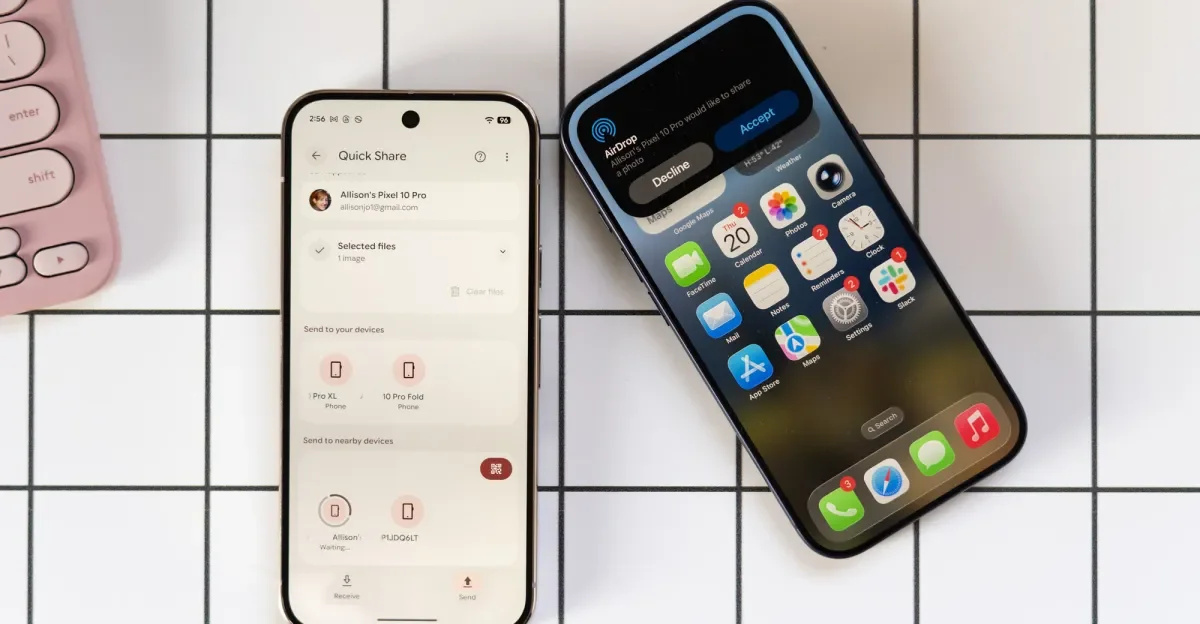
Google has announced a series of free upgrades for Android phones, including an AI-powered writing tool for Gboard, an improved emoji keyboard with new browsing and remix features, a redesigned Quick Share for easier file sharing, and new audio sharing capabilities, all aimed at enhancing communication and user experience.

Android Updates: AI-Enhanced Gboard, Redesigned Quick Share, and New Sharing Features

Originally Published 4 months ago — by 9to5Google

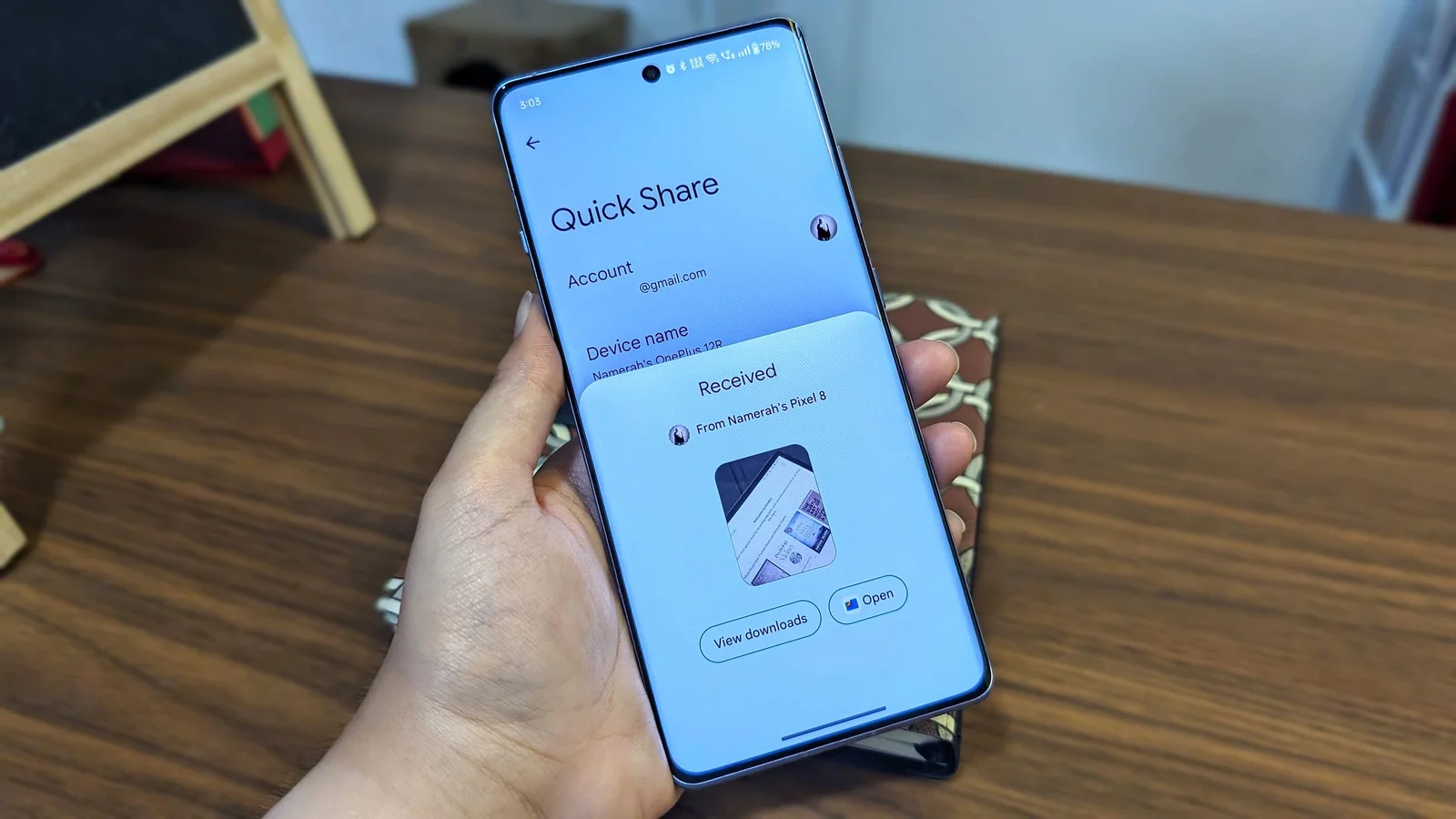
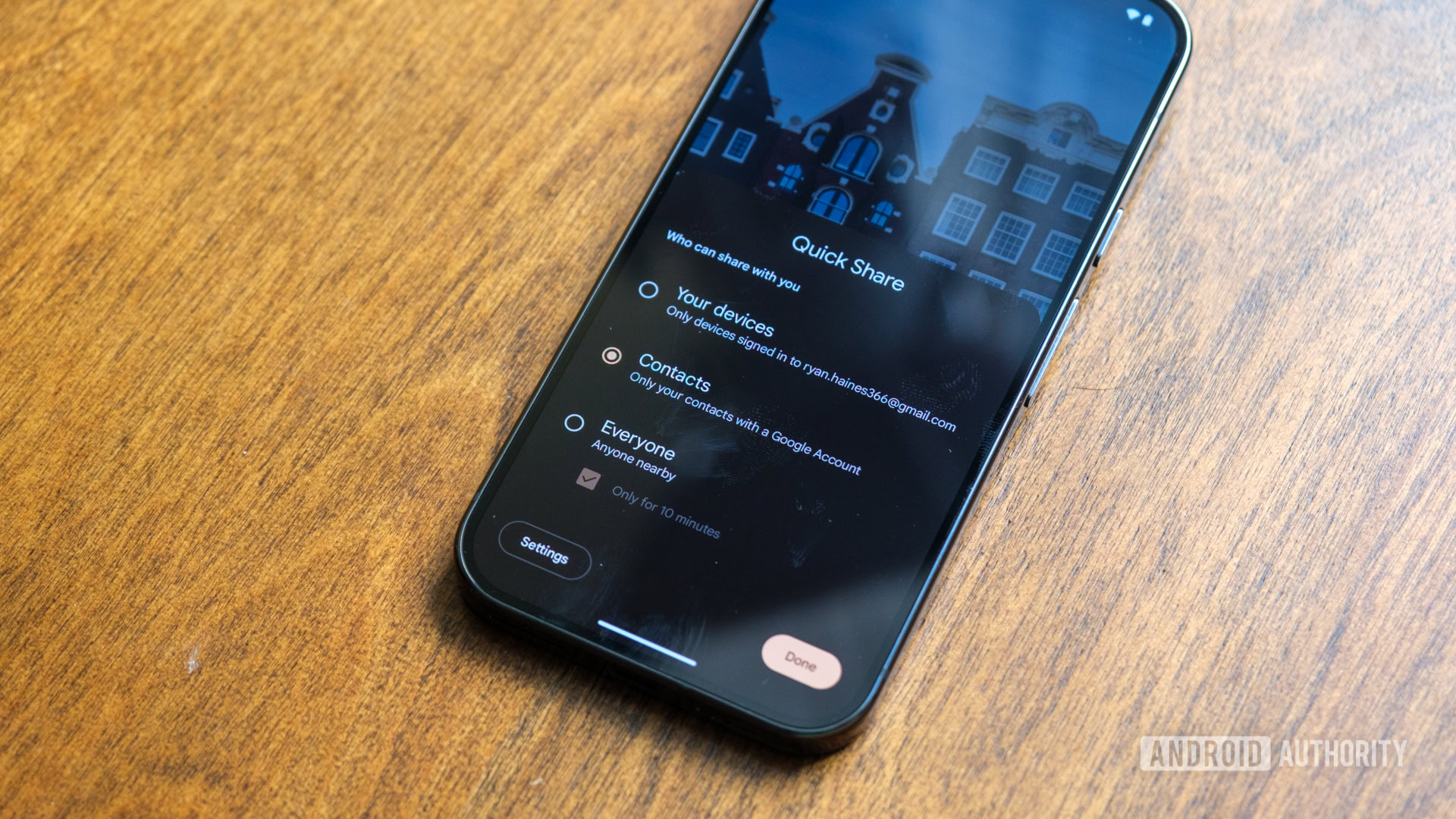
Google is rolling out updates to Android devices, including the widespread availability of Pixel 10's AI-powered writing tools that offer spellcheck and style rephrasing, and a redesigned Quick Share app that functions more like a standalone application with enhanced features. Additionally, new features like browsable Emoji Kitchen stickers and Bluetooth audio sharing with LE Audio devices are being introduced.

Samsung One UI 8: New Features and Updates for Galaxy Devices

Originally Published 6 months ago — by SamMobile

Featured image for Samsung One UI 8: New Features and Updates for Galaxy Devices
Source: SamMobile

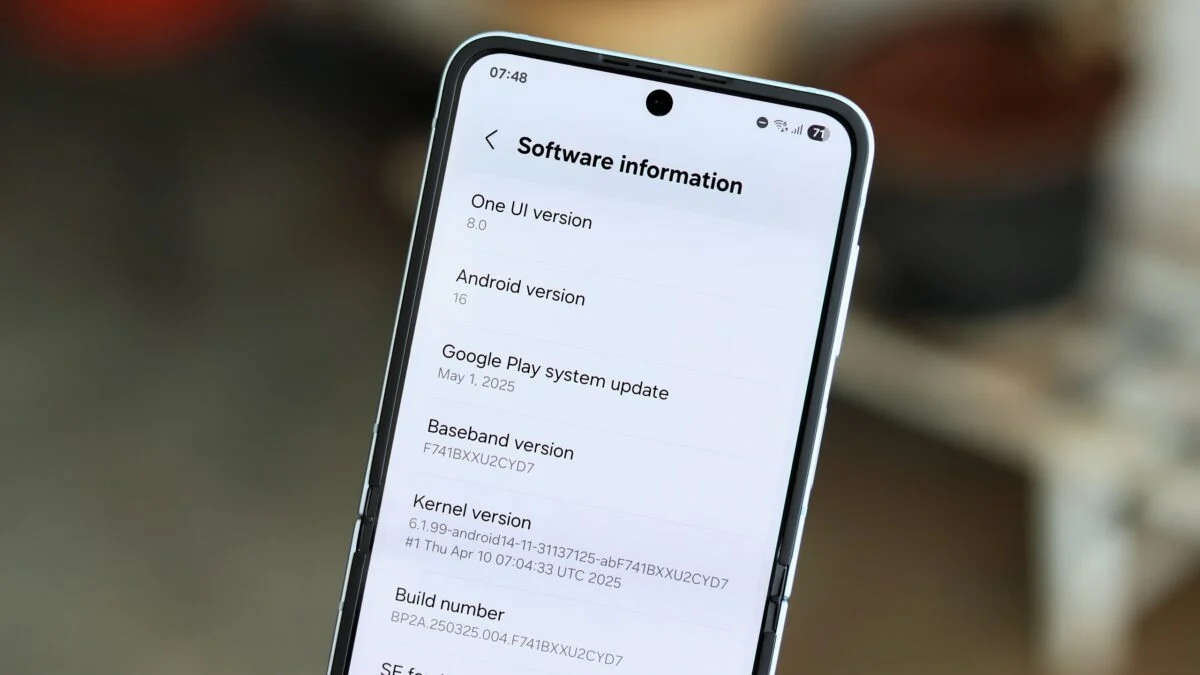
One UI 8 introduces useful features for Galaxy users, including swipe controls for the camera, an improved Quick Share UI for sharing files, a redesigned Samsung Internet browser, and easier management of alarms and reminders, enhancing the overall user experience during weekends or any day.

"Enhanced File Sharing Experience with Quick Share's Updated Material Design 3 Animation"

Originally Published 1 year ago — by 9to5Google

Featured image for "Enhanced File Sharing Experience with Quick Share's Updated Material Design 3 Animation"
Source: 9to5Google

Google's Quick Share file transfer feature is receiving a refreshed transfer progress animation in line with Material Design 3 principles, featuring a determinate circular progress indicator and improved visual elements. The update, which is rolling out gradually, aims to enhance the user experience and align with Google's Material You design changes for Android devices.

"Android 15's Enhanced Bluetooth and Privacy Features for Improved User Experience"

Originally Published 1 year ago — by 9to5Google

Featured image for "Android 15's Enhanced Bluetooth and Privacy Features for Improved User Experience"
Source: 9to5Google

Google is reportedly working on a feature for Android 15 that automatically turns Bluetooth back on every day if it's been turned off, possibly to support features like Quick Share and the Find My Device network. Strings in Android 15 builds suggest the "auto" function will turn Bluetooth back on "tomorrow" after it's been turned off, and the code for this feature has been submitted to AOSP. However, the feature doesn't work on all Android devices, and it may not be exclusive to Android 15.

"Mastering Quick Share with Pixel Tips for Android File Transfers"

Originally Published 1 year ago — by 9to5Google

Featured image for "Mastering Quick Share with Pixel Tips for Android File Transfers"
Source: 9to5Google

If Quick Share hasn't rolled out to your Google device yet, you can force it by using the Pixel Tips app. By opening the "Chat & share" collection or "Tools" and selecting "Share with devices nearby," you can activate Quick Share and replace Nearby Share on your device. This trick works on all Pixel devices and requires the latest version of Google Play services.

"Google Renames Nearby Share to Quick Share for Windows Users"

Originally Published 1 year ago — by SamMobile - Samsung news

Featured image for "Google Renames Nearby Share to Quick Share for Windows Users"
Source: SamMobile - Samsung news

Google has rebranded its wireless file-sharing feature, Nearby Share, to Quick Share on Windows, following the merger with Samsung's Quick Share. The update brings the new branding and logo to the app, which still requires users to be signed into a Google account. Additionally, Samsung has also updated its Quick Share app for Windows, resulting in two separate apps with the same name. The rebranding now allows all Android smartphones to share files wirelessly using Quick Share, including with Windows computers.

"Google Introduces Quick Share for Windows in Nearby Share Update"

Originally Published 1 year ago — by 9to5Google

Featured image for "Google Introduces Quick Share for Windows in Nearby Share Update"
Source: 9to5Google

Google has updated Nearby Share for Windows to Quick Share, replacing the logo and branding. The changes are live with version 1.0.1444.0, and the app's download page has yet to be refreshed. Samsung previously stated that its Quick Share app and Google’s Nearby Share for Windows won’t merge functionality until Q3 of 2024. The company is managing and updating Quick Share through the Galaxy Store, and it is already not using the Google Play services version available to other Android devices.

"Enhanced Quick Share: Seamless File Sharing Across Android Devices"

Originally Published 1 year ago — by 9to5Google

Featured image for "Enhanced Quick Share: Seamless File Sharing Across Android Devices"
Source: 9to5Google

Google's transition of Nearby Share to Quick Share is underway, allowing users to send files directly from their Android device to another through the sharing menu. This update, currently rolling out, streamlines the sharing process by displaying available devices within the sharing menu. The merge of Nearby Share and Samsung's Quick Share aims to provide a cross-device solution for sharing files across Android devices, similar to Apple's AirDrop.

"Samsung and Google's Quick Share Integration Delayed, but Rolling Out to Android Devices"

Originally Published 1 year ago — by 9to5Google

Featured image for "Samsung and Google's Quick Share Integration Delayed, but Rolling Out to Android Devices"
Source: 9to5Google

Samsung's merger of Quick Share and Nearby Share is still in progress, with the two apps lacking cross-compatibility on Windows and expected to remain separate until Q3 2024. The official rollout timeline for Galaxy devices is from February 2 to February 16, and the existing Nearby Share chip on Galaxy devices will be removed. Samsung's Windows app for Quick Share is currently only optimized for Galaxy Book and doesn't work with Windows PCs without Intel networking hardware, while Google's Nearby Share app works universally on Windows devices.

"Samsung and Google Launch Quick Share: The Ultimate AirDrop Alternative for Android Devices"

Originally Published 1 year ago — by SamMobile - Samsung news

Featured image for "Samsung and Google Launch Quick Share: The Ultimate AirDrop Alternative for Android Devices"
Source: SamMobile - Samsung news

Samsung has released the updated Quick Share feature for all Galaxy smartphones and tablets, merging Google's Nearby Share with Samsung's Quick Share. The new version allows for wireless file-sharing with nearby compatible devices directly in the sharing menu, with an increased file-sharing limit of up to 5GB. Non-Samsung Android smartphones will also receive the Quick Share feature, replacing Nearby Share. Additionally, Samsung plans to merge Quick Share and Nearby Share apps for Windows by the third quarter of 2024.