KDE Plasma 6.6 introduces support for ambient light sensors on modern laptops, fixes HDR issues with Windows games under Wine/Proton, and includes various other improvements like WiFi info display, window opacity rules, and reduced frame drops on high-refresh-rate monitors.
Valve is leading efforts to bring Windows games to Arm architecture, with significant contributions to Linux gaming through Proton and SteamOS, aiming to diversify and strengthen the gaming ecosystem while maintaining a consumer-friendly approach. The company’s private ownership allows it to prioritize long-term community and industry benefits over short-term shareholder profits, contrasting with other tech giants and private equity-owned firms. Despite some criticisms regarding DRM, loot boxes, and market dominance, Valve’s initiatives for open source contributions, Linux compatibility, and platform independence highlight its commitment to gaming innovation and consumer interests.
Qualcomm is assuring game developers that their titles will run smoothly on upcoming Arm-based laptops using the Snapdragon X Elite chipset, with emulation enabling many x86 and x64 games to run at nearly full speed without code tweaks. While some games won't work through emulation, Qualcomm is testing its tech with top Steam games and offering options for developers to fully port their titles to native ARM64 or use hybrid ARM64EC apps. If successful, this move could help Arm-based Windows laptops offer strong performance and better power efficiency, although Qualcomm's track record with x86/x64 emulation has been criticized in the past.
The latest Wine Wayland driver patches focus on implementing display mode change emulation, crucial for running Windows games on Wine under Wayland full-screen at a lower resolution. The patches use existing compositor side surface scaling to emulate display mode changes, as Wayland doesn't allow clients to change the actual display configuration. The goal is to achieve solid native Wayland support by the time Wine 10.0 is released next January.
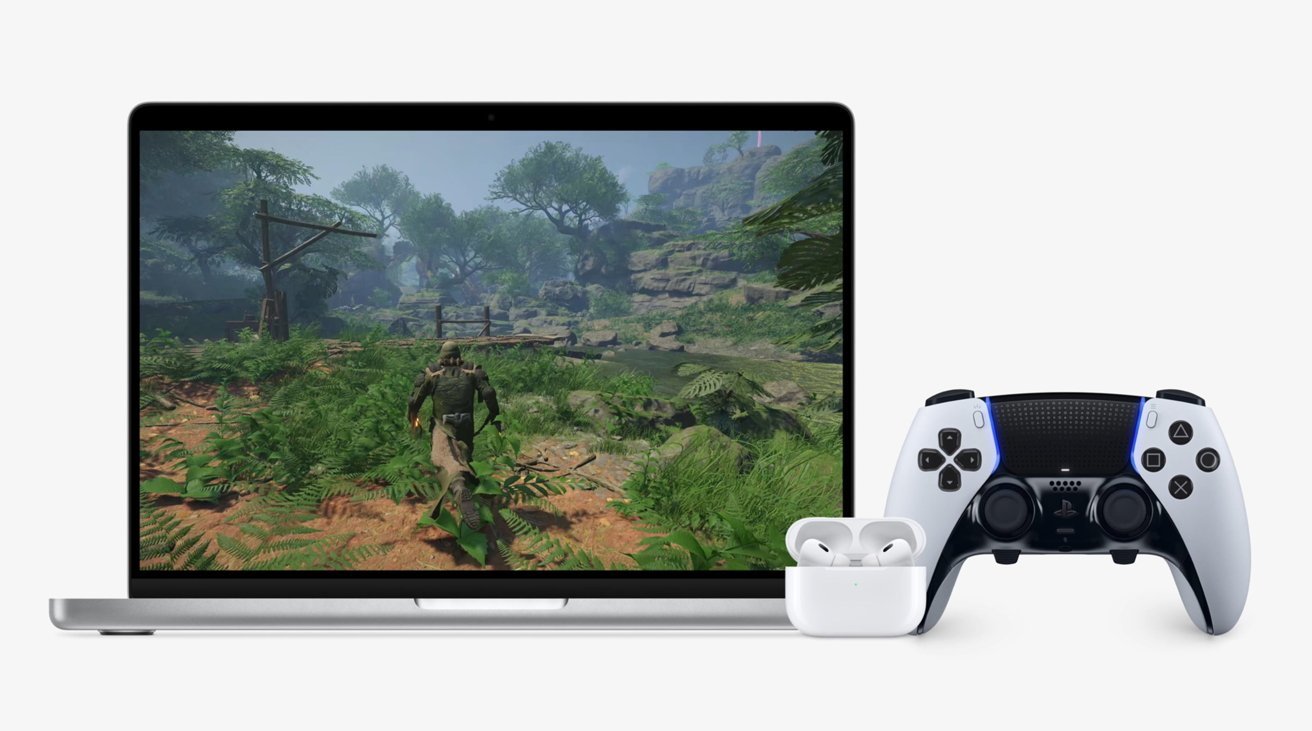
Apple has released an update for its Game Porting Toolkit, version 1.0.2, which improves the performance of running Windows games on a Mac. The update includes fixes for 32-bit support, rendering, and overall stability. Performance improvements vary between games and chips, with some seeing up to a 20% boost in frame rates. The toolkit is still intended for developers rather than consumers, but the improvements make it easier for the public to play Windows games on a Mac.
Apple has quietly announced its own Windows compatibility initiative, similar to SteamOS, for millions of Apple Silicon Macs. The Game Porting Toolkit provides "an emulation environment to run your existing, unmodified Windows game." At the core of the toolkit is CodeWeavers' open source code for CrossOver. Apple's chips are far more power-efficient than performant, but the toolkit suggests Mac owners may soon be able to indulge in gaming where they like.
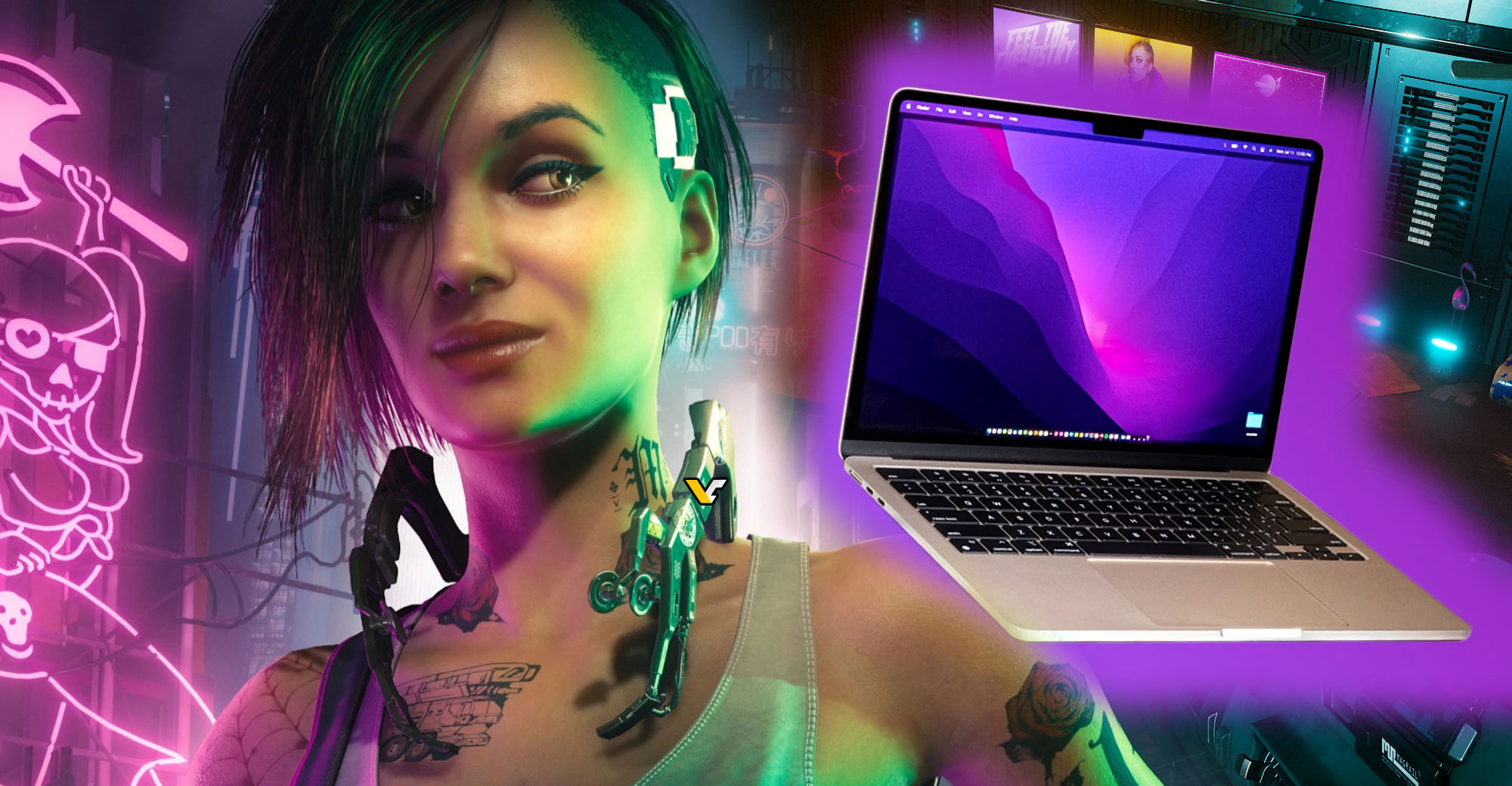
Apple's new Game Porting Toolkit allows for Windows game emulation on M1/M2 systems, enabling popular games like Cyberpunk 2077 and Diablo 4 to run on Apple hardware. The toolkit uses a fast translation layer for popular graphics APIs for macOS systems, but performance may vary and some games may require bug fixes or optimizations. CodeWeavers' CrossOver source code was used for the emulation software, and the company is eager to work with game developers who want to port games to macOS using their tool.
Valve's Proton 8.0 update adds support for 18 new Windows games on Linux, including Chex Quest HD, a remastered version of a 1996 CD-ROM game. Proton is a compatibility layer that allows Windows games to run on Linux-based operating systems, and the update requires a GPU with Vulkan 1.3 support. The update benefits the Steam Deck, but it's an open source tool that can be used on any Linux PC.
Valve has released Proton 8.0, the latest version of their Windows translation layer for Steam Deck and Linux desktop, which runs some of the most popular Windows games. The latest stable version includes bug fixes and improvements, and eventually, the majority of Windows games will move over to use it. Proton Experimental will also see an update this week. Users can select Proton 8 in the Properties -> Compatibility menu of any game or search for "Proton 8" directly in their Steam Library to install it manually.