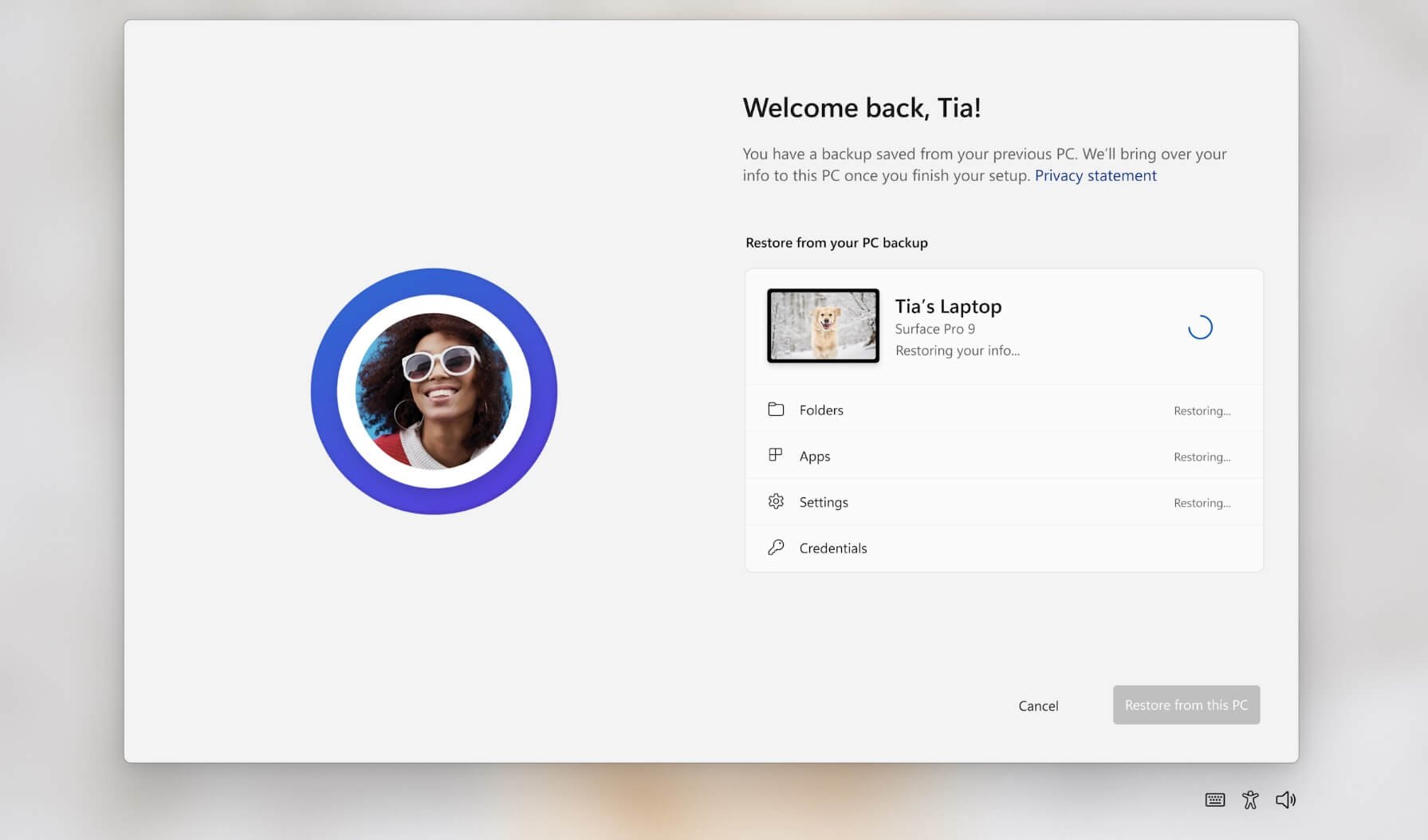
Windows has a hidden, legacy backup tool called Windows Backup that allows users to back up files to discs, drives, or network locations, though it is deprecated and may encounter errors, especially with network shares. Despite its age, it remains functional and useful for backing up and restoring important files, with options to schedule backups and select specific files or folders.
Windows 10 will reach end of support on October 14, 2025, but users can extend security updates for a year through Microsoft's ESU program, which now includes options for non-enterprise users. Upgrading to Windows 11 is recommended if your PC meets the requirements, and users should back up their data before upgrading. Those with unsupported PCs may need to consider purchasing new hardware.
Microsoft will stop supporting Windows 10 in October 2025 but offers ways to extend support, including a free method using OneDrive backup and Microsoft Rewards points, or paid options through the ESU program. Upgrading to Windows 11 is free, but hardware requirements and user familiarity are barriers for some users.
Microsoft has announced new free enrollment options for Windows 10's Extended Security Updates (ESU) program for consumer PCs, allowing users to avoid a $30 fee by using Windows Backup, Microsoft Rewards points, or paying directly, with coverage from October 2025 to October 2026. These options are aimed at users ineligible for Windows 11 upgrades and represent a recognition of the large number of Windows 10 devices still in use. The process involves an enrollment wizard accessible through Windows settings, with broad rollout expected by mid-August.
Microsoft has stated that it will not allow users to remove the Windows Backup app in Windows 11, considering it a system component. However, the app will be hidden on unsupported systems, particularly on enterprise or LTSC machines. The app, which requires a Microsoft account or OneDrive sign-in, can create a full system backup but has faced criticism for being installed in environments where it doesn't work. While businesses using Azure Active Directory or Group Policy blocked Microsoft accounts won't be able to use the app, it will still remain in the operating system. A trick involving removing the Windows Experience Pack can uninstall the app, but it will also disable other features. Microsoft plans to hide the app in the Start Menu and other areas on unsupported systems in a future update.