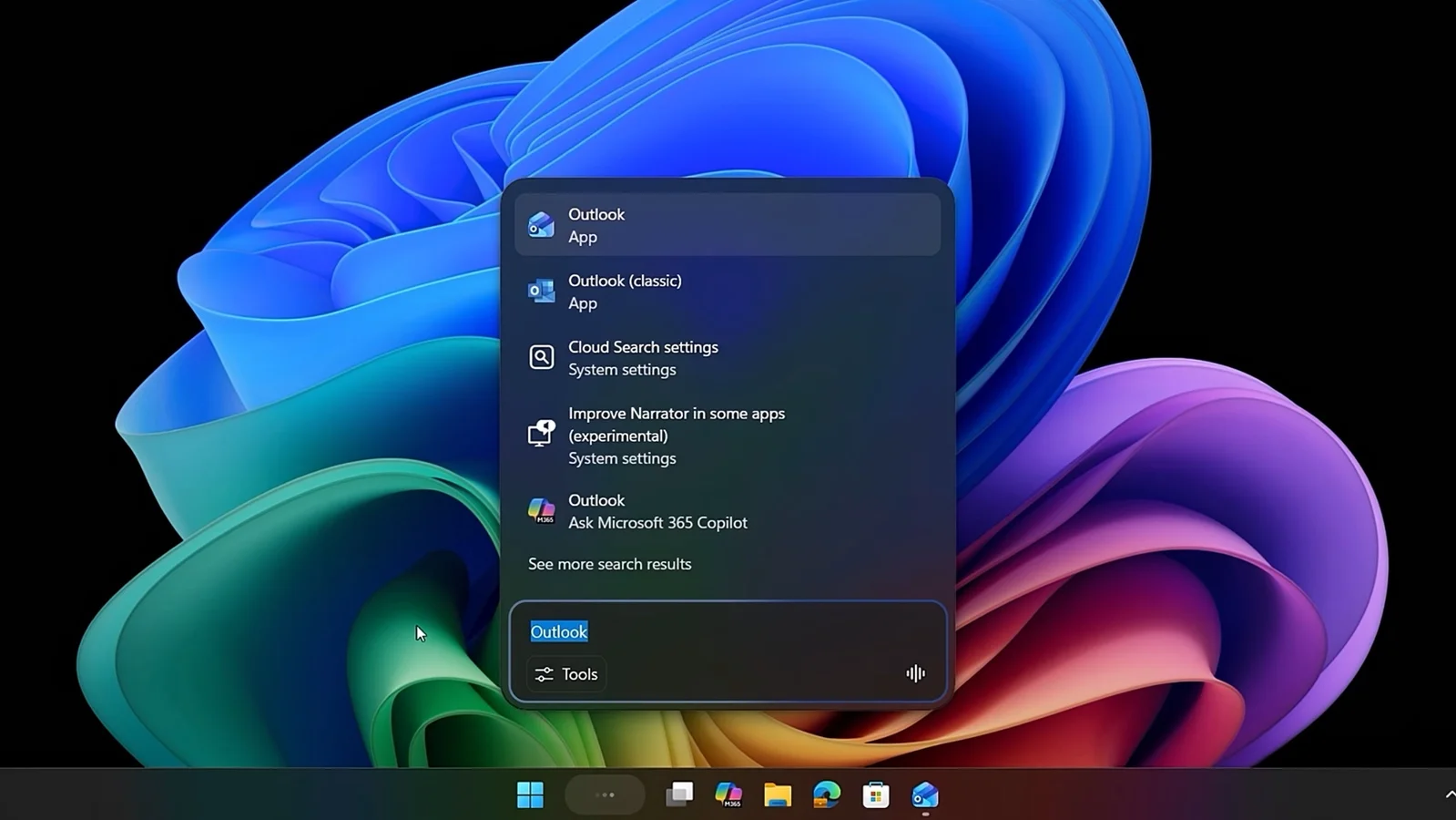
Microsoft is testing a new policy that allows IT administrators to uninstall the Copilot digital assistant on managed Windows 11 devices, providing more control over AI features in enterprise environments. The policy is currently rolling out to Insider Preview builds and can be enabled via Group Policy, with users still able to reinstall Copilot if desired.
Microsoft's latest Windows 11 preview build introduces broader access to Copilot+ features, including enhanced image descriptions via Narrator for all users, and new management options for IT admins. Additionally, Microsoft is testing an improved cross-device Resume feature that now leverages the Windows Notification System, expanding seamless activity continuation between devices. The update is available for Insiders in the Dev or Beta Channel, with some channel switching restrictions upcoming.
Microsoft is testing a new feature to integrate Copilot directly into Windows 11's File Explorer, likely as a sidebar or chat pane, moving beyond the current right-click 'Ask Copilot' option. This could allow users to chat with Copilot within Explorer itself, with references suggesting a dockable or detachable interface. Despite ongoing development, Copilot's market share on the web remains low, and Microsoft has not yet confirmed the full rollout.
A series of benchmarks on Windows XP through Windows 11 on the same laptop reveal that despite hardware improvements, Windows 11 performs worse than older versions in startup speed, memory management, and overall responsiveness, highlighting increased resource usage and software bloat in newer Windows versions.
Microsoft has removed the official methods to activate Windows 11/10 without internet, prompting users to seek alternative solutions like Linux or virtualization, amid concerns over Microsoft's focus on profit, user privacy, and the decline of user-friendly OS design.
Steam's December 2025 survey shows a significant increase in Windows 11 usage among gamers, now accounting for over 70% of Steam users, while Linux's growth stalls. Windows 10 declines slightly, and hardware trends indicate a rise in 32GB RAM systems and NVIDIA RTX 3060 GPUs. VR headset usage shifts with Meta’s Quest 3 gaining popularity.
The article criticizes Windows 11 for making the process of setting up a PC more frustrating compared to previous Windows versions, highlighting user dissatisfaction and preferring Linux as an alternative.
The article criticizes Windows 11 in 2025 for its unproductive design choices, such as a sluggish new context menu, fragmented settings, and removal of useful features, leading power users to migrate to Linux. It argues that Microsoft's focus on aesthetics and data-driven decisions have degraded usability, alienating long-time users and developers, and suggests that the future of personal computing may shift towards more open and user-controlled systems like Linux.
The article lists 10 essential Windows 11 keyboard shortcuts that enhance productivity and ease multitasking, including shortcuts for emojis, screenshots, window management, gaming clips, and browsing, with detailed explanations on how to use each one.
A recent review of the Lenovo ThinkPad P1 Gen 8 with an Intel Arrow Lake H processor revealed that Windows 11 outperforms Ubuntu Linux in several workloads, contrary to the usual trend where Linux has a performance advantage, especially in creative and rendering tasks. This unexpected result has prompted further investigation into hardware and power management factors, and it remains to be seen if this trend applies to other new hardware.
The article criticizes 2025 as a disastrous year for Windows 11 due to persistent bugs, intrusive AI features, and a chaotic update process, which have eroded user trust. It highlights Microsoft's obsession with AI, the problematic 'Continuous Innovation' strategy, and the decline in quality, while also noting some positive improvements and emerging competition from Android PCs, Valve, and Apple. The author suggests that Microsoft needs to overhaul its update approach and reconsider its AI integration to restore confidence in Windows.
The article provides 31 essential tips and tricks for Windows 11 users, covering customization, AI assistance with Copilot, multitasking with virtual desktops, improved file management, and new features like widgets, snap layouts, and security enhancements to maximize productivity and user experience.
The Windows 11 Files app now supports PowerToys Peek, allowing users to preview files with a simple spacebar press, enhancing file management and user experience.
The Lenovo Legion Go 2, a high-end handheld gaming PC with an OLED display and powerful specs, is highly sought after, often selling for significantly above its MSRP due to limited availability. It offers a superior gaming experience compared to competitors like the Steam Deck and ASUS ROG Ally, with notable features such as a 144Hz OLED screen, robust hardware, and improved build quality. Despite its high price, it is considered a top choice for gaming enthusiasts, and the market is evolving with more options and better performance, though affordability remains a concern.
Microsoft is rolling out an update for Windows 11 that improves File Explorer's search performance by eliminating duplicate file indexing, which reduces RAM usage and speeds up searches, initially available in Insider Preview builds with plans for wider deployment.