Tag

Cloud Backup

All articles tagged with #cloud backup

Tips for Safeguarding Your Printed Photos

Originally Published 2 months ago — by BBC

Featured image for Tips for Safeguarding Your Printed Photos
Source: BBC

Losing thousands of digital photos due to a phone crash prompted Stephen Buffardi to start printing physical albums to preserve family memories, highlighting the importance of multiple backup methods including physical copies, cloud storage, and printing to safeguard cherished photos against digital and physical risks.

How to Keep Windows 10 Secure After Support Ends

Originally Published 3 months ago — by CNET

Featured image for How to Keep Windows 10 Secure After Support Ends
Source: CNET

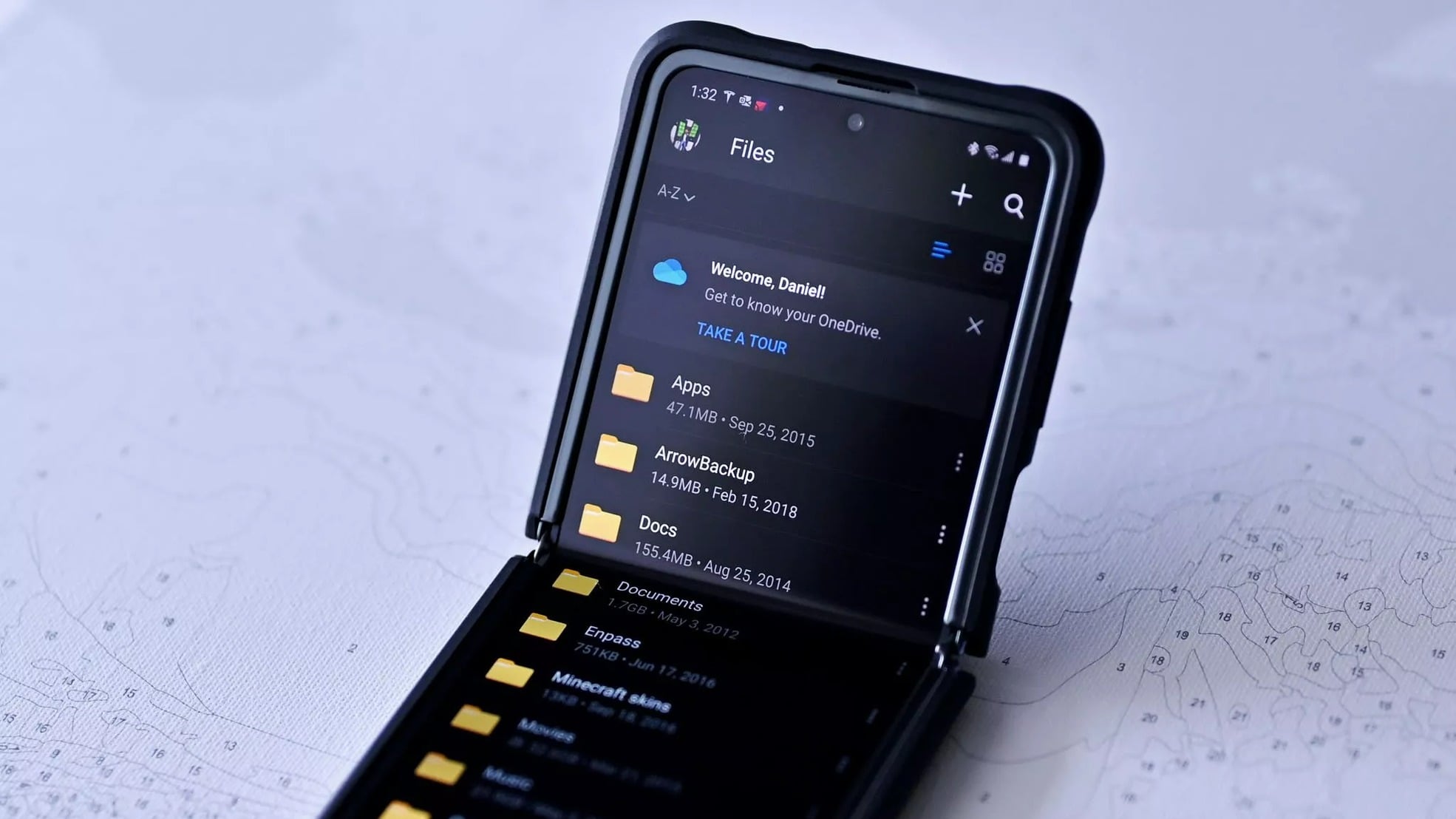
Microsoft is ending support for Windows 10 on October 14, but users can still receive security updates through paid extended security updates for $30 or free options like cloud backup via OneDrive or Microsoft Rewards points, allowing them to stay protected until they upgrade to Windows 11 or purchase additional support until October 2026.

SonicWall Urges Password Resets Following Cloud Backup Breach

Originally Published 3 months ago — by The Hacker News

Featured image for SonicWall Urges Password Resets Following Cloud Backup Breach
Source: The Hacker News

SonicWall has urged customers to reset passwords after a security breach exposed encrypted firewall configuration backup files for less than 5% of its customers, potentially aiding attackers in exploiting firewalls. The breach involved brute-force attacks on cloud backups, with no evidence of files being leaked online. SonicWall recommends verifying backup status, resetting passwords and TOTP, and importing new preferences. The incident coincides with ongoing attacks by the Akira ransomware group exploiting SonicWall vulnerabilities to gain network access and disable security defenses.

Microsoft Offers Free Windows 10 Security Updates Amid Transition to Windows 11

Originally Published 5 months ago — by CNET

Featured image for Microsoft Offers Free Windows 10 Security Updates Amid Transition to Windows 11
Source: CNET

Microsoft is offering Windows 10 users a free year of security updates through a cloud backup method using OneDrive, as an alternative to paying $30 for extended security support, with options to extend support until October 2026. This move helps users stay protected while delaying the upgrade to Windows 11, despite potential storage limitations with OneDrive.

Microsoft Extends Free Windows 10 Security Updates Amid Windows 11 Transition

Originally Published 5 months ago — by CNET

Featured image for Microsoft Extends Free Windows 10 Security Updates Amid Windows 11 Transition
Source: CNET

Microsoft is ending support for Windows 10 in October but now offers a free option for users to receive security updates for another year by using cloud backup with OneDrive, although this may require additional storage costs. Other options include redeeming Microsoft Rewards points or paying $30 for extended security updates until October 2026, providing more time for users to upgrade to Windows 11 amid ongoing reluctance and compatibility issues.

Microsoft Extends Free Windows 10 Security Updates Amid Upgrade Challenges

Originally Published 6 months ago — by CNET

Featured image for Microsoft Extends Free Windows 10 Security Updates Amid Upgrade Challenges
Source: CNET

Microsoft is ending support for Windows 10 in October 2025 but offers a free option for users to receive security updates until October 2026 by using cloud backup with OneDrive, redeeming Microsoft Rewards points, or paying $30 for extended security updates, providing more time for users to upgrade to Windows 11 amid ongoing resistance and compatibility issues.

Guide to Setting Up and Transferring Data to Nintendo Switch 2

Originally Published 7 months ago — by The Verge

Featured image for Guide to Setting Up and Transferring Data to Nintendo Switch 2
Source: The Verge

The article provides a step-by-step guide for transferring data from an original Nintendo Switch to a Switch 2, including local and remote transfer options, and explains what data is transferable. It highlights the ease of moving all user data and games, with some exceptions like custom settings and non-cloud-supported games, and offers tips for backing up data if not upgrading immediately.

"February System Update Introduces Android Photo Picker with Google Photos Support"

Originally Published 1 year ago — by 9to5Google

Featured image for "February System Update Introduces Android Photo Picker with Google Photos Support"
Source: 9to5Google

Google is introducing support for Google Photos and other cloud backup apps in the Android photo picker, allowing users to access photos stored in the cloud from the same UI as local media. This feature, rolling out with the February 2024 Google System Update for Android 12+ devices, merges backed-up photos with local ones and displays cloud albums in a separate tab. The updated picker is open to any cloud media app as part of a pilot program, and users can change or remove their selected cloud media app at any time from the photo picker settings.

Samsung's Temporary Cloud Backup: Stress-Free Phone Upgrades and Repairs

Originally Published 2 years ago — by The Verge

Featured image for Samsung's Temporary Cloud Backup: Stress-Free Phone Upgrades and Repairs
Source: The Verge

Samsung is introducing a "Temporary Cloud Backup" feature for its Galaxy smartphones and tablets, allowing users to back up and transfer unlimited photos, videos, and data for free for up to 30 days. This feature aims to make phone upgrades and repairs less stressful by providing a temporary storage solution and giving users a month to recover their data. It brings Samsung on par with Apple's temporary iCloud storage offering. Users can upload as many files as they want, but individual file sizes cannot exceed 100GB. After 30 days, Samsung will delete the data, but users will receive a warning beforehand. The feature will also be integrated into Maintenance Mode, a privacy feature that allows users to block access to their data during device repairs.

Microsoft's Windows 11 Backup App: No Removal Allowed, But Workaround Coming

Originally Published 2 years ago — by WindowsLatest

Featured image for Microsoft's Windows 11 Backup App: No Removal Allowed, But Workaround Coming
Source: WindowsLatest

Microsoft has stated that it will not allow users to remove the Windows Backup app in Windows 11, considering it a system component. However, the app will be hidden on unsupported systems, particularly on enterprise or LTSC machines. The app, which requires a Microsoft account or OneDrive sign-in, can create a full system backup but has faced criticism for being installed in environments where it doesn't work. While businesses using Azure Active Directory or Group Policy blocked Microsoft accounts won't be able to use the app, it will still remain in the operating system. A trick involving removing the Windows Experience Pack can uninstall the app, but it will also disable other features. Microsoft plans to hide the app in the Start Menu and other areas on unsupported systems in a future update.

"Google Photos Introduces Enhanced Locked Folder Sync for iOS and Web Users"

Originally Published 2 years ago — by Forbes

Featured image for "Google Photos Introduces Enhanced Locked Folder Sync for iOS and Web Users"
Source: Forbes

Google is working on an upgrade to its Google Photos app that will introduce a cloud backup option for the privacy-focused "Locked Folder" feature. Currently, the contents of the Locked Folder are only stored locally on the user's device, making them vulnerable to loss in case of theft or damage. The new feature will allow users to securely save their content in their Google account, providing a backup and the ability to retrieve the Locked Folder at a later time. The feature is still undergoing testing and has not been rolled out yet.

WhatsApp simplifies chat history transfer across devices with new QR code feature

Originally Published 2 years ago — by The Verge

Featured image for WhatsApp simplifies chat history transfer across devices with new QR code feature
Source: The Verge

WhatsApp is introducing a new chat transfer feature that allows users to easily transfer their chat histories and attachments between devices running the same operating system. The feature bypasses cloud backups by scanning a QR code on the old phone with the new phone, ensuring data is only shared between the two devices and fully encrypted during transfer. This method is quicker and avoids cloud storage limits. The feature is currently being tested by beta users and will be accessible through the Settings menu once widely available.

"Microsoft's Latest Windows 11 Updates: Cloud Backup, RAR Support, and Improved User Experience"

Originally Published 2 years ago — by Slashdot

Featured image for "Microsoft's Latest Windows 11 Updates: Cloud Backup, RAR Support, and Improved User Experience"
Source: Slashdot

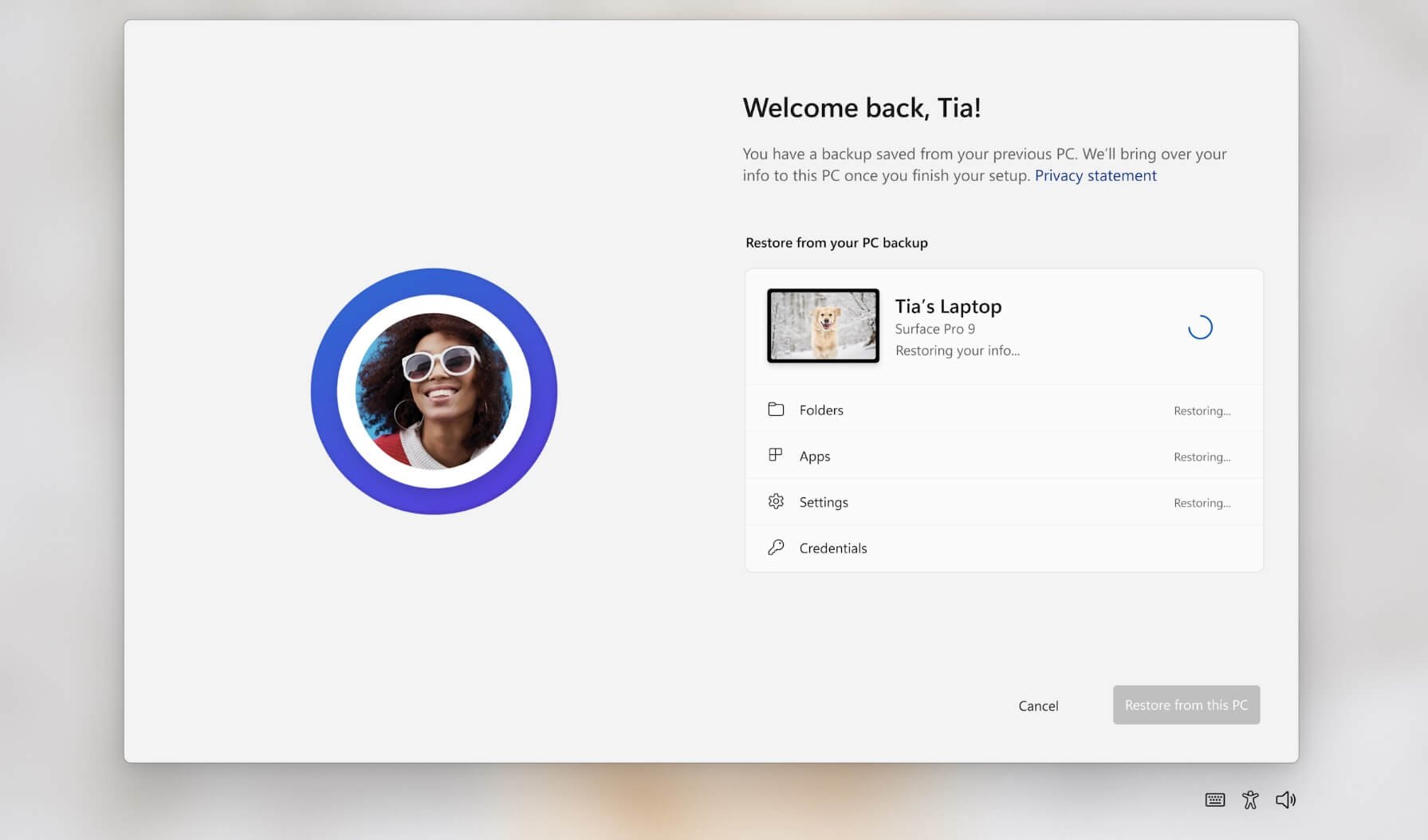
Microsoft announced at its annual developer event Build 2023 that Windows 11 will have cloud-powered OS backup and restore, similar to smartphone functionality, and improved ARM support for devices like the Surface Pro 9 and Dell Inspiron 14. Unity with native Windows on ARM support will become available in early June, and Visual Studio 17.71 Preview 1 now ships with support for Linux development with C++.