ViveTool is a command-line utility that allows users to activate and test hidden or upcoming Windows 11 features before their official release, providing greater customization and early access for enthusiasts, developers, and IT professionals. It works by toggling feature flags within the system, offering a safe and reversible way to explore new functionalities like a redesigned File Explorer, animated backgrounds, and improved search, while emphasizing caution and the importance of creating restore points before use.
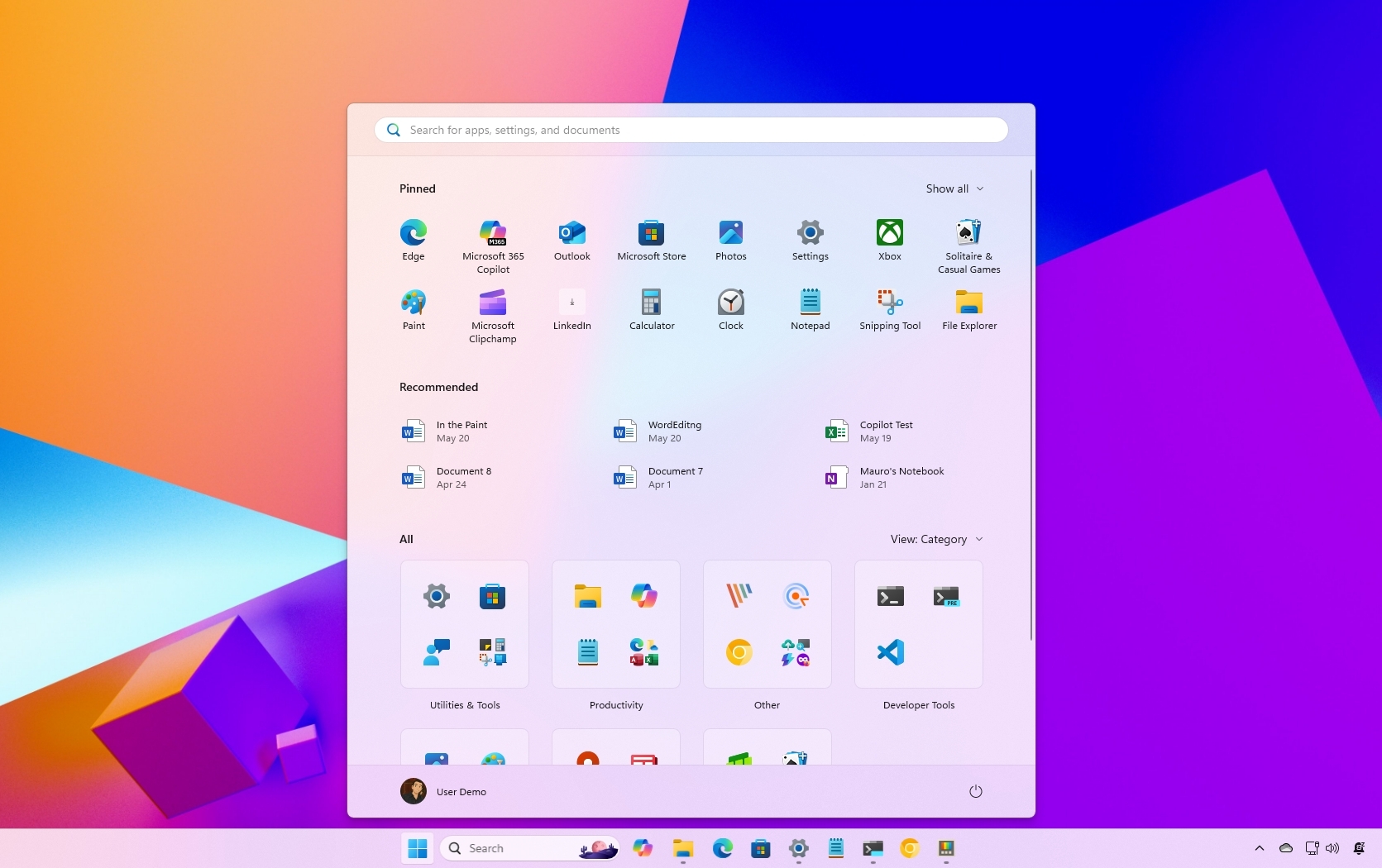
Microsoft is testing a major redesign of the Windows 11 Start menu, featuring a larger, scrollable interface with customizable options, including the ability to remove the 'Recommended' section. The new design is available in the latest preview builds and can be manually enabled using ViveTool for those not yet receiving the update through official channels.
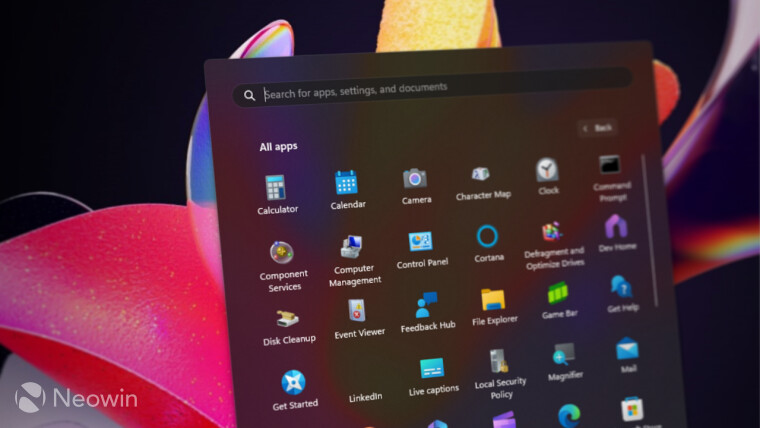
Windows 11 may soon feature a highly requested Start menu redesign, allowing users to switch from list view to grid view in the "All Apps" section. A recent Windows 11 build (22635.3420) enables this feature, although it requires the use of the ViVeTool app for now. The new layout is still in a raw state, lacking certain functionalities such as the ability to pin or uninstall programs using the context menu and the absence of folders. Microsoft is expected to address these issues before officially rolling out the new Start menu layout to Windows Insiders.
The Windows 11 "Moment 5" update is now available, offering new features such as improved Snap Assist with smart suggestions. The update is currently in the first stage of rollout, so users need to manually check for it in Windows Update. If the new features are not available after installing the necessary KB update, users can force-enable them using the ViVeTool app, but should be cautious of potential bugs or compatibility issues.
Microsoft has announced that Copilot, previously exclusive to Windows 11, will soon be available for Windows 10. Users can enable Copilot on Windows 10 by enlisting in the Windows Insiders Program, modifying the system registry, and using a third-party app called ViVeTool. However, this process involves potential risks and should only be attempted by those comfortable with in-depth modifications. Microsoft will also release an update containing Copilot to the Stable Channel, but the rollout will be staggered.