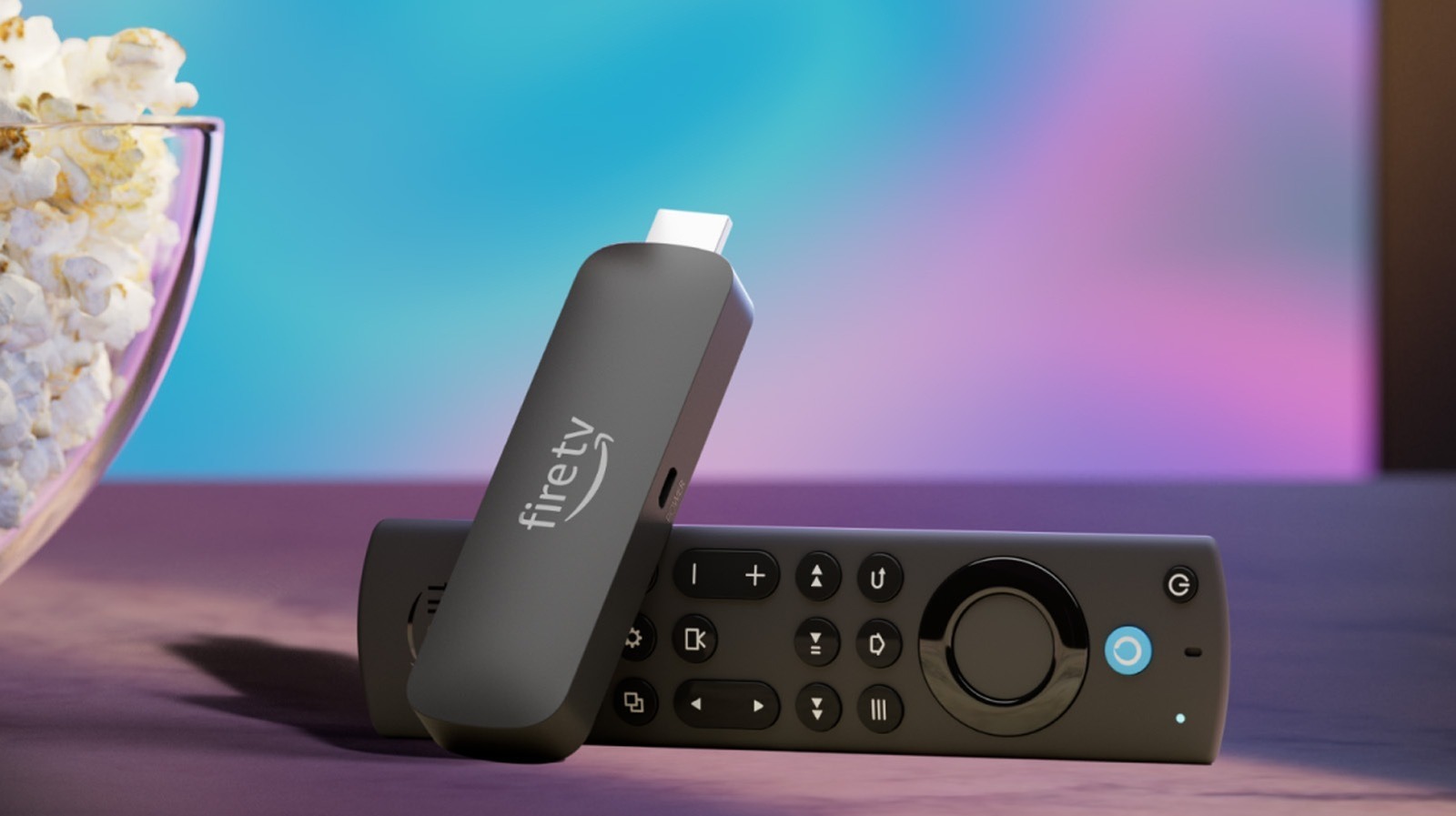
The article reveals five lesser-known features of the Amazon Fire TV Stick, including linking it with Ring doorbells for live feeds, using remote shortcuts for quick actions, turning the screen saver into a smart display with widgets, pairing Bluetooth headphones for private listening, and connecting external input devices like keyboards and mice for easier navigation and typing.
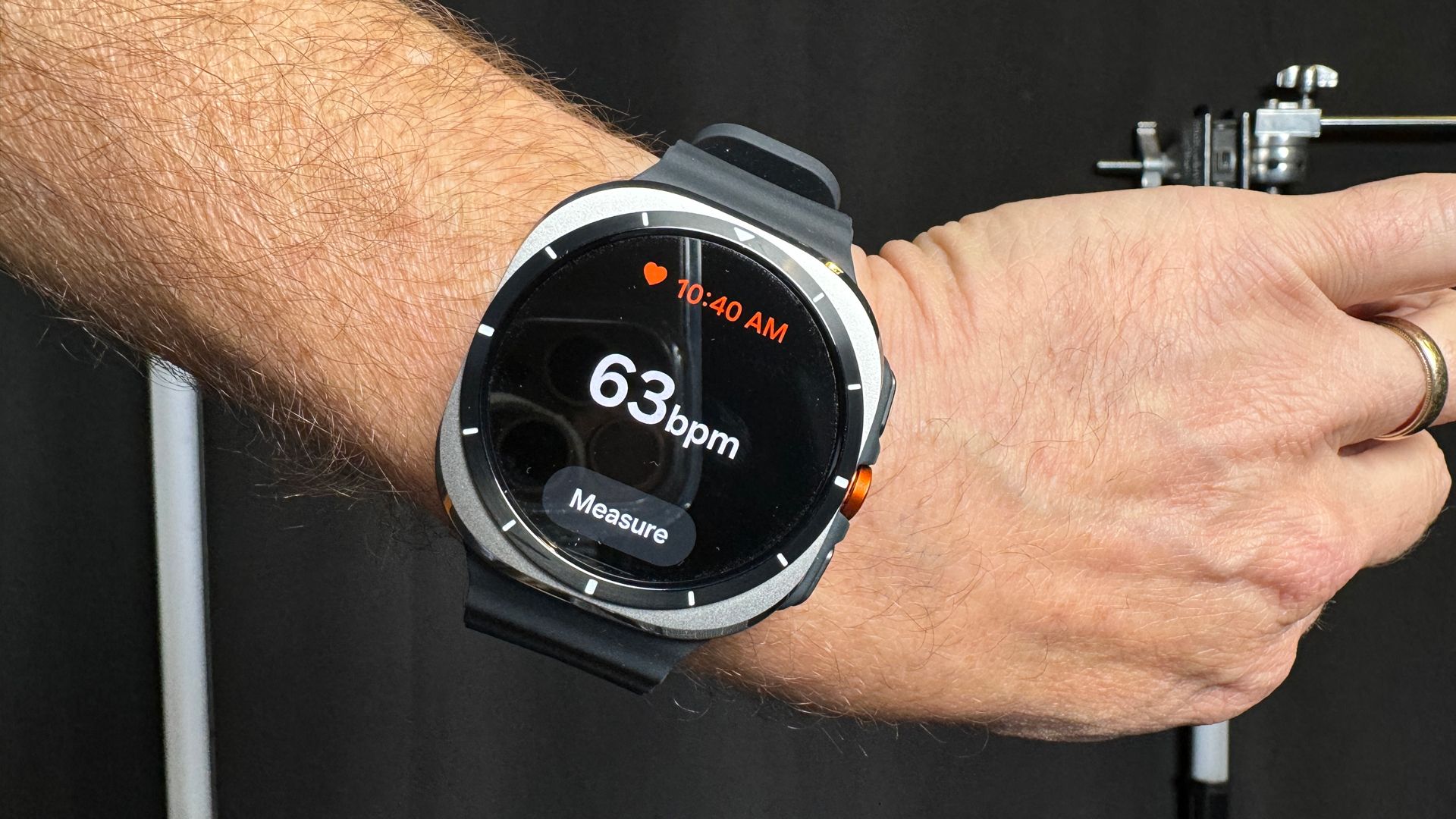
The article highlights three lesser-known but useful features of Samsung Galaxy Watch 4 and newer models: body composition analysis for health insights, gesture controls for hands-free operation, and sleep apnoea detection for health monitoring, all of which can enhance user experience and health tracking.
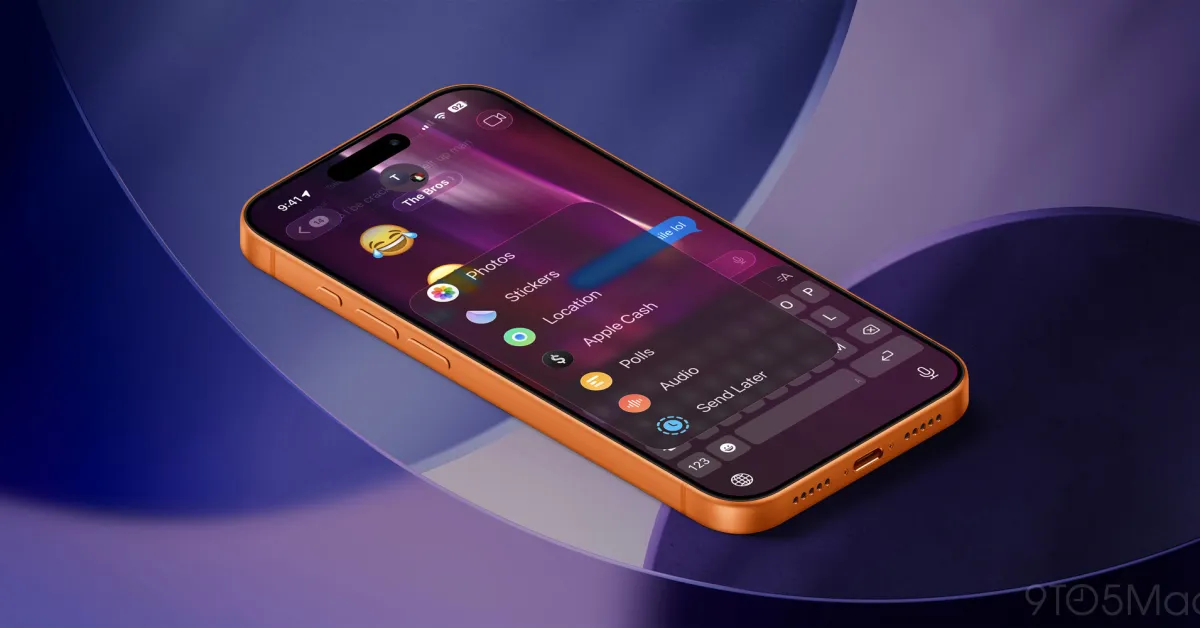
The article highlights lesser-known but useful iMessage features such as scheduling messages, check-in for safety, audio message transcription, inline replies and reactions, and pinned conversations, enhancing user experience and safety. It encourages users to explore these features to maximize their messaging capabilities.
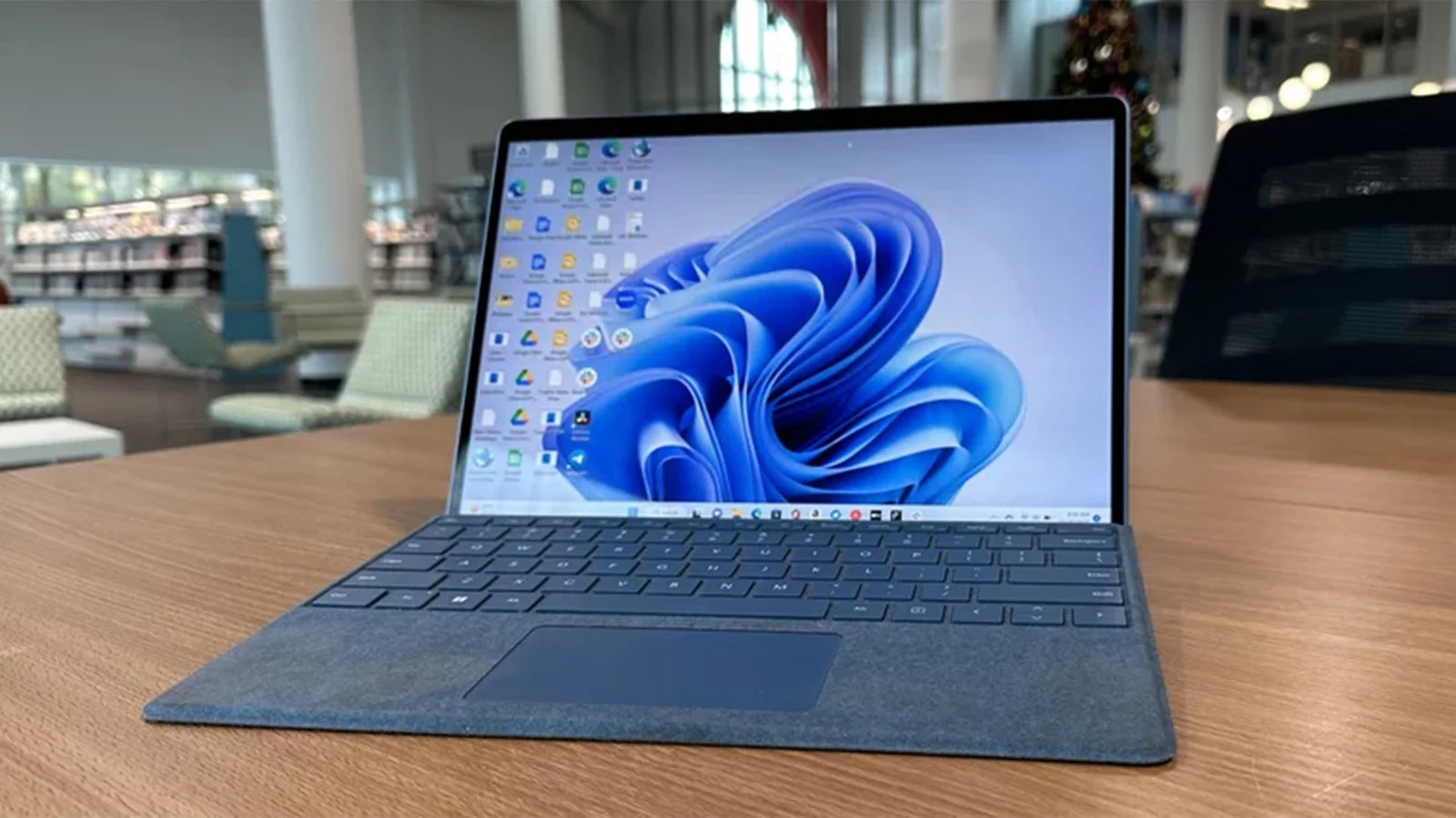
ViveTool is a command-line utility that allows users to activate and test hidden or upcoming Windows 11 features before their official release, providing greater customization and early access for enthusiasts, developers, and IT professionals. It works by toggling feature flags within the system, offering a safe and reversible way to explore new functionalities like a redesigned File Explorer, animated backgrounds, and improved search, while emphasizing caution and the importance of creating restore points before use.
An Apple doctor reveals nine hidden health features of the Apple Watch, including apps for vital signs, noise monitoring, ovulation tracking, fall detection, heart health alerts, daylight exposure, mental health logging, sleep apnea detection, and handwashing reminders, with instructions on how to set them up to enhance personal health and safety.
The article highlights five built-in Windows apps—Windows Sandbox, Clipboard History, Microsoft Print to PDF, CharMap, and Phone Link—that many users may not know about but can significantly enhance their productivity and security. These tools are easy to access and use, offering functionalities like safe browsing, clipboard management, PDF creation, character insertion, and phone integration.
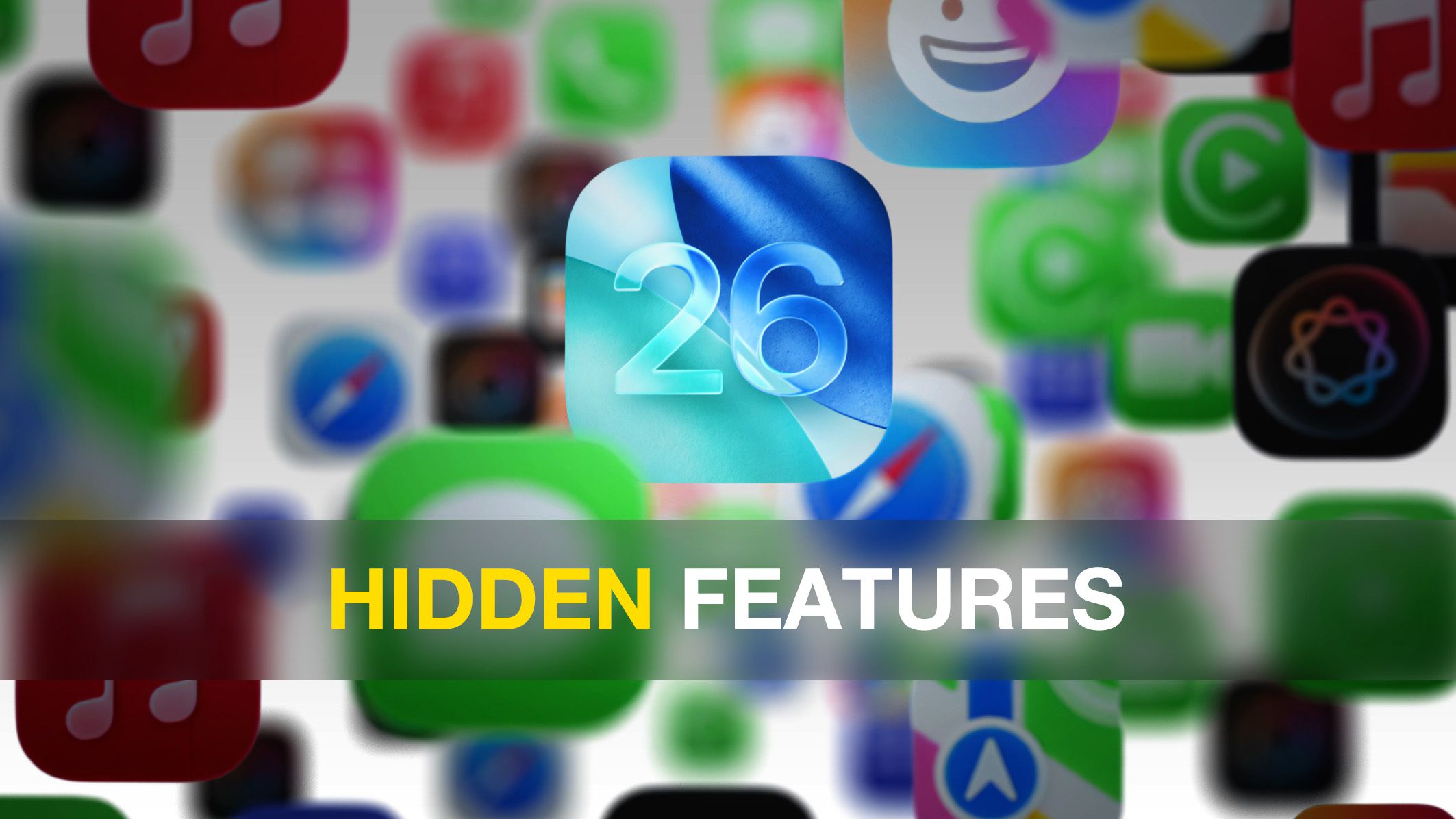
iOS 26 introduces major design and intelligence upgrades, but also includes 18 subtle features like customizable snooze durations, creating custom ringtones, improved text copying, visited places in Maps, battery time estimates, adaptive power mode, 3D photos, screenshot search, lyric translations, live call screening, AirPods camera control, message backgrounds, PDF editing, new gestures, satellite weather, camera lens alerts, HDR screenshots, and digital passports, all enhancing daily iPhone use.
iOS 26 introduces several major features like Liquid Glass design and Apple Intelligence, but also includes 18 subtle enhancements such as customizable snooze durations, creating custom ringtones, improved text copying, visited places in Maps, battery time estimates, adaptive power mode, 3D Spatial Scenes, screenshot search, real-time lyric translations, live call screening, AirPods camera control, message backgrounds, PDF editing, new navigation gestures, satellite-based weather, camera lens alerts, HDR screenshots, and digital passports, all aimed at improving daily iPhone use.
iOS 26 introduces over 200 new features, including the ability to copy parts of messages, save recipes to reminders, set default apps for files, create custom ringtones from MP3 files, view unsent messages, improve panorama photos, find specific videos with thumbnails, get camera cleanliness alerts, match home screen icons to cases, see event details in photos, set callback reminders, keep audio in headphones, and enhance swipe gestures.
iOS 26 introduces major design and AI features, but also includes 18 subtle updates like customizable snooze durations, new photo and map functionalities, improved messaging, and privacy enhancements that improve daily iPhone use. These small tweaks collectively enhance user experience and personalization.
The article reveals a couple of useful hidden features on the PlayStation 5, including the ability to mute the disruptive startup beep and assign a second controller to the same profile, enhancing user experience and convenience.
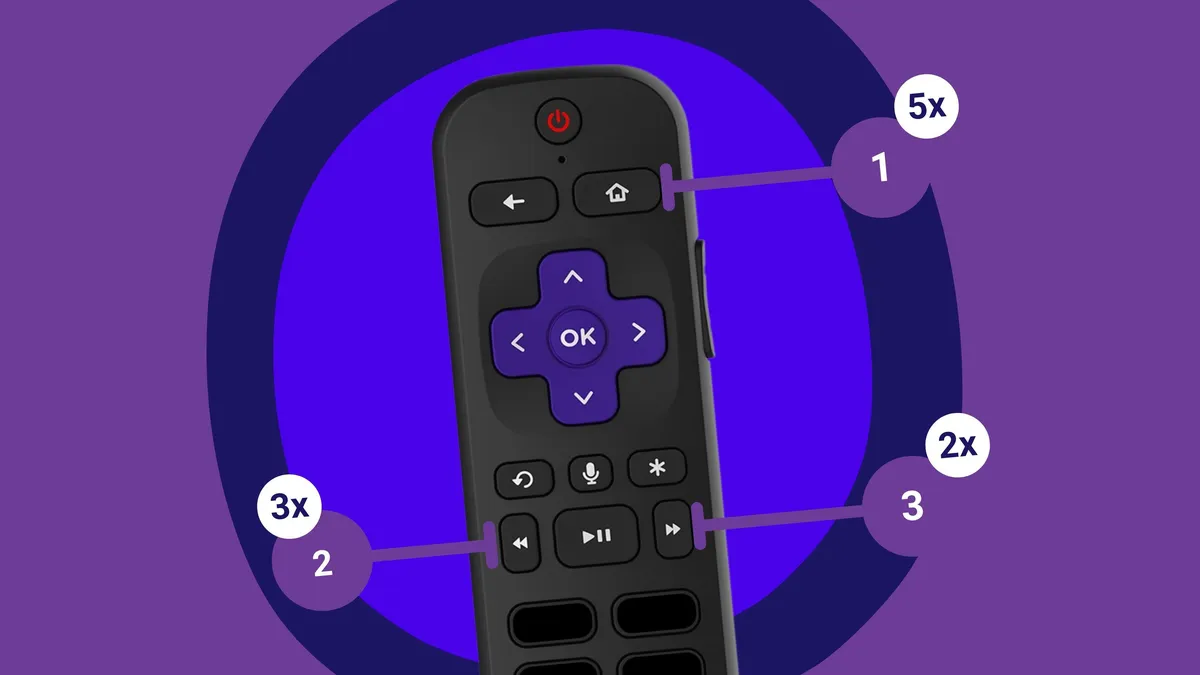
Roku devices have several hidden menus accessible through specific remote button sequences, offering diagnostic tools, developer options, network info, performance data, and reset functions, which are useful for tech-savvy users or troubleshooting.
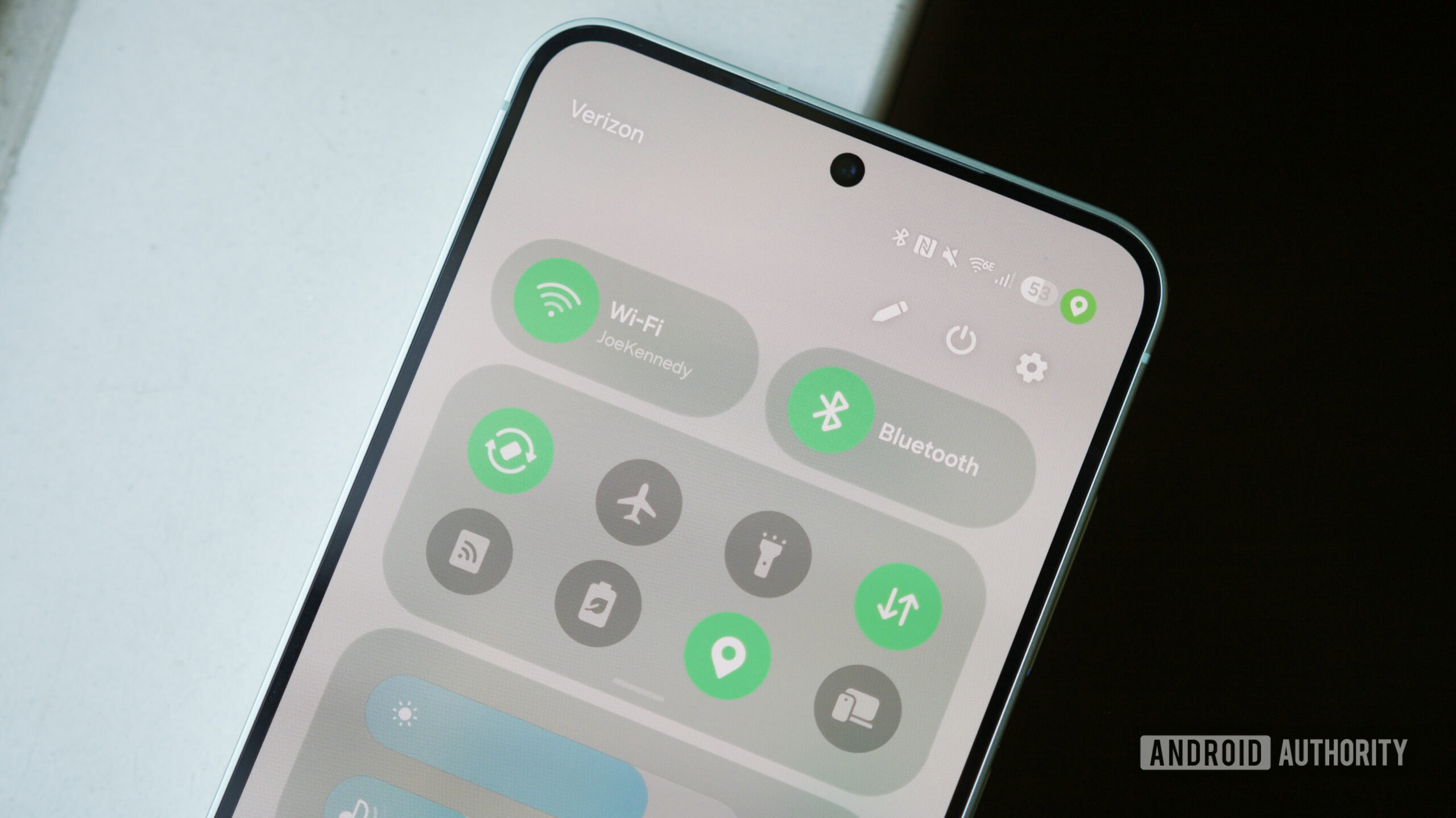
Samsung phones have a hidden 'Connectivity Labs' Wi-Fi menu accessible through the Settings app, offering advanced features like Wi-Fi inspection, network filtering, and developer options, which are not widely known but can enhance your device's connectivity management.
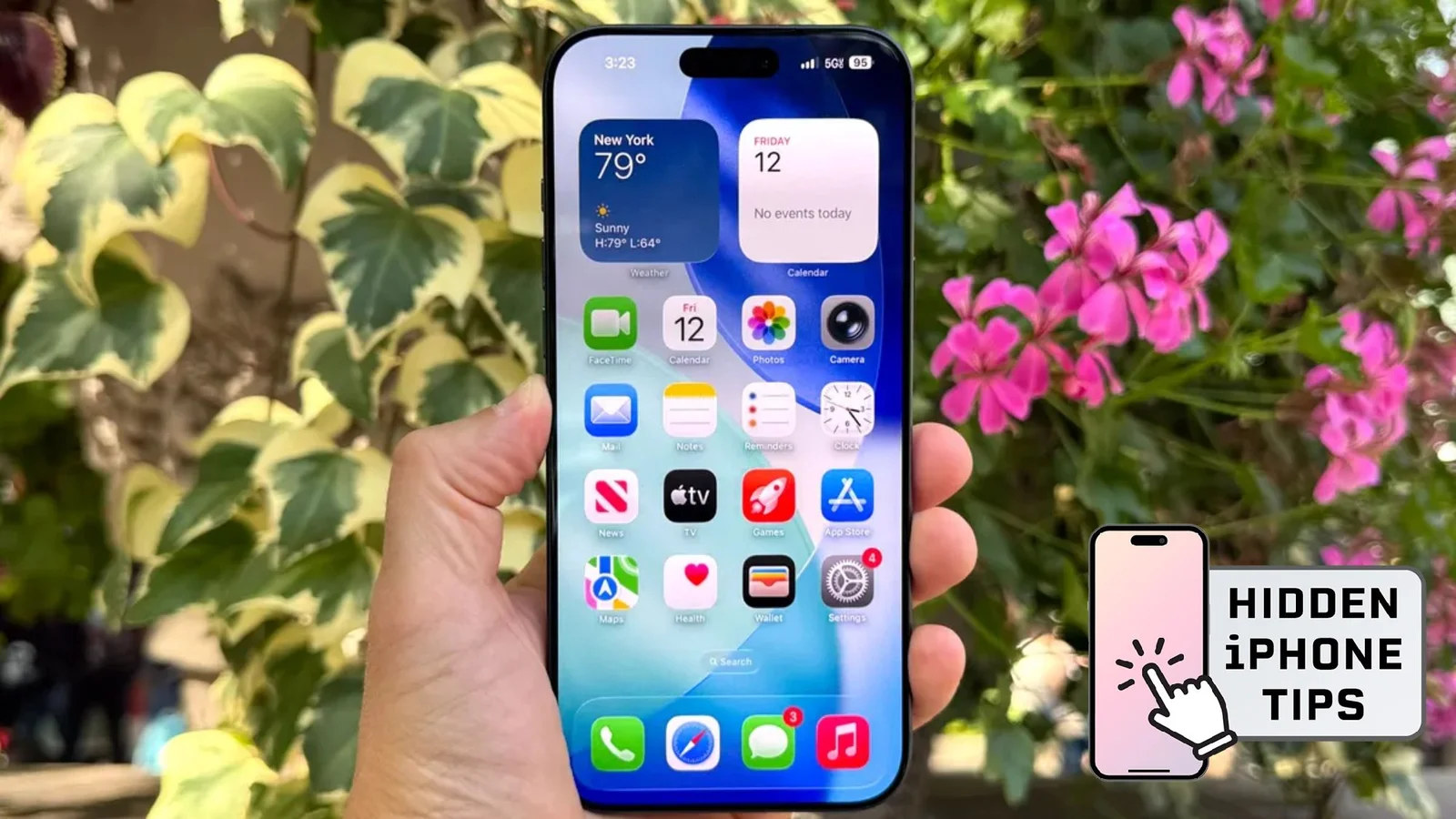
The article highlights 11 hidden features in the iOS 26 developer beta, including customizable snooze durations, battery drain warnings, improved Bluetooth audio management, a new bookmarking gesture, focus modes for different SIM cards, adaptive power, charging time estimates, camera lens warnings, search in Apple Wallet, HDR screenshots, and more, offering users enhanced control and convenience with the upcoming iOS update.
Samsung's One UI 6 has been out for a year, and while many features have been highlighted, some remain underappreciated. A recent video explores five lesser-known features of One UI 6, including enhancements in the Gallery app, File Manager, and quick toggles. As anticipation builds for One UI 7 and the Galaxy S25 series, Samsung continues to innovate with updates like Galaxy AI and expanded One UI availability on TVs.