The article discusses the importance of planning for digital legacy by using password managers with inheritance features, such as Keeper, LogMeOnce, and NordPass, to ensure loved ones can access online accounts after death. It emphasizes the need for pre-arranged access, secure account management, and proper account shutdown procedures to protect privacy and simplify estate handling.
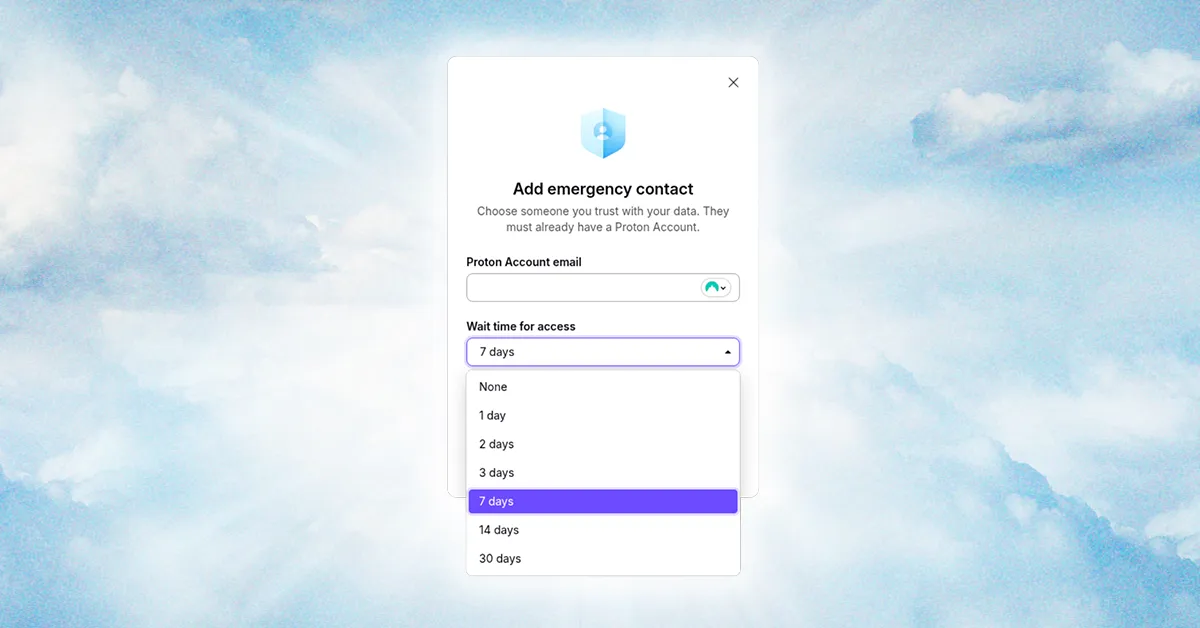
The article discusses the importance of planning for digital legacy and how password managers with emergency access features, like Proton Pass, can help securely transfer online account access to trusted contacts after death or incapacitation, highlighting legal considerations and best practices.
Several top password managers, including 1Password, Bitwarden, and LastPass, have been found vulnerable to a clickjacking flaw that allows hackers to steal login credentials, 2FA codes, and credit card information by overlaying invisible HTML elements, with all tested managers susceptible to at least one attack method. Users are advised to update their software and disable autofill until patches are released.
Due to security vulnerabilities and data leaks, LastPass is no longer recommended; instead, five better password managers are suggested, including Bitwarden, 1Password, Dashlane, Proton Pass, and Enpass, each offering various features, security, and affordability to enhance user safety and convenience.
Originally Published 6 months ago — by Hacker News
The article discusses the challenges and concerns surrounding passkeys, including their complex implementation, vendor lock-in issues, limited interoperability, and the potential for increased platform entrenchment, while highlighting that current solutions are often confusing and not yet widely supported across devices and services.
A massive data breach exposed 184 million accounts from major tech companies, risking credential theft and account hacking. Users are advised to change passwords, use a secure password manager like NordPass, and be cautious with browser autofill features to protect their digital security.
AutoSpill is a vulnerability in Android that can leak credentials from popular password managers. It occurs when a credential stored in a password manager is autofilled into a third-party app, exposing the credentials to that app. The affected password managers include Google Smart Lock, Dashlane, 1Password, LastPass, Enpass, Keepass2Android, and Keeper. However, the threat is limited to specific scenarios where the third-party app allows users to log in with different account credentials or when a malicious app exploits WebView content. AutoSpill does not pose a threat when autofilling credentials for accounts managed by the app developer or service.
Several popular Android password managers, including 1Password, LastPass, Enpass, Keeper, and Keepass2Android, are leaking user credentials due to a vulnerability in the autofill functionality of Android apps. The flaw, known as AutoSpill, allows credentials shared with WebView to also be shared with the app that requested the username and password. Even if the vulnerability was tested on older devices and software, it serves as a reminder to keep Android OS and installed apps up-to-date for better security.
Security researchers have discovered a major vulnerability, called AutoSpill, that affects the Android autofill function in popular password managers. The vulnerability allows hackers to bypass security mechanisms and expose credentials to the host app. Password managers such as 1Password, LastPass, Enpass, Keeper, and Keepass2Android are vulnerable to the exploit, along with DashLane and Google Smart Lock when a JavaScript injection method is enabled. While there is no evidence of exploitation in the wild, the researchers warn that the implications of AutoSpill are highly dangerous. The affected password managers and the Android security team have been informed, and fixes are being developed.
Researchers have discovered a new attack called AutoSpill that can steal account credentials from Android password managers during the autofill process. The attack exploits weaknesses in Android's autofill framework, allowing rogue apps to capture auto-filled credentials without detection. Most password managers on Android are vulnerable to AutoSpill, even without JavaScript injection. The researchers have disclosed their findings to impacted software vendors and Android's security team, but no details about fixing plans have been shared yet. Some password management providers, such as 1Password, LastPass, and Keeper, have acknowledged the issue and are working on fixes. Google recommends that third-party password managers implement best practices to distinguish between native views and WebViews and warns users when entering passwords for domains not owned by the hosting app.
Researchers have discovered a vulnerability in the WebView autofill mechanism used by many Android apps, which can potentially expose credentials from mobile password managers. The flaw, known as "AutoSpill," allows malicious apps to grab the credentials of unsuspecting Android users and access sensitive information. Popular mobile password managers such as LastPass, 1Password, Enpass, and Keeper were found to be vulnerable to credential leakage. While Google is working on a fix, most companies deferred the problem to Google, except for 1Password, which promised to find its own fix. The researchers suggest that the best solution would be to move away from passwords and adopt passwordless authentication.
Password manager 1Password has announced the general availability of passkey support, a new login technology that replaces passwords with authentication systems built into a user's own device. Users can now create, manage, and sign in to supported websites with passkeys via 1Password's mobile apps and web browser extensions. The update does not yet include the ability to replace the master password with a passkey, but that feature is expected to arrive later this year. Passkeys work by utilizing the device's authentication methods, such as Face ID or fingerprint sensors, and are built on WebAuthn technology. While passkeys are stored on the device, backup options are available in case of loss or damage. Other password managers and platforms have also added passkey support, but 1Password's Universal Sign On is touted as superior due to its cross-platform compatibility and syncing capabilities.
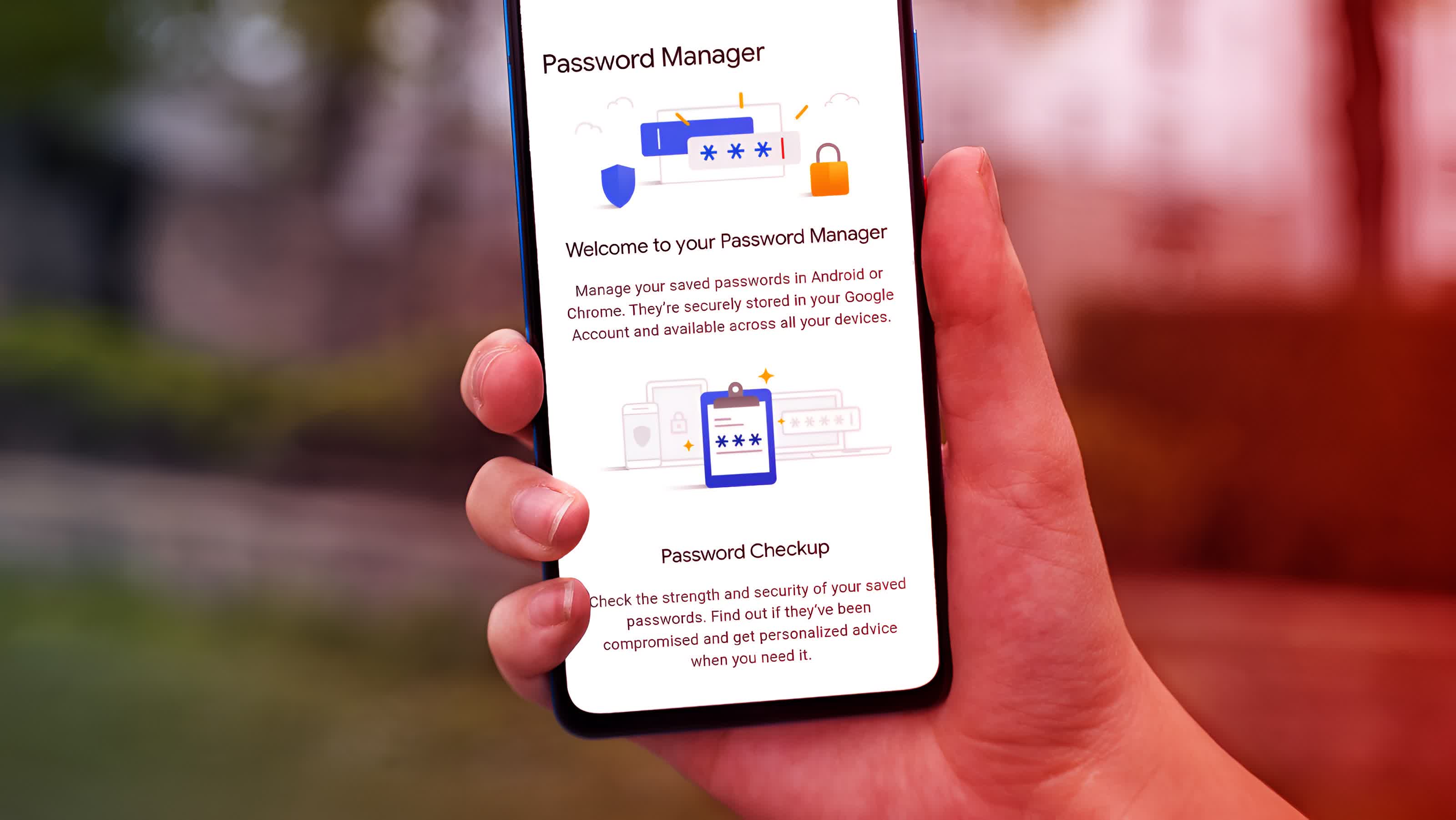
Password managers are a secure and convenient way to store and manage online credentials. They offer multiple layers of security, including a master password and security key, and follow security basics like zero-knowledge policies and regular security audits. 1Password is the best overall password manager, while Bitwarden is the best free option. NordPass offers the best cross-platform availability. It is recommended to use a password manager to create unique, complex passwords and stay safe online.
1Password CEO Jeff Shiner spoke to 9to5Mac about the future of password managers with passkeys, a new technology that replaces traditional passwords. Passkeys, developed by the FIDO Alliance, allow users to sign in with secure authentication methods such as facial recognition or biometrics. 1Password has joined the FIDO Alliance and is working to implement passkey support, which will be available this summer. Shiner emphasized the importance of making 1Password easy to use and educating users about passkeys. The company's Secret Key ensures that even if 1Password is hacked, the attacker won't have access to users' vaults.
An AI-driven tool called PassGAN, developed by cybersecurity firm Home Security Heroes, was able to crack 51% of common passwords in under a minute and 65% in under an hour. The tool was fed over 15 million passwords from the 2009 RockYou breach, and passwords with low character count and little character variation were cracked instantly. Home Security Heroes recommends using passwords at least 15 characters in length, with a mix of at least two letters (upper and lower case), numbers, and symbols in the string, and not following any obvious or predictable password patterns.