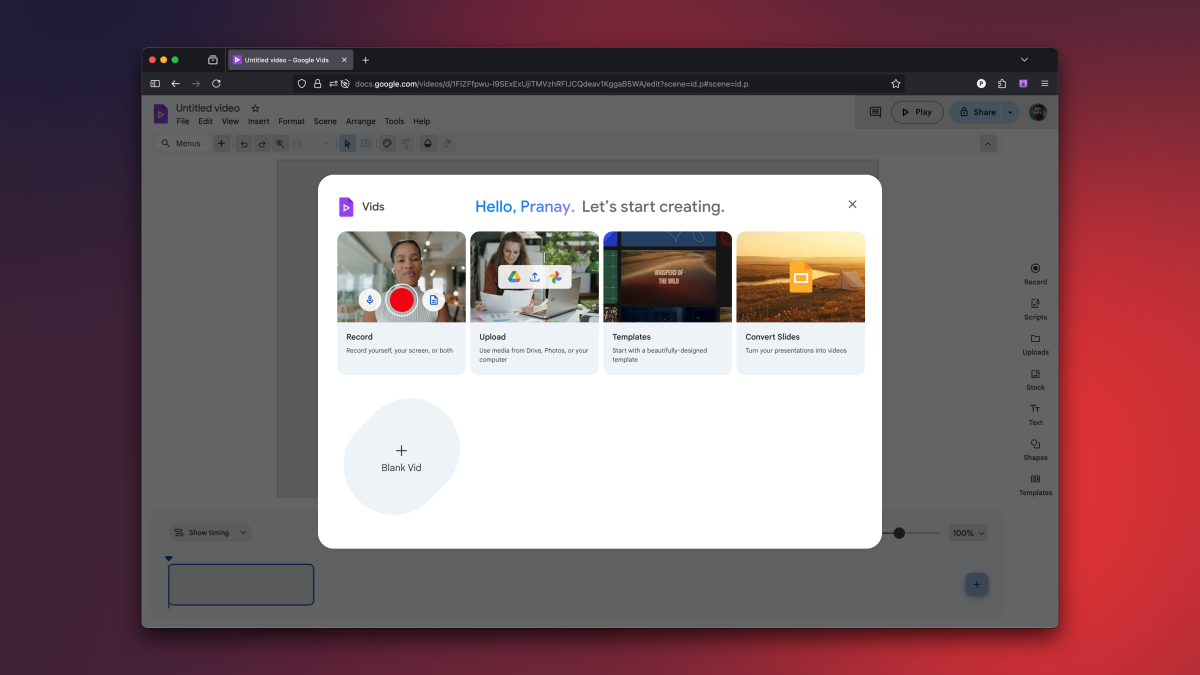
Google Vids, a web-based video editing tool previously exclusive to Google Workspace subscribers, is now available for free to all users. It offers basic editing features, templates, and integration with Google Drive, making it suitable for beginners and casual users. Paid subscribers can access AI-powered features like storyboard generation, AI voiceovers, and avatar creation. While not a professional-grade editor, Google Vids provides a user-friendly platform for simple video projects, with a generous free tier and compatibility across browsers.
An APK teardown reveals that Google Photos is getting a redesigned video editor with a Material 3-inspired interface, featuring a larger timeline, new icons, an export frame button, and new functionalities like video flipping and adding music, indicating a substantial upgrade to the app's editing capabilities.
Mark Ludlow, a veteran video editor for CBS News, passed away at the age of 63 after a brief battle with cancer. Ludlow, known for his exceptional editing skills, worked for CBS News since the mid-1980s and was involved in covering various foreign news stories. He was praised for his talent, professionalism, and willingness to help others. Ludlow is survived by his wife, parents, and siblings. CBS News President Ingrid Ciprian-Matthews expressed gratitude for Ludlow's contributions and described him as a great human who will be greatly missed.
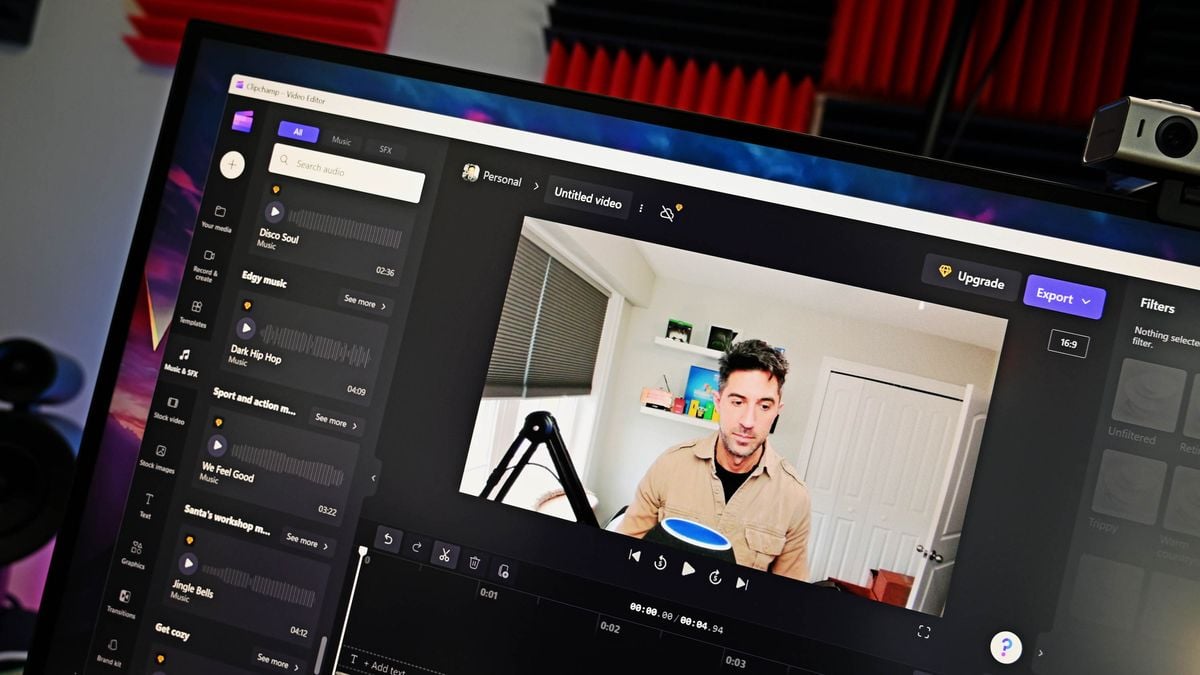
Microsoft is expanding the availability of its cloud-based video editor, Clipchamp, to Microsoft 365 commercial customers. Previously only accessible to users with personal Microsoft accounts, Clipchamp offers a range of features and functionality, including support for 1080p video exports and a variety of premium filters and effects. The video editor is built on OneDrive and SharePoint, making it easy to manage logins and connect to other services within the Microsoft ecosystem. Commercial customers will be able to start using Clipchamp through Targeted release at the end of August 2023.
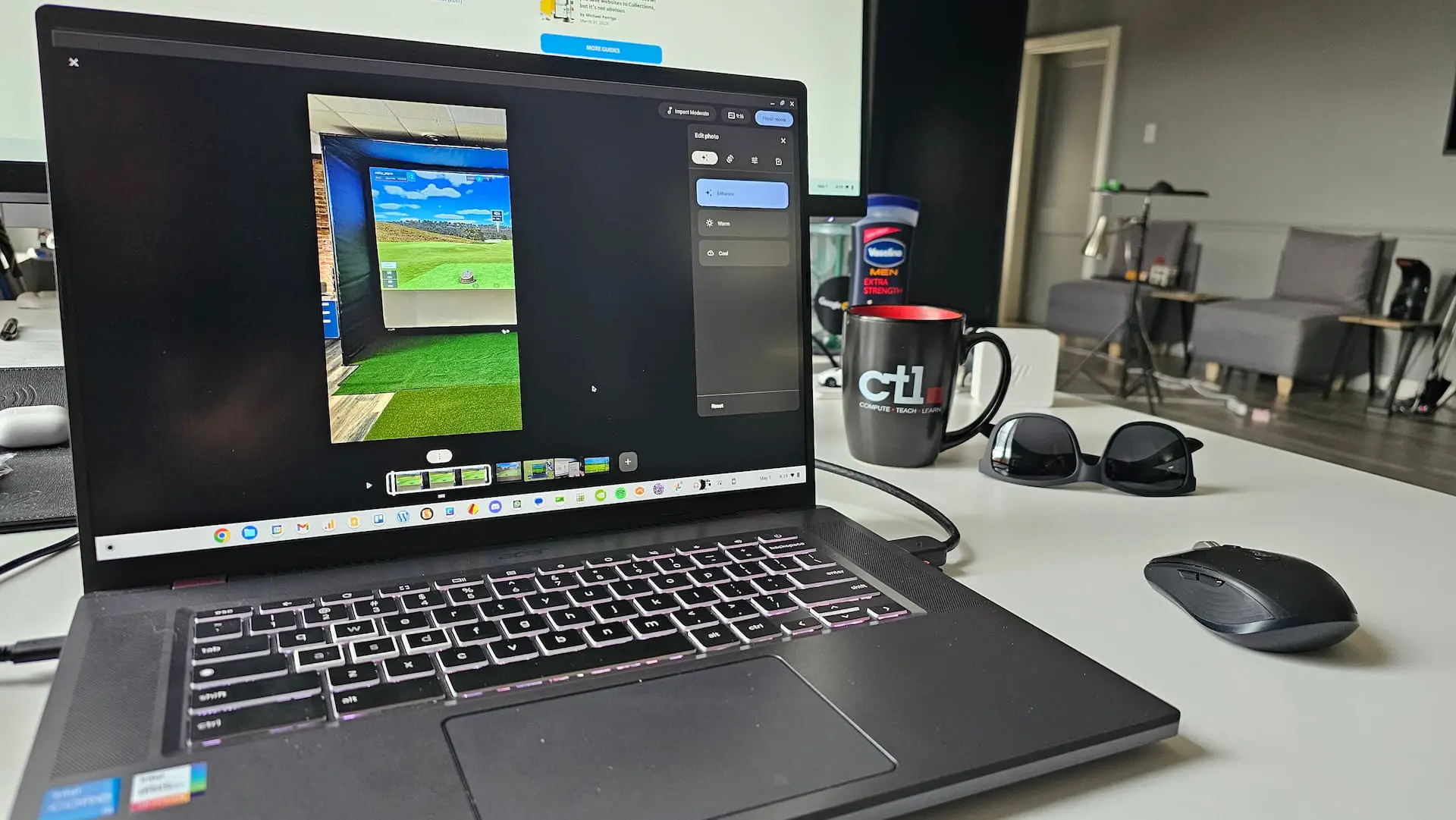
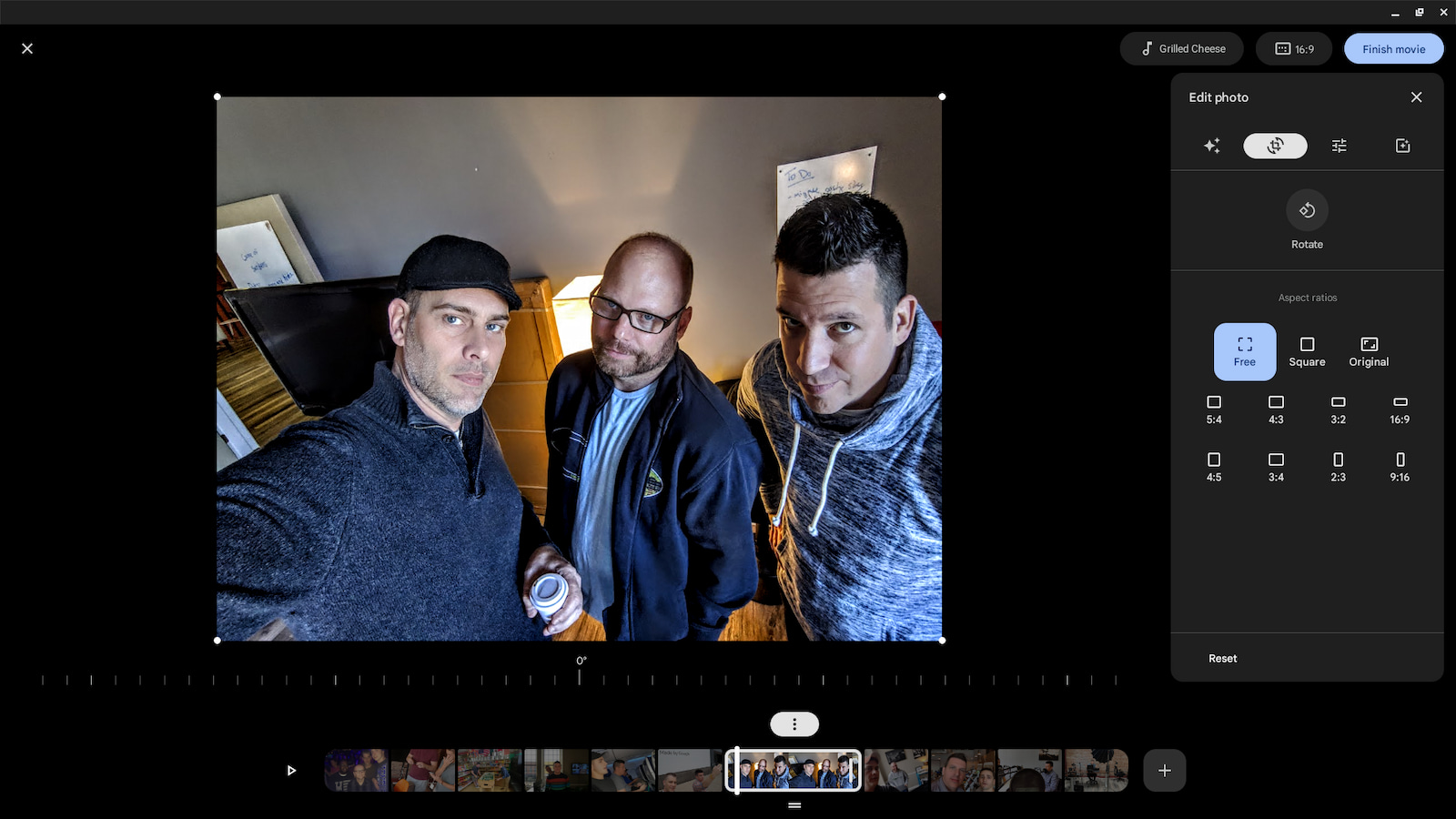
The Google Photos video editor is now available to everyone with a Google account and a Chromebook. Users can access it through the 'Creations' section of the app and can create a new video project from scratch or use a themed setup. The editor allows users to add stills or videos, drag and drop items in the timeline, add filters, color adjustments, and a soundtrack. While it may not replace a full-blown editor, it's a handy tool for quick video projects.
Google Photos' movie maker tool for Chromebooks is finally rolling out to some users, allowing them to create movies directly from the Photos app. Users can select a template or start from scratch, pick photos or videos from their Photos or local device, and edit each individual image or video with the usual Photos tools. However, the first iteration of the movie maker lacks text overlays, transitions, and the ability to mute audio from individual videos in the timeline.