ChromeOS 143 has been quietly rolled out, focusing on enterprise and administrative improvements such as better management of USB printers, pre-installed Google Vids for managed users, and UI updates for the Japanese virtual keyboard, with future enhancements like Badge Authentication expected in ChromeOS 145.
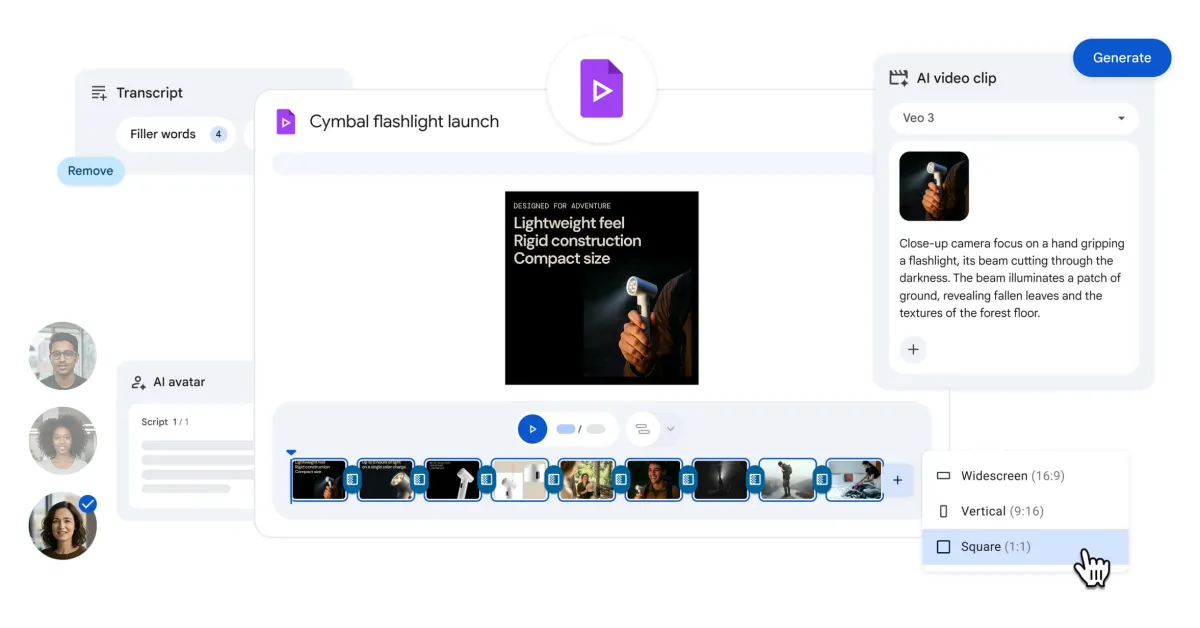
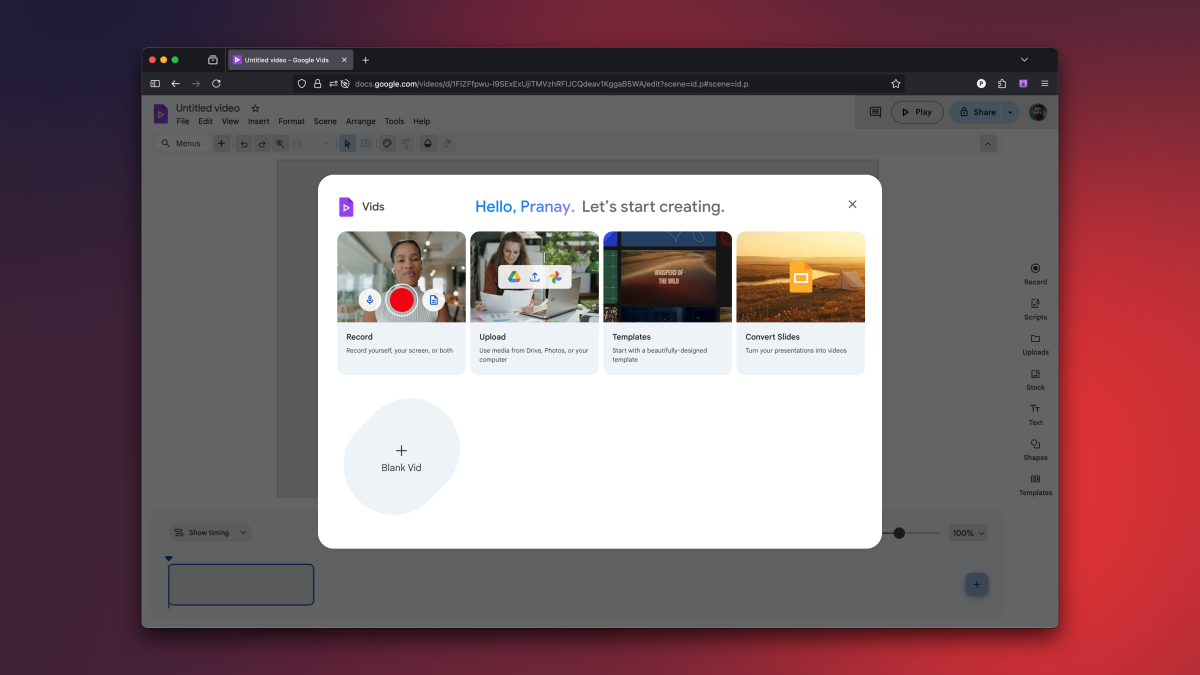
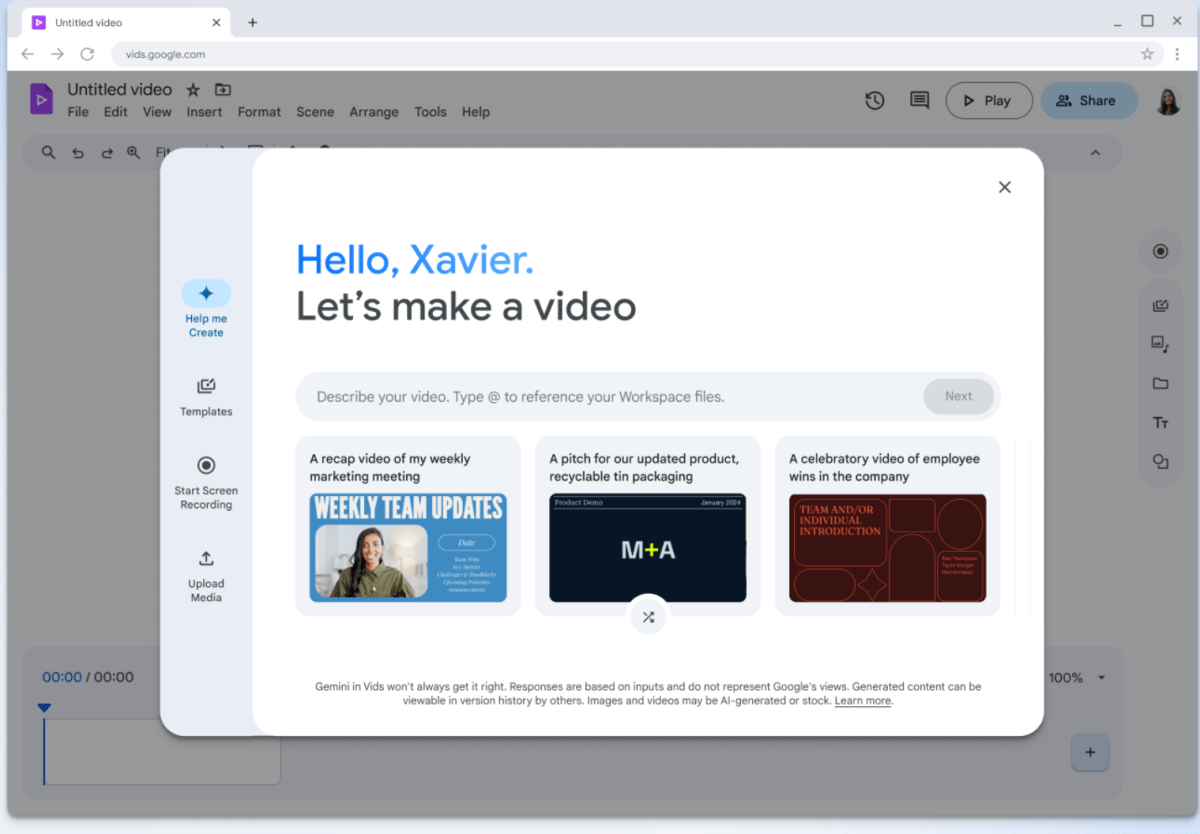
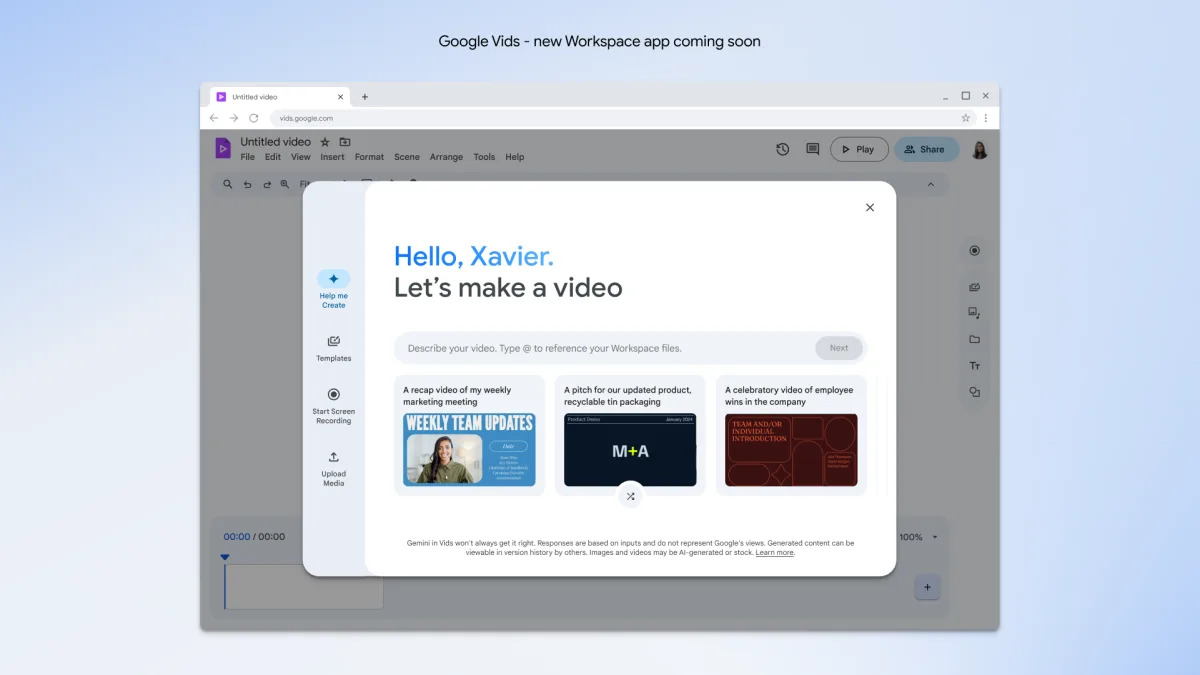
Google Vids, initially exclusive to Workspace subscribers, is now available for free users, offering a browser-based video creation tool with templates, AI features, and sharing options, with upcoming enhancements like noise cancellation and format options.
Google Vids, a web-based video editing tool previously exclusive to Google Workspace subscribers, is now available for free to all users. It offers basic editing features, templates, and integration with Google Drive, making it suitable for beginners and casual users. Paid subscribers can access AI-powered features like storyboard generation, AI voiceovers, and avatar creation. While not a professional-grade editor, Google Vids provides a user-friendly platform for simple video projects, with a generous free tier and compatibility across browsers.
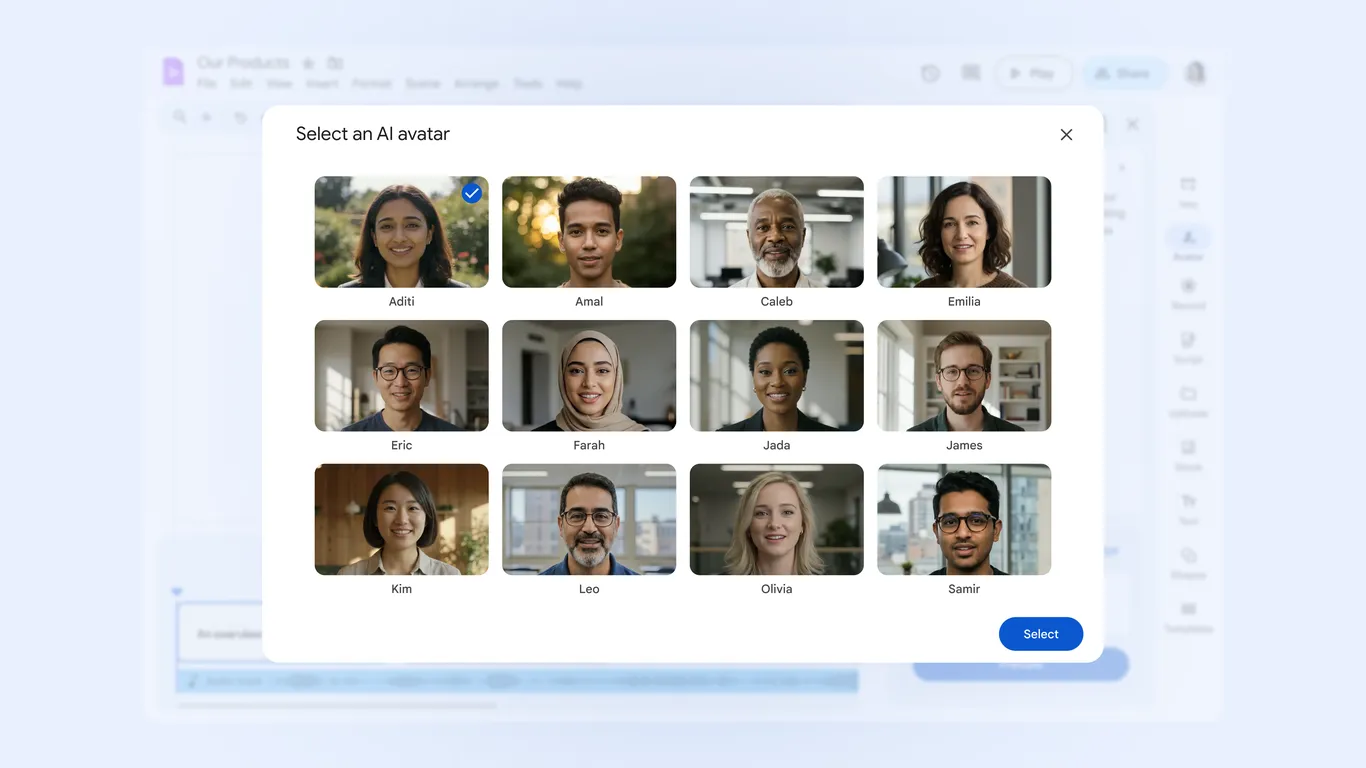
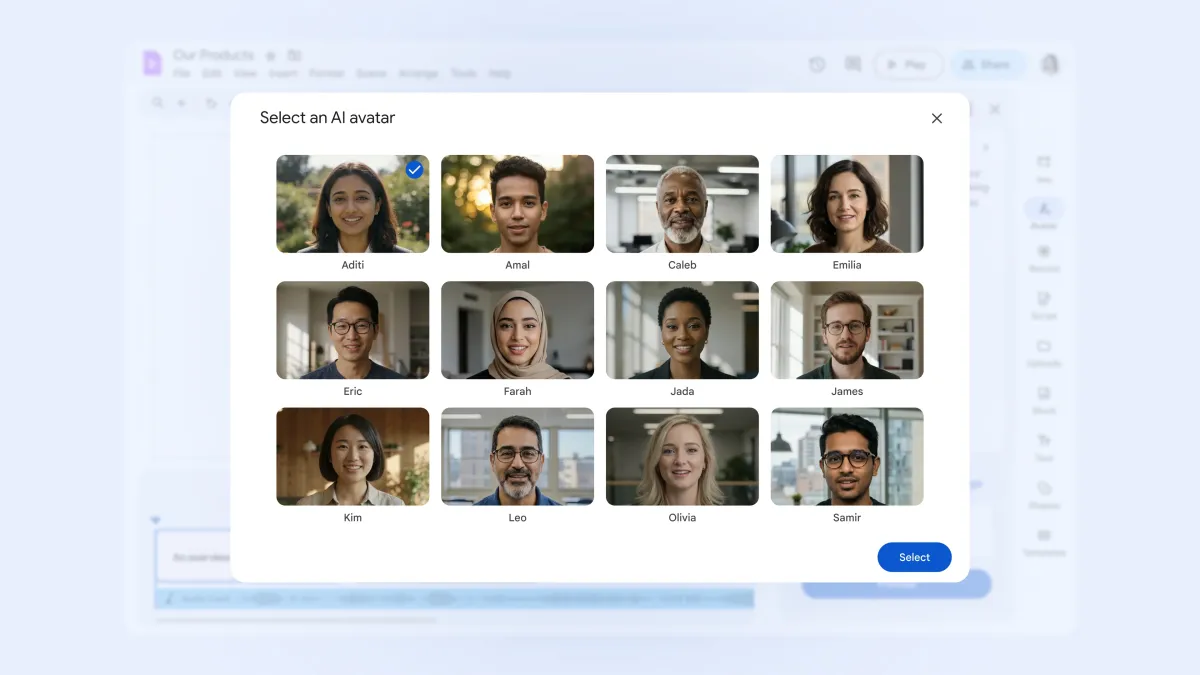
Google Vids introduces pre-made AI avatars and new features for workplace video creation, enabling quick, cost-effective videos and potentially disrupting traditional video production jobs, while emphasizing that human creativity remains essential.
Google has enhanced its Vids video editor for Google Workspace by adding AI avatars, automatic transcript trimming, and image-to-video features, along with a free consumer version with limited capabilities. These tools aim to simplify video creation using AI, targeting both business and individual users, with upcoming features like noise cancellation and various video formats in development.
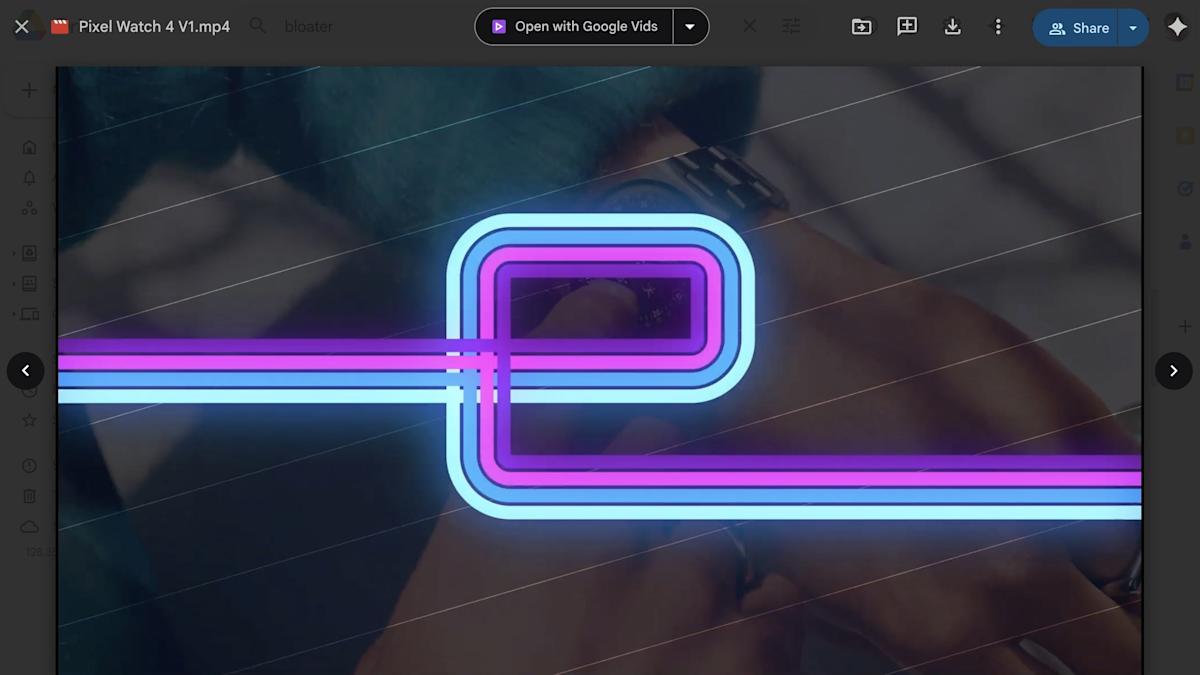
Google Drive now allows in-browser video editing through Google Vids, enabling users to trim videos, add text and music directly within the Drive interface, but access is limited to paid users and supported browsers, with certain file and duration limits.
Google has introduced a new Drive shortcut for Workspace users that allows quick access to Google Vids for editing videos directly from Drive previews, simplifying tasks like trimming and adding text or music. The feature, rolling out since August 21, can be disabled by admins and is part of Google's ongoing enhancements to Drive's video capabilities.
Google introduced Google Vids, an AI-powered video creation tool that will be part of the Google Workspace productivity suite, allowing users to create and collaborate on videos in the browser. The tool uses AI to transform existing assets into compelling videos, with features such as real-time collaboration, storyboard creation, template selection, and audio track insertion. Currently in limited testing, Google Vids will roll out to additional testers in June and eventually be available for customers with Gemini for Workspace subscriptions.
Google has announced Google Vids, a video creation app for work that uses AI to quickly generate videos for the workplace, making everyone a "great storyteller." The app, powered by Google's latest AI model Gemini, can create entire storyboards, scripts, music, and voiceovers based on user prompts and input documents, pictures, and videos. While not a replacement for AI-powered video generation tools, Vids is designed for creating onboarding videos, company announcements, and training materials, and will be available in June for Workspace users.