Gmail's new subscription tool simplifies inbox management by providing a central hub to view, unsubscribe from, and organize recurring emails, making it easier to declutter and control your inbox.
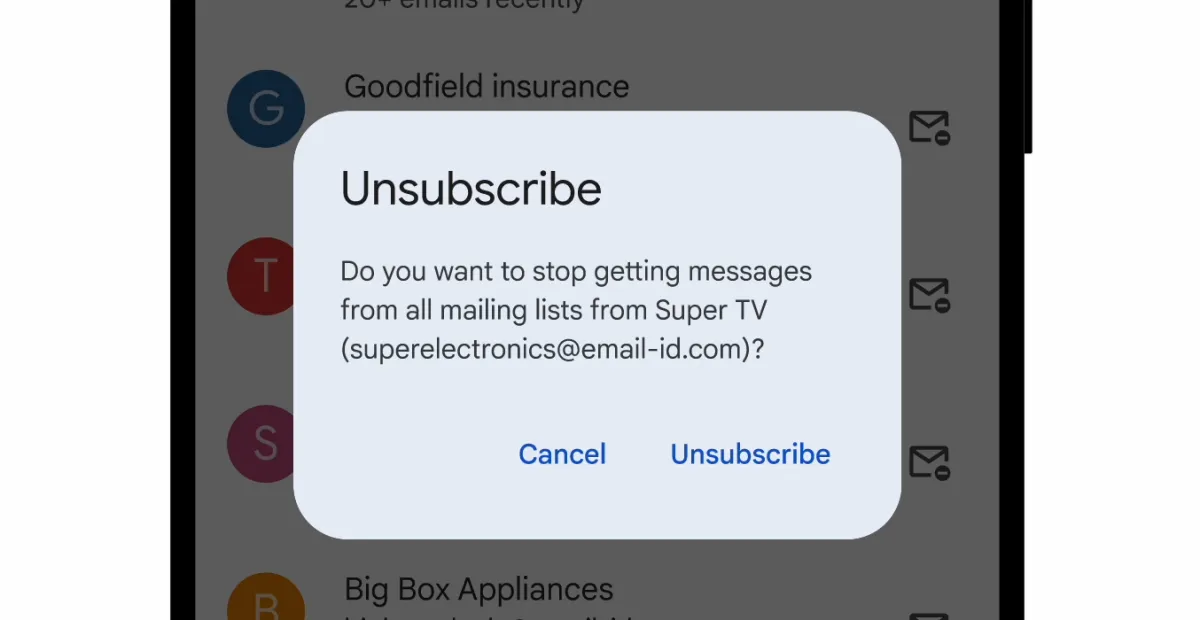
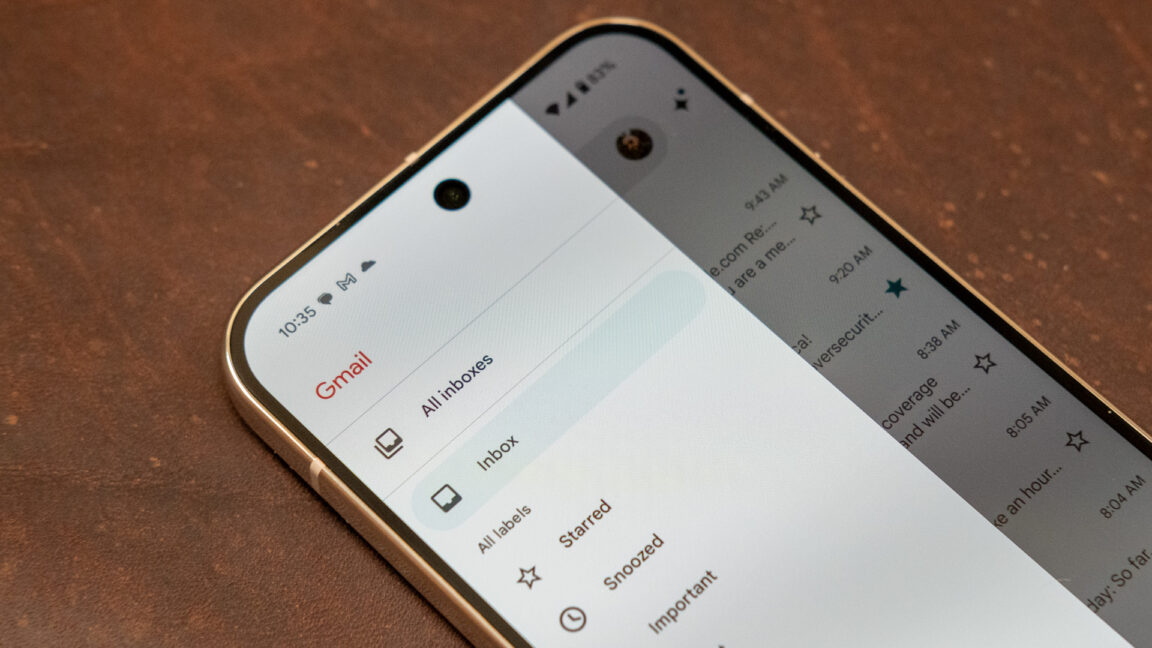
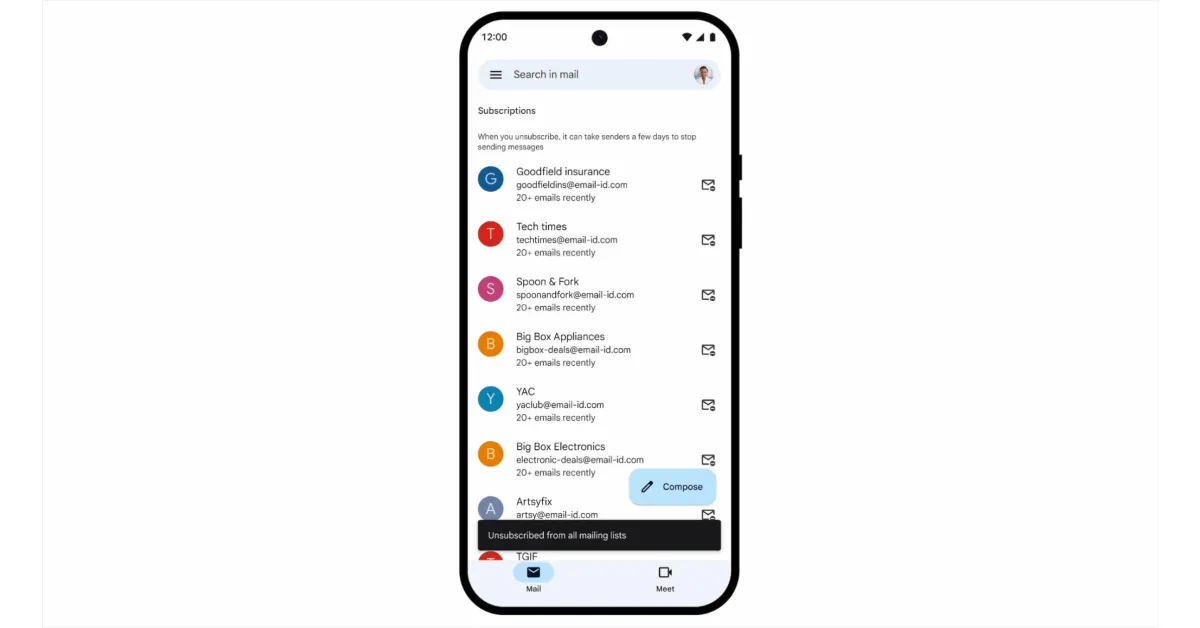
Gmail has introduced a new Manage Subscriptions feature that allows users to easily view and bulk unsubscribe from newsletters and unwanted emails, streamlining inbox management. The feature is accessible via the sidebar in the Gmail app and the web, and helps users declutter their inbox efficiently.
A court has blocked the FTC's 'click to cancel' rule, which was intended to make it easier for consumers to unsubscribe from subscriptions, citing legal or procedural issues.
Google's new Gmail update introduces a 'Manage Subscriptions' feature for one-click unsubscriptions to reduce inbox clutter, along with AI-based defenses to block scam emails, addressing rising concerns over email overload and security threats.
Google has expanded its 'Manage Subscription' feature to Android, iOS, and web, allowing users to easily view and unsubscribe from newsletters and promotional emails with a single click, aiming to declutter inboxes. The feature is rolling out gradually in select countries and is available to all Gmail users, not just Google Workspace subscribers.
Google has introduced a new Gmail feature called Manage subscriptions, which helps users easily identify and unsubscribe from frequent email senders, streamlining inbox management. The feature is rolling out gradually across web, Android, and iOS platforms and is available for personal and Workspace accounts in select countries.
Gmail is introducing a new 'Manage subscriptions' feature on mobile and web that consolidates all your email subscriptions into one view, allowing you to easily unsubscribe or block unwanted emails to declutter your inbox.
Google is rolling out a new 'Manage subscriptions' feature in Gmail across Android, iOS, and web, allowing users to easily view and unsubscribe from active email subscriptions. The feature displays frequent senders and their email counts, with a quick unsubscribe option that sends an unsubscribe request on your behalf. It is gradually becoming available to users worldwide and will be fully accessible in the coming weeks.
Author Julio Vincent Gambuto offers practical strategies in his book "Please Unsubscribe, Thanks!" to help people reevaluate and let go of tech habits that keep them constantly plugged in, advocating for a "digital detox" and intentional use of technology to reclaim time, attention, and purpose. He emphasizes the need to create "sacred space" by unsubscribing from digital noise, muting notifications, deleting apps, and setting boundaries with technology to foster healthier and happier lives individually and collectively.
Google Chrome for Android is working on a new "one tap notification unsubscribe" option, allowing users to easily unsubscribe from website notifications directly from the push notification in Android. The feature can be enabled in the latest Chrome Canary releases, and it streamlines the process by replacing the "Site settings" button with an "Unsubscribe" button, revoking the permission from the website in one tap. Additionally, an "Undo" option is available in case the unsubscribe was accidental.
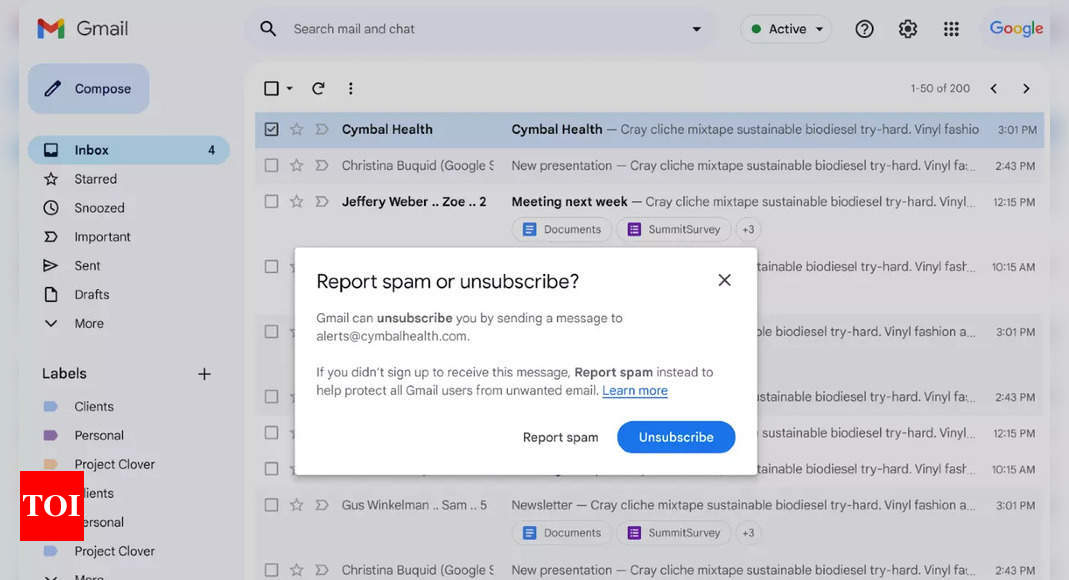
Google is making it easier for Gmail users to unsubscribe from unwanted marketing emails by prominently displaying the option when hovering over emails on the web and mobile. This move aims to reduce user frustration and improve email management. The unsubscribe button will now be more accessible, with changes to its placement and appearance on both web and mobile platforms. Additionally, Google is updating the text of the buttons to clarify the options for users, and these features will be available to all Google Workspace customers and users with personal Google Accounts.
Gmail is streamlining the process of unsubscribing from unwanted emails by elevating the "Unsubscribe" button in the conversation view on mobile and making it more prominent on the web. The "Report spam" and "Unsubscribe" options are now separate to avoid false signals that could impact legitimate senders. Google is also implementing requirements for bulk senders, including the implementation of one-click unsubscribe links and email authentication, to improve email deliverability and reduce unwanted messages.
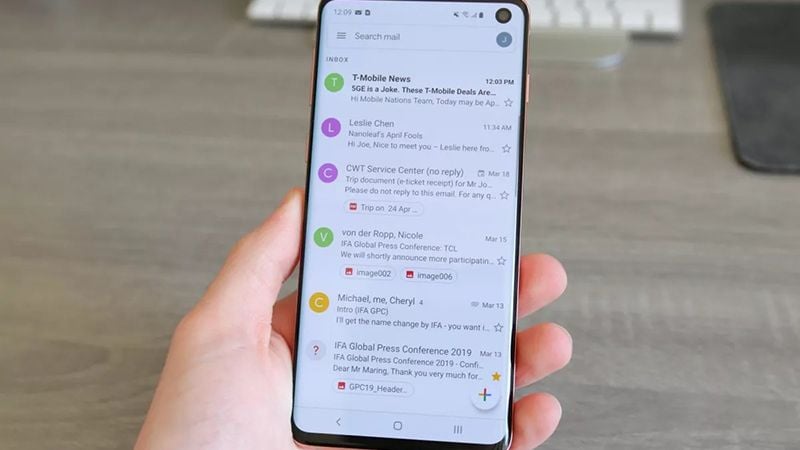
Google has made the unsubscribe button more accessible in the Gmail for Android app, following a similar update to the web client. The feature is rolling out to users but may not be available on all devices yet, as it appears to be a server-side update. The new placement of the unsubscribe button in the email header allows for easier access, potentially streamlining the process of unsubscribing from mailing lists.
Gmail is making it easier for users to unsubscribe from unwanted emails on its web version by adding a prominent "Unsubscribe" button next to the sender's name and email address. This move is part of Google's efforts to reduce spam and provide a quick way for users to manage their emails. The new button demands confirmation before unsubscribing and will also be available on Gmail for Android. Google's stricter rules for bulk email senders will require them to include a one-click unsubscribe button by February 2024.
Google is implementing new requirements for bulk email senders in an effort to reduce spam, enhance email security, and simplify the process of unsubscribing from commercial emails. Starting in February 2024, bulk senders who exceed 5,000 messages per day to Gmail accounts will need to adhere to these requirements. Google will enforce a clear spam rate threshold, urging senders to keep their spam output below 0.3 percent. Additionally, bulk senders must provide a one-click unsubscribe option and process unsubscribe requests within two days. Google also emphasizes the need for strong email authentication to enhance security and trustworthiness.