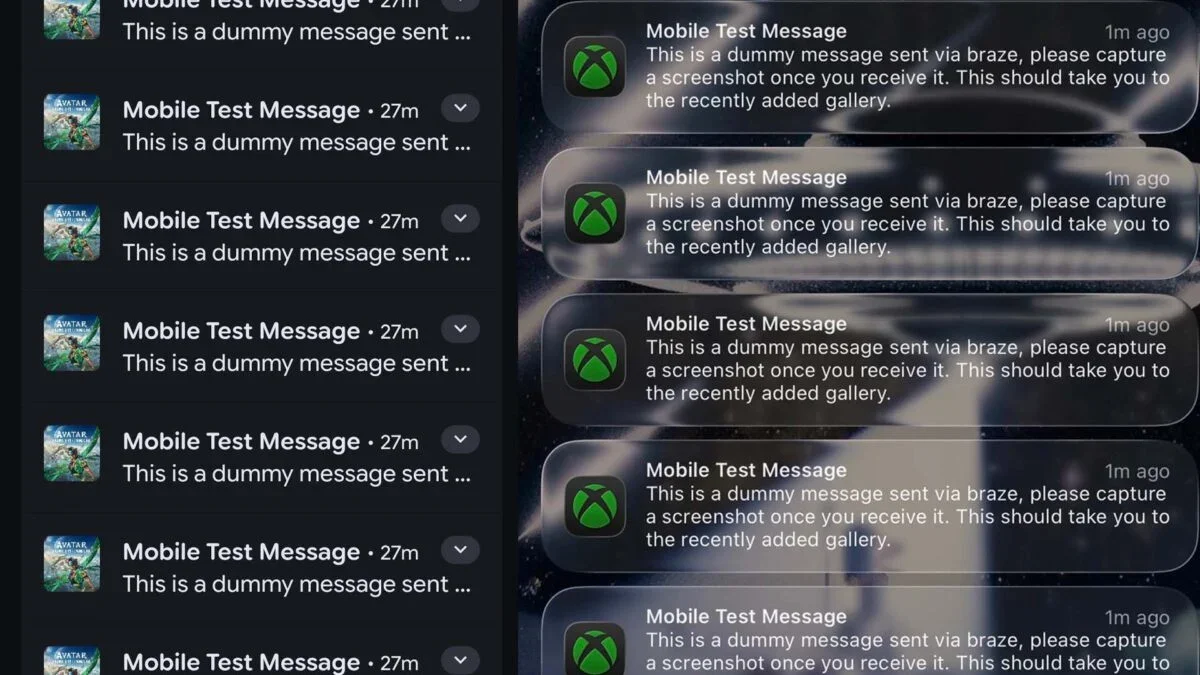
A wave of test notifications flooded Xbox mobile app users’ devices, apparently via Braze; Xbox apologized and said the issue is resolved, as the company faces leadership changes amid a broader shake-up.
An Android user discovered a built-in feature called Notification history that logs every alert after you enable it, allowing you to view and recover notifications you previously cleared (like banking alerts or verification codes). To enable, go to Settings > Notifications > Notification history (on some devices you may find it under Advanced notification settings). The history shows the app and timestamp, and can also help you identify apps that flood your alerts.
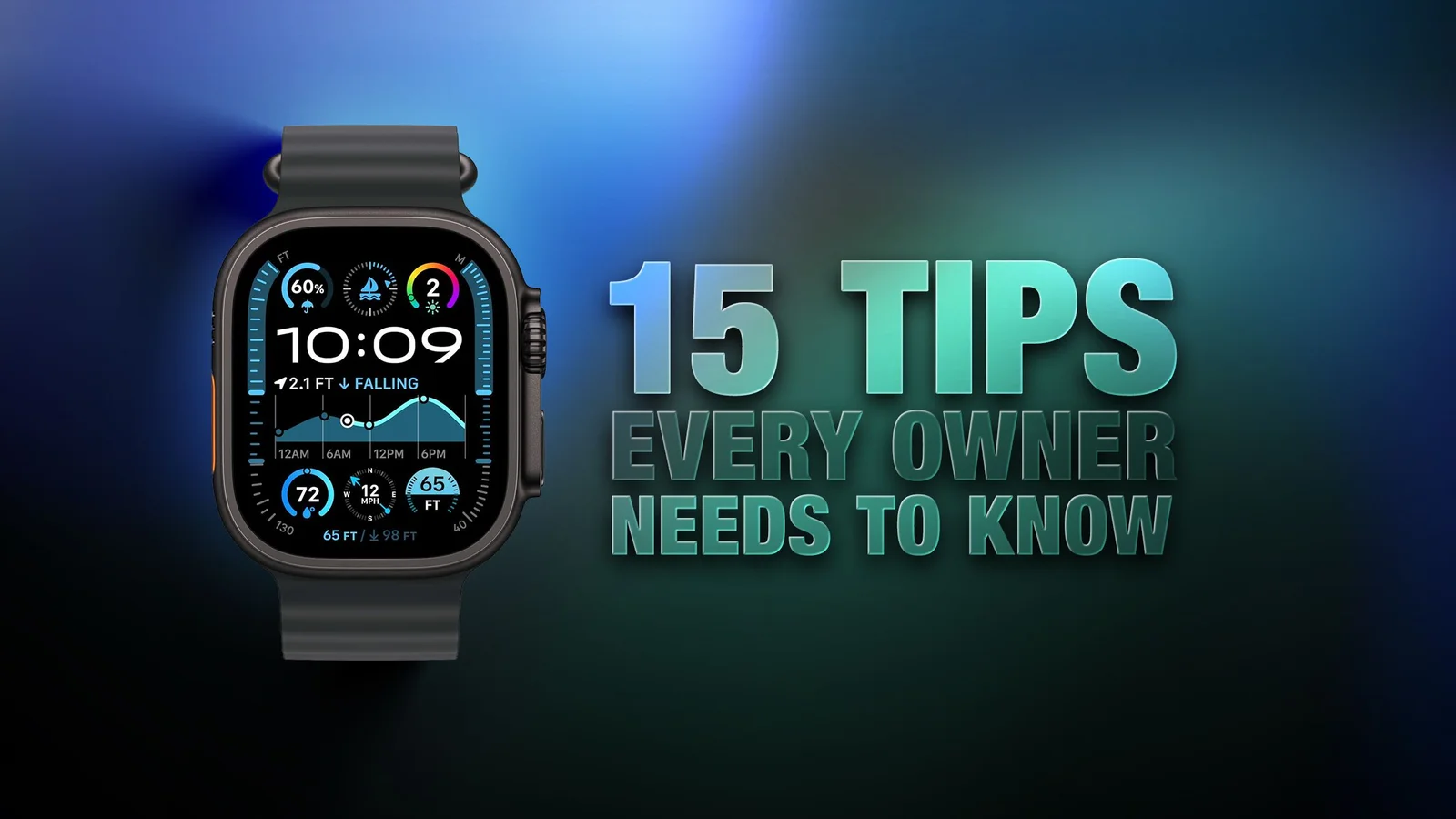
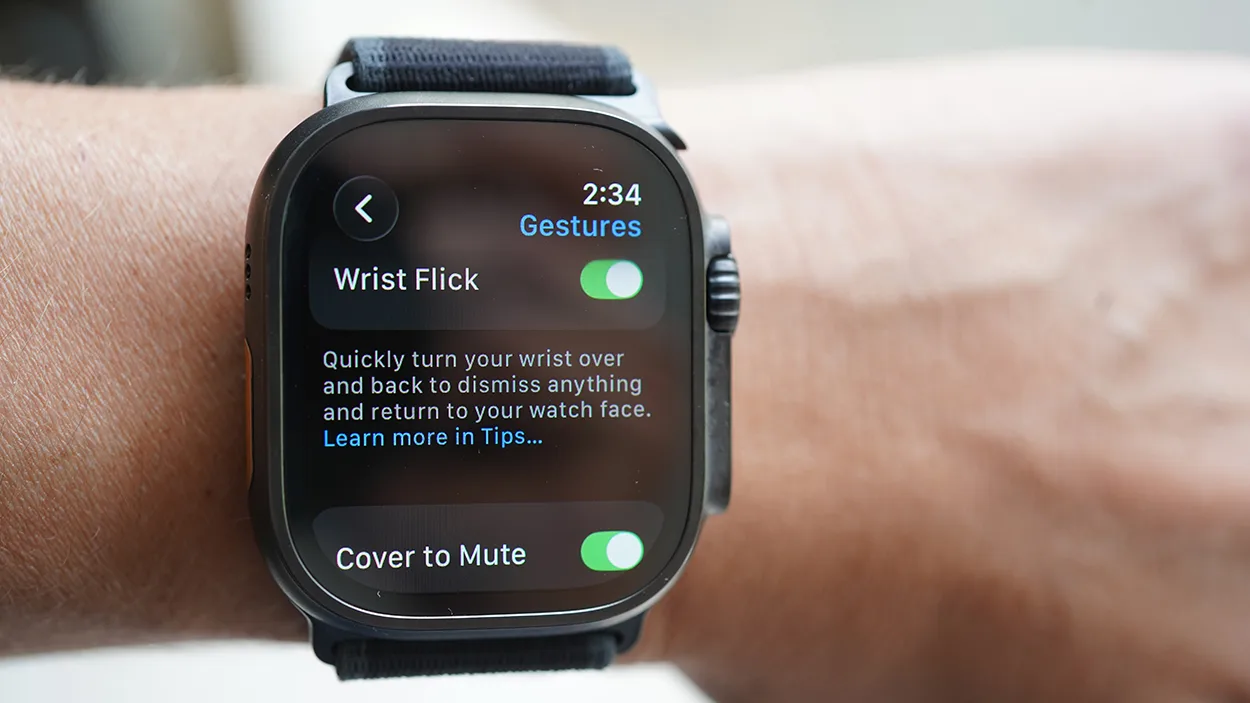
MacRumors’ roundup presents 15 practical Apple Watch tips to boost everyday use, including how to quickly switch between apps with the Digital Crown or by using List View, rearrange apps, ping your iPhone, skip workout countdowns with Precision Start, adjust haptics, use the Chronograph Pro, jump back to the top of long screens, remove unused apps, customize Control Center, have Mickey/Minnie faces (or Siri) read the time, tailor Smart Replies, pause Activity rings, create notes in watchOS 26, and mute/dismiss alerts with a wrist gesture—with note that some features depend on model and watchOS version.
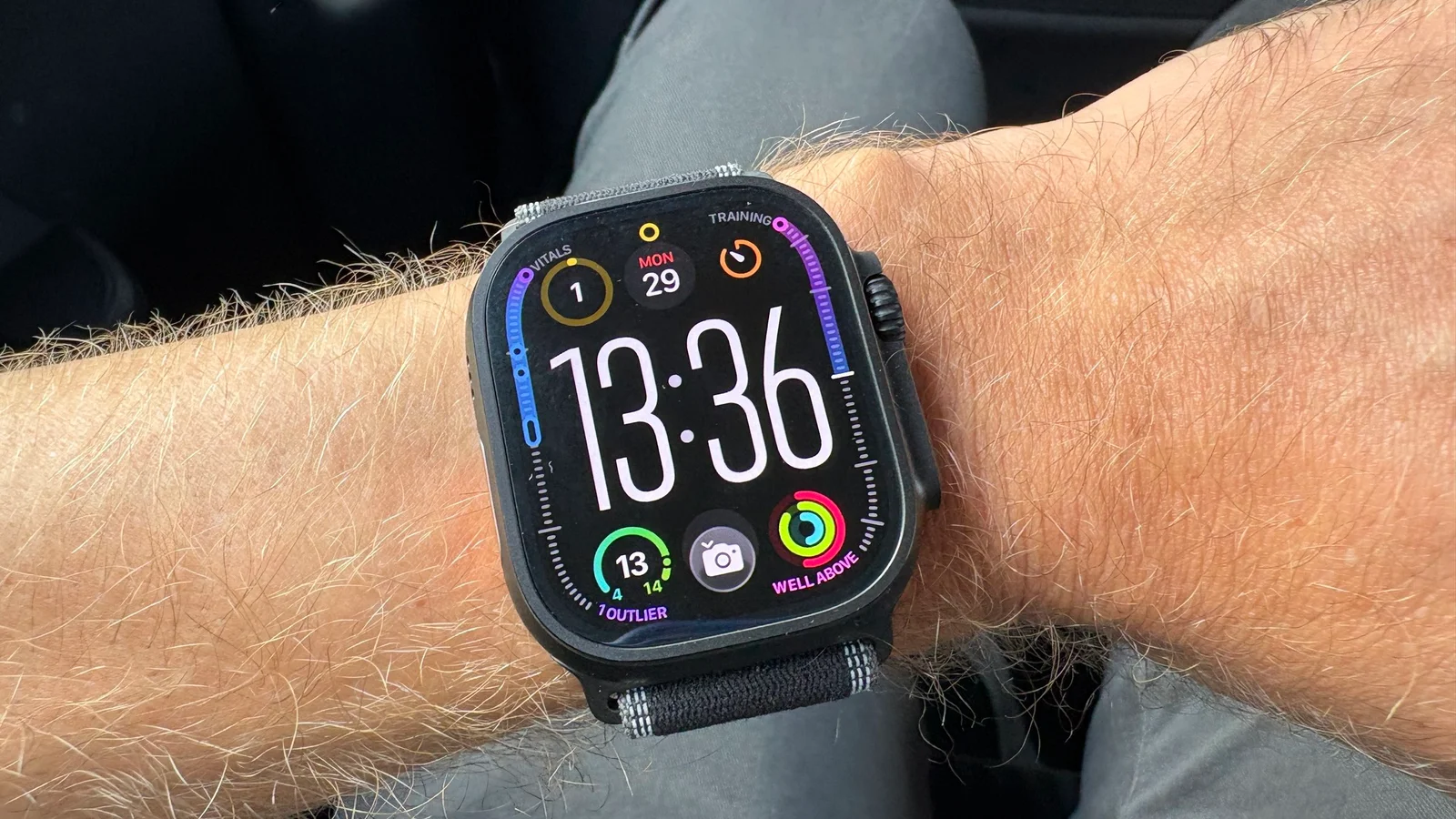
A fitness editor explains how enabling Fitness Focus on iPhone silences nonessential workout notifications on the Apple Watch while still allowing critical alerts; you can customize which people and apps notify you, set auto-activation with the workout app, and even permit repeated calls. This reduces mid-run distractions and can boost focus and performance, regardless of which Apple Watch model you own.
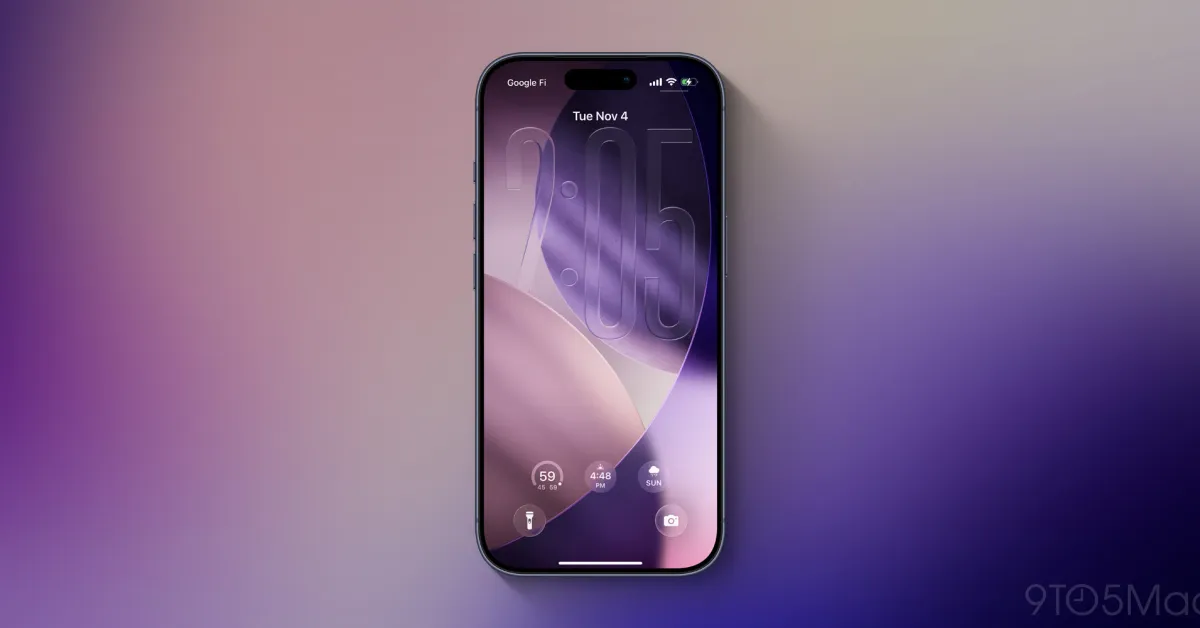
iOS 26.2 introduces new customization options for iPhone users, including an expanded Liquid Glass slider for Lock Screen clock transparency, a new screen flash notification feature, and an 'Urgent' toggle for reminders with customizable alarm options, enhancing personalization and accessibility.
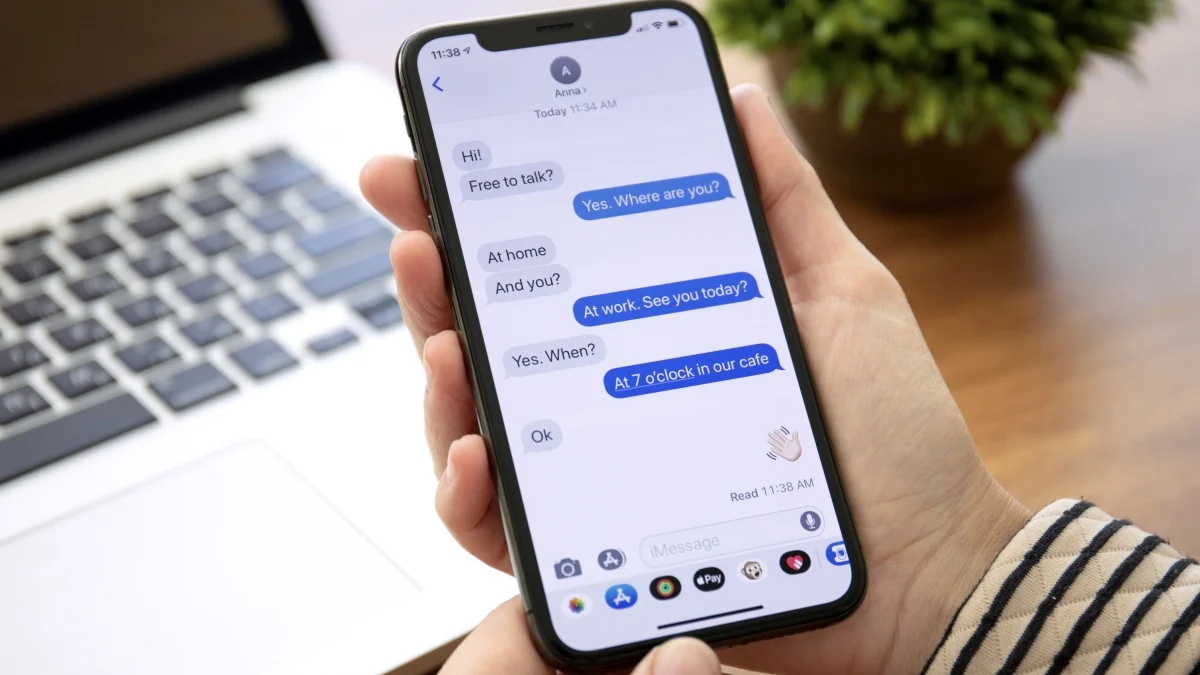
Apple's iOS 26.2 update introduces a new feature allowing users to have their iPhone's display flash for notifications, either alone or combined with the traditional LED flash, providing a visual alert option especially useful when the phone is silent or face down.
iOS 26.2 introduces a new feature allowing iPhone users to have their screen flash brightly for notifications, providing an alternative alert method alongside the existing LED flash, accessible through Settings under Accessibility options.
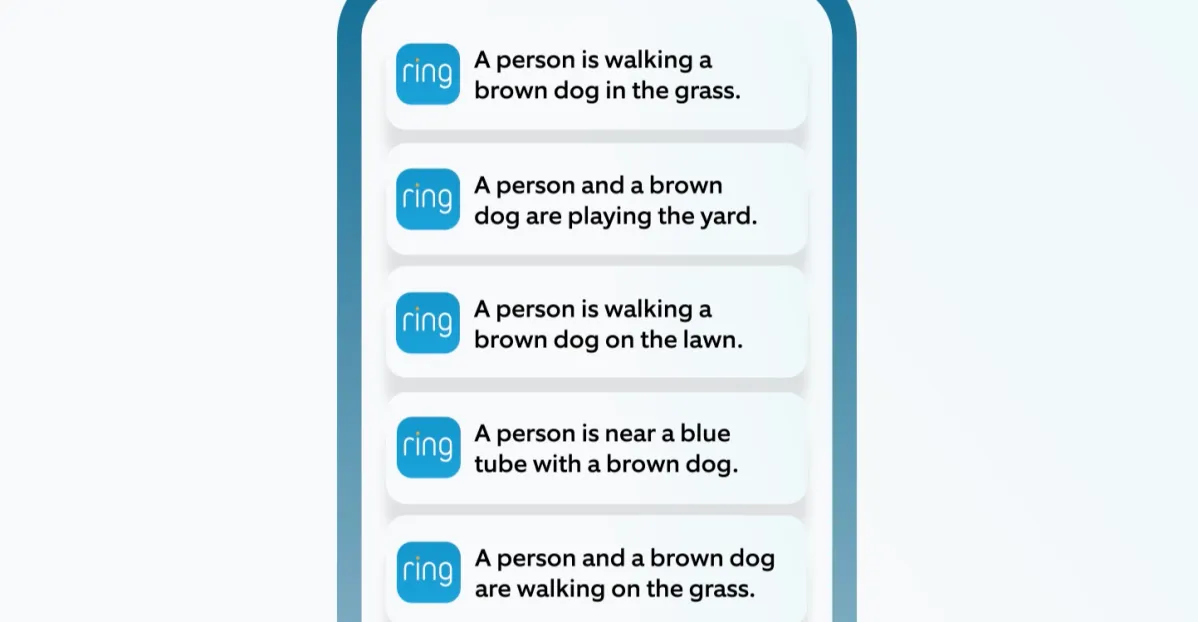
Ring is launching a new AI-powered feature called Single Event Alert that consolidates multiple security camera alerts about a single event into one notification to reduce notification fatigue. This feature, now in beta for US and Canada Ring Home Premium subscribers, builds on existing AI tools to analyze and group alerts, providing a more streamlined user experience.
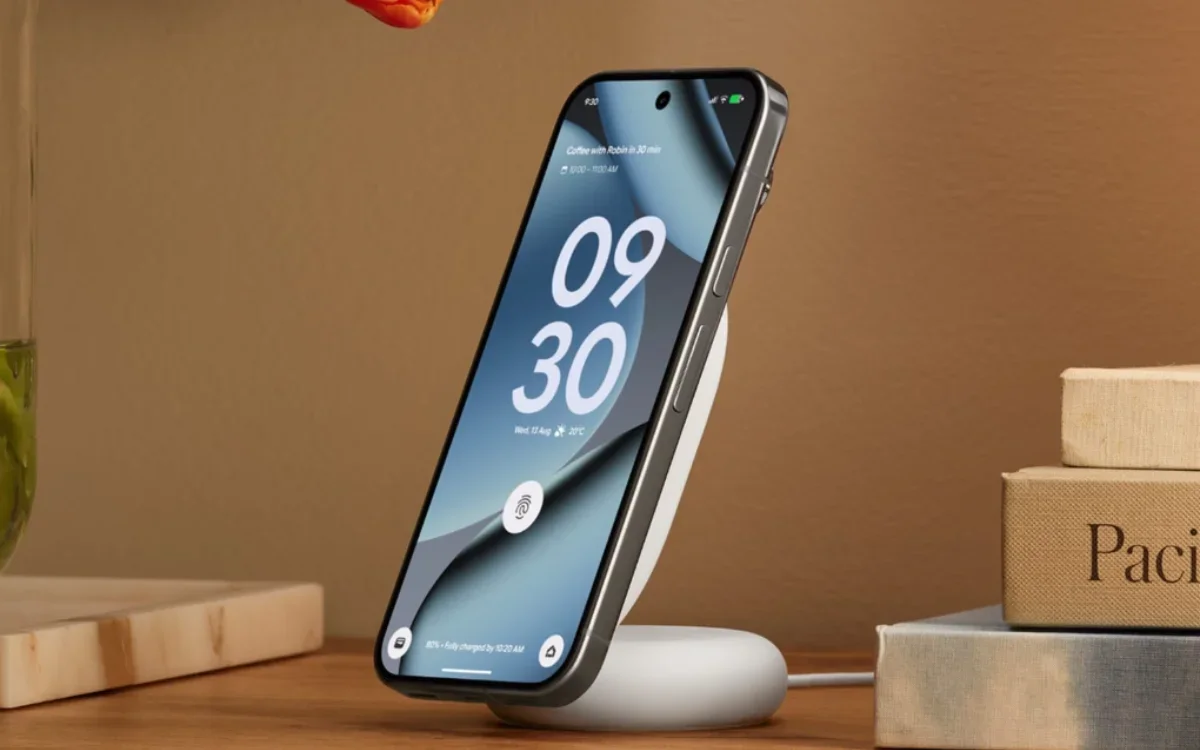
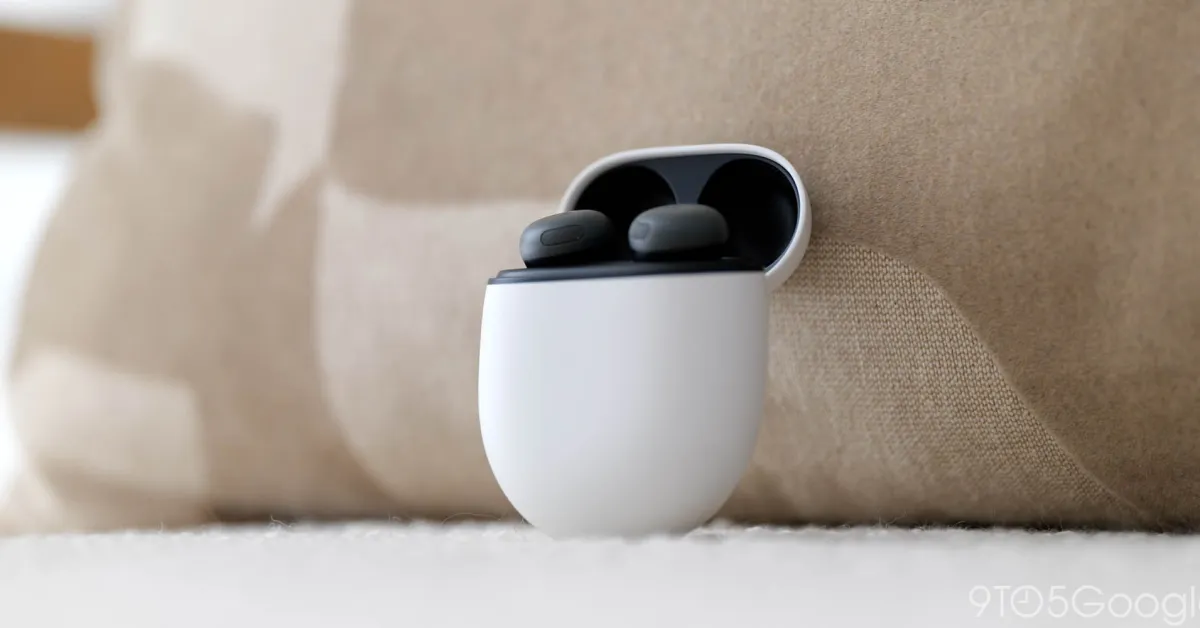
The Pixel Buds Pro 2 update introduces a 'Fully charged' alert, broadcasts battery levels for all components across devices, and displays battery info in the Pixel Battery widget even when not connected, aligning with features like those on Apple AirPods. The update also adds new head gestures and maintains existing features like Adaptive Audio.
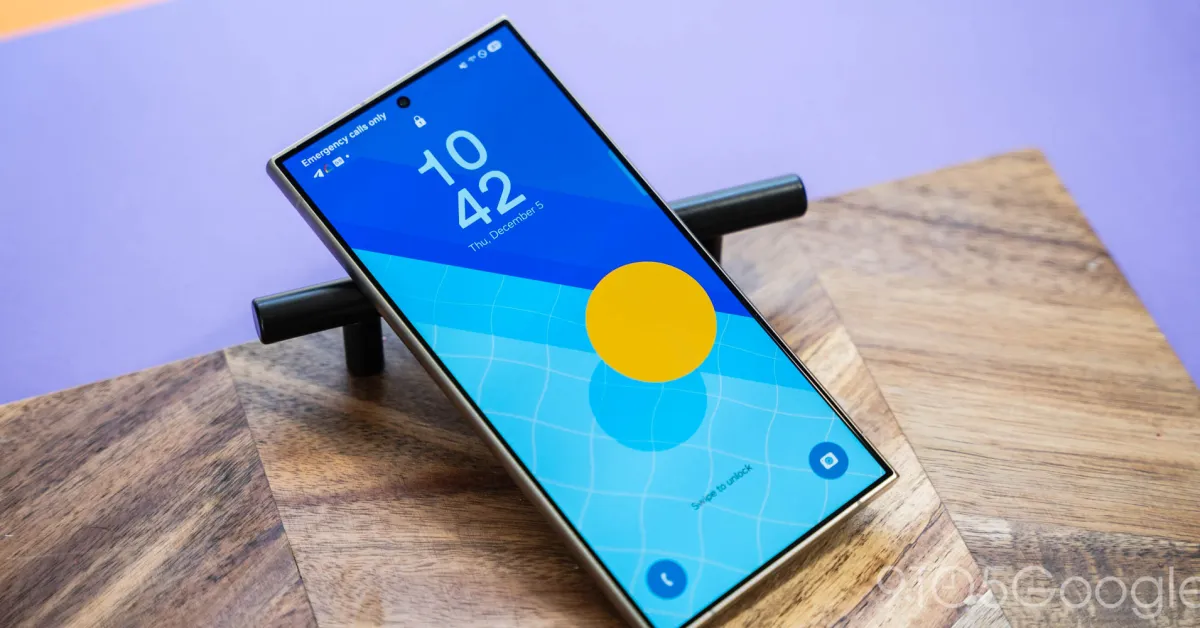
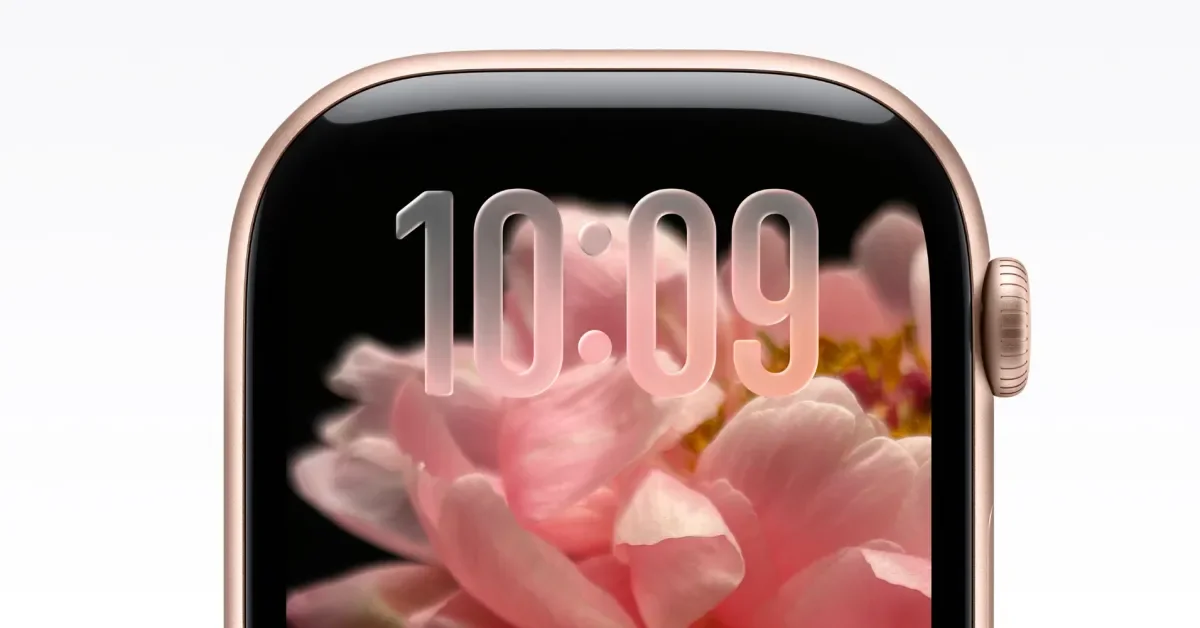
Samsung's upcoming One UI 8.5 update for Galaxy devices introduces a blurred notification effect to improve readability on busy wallpapers and adds new, cartoonish clock styles, with further features expected before the Galaxy S26 launch.
The latest iOS 26.1 beta hints at a new 'notification forwarding' feature that could allow iPhone notifications to be displayed on non-Apple smartwatches and accessories, likely in response to EU regulations requiring Apple to improve interoperability with third-party devices.
Apple is developing new features in iOS 26.1 that could enhance compatibility with third-party smartwatches, including notification forwarding and accessory pairing, potentially in response to EU regulations and ongoing antitrust scrutiny, which may expand the functionality of third-party wearables on iPhones.
Apple is introducing a new feature called Wrist Flick in watchOS 26, allowing users to quickly dismiss notifications and return to the watch face with a wrist movement, but it will only be available on newer Apple Watch models like Series 9, Series 10, and Ultra 2.
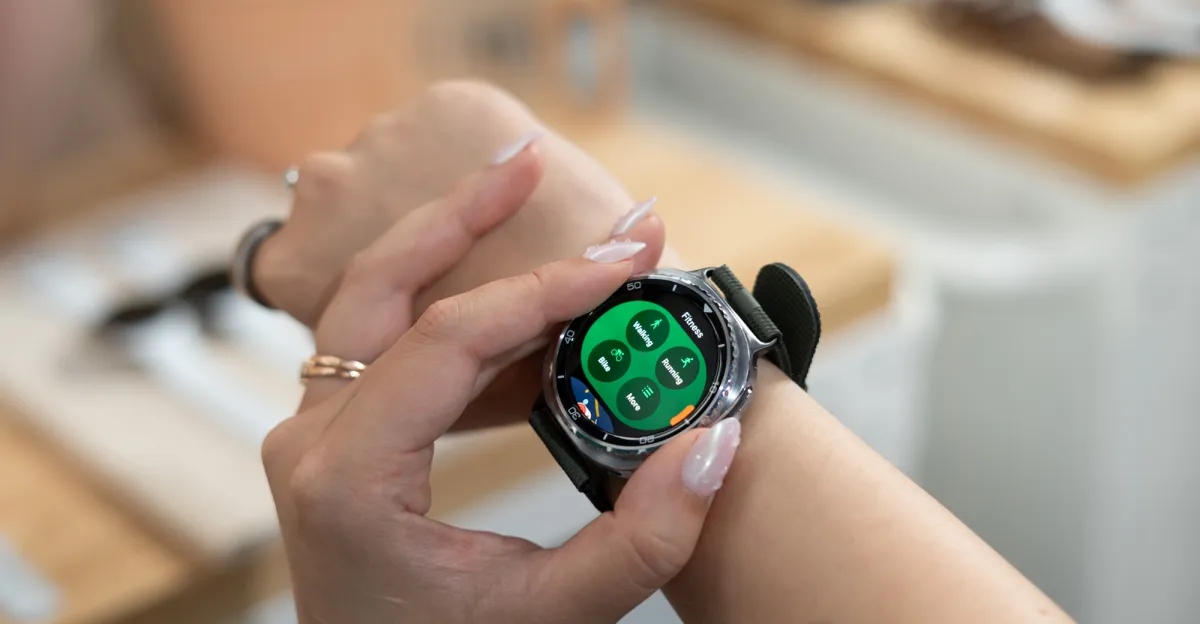
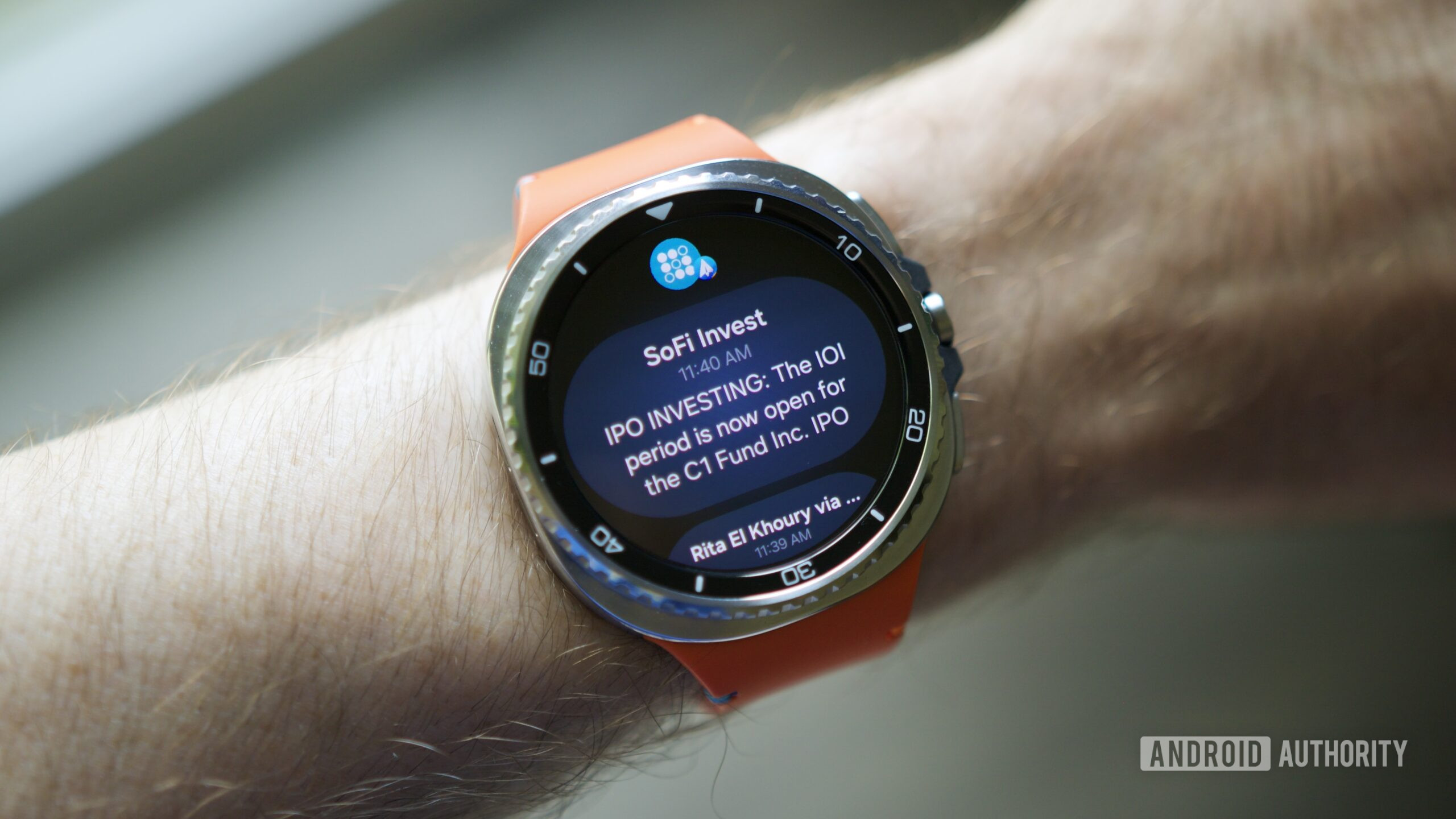
The article highlights a common issue with the Galaxy Watch 8 series where default notification settings are limited, causing users to miss alerts from most apps. It provides a quick guide to enable all app notifications via the Samsung Wearable app, emphasizing that Samsung should improve the setup process to prevent confusion and missed notifications for users.
watchOS 26 introduces a new feature that automatically adjusts the volume of notifications based on ambient noise, aiming to reduce disruptive alerts for users with compatible Apple Watch models like Series 9, Series 10, and Ultra 2, potentially allowing some to turn off Silent Mode for audible alerts.