Google has expanded its emoji reactions feature to all Workspace users, allowing quick, emoji-based responses in emails, which were previously available only to personal Gmail accounts. The feature is hidden behind a smiley face icon and displays reactions visibly to recipients, enhancing email interactions with a fun and quick response option.
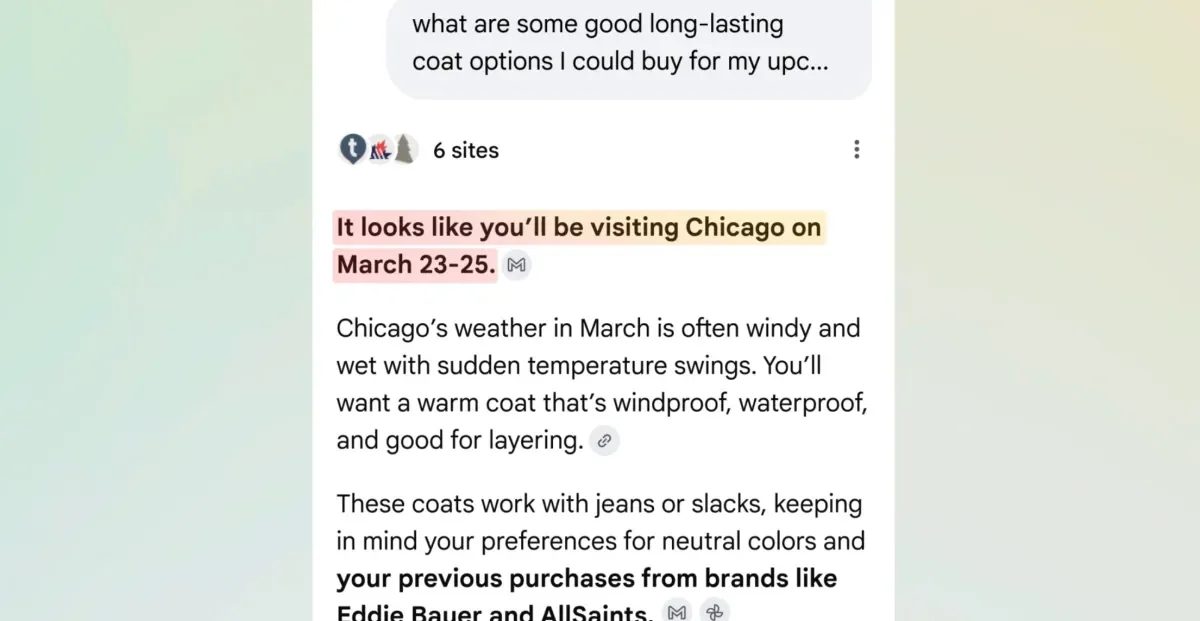
Google is replacing the Gemini side panel with in-line AI features for AI Pro and Ultra subscribers in the US, streamlining AI functionalities like email summarization, response suggestions, and event management directly within Gmail, while the side panel remains available on mobile and for Google Workspace users.
Google is discontinuing the POP3 mail fetching feature in Gmail, which allowed users to collect emails from other accounts, citing security concerns and the need to phase out outdated protocols. Users can still access their accounts via mobile apps, but the web-based retrieval will no longer be supported, prompting some to switch to local email clients like Thunderbird.
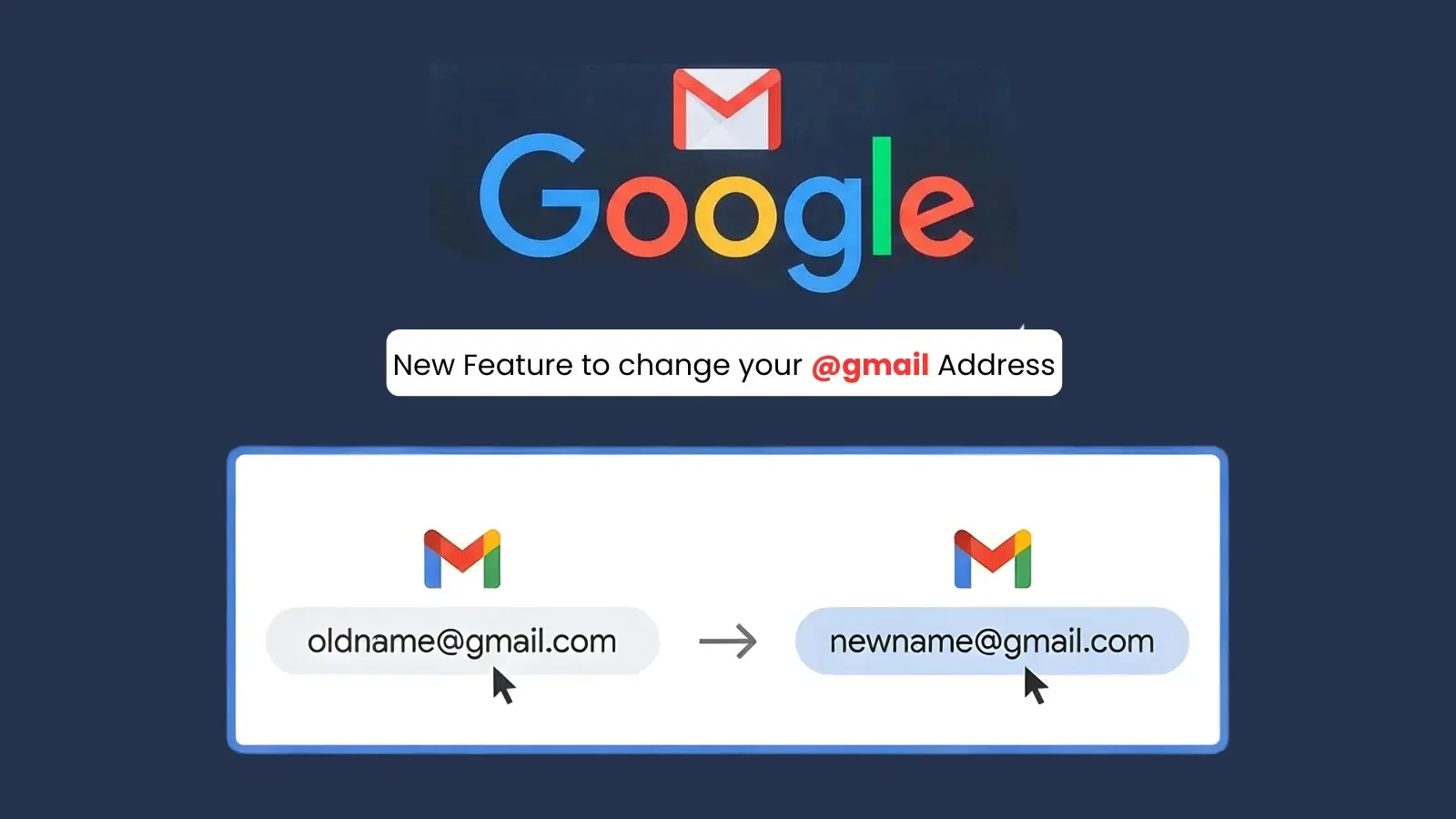
Google is gradually rolling out a new feature allowing users to change their Gmail address, a process that was previously limited. The option appears on various language versions of Google's support page, and some users have already successfully changed their addresses. While the process is straightforward and retains emails and account data, users are debating whether to make the switch, considering factors like professionalism and spam.
Google may soon allow Gmail users to change their email addresses without losing their files, a feature currently being gradually rolled out and not yet officially confirmed, offering a potential solution for users with embarrassing or outdated addresses.
Google is rolling out a new feature that will allow users to change their Gmail addresses, a capability previously unavailable, with some limitations such as frequency of changes and email aliasing. The feature is currently only in Hindi but is expected to be available globally soon, offering users more flexibility in managing their email identities.
Google is rolling out a new feature allowing Gmail users to change their email addresses ending with @gmail.com while retaining all their emails and connected services like YouTube and Google Drive, addressing long-standing user requests for more flexibility.
Google is reportedly planning to allow Gmail users to change their email addresses while keeping their old address as an alias, enabling continued receipt of emails sent to the original address and maintaining access to Google services, with restrictions on how often changes can be made. The feature appears to be initially available in Hindi-speaking regions, with potential global rollout.
Google now allows Gmail users to change their @gmail.com address while keeping their data and services intact, a feature gradually rolling out to all users, enabling more privacy and personalization options, especially for those who want to update embarrassing or outdated email addresses.
Google is gradually rolling out a new feature that will allow users to change their Gmail address, with the old address remaining as an alias and all data preserved, although the feature is not yet widely available and has not been officially announced by Google.
Google is testing a feature that allows some users to add a new @gmail.com address to their account, effectively creating an alias while retaining their original email and data, with limitations on frequency and number of addresses. This helps users who regret their initial email choice, though it doesn't fully replace the old address.
Google is rolling out a new feature that allows Gmail users to change their email addresses while retaining their data and services, initially appearing in Hindi support pages and gradually expanding globally, simplifying the process of updating email addresses without creating new accounts.
Google is rolling out a new feature that allows users to change their primary @gmail.com email address without creating a new account, retaining all data and converting the old address into an alias, though with some restrictions and potential third-party re-authentication requirements.
Google may soon allow users to change their old or silly Gmail addresses, enhancing user flexibility and personalization. The article also discusses privacy policies related to data collection and advertising practices.
Google is planning to allow users to change their Gmail address without losing data, a feature currently unavailable, with restrictions of once a year and three times total, gradually rolling out and potentially expanding globally.