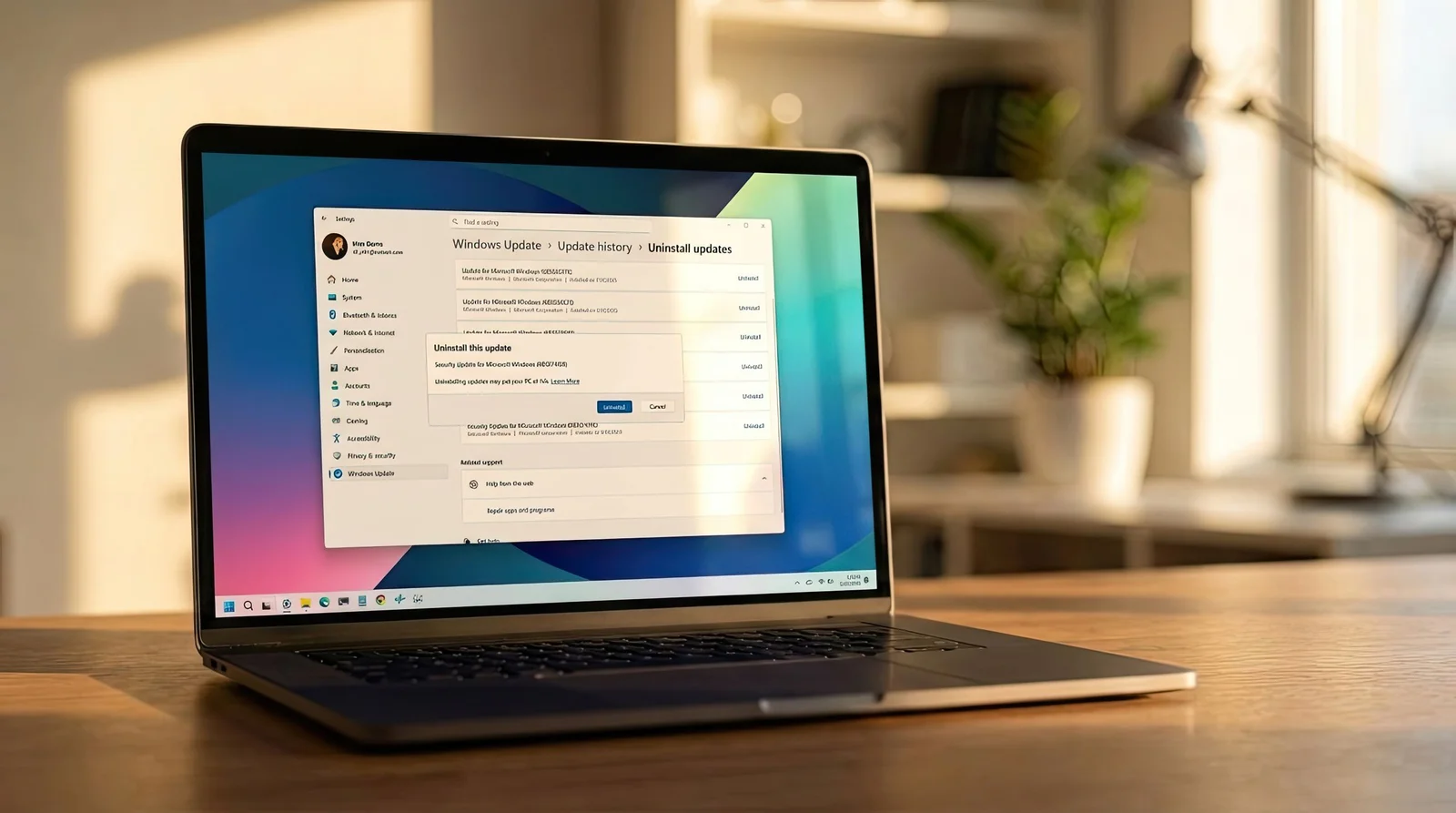
Microsoft is advising Windows 11 users to uninstall the emergency KB5074109 update after reports of significant issues, providing steps to remove the update to restore system stability.
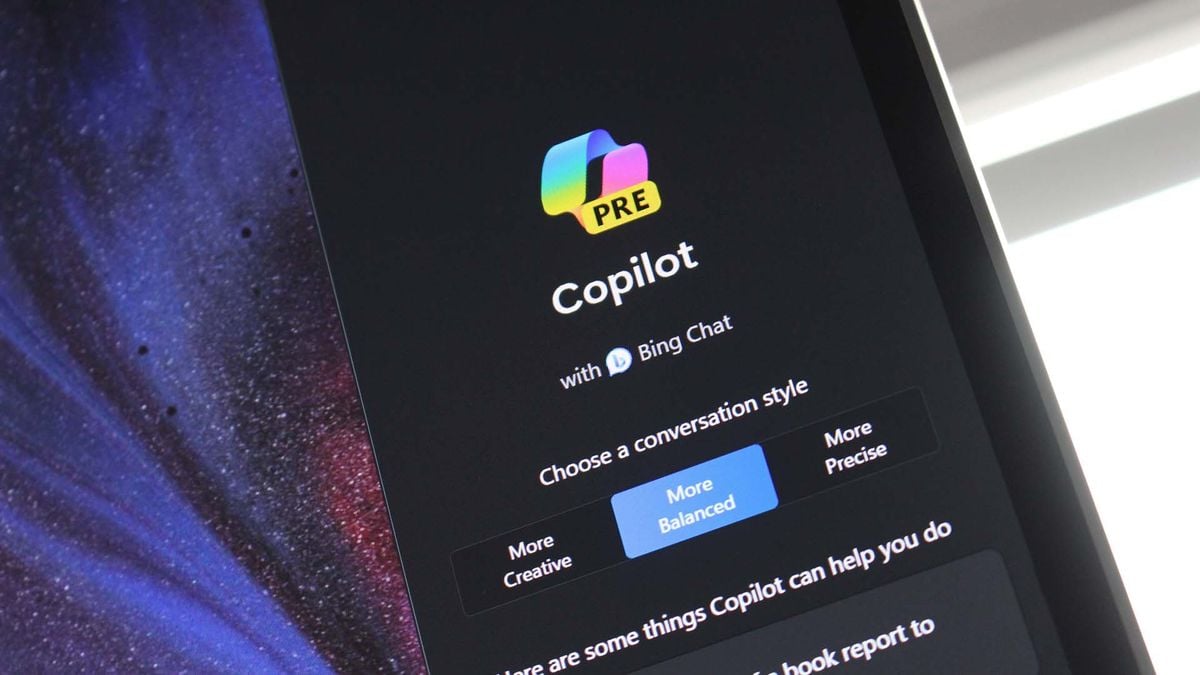
Microsoft is testing a new policy that allows IT administrators to uninstall the Copilot digital assistant on managed Windows 11 devices, providing more control over AI features in enterprise environments. The policy is currently rolling out to Insider Preview builds and can be enabled via Group Policy, with users still able to reinstall Copilot if desired.
The article highlights five preinstalled Samsung apps—Global Goals, Samsung Free, Samsung TV Plus, Samsung Shop, and Samsung Kids—that are often unnecessary for many users. It recommends uninstalling or disabling these apps to save memory and battery life, especially if they don't align with the user's needs, while noting that some apps may be useful for specific users like parents or entertainment enthusiasts.
The latest Windows 11 preview builds include a hidden setting that suggests users will soon be able to uninstall specific AI components from the operating system. The "AI components" category in the Settings app allows users to view and remove installed AI components, although the feature is not fully functional yet. Microsoft is working on a major AI update for Windows in 2024, and being able to uninstall AI components will be beneficial for users who do not want to utilize these upcoming features.
YouTube's crackdown on ad blockers has resulted in a significant increase in ad blocker uninstalls, with "hundreds of thousands" of users removing their ad-blocking software. Ad-blocking companies reported a record number of uninstalls in October, with many users switching to different blockers to continue blocking ads. Ghostery revealed that 90% of users who completed a survey cited YouTube's changes as the reason for uninstalling their ad blocker. AdGuard also experienced a rise in daily uninstalls, with some users finding success in blocking ads by switching browsers or using different tools.
Several Android apps on Google Play, including Super Skibydi Killer, Agent Shooter, Rainbow Stretch, and Rubber Punch 3D, have been identified as adware masquerading as gaming or productivity apps. These apps, which have been removed from Google Play, try to hide from users by using transparent or Chrome-like icons. Additionally, two Joker family apps, Love Emoji Messenger and Beauty Wallpaper HD, were found to subscribe users to paid services. Other fake apps disguised as financial software or games were also discovered. Users who have downloaded any of these apps are advised to uninstall them immediately and perform a device scan using Play Protect and a mobile antivirus tool.
Microsoft is allowing Windows 11 users to uninstall preinstalled bloatware apps for the first time, including the Camera, Cortana, Photos, People, and Remote Desktop apps. These apps, referred to as "inbox apps," were previously considered essential to the Windows experience but are now deemed removable. Microsoft has also reduced the number of supported Intel processors for Windows 11 and introduced new widgets for monitoring CPU, memory, and GPU usage.
Bloatware apps on Android phones can be uninstalled using the Settings app or the Google Play Store. However, if the app is integrated with the system, it can only be disabled. Android Debug Bridge (ADB) is a powerful command-line tool that can remove such apps, but it requires downloading files, enabling USB debugging, and executing command lines. ADB can permanently delete the app from the phone's memory.
Cybersecurity firm Kaspersky has warned Android users to check their phones for 11 dangerous apps that have been installed more than 620,000 times in total since 2022. The malware, called Fleckpe, can rack up unauthorized subscription charges on users' accounts. The apps pose as legitimate ones, such as photo editors and wallpaper packs, and have since been removed from the Google Play Store. If found, it's recommended that users delete them immediately to avoid falling victim to their dangerous schemes.