Tag

Settings App

All articles tagged with #settings app

Windows 11 Update Enhances Settings, Taskbar, and Multi-Monitor Support

Originally Published 3 months ago — by Windows Central

Featured image for Windows 11 Update Enhances Settings, Taskbar, and Multi-Monitor Support
Source: Windows Central

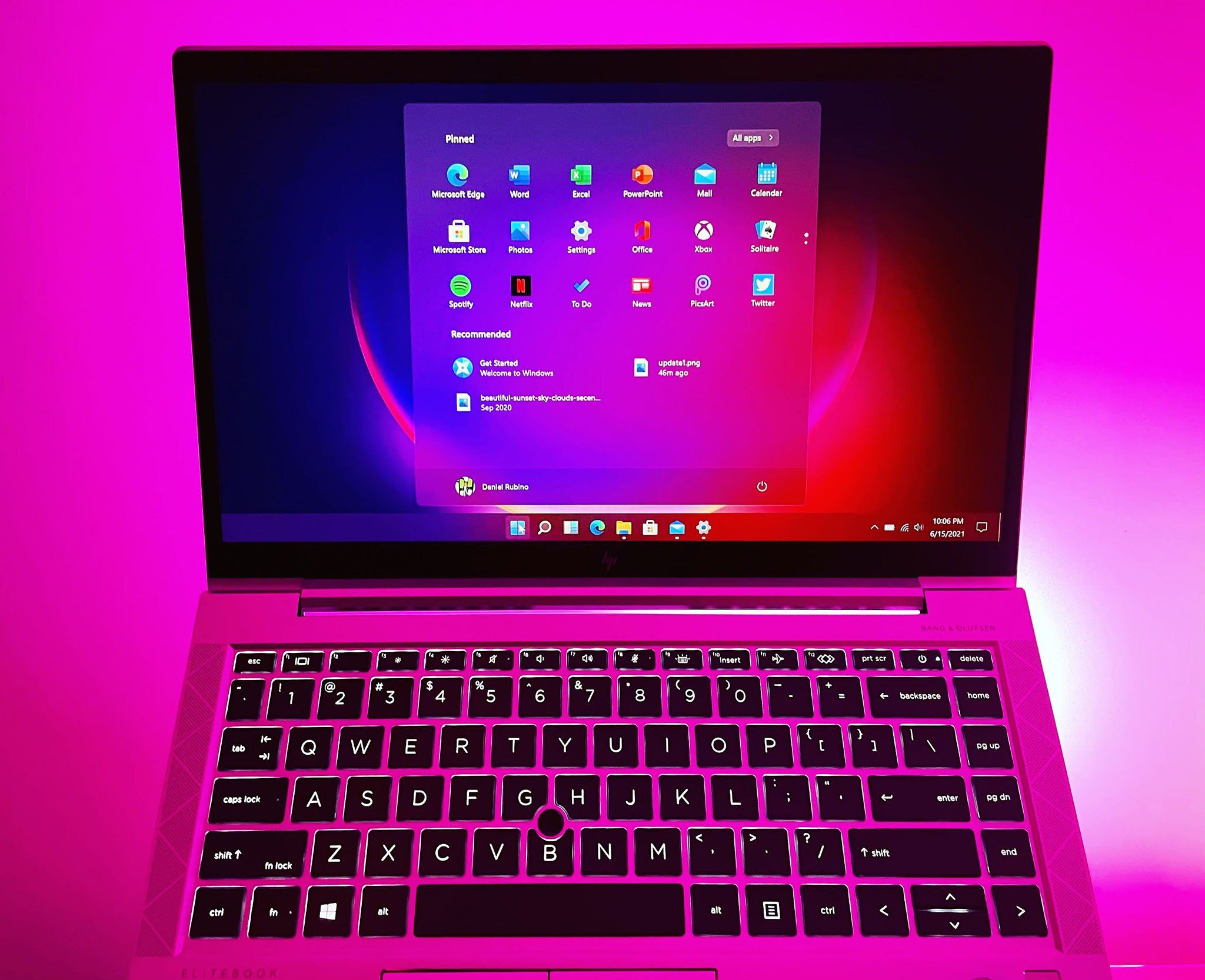
Microsoft has rolled out major upgrades to the Windows 11 Settings app in 2025, introducing design enhancements and around 16 new features, including a new 'Advanced' page, hardware indicators, passkeys support, a full clock in Notification Center, an AI agent, Quick Machine Recovery, and more, aiming to streamline user experience and bridge the gap with the Control Panel.


Windows 11 Updates: Enhanced Settings, New Preview Builds, and Returning Features

Originally Published 5 months ago — by Neowin

Featured image for Windows 11 Updates: Enhanced Settings, New Preview Builds, and Returning Features
Source: Neowin

Microsoft's latest Windows 11 25H2 preview builds introduce more Control Panel elements into the Settings app, along with new language, date/time options, bug fixes, and a redesigned mobile device companion for Insiders. The updates aim to modernize user experience and improve performance, though some known issues remain, which are being addressed in future updates.

"Windows 11 Unveils Hidden AI Component Management Tool for Enhanced User Control"

Originally Published 2 years ago — by Windows Central

Featured image for "Windows 11 Unveils Hidden AI Component Management Tool for Enhanced User Control"
Source: Windows Central

The latest Windows 11 preview builds include a hidden setting that suggests users will soon be able to uninstall specific AI components from the operating system. The "AI components" category in the Settings app allows users to view and remove installed AI components, although the feature is not fully functional yet. Microsoft is working on a major AI update for Windows in 2024, and being able to uninstall AI components will be beneficial for users who do not want to utilize these upcoming features.

"Apple Watch: Exploring the Latest Updates in watchOS 10"

Originally Published 2 years ago — by 9to5Mac

Featured image for "Apple Watch: Exploring the Latest Updates in watchOS 10"
Source: 9to5Mac

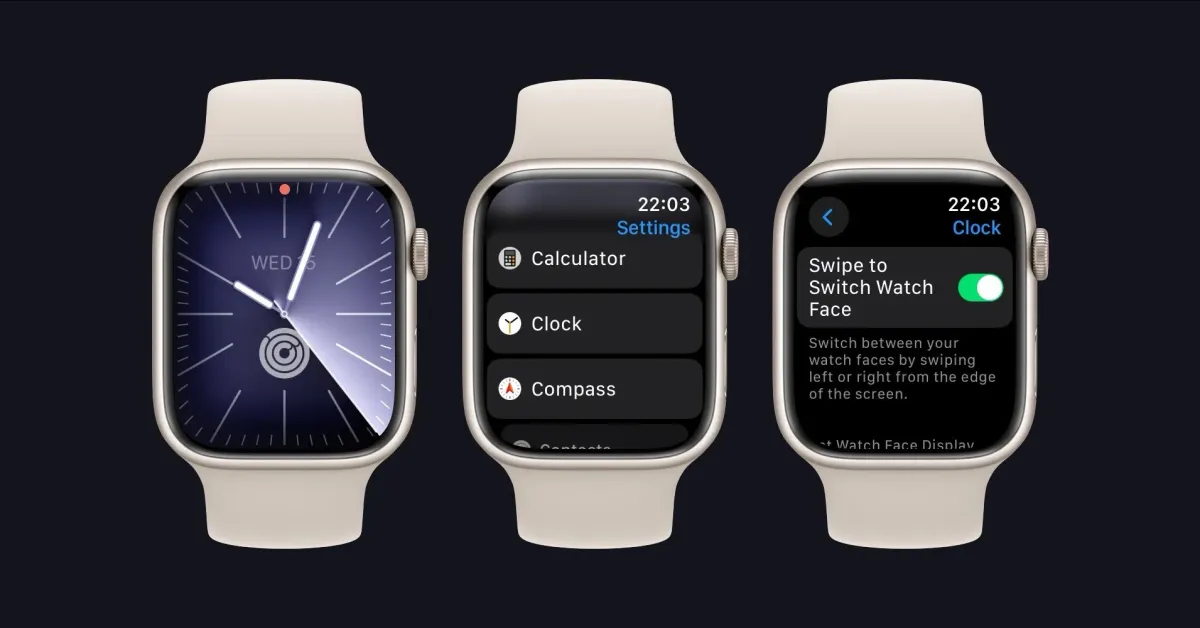
The watchOS 10.2 update for Apple Watch brings back the ability to swipe between different watch faces, a feature that was removed in watchOS 10. Users can now easily switch configurations by swiping left or right on their watch faces. While the default behavior still requires a long-press gesture, users can enable the swipe feature by going into the Settings app and toggling on the "Swipe to Switch Face" setting.

Microsoft Testing More Ads in Windows 11 Settings Menu.

Originally Published 2 years ago — by Slashdot

Featured image for Microsoft Testing More Ads in Windows 11 Settings Menu.
Source: Slashdot

Microsoft is reportedly testing ads in the Settings app of Windows 11, with screenshots showing an ad for Microsoft 365 at the top of the panel and prompts to complete the setup of a Microsoft Account. This move follows a trend of preview builds featuring ads, raising concerns about the user experience of the upcoming operating system.

Buy a Domain with Just Your iPhone Settings App.

Originally Published 2 years ago — by 9to5Mac

Featured image for Buy a Domain with Just Your iPhone Settings App.
Source: 9to5Mac

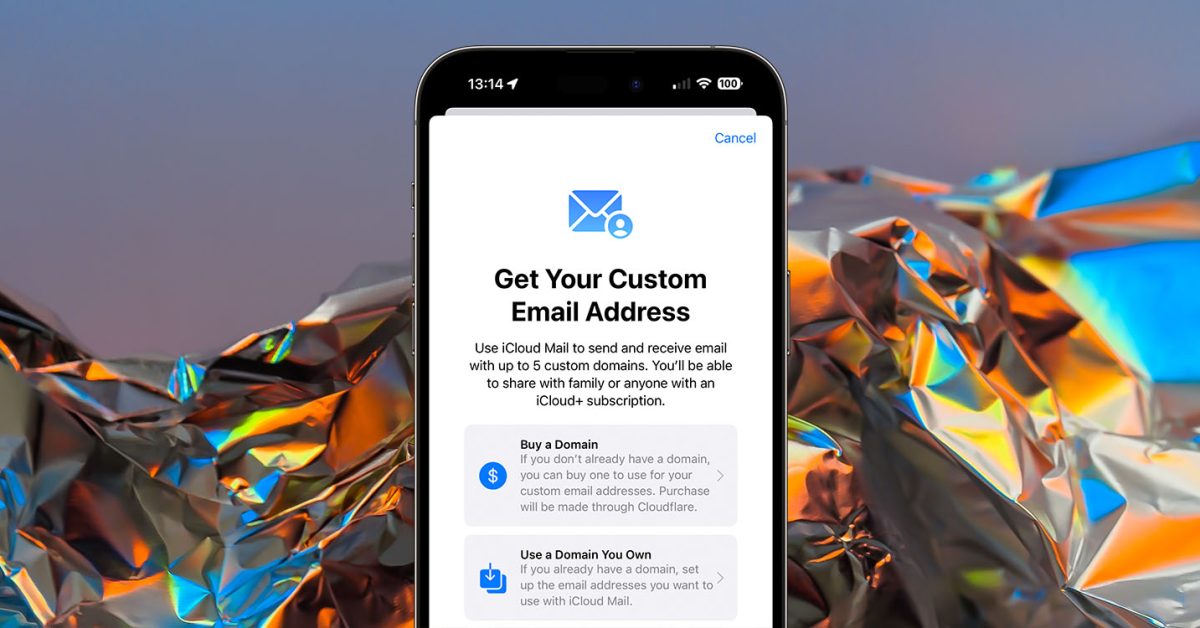
Users can now purchase a domain name directly from within the Settings app on their iPhone, thanks to a feature quietly added as part of iOS 16. This allows users to have their own domain for a small business or personal website, offering benefits such as a more legitimate appearance for a business and portability for email addresses. The feature is available for iCloud+ subscribers aged 18 or older with two-factor authentication turned on and a primary iCloud Mail email address set up to use a custom email domain. Apple is only facilitating the transaction, with a third-party domain registrar handling the purchase.