Tag

Kb5074109

All articles tagged with #kb5074109

Windows 11 January 2026 Update Triggers Boot Failures on Some PCs, Prompting Emergency Fix
technology1 month ago

Windows 11 January 2026 Update Triggers Boot Failures on Some PCs, Prompting Emergency Fix

Microsoft says a limited number of devices on Windows 11 24H2/25H2 may fail to boot after installing the January 2026 security update KB5074109, showing a black screen with the UNMOUNTABLE_BOOT_VOLUME stop code. Recovery may be needed via Windows Recovery or a clean install using an ISO; the issue appears limited to certain hardware. An emergency out-of-band update KB5078127 has been released to fix related problems (e.g., Outlook Classic and other app issues), but some glitches remain. If you’re not experiencing issues, no action is required.

Microsoft probes Windows 11 boot crash tied to January 2026 updates
technology1 month ago

Microsoft probes Windows 11 boot crash tied to January 2026 updates

Microsoft is investigating reports that some Windows 11 devices (versions 25H2 and 24H2 after KB5074109) fail to boot with the UNMOUNTABLE_BOOT_VOLUME error following the January 2026 security updates. Affected systems display a black crash screen and require manual recovery; reports are limited to physical devices so far. Microsoft is collecting feedback via the Feedback Hub and will confirm if the issue is a Windows update regression; no virtual machine reports have been noted.

January 2026 patch risks booting on some Windows 11 PCs
technology1 month ago

January 2026 patch risks booting on some Windows 11 PCs

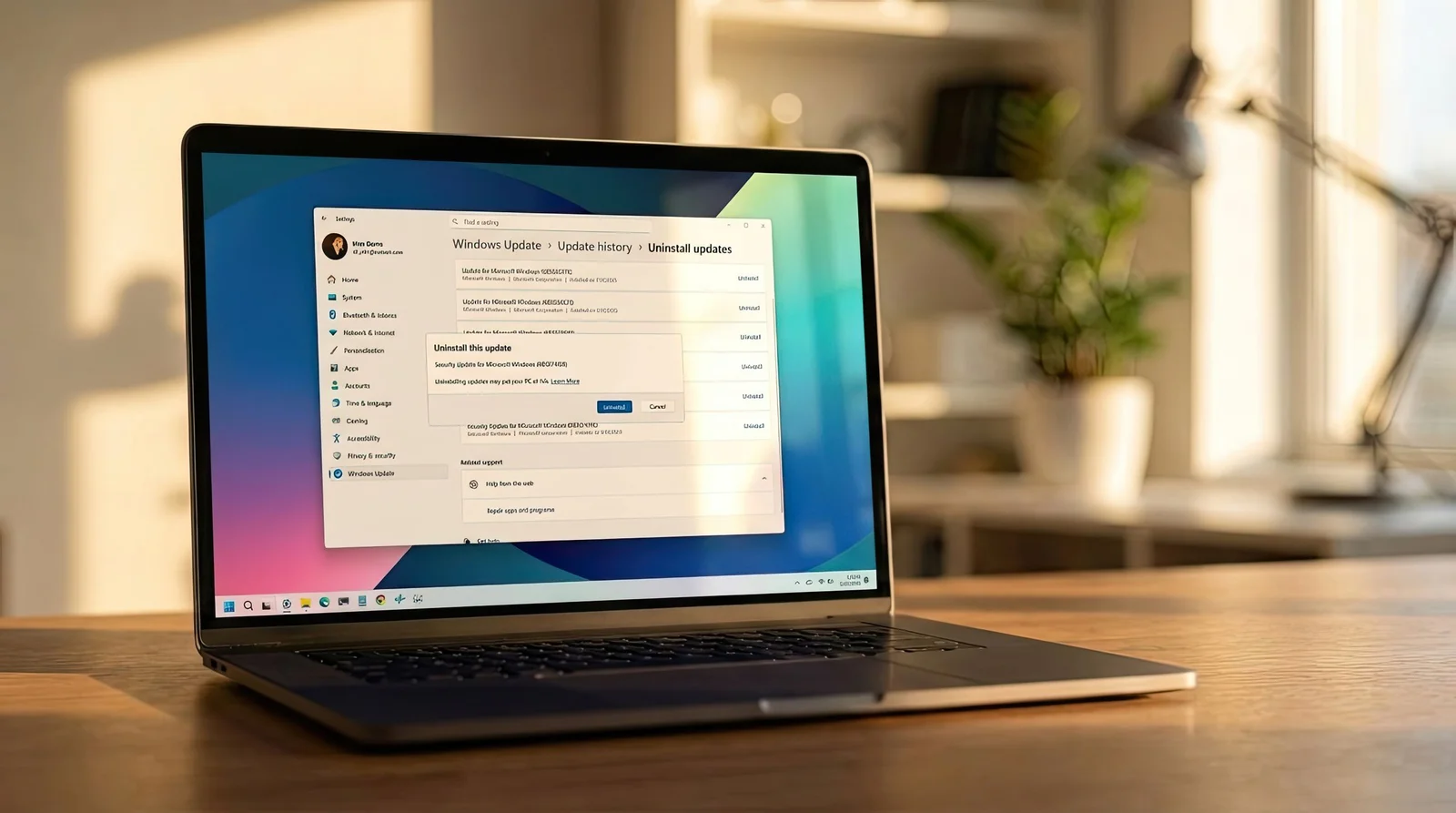
Microsoft says a subset of Windows 11 devices may fail to boot after installing the January 2026 security update (KB5074109), showing a black screen with the UNMOUNTABLE_BOOT_VOLUME stop code. The company has released emergency out-of-band updates and advises using the Windows Recovery Environment to uninstall the patch for recovery. This issue follows a spate of Patch Tuesday bugs affecting various Windows versions, with Microsoft investigating fixes and workarounds.

Windows 11 Patch KB5074109 Triggers Widespread System Instability
technology1 month ago

Windows 11 Patch KB5074109 Triggers Widespread System Instability

Microsoft’s January 2026 Windows 11 security update KB5074109, covering versions 24H2 and 25H2, includes over 100 fixes and three zero-days but has caused widespread stability problems—lockups, black screens, and graphics-related app failures; admins are advised to uninstall the update or use Known Issue Rollback, with GPU driver updates and certain cloud/remote desktop issues noted in ongoing remediation.

Windows 11 KB5074109 lands for 25H2/24H2 with fixes, Copilot share, and AI-tied size
technology1 month ago

Windows 11 KB5074109 lands for 25H2/24H2 with fixes, Copilot share, and AI-tied size

Microsoft released Windows 11 KB5074109 for 25H2 and 24H2 via Windows Update or direct offline installers (.msu). The update, bringing builds 26200.7623 (25H2) or 26100.7623 (24H2), is a primarily fix-focused Patch Tuesday that also rolls out several new features (e.g., Share with Copilot on the taskbar, a File Explorer ‘Recommended’ feed, advanced Settings for Sandbox/Hyper‑V, dark-mode dialogs, and handheld full-screen gaming) and security updates. It’s over 4 GB in size due to bundled AI models, and some modern drivers are removed. Enterprise users may see new Secure Boot certificates starting with this release. A known issue from earlier updates—the lock screen password icon—still exists; updates for 25H2 are mandatory unless paused.