Tag

Tpm

All articles tagged with #tpm

Why I Recommend Switching to Linux Instead of Upgrading to Windows 11

Originally Published 2 months ago — by Hacker News

The article argues that Windows 11's requirements like TPM and Secure Boot are not as restrictive as they seem and can promote security and user choice, but also highlights concerns about potential misuse for surveillance and platform lock-in. The author recommends promoting Linux to customers as a more open and flexible alternative, emphasizing ease of use, software availability, and control over privacy.

How to Free Upgradе Your Incompatible Windows 10 PC to Windows 11

Originally Published 2 months ago — by CNET

Featured image for How to Free Upgradе Your Incompatible Windows 10 PC to Windows 11
Source: CNET

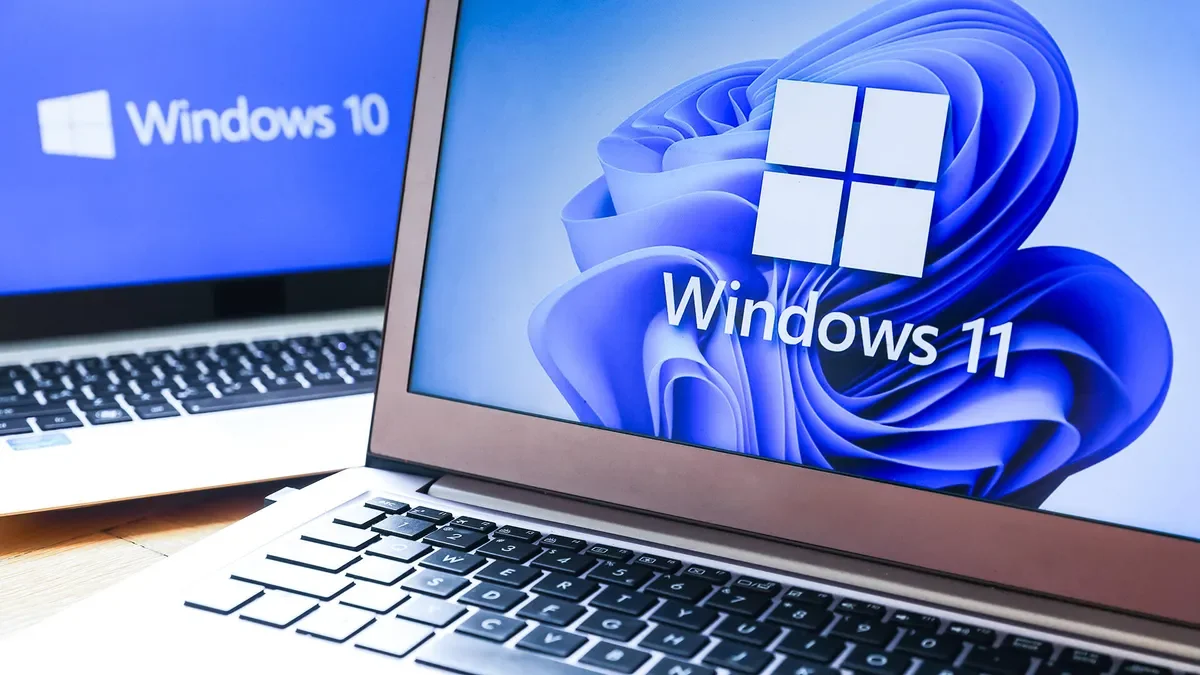
Many Windows 10 PCs that are flagged as incompatible with Windows 11 may actually be upgradeable by enabling Secure Boot and TPM in the BIOS, with simple tweaks and checks using Microsoft's PC Health Check app. If your hardware supports UEFI and Secure Boot, and you can enable TPM, you can often upgrade to Windows 11 for free, even if initial notifications suggest otherwise.

How to Upgrade to Windows 11 and What to Expect After Windows 10 Ends

Originally Published 3 months ago — by CNET

Featured image for How to Upgrade to Windows 11 and What to Expect After Windows 10 Ends
Source: CNET

Many Windows 10 PCs, even those marked as incompatible, can be upgraded to Windows 11 for free by adjusting settings like Secure Boot and TPM in the BIOS, often without needing new hardware. The process involves checking compatibility with Microsoft's PC Health Check app, enabling UEFI, Secure Boot, and TPM in BIOS, and possibly modifying registry settings for older hardware. If hardware isn't compatible, adding TPM modules might be an option, but older systems may require replacement. Upgrading is recommended for security reasons, especially as support for Windows 10 ends.

"Raspberry Pi Pico: Breaking BitLocker Encryption in Seconds"

Originally Published 1 year ago — by Ars Technica

Featured image for "Raspberry Pi Pico: Breaking BitLocker Encryption in Seconds"
Source: Ars Technica

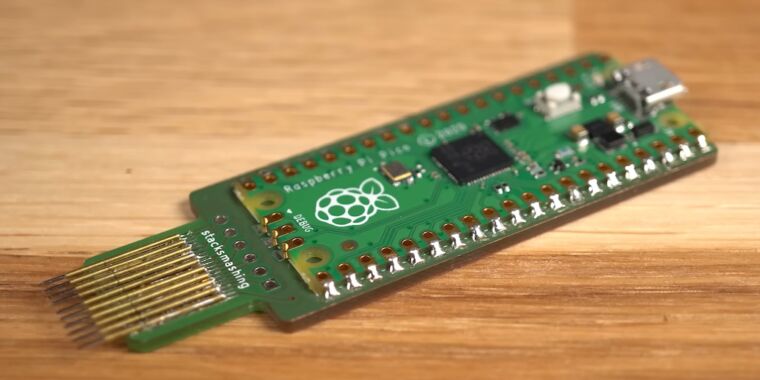
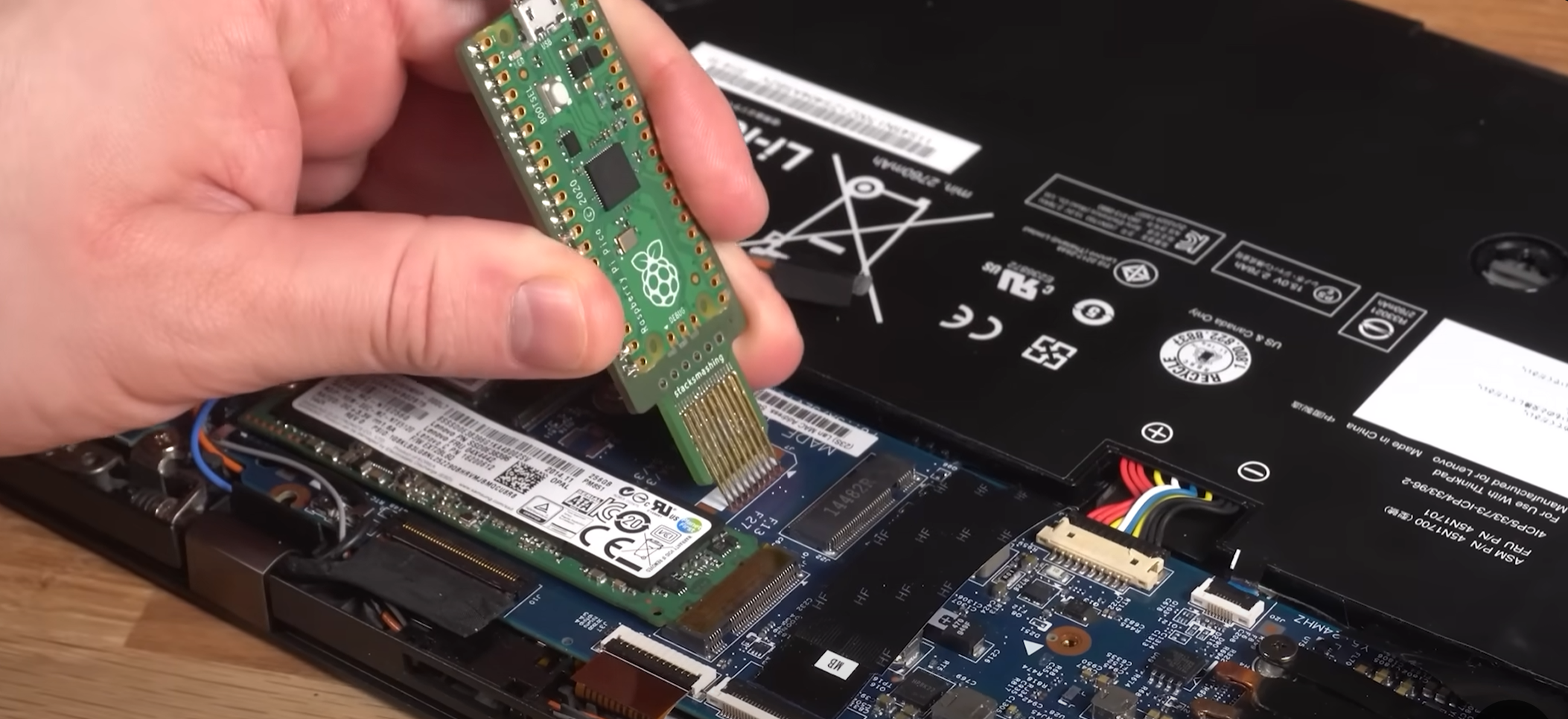
A security researcher demonstrated an exploit using a Raspberry Pi Pico and a custom PCB to break Microsoft's BitLocker drive encryption by sniffing the encryption key sent in plaintext from an external TPM chip to the laptop. While this exploit affects systems with discrete TPM chips, modern systems with firmware TPM modules integrated into the processor are not vulnerable. The exploit highlights the importance of understanding the type of TPM used in a system and the potential vulnerabilities associated with different TPM implementations.

"Raspberry Pi Pico Breaks BitLocker Encryption in Under a Minute"

Originally Published 1 year ago — by Neowin

Featured image for "Raspberry Pi Pico Breaks BitLocker Encryption in Under a Minute"
Source: Neowin

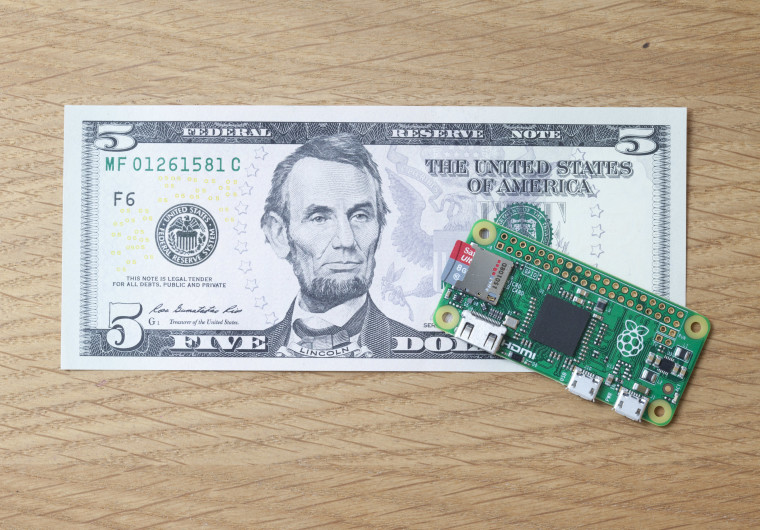
YouTuber stacksmashing demonstrated how he used a $5 Raspberry Pi Pico to intercept BitLocker encryption keys via the Trusted Platform Module's unencrypted communication lanes, allowing him to decrypt data in 43 seconds. This method requires physical access to the device and an external TPM module, highlighting potential vulnerabilities in BitLocker's security. Microsoft acknowledges these attacks are possible but suggests they require sophisticated tools and long physical access, while newer devices with fTPM and BitLocker PIN configurations may offer more secure alternatives.

"Rapidly Defeating Bitlocker: A 43-Second Method"

Originally Published 1 year ago — by Hackaday

Featured image for "Rapidly Defeating Bitlocker: A 43-Second Method"
Source: Hackaday

A security researcher demonstrated how Bitlocker keys can be stolen in just 43 seconds using inexpensive hardware, highlighting a vulnerability in the widely used Windows encryption system. By exploiting the Trusted Platform Module (TPM) and the LPC bus, the attacker was able to intercept the encryption key from an older Lenovo Thinkpad, showcasing the potential risk of key theft. While modern computers with TPM inside the CPU may require more sophisticated hardware to carry out such an attack, the demonstration underscores the importance of securing encryption keys to prevent unauthorized access to sensitive data.