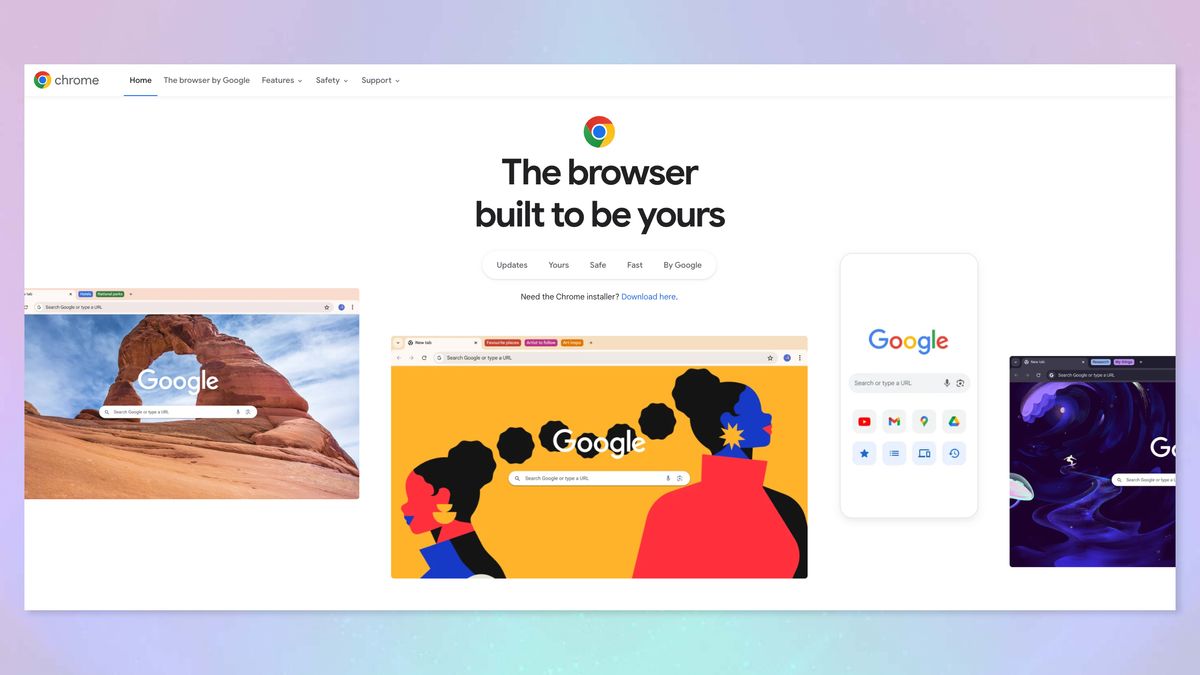
A new Chrome extension allows users to save files directly to Google Drive, bypassing the need to download to a device first. This tool is particularly useful for those who frequently transfer files between devices or want to conserve local storage space. The extension is easy to install and use, with options to change the default save location within Google Drive. This can significantly streamline workflows for users who rely on Google Drive for their storage needs.
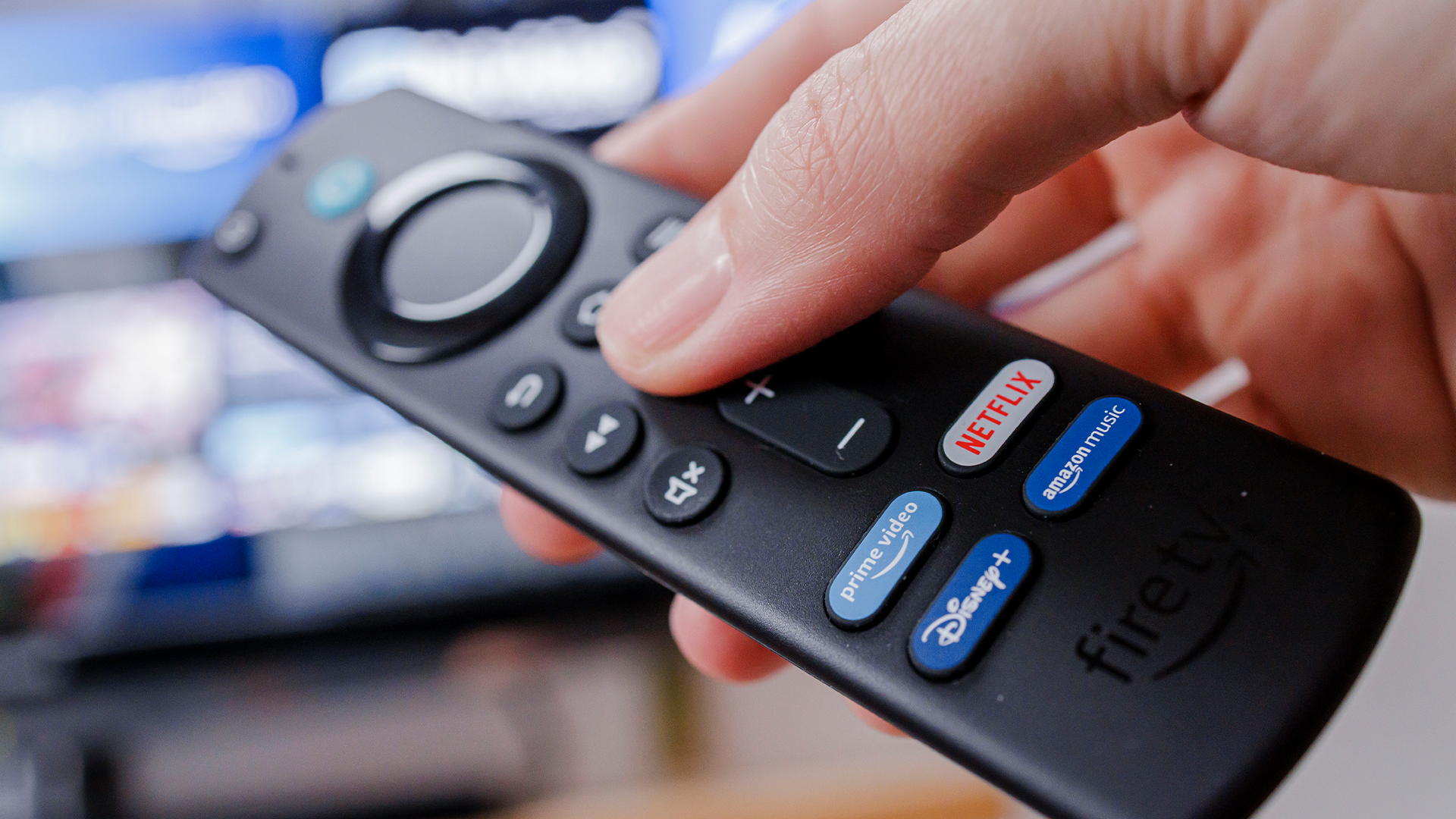
Amazon Fire TV Stick users are being reminded to regularly update their device's firmware to avoid increased loading times and potential security risks. Outdated firmware can lead to a black screen and other performance issues. Updating is a simple process through the device's settings, and users should check for updates often to ensure smooth operation. If problems persist after updating, checking the TV's HDMI input channel may be necessary.
To improve Wi-Fi performance, users can prioritize their devices by adjusting the "quality of service" settings on their routers. This feature allows certain devices or applications to have more bandwidth, ensuring smoother streaming, gaming, and critical online tasks. The process varies by router brand, with specific steps provided for Google Nest, TP-Link, NETGEAR, and Linksys routers. Users should be cautious not to deprioritize important updates or processes and consider router compatibility, security, and alternative solutions like upgrading internet plans or using wired connections for better performance.
The article provides five simple tech tips to improve your digital life in 2024: 1) Set your computer to auto-lock for security, 2) Leave or mute annoying group chats, 3) Adjust home security camera sensitivity to avoid false alerts, 4) Organize cords and cables with color-coded labels, and 5) Opt out of unsolicited credit and insurance offers via optoutprescreen.com. These steps aim to enhance cybersecurity, reduce digital clutter, and minimize distractions.
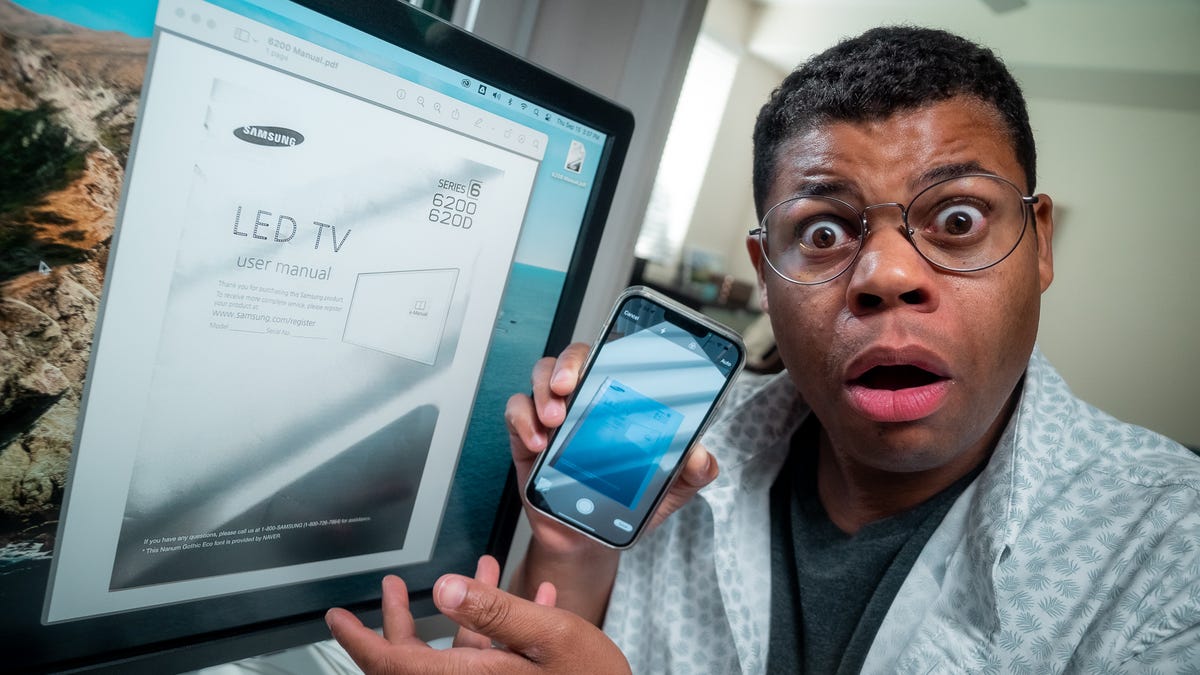
Transforming your phone into a scanner is a convenient way to digitize documents without bulky equipment. By connecting your mobile device to your computer and using the "Import from iPhone or iPad" feature or dedicated scanning apps, you can easily scan, adjust, title, and tag documents for easy access and organization. The process can also be done through the Notes app on an iPhone. Additionally, the article provides recommendations for iPhone accessories that have been reviewed and approved by tech experts.
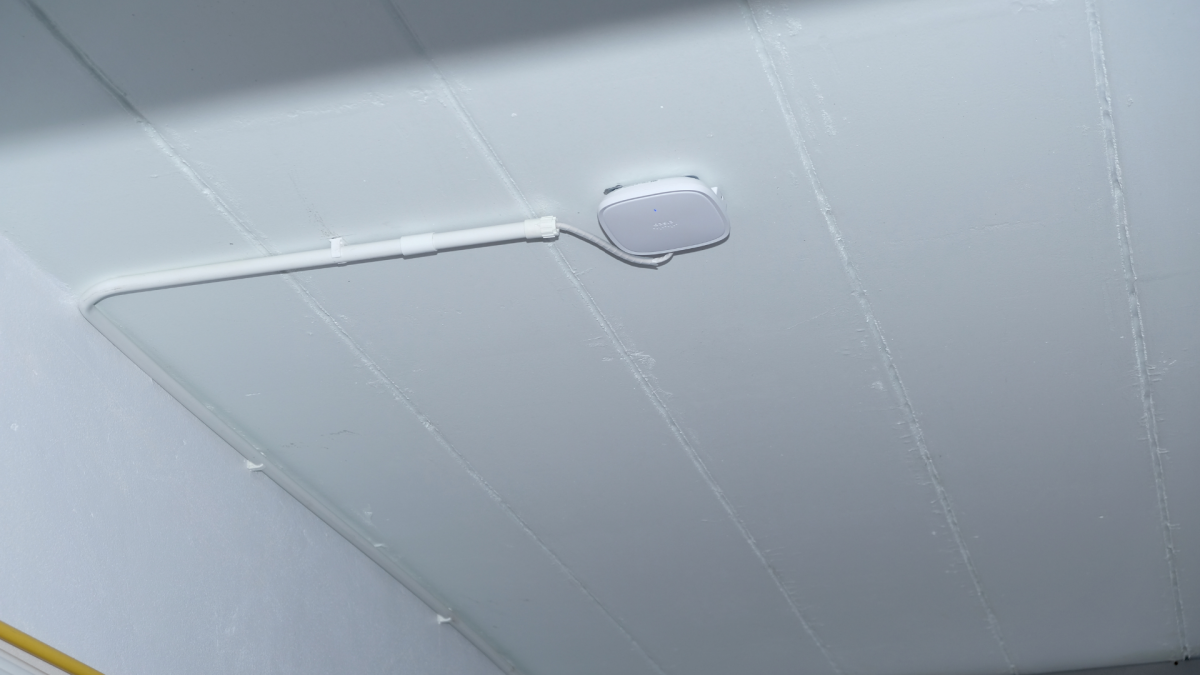
Mounting your WiFi router on the ceiling can significantly improve performance by placing it in the center of the room, away from walls and obstructions. This not only enhances reception but also declutters living spaces. To achieve this, you'll need a ceiling mount compatible with your router, a drill, cord cover, and possibly a longer power cord. The process involves deciding on the router's position, securely attaching the mount with screws, and neatly arranging the cords with cord cover. This simple and cost-effective solution can lead to better WiFi connectivity and a tidier home.
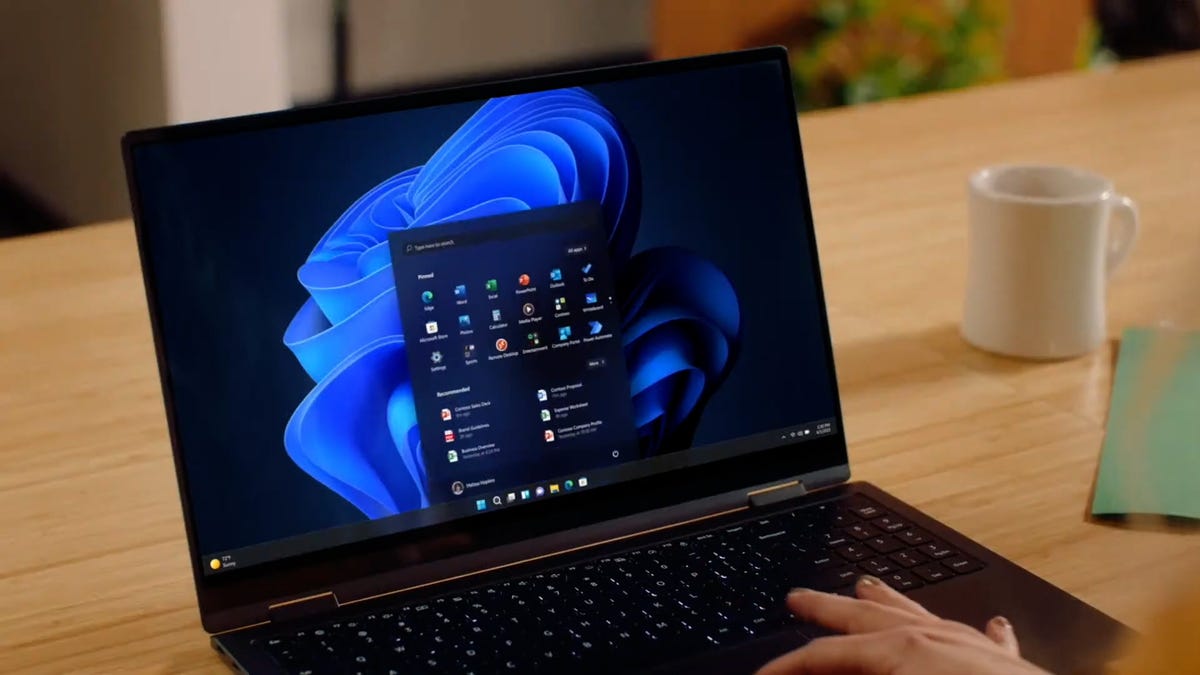
Windows 11 includes a feature called Storage Sense that can automatically free up disk space on your PC by deleting temporary files, emptying the Recycle Bin, and removing old downloads. Users can configure Storage Sense to run on a schedule and specify how long files should remain in the Recycle Bin or Downloads folder before being deleted. This feature helps maintain performance on Windows computers without the need for third-party software or manual cleanup.
The article provides a guide on how to start the new year with a clean email inbox by archiving old messages. It offers step-by-step instructions for archiving emails in Gmail, Apple Mail, and Microsoft Outlook, emphasizing the benefits of decluttering your digital space. The process involves selecting all emails and using the archive function to move them out of the inbox while keeping them accessible for future reference. The article also touches on the legal aspect of archived emails and promotes the author's tech newsletter and podcast for more tech tips and news.
The article by Cordilia James and Joanna Stern provides a roundup of the top 12 tech tips from the past year's Tech Things newsletter, offering readers advice on how to make the most of their devices by enhancing their utility, security, and entertainment value. These tips aim to increase tech savviness and impress one's social circle.
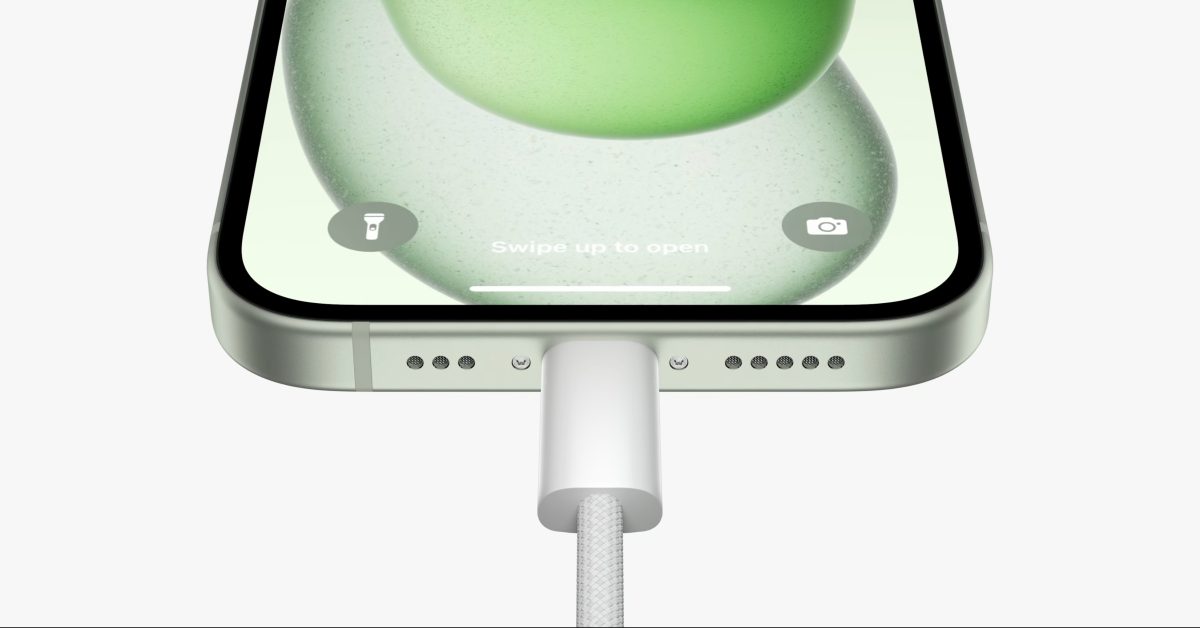
The iPhone 15 has transitioned from Apple's proprietary Lightning port to USB-C, allowing for more universal charging options. To fast charge the iPhone 15, users should opt for a higher wattage USB-C power adapter, ideally around 20 watts, which can charge the phone to 50% in about 30 minutes. While older 5-watt chargers are compatible, they are much slower. Users are not limited to Apple-branded chargers; third-party options like Anker's dual USB-C charger or a MacBook power adapter can also be used to achieve fast charging speeds.