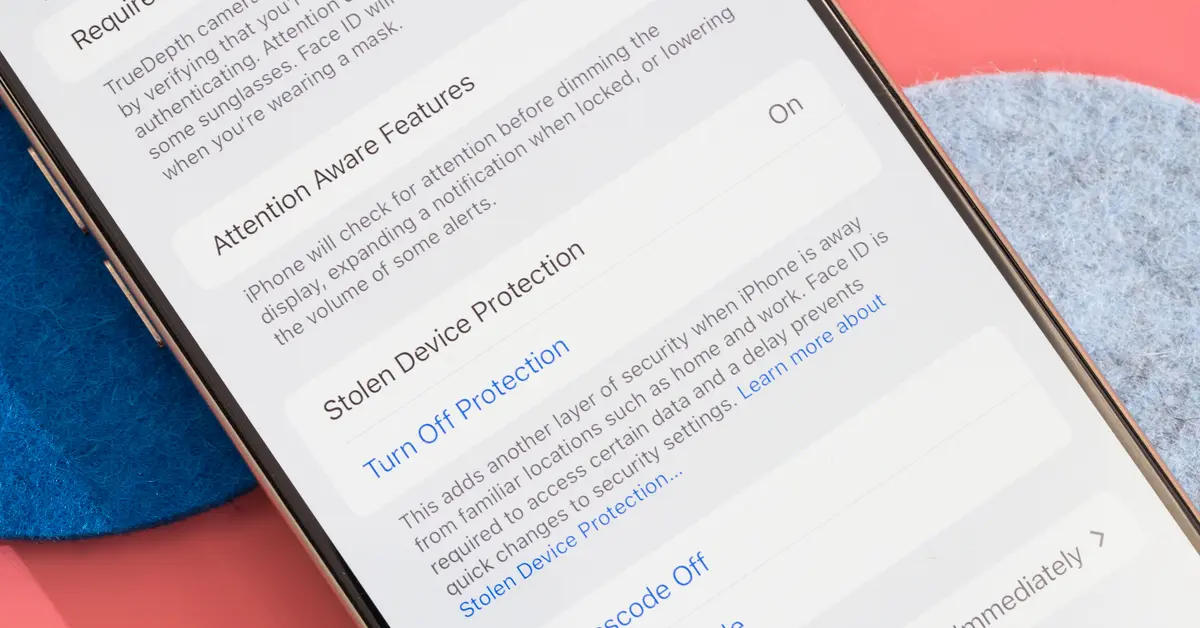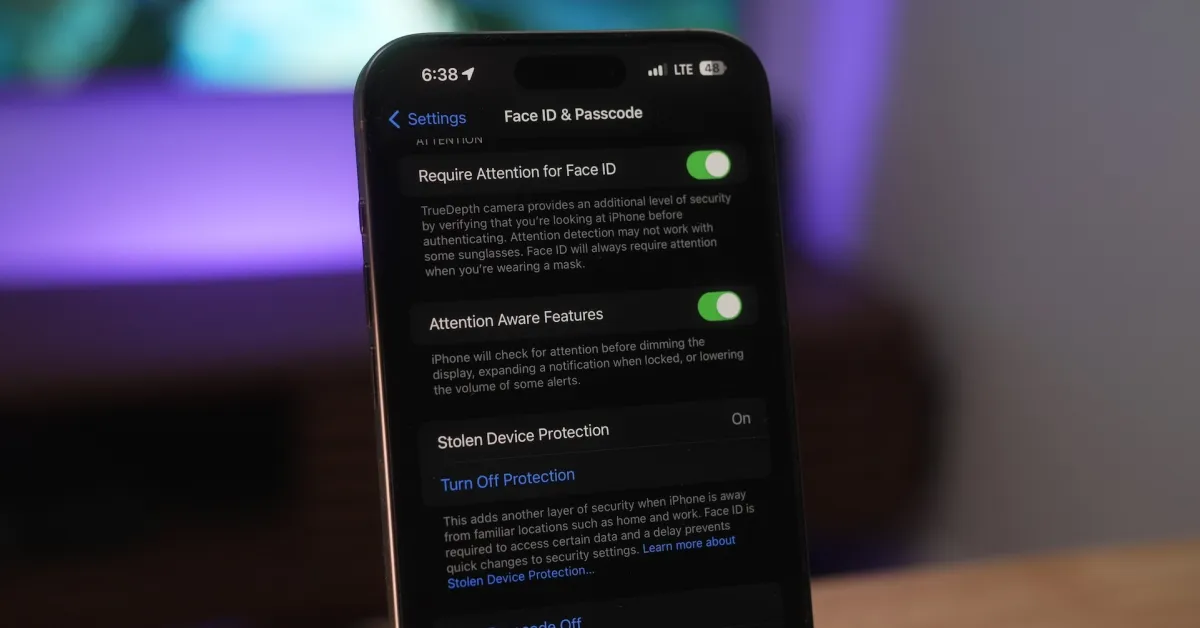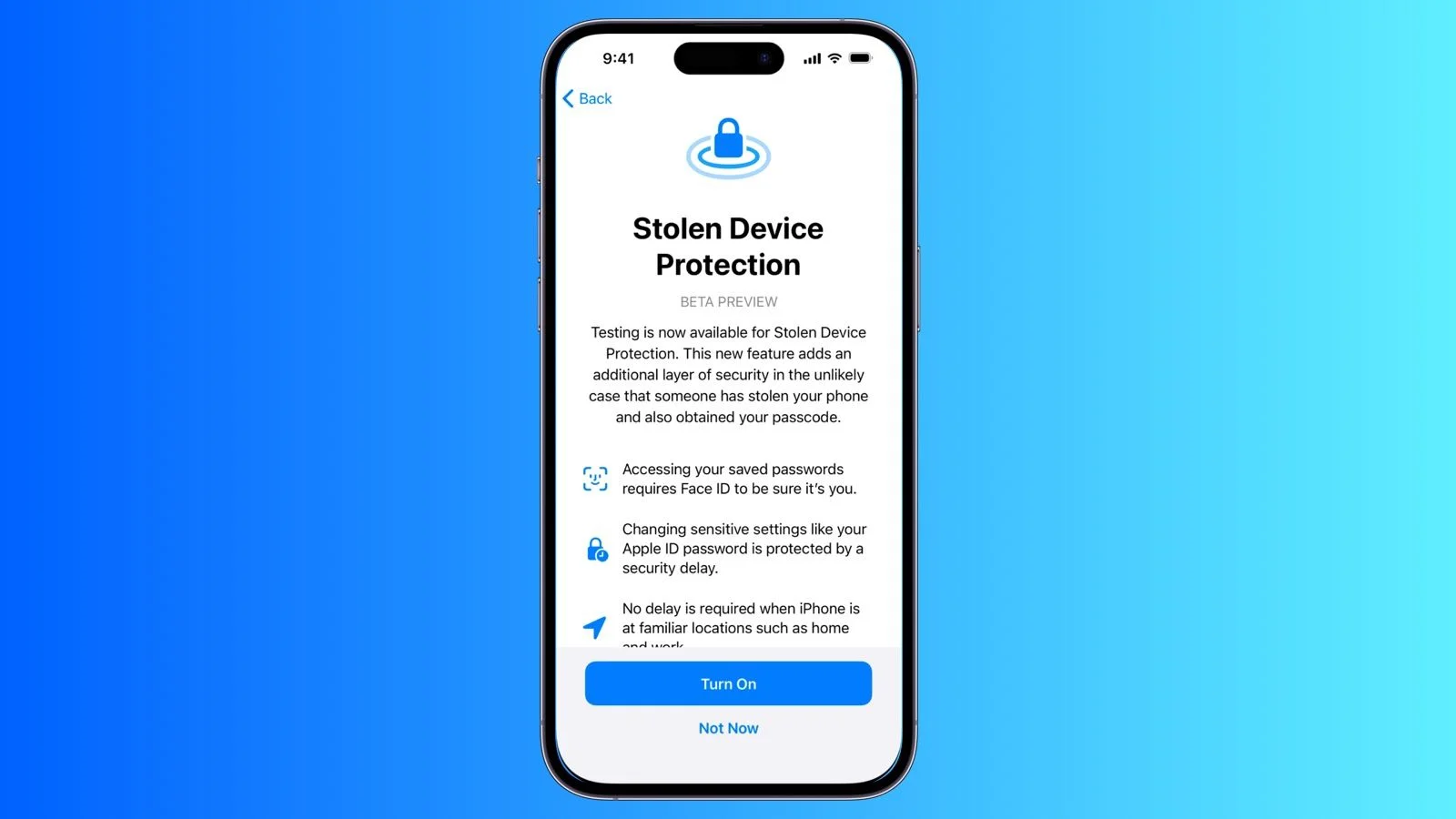
Apple's new Stolen Device Protection feature in iOS 17.3 enhances iPhone security by requiring additional authentication for sensitive actions and limiting access to personal data when the device is away from trusted locations, making it harder for thieves to misuse stolen iPhones. It includes features like delayed account changes, biometric verification for sensitive data, and remote locking or wiping via Find My, though it has some limitations at home unless always enabled.
Apple's iOS 17.4 update introduces new Stolen Device Protection settings, allowing users to always require a one-hour security delay regardless of their location. This feature adds an extra layer of security to sensitive data, but it only protects a limited number of settings. Users are advised to enable Stolen Device Protection and take additional steps to safeguard their information, as it does not provide complete protection for all aspects of the device.
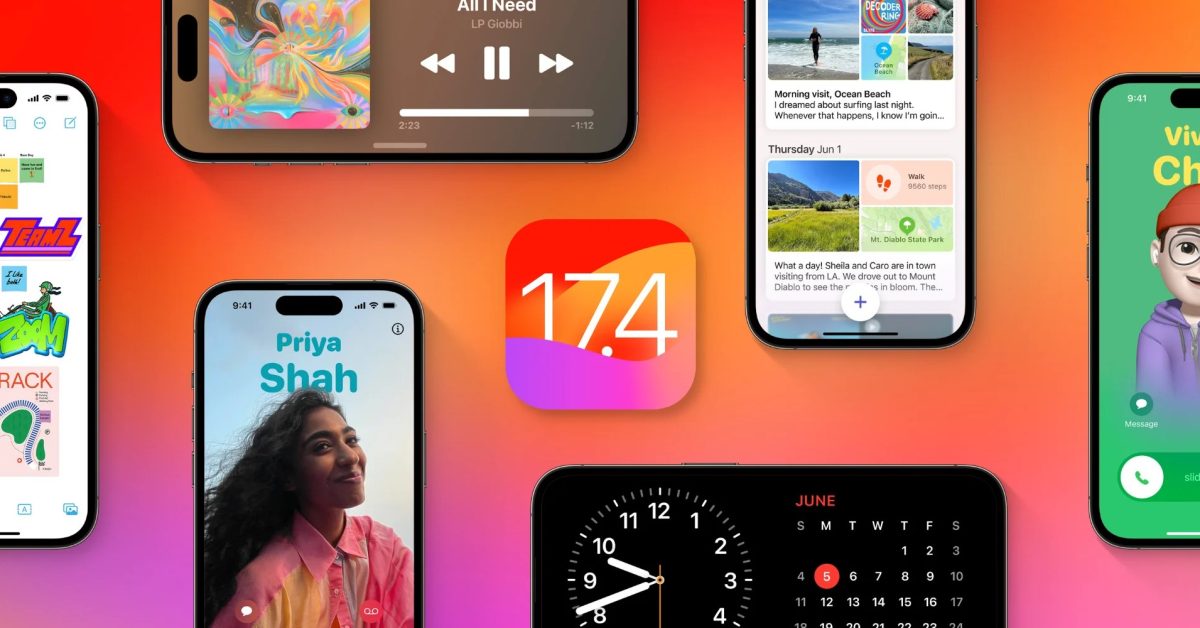
Apple's iOS 17.4 update introduces new features and bug fixes, including enhanced Stolen Device Protection settings for iPhone users. The update allows users to always require a one-hour security delay, regardless of their location, to access or change certain settings on their device. While this feature provides added security, it only protects a limited number of settings, so users are advised to take additional steps to safeguard their information.
Apple released the iOS 17.4 Release Candidate, with the final version expected next week to meet the EU's March 8th deadline. The update will bring significant changes for EU users, including the ability to use non-WebKit browsers, select third-party payment apps, and choose alternative app stores. Additionally, the update will enhance Stolen Device Protection, introduce podcast transcript features, improve iMessage security against quantum attacks, and add new emojis.
Apple's iOS 17.3 update introduces Stolen Device Protection, an optional feature designed to enhance security for iPhone users. When enabled, Face ID or Touch ID authentication is strictly required for sensitive actions, with a one-hour security delay for certain activities. This feature aims to prevent unauthorized access and control of stolen devices, addressing concerns raised by incidents of passcode theft.
iOS 17.4, set for release in the first week of March, brings major changes to the App Store and iPhone ecosystem in the European Union, including support for alternative app marketplaces, browser engines, and payment methods. It also introduces Stolen Device Protection improvements, transcripts in Apple Podcasts, new emojis, a Siri upgrade, and other tidbits. The update is in response to the Digital Markets Act and is expected to comply with the March 6 deadline set by the European Union.
In iOS 17.3, Apple has introduced several new privacy and security features for iPhone users, including Stolen Device Protection, requiring Face ID for Private Browsing in Safari, better tracking prevention, auto-deletion of verification codes, and enhanced privacy permissions for Photos. Additionally, a new safety feature called "Check In" in Messages allows users to automatically alert friends or family when they reach a desired destination, with the ability to share useful information if no response is received.
Criminals are targeting phones and passcodes, posing a threat to sensitive information and financial security. To protect against theft, experts recommend enabling stolen device protection in the new iOS 17.3 update, using biometric protection like face ID, and taking additional measures such as securing sensitive photos, using password managers, setting quick screen timeouts, enabling multi-factor authentication for financial apps, and being cautious about sharing your phone with strangers. If victimized, it's advised to immediately contact the carrier to block authentication texts and report the theft to Apple for account recovery.
Apple's iOS 17.3 update introduces a new security feature called Stolen Device Protection, which aims to safeguard user data if an iPhone is stolen. The feature requires biometric information to access sensitive settings and introduces a Security Delay mechanism for certain actions. While it doesn't protect all aspects of the device, Apple recommends enabling it and provides steps to require Security Delay even in familiar locations.
Apple has introduced a new security feature called Stolen Device Protection in the iOS 17.3 update, aimed at preventing theft and unauthorized access to stolen iPhones. The feature utilizes biometric protections and security delays to safeguard sensitive information and can be activated by enabling two-factor authentication, setting up passwords and biometric features, and enabling significant locations in location services. This update aims to make it harder for criminals to steal sensitive iPhone data.
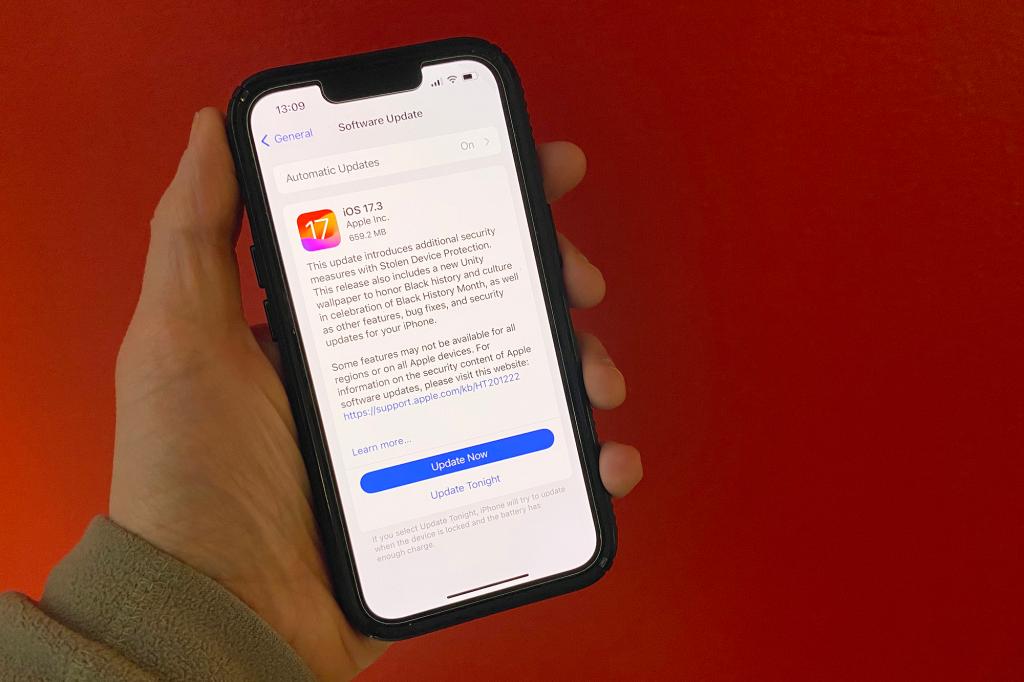
Apple released iOS 17.3, bringing Stolen Device Protection for added security, a new Unity Bloom wallpaper for Black History Month, and collaborative playlists for Apple Music subscribers. The update also includes bug fixes and improvements such as AirPlay hotel support and AppleCare & Warranty information in Settings.
Apple's new Stolen Device Protection feature in iOS 17.3, meant to add extra security by requiring biometric authentication or a security delay for critical operations, has a vulnerability. The feature determines familiar locations based on frequency of visits, potentially flagging less secure places as significant. Users can disable this feature to prevent false positives, but doing so will require biometric verification even at actual familiar locations. Alternatively, users can toggle the Stolen Device Protection feature on or off in settings.
Apple has released a new Stolen Device Protection feature in its latest iOS update, aimed at preventing thieves from accessing important functions and settings on stolen iPhones. The feature utilizes biometric security and familiar location tracking to make it harder for thieves to reset or erase the device. Users are urged to turn on the feature, which requires the latest iOS update, two-factor authentication, and Find My device to be enabled for their Apple ID account.
Apple's new iOS 17.3 update introduced Stolen Device Protection to prevent unauthorized access to stolen iPhones, but a flaw allows the feature to be bypassed when the device is in a "familiar location" without requiring biometric authentication. This flaw can be fixed by disabling Significant Locations in the settings. Additionally, the upcoming iOS 17.4 beta 1 release will include the option to always require a security delay when changing security settings.
Apple's latest iOS 17.3 update introduces a new feature called Stolen Device Protection, aimed at preventing theft-related exploits. This feature requires additional authentication for certain actions and prevents changes if the user is not at a trusted location. Users are encouraged to turn on this feature to enhance security, although upgrading to a new device may require a waiting period. The update comes in response to a growing trend of thieves exploiting Apple software vulnerabilities to steal significant amounts of money from victims.