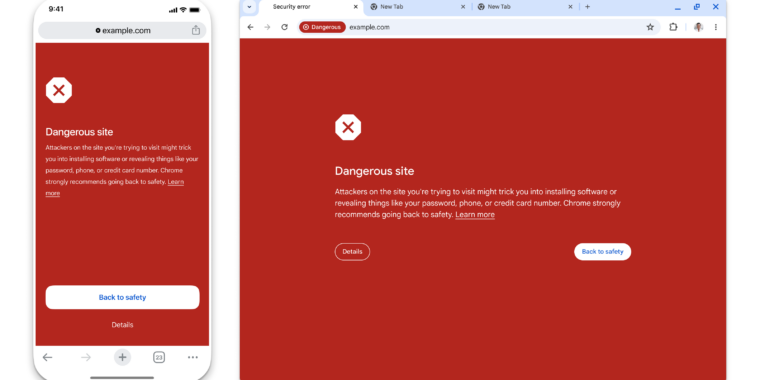
Google Chrome's "Safe Browsing" feature is getting real-time updates for all users, using privacy-preserving URL protection to prevent it from accessing users' entire browsing history. The feature involves real-time checking against a remote server, with a third-party relay server operated by Fastly to preserve user privacy. While this may cause some latency, Google is working on introducing an asynchronous mechanism to improve the user experience. The new feature is available in the latest Chrome release for desktop, Android, and iOS, and can be turned off in the "Privacy and security" section of the Chrome settings.
Google has introduced an enhanced version of Safe Browsing for Chrome users, providing real-time URL protection to prevent visits to potentially malicious sites. The new protection mode will check sites against Google's server-side list of known bad sites in real-time, aiming to block 25% more phishing attempts. This change comes as the list of harmful websites is growing rapidly, with many phishing domains existing for less than 10 minutes, making them difficult to block. The new architecture involves real-time checks using obfuscated URL hashes and a privacy server to prevent access to users' IP addresses, ensuring browsing activity remains private.
Google has updated its Safe Browsing feature in Chrome to work in real time by checking URLs against a server-side list without sharing browsing habits with Google. This change aims to catch up to 25% more phishing attacks and reduce strain on low-end machines and low-bandwidth connections. The new system uses a privacy server to obfuscate and encrypt URL data before sending it to the Safe Browsing server, ensuring that neither Google nor Fastly, the partner company providing the privacy server, can see users' browsing data.
Google is enhancing the default Safe Browsing mode in Chrome to provide real-time protection against malicious websites by incorporating real-time checks from the Enhanced protection mode. This update aims to block 25% more phishing attempts and is available on the latest desktop and iOS versions of Chrome, with an Android update coming later. The company emphasizes privacy, stating that Safe Browsing doesn't share visited site URLs with Google and uses hashing and encryption for user protection. Additionally, Chrome's Password Checkup feature on iOS now warns about weak and reused credentials in addition to compromised passwords.
Google has introduced real-time browsing protection to Chrome's Safe Browsing feature, claiming to enhance privacy by hiding visited URLs. The new Standard mode now offers real-time checking, utilizing an API to conceal URLs from Google and sending encrypted versions to a privacy server before cross-referencing with Safe Browsing's database. This process aims to maintain user privacy while improving phishing protection, with the feature currently available on Chrome for desktop and iOS, and set to roll out to Android later this month.
Google is upgrading Google Safe Browsing in Chrome with real-time URL protection to block phishing attempts and protect against malicious websites. The upgrade uses a server-side list of known bad sites and an Oblivious HTTP privacy server to preserve user privacy. Chrome users can opt for Enhanced Protection, which uses AI to block attacks and protect against malicious Chrome extensions. Additionally, Password Checkup on iOS now flags weak and reused passwords.
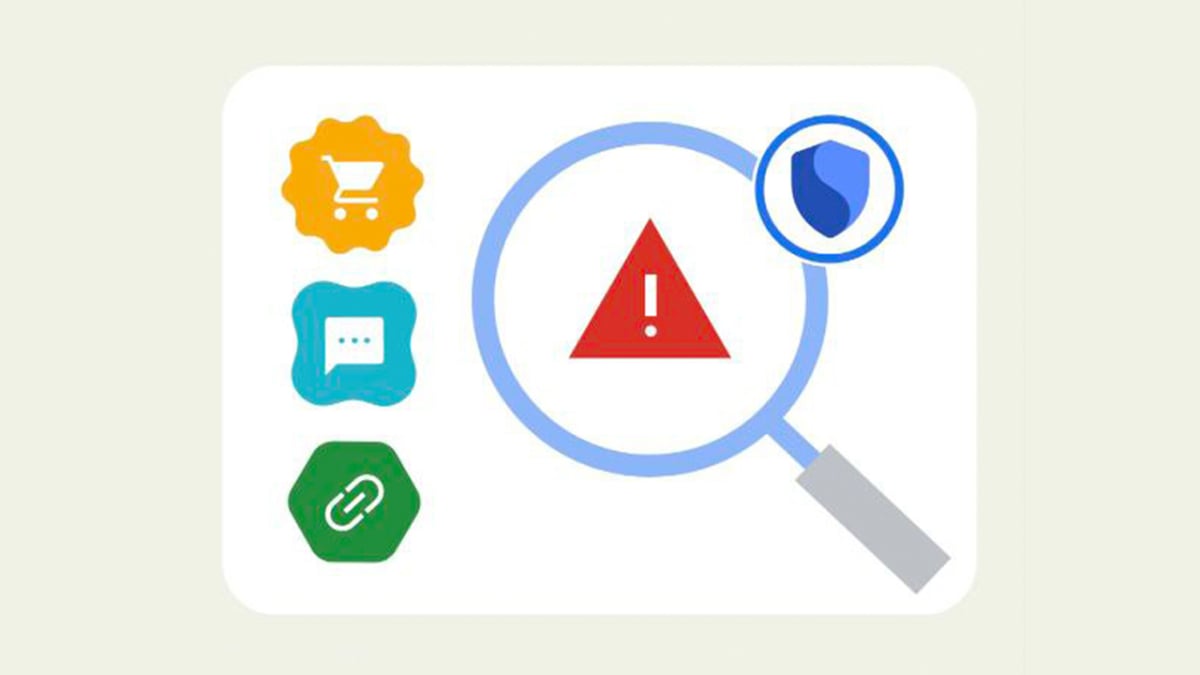
Google is introducing new security features for Android users, including Android Safe Browsing and Live Threat Detection, to protect against harmful websites and links. These features, part of the Google Play Services app, aim to prevent malware and phishing attempts by scanning links and websites for threats and warning users when encountering unsafe content. Users can enable these features through the device's settings after installing the latest Google Play Services update.
Android's Safe Browsing feature offers protection against potential cyber threats by alerting users to malware, risky extensions, phishing scams, and unsafe websites. Users can choose between three levels of protection, with Enhanced Protection providing the highest level of security. However, turning on Enhanced Protection requires sharing data with Google. It's important to note that Safe Browsing is not a substitute for antivirus software, which provides more comprehensive protection against viruses, spyware, and other types of malware.