U.S. Bans Kaspersky Software Over Security Concerns
The U.S. Commerce Department has banned the use of antivirus software from the Russia-based cybersecurity firm Kaspersky, which the company denies poses any security threat.

All articles tagged with #antivirus software
The U.S. Commerce Department has banned the use of antivirus software from the Russia-based cybersecurity firm Kaspersky, which the company denies poses any security threat.
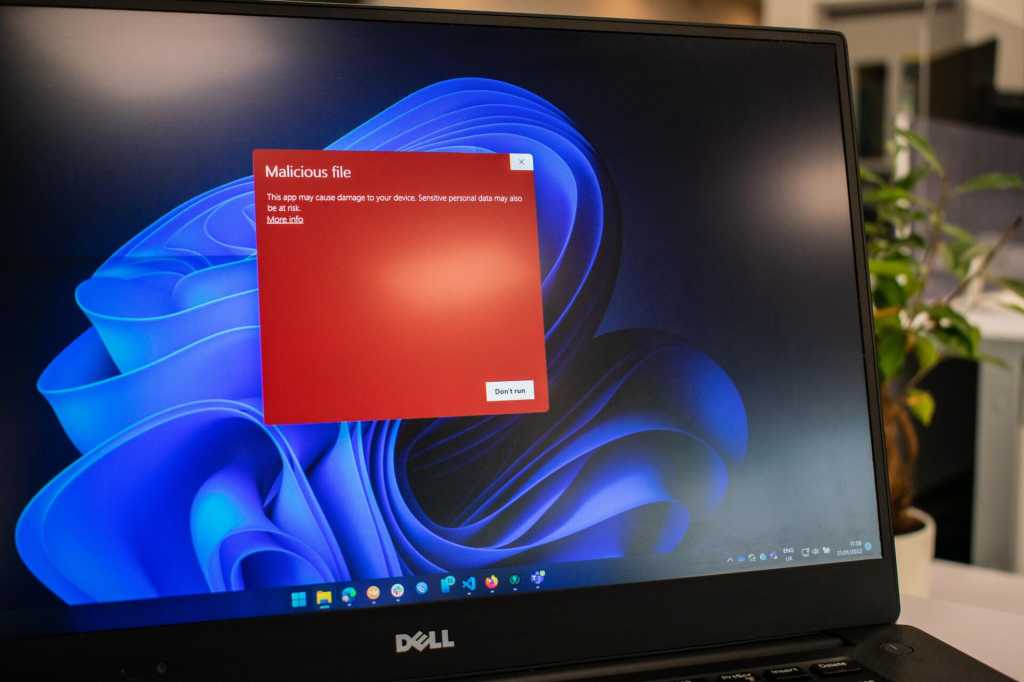
Ransomware is a serious threat, but Windows includes built-in protections through its Microsoft Defender antivirus software, which can be enabled by following a few steps in the Windows Security app. By turning on Controlled folder access and ensuring you're logged into OneDrive for automatic backups, you can add an extra layer of defense against ransomware attacks. While these measures may cause some inconvenience, they can significantly enhance the security of your files. Additionally, considering other antivirus software options and maintaining offline backups are recommended for comprehensive protection against online threats.
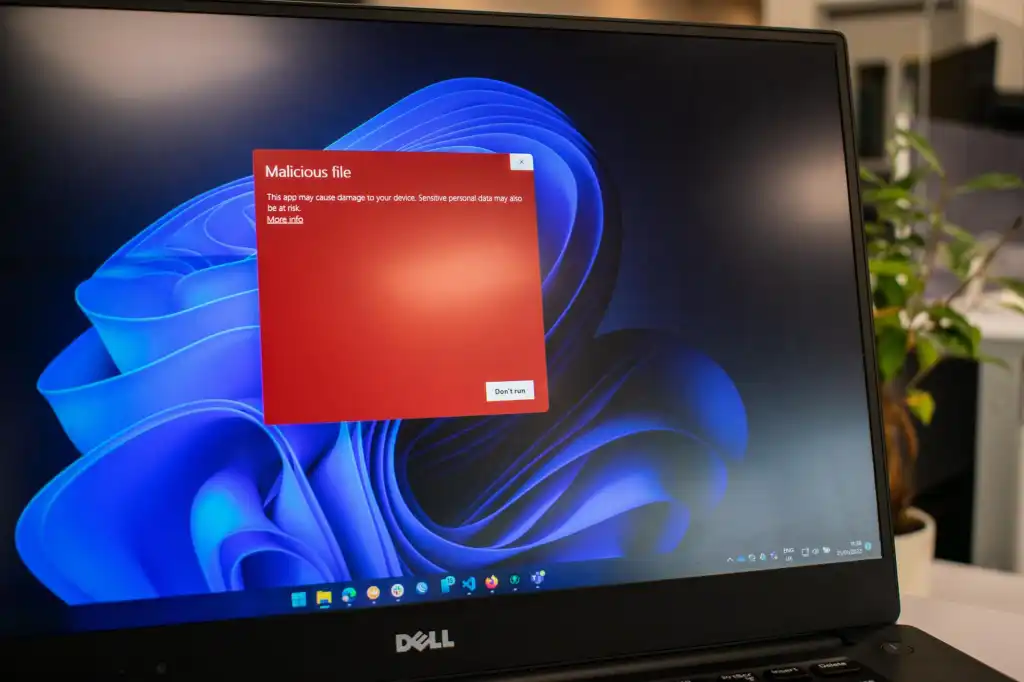
Ransomware is a serious threat, but Windows users can activate built-in protection through Microsoft Defender by enabling Controlled folder access and ensuring they are logged into OneDrive for automatic backups. While this may cause some inconvenience, such as blocking access to certain folders, it provides an additional layer of defense against ransomware attacks. Users can also consider upgrading their antivirus software for more comprehensive protection.
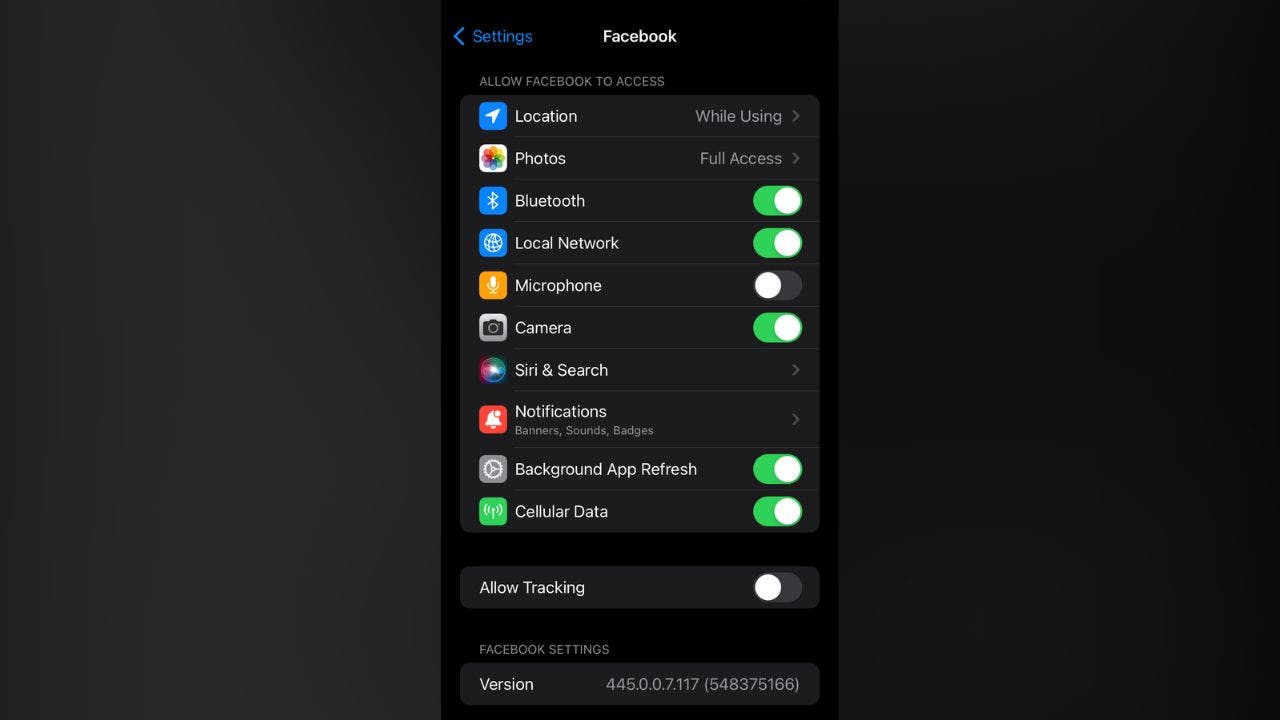
While there's no definitive proof that smartphones are listening to conversations for targeted ads, experts suggest it's possible for some apps to access the microphone without consent. To prevent potential eavesdropping, users can turn off voice-recognition assistants, disable microphone access for specific apps, use reliable antivirus software, and employ a VPN to protect their online activity and personal information. Staying proactive about internet safety is crucial, even in the absence of large-scale evidence of eavesdropping.

There are ways to determine if someone has installed tracking software on your phone, such as strange pop-ups, unauthorized texts or calls, increased data usage, unfamiliar apps, and quick battery drainage. To prevent phone tracking, use antivirus software, a VPN, avoid public WiFi networks, turn off location settings for certain apps, check your Google account settings, use strong passwords and enable biometrics and 2-factor authentication, keep your phone and apps updated, and consider using a more private browser.
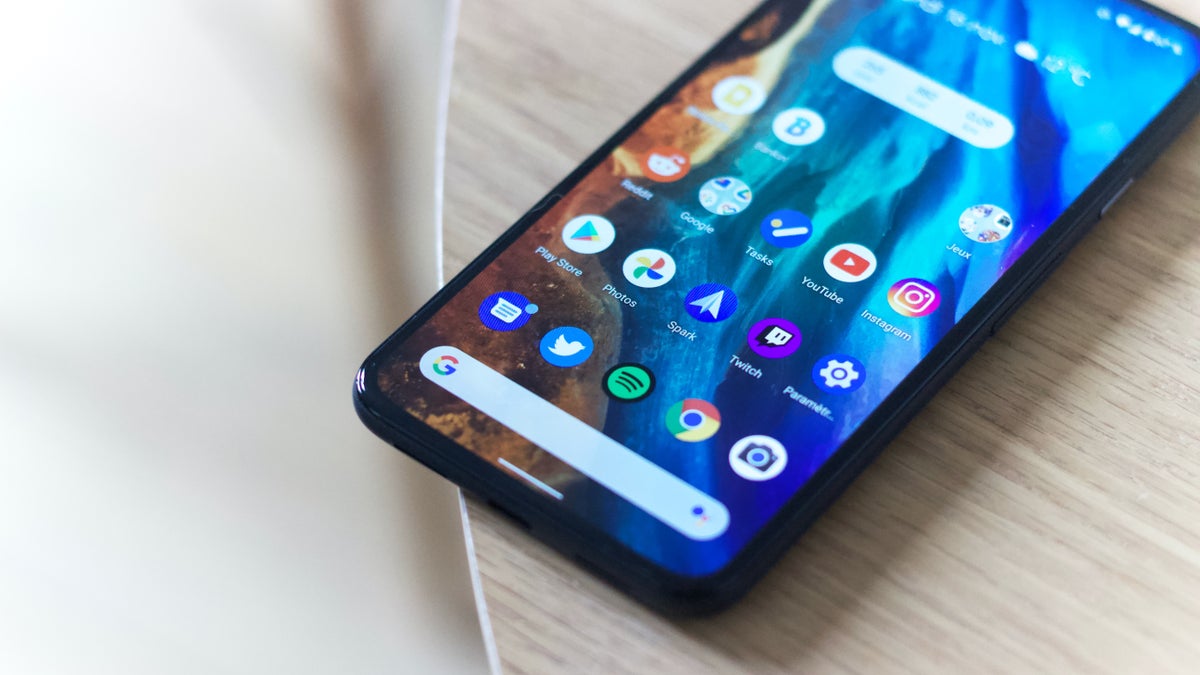
Researchers have discovered a new type of Android malware that can evade antivirus apps by using a previously unknown compression method for APKs. The method is undetectable by current security measures, allowing the malware to bypass security as a regular app. However, the good news is that none of the apps using this method have been found on Google's Play Store, meaning users who do not sideload apps are unlikely to be affected. Additional cybersecurity companies have joined the investigation, uncovering that some APKs also use abnormally large filenames that cause analysis tools to crash.

Android's Safe Browsing feature offers protection against potential cyber threats by alerting users to malware, risky extensions, phishing scams, and unsafe websites. Users can choose between three levels of protection, with Enhanced Protection providing the highest level of security. However, turning on Enhanced Protection requires sharing data with Google. It's important to note that Safe Browsing is not a substitute for antivirus software, which provides more comprehensive protection against viruses, spyware, and other types of malware.
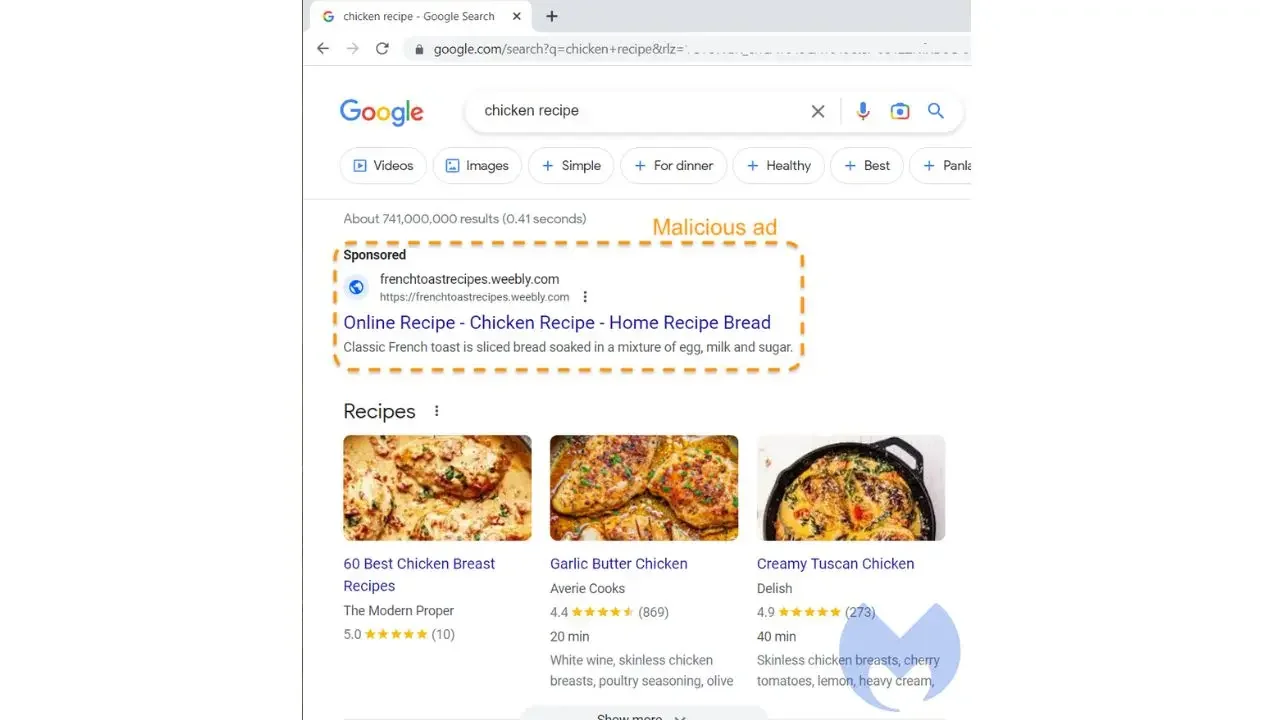
Scammers are targeting older Americans through malvertising campaigns executed through fake Google ads. Malvertising is a form of fake online advertising that uses ads that look real to spread malware to people's devices. The scammers create hundreds of fake websites via the web hosting platform Weebly to host fake content that looks real so that the ads they place on Google can be validated and approved. The main way they do this is by making their websites look as legitimate as possible. To protect yourself, have good antivirus software on all your devices.
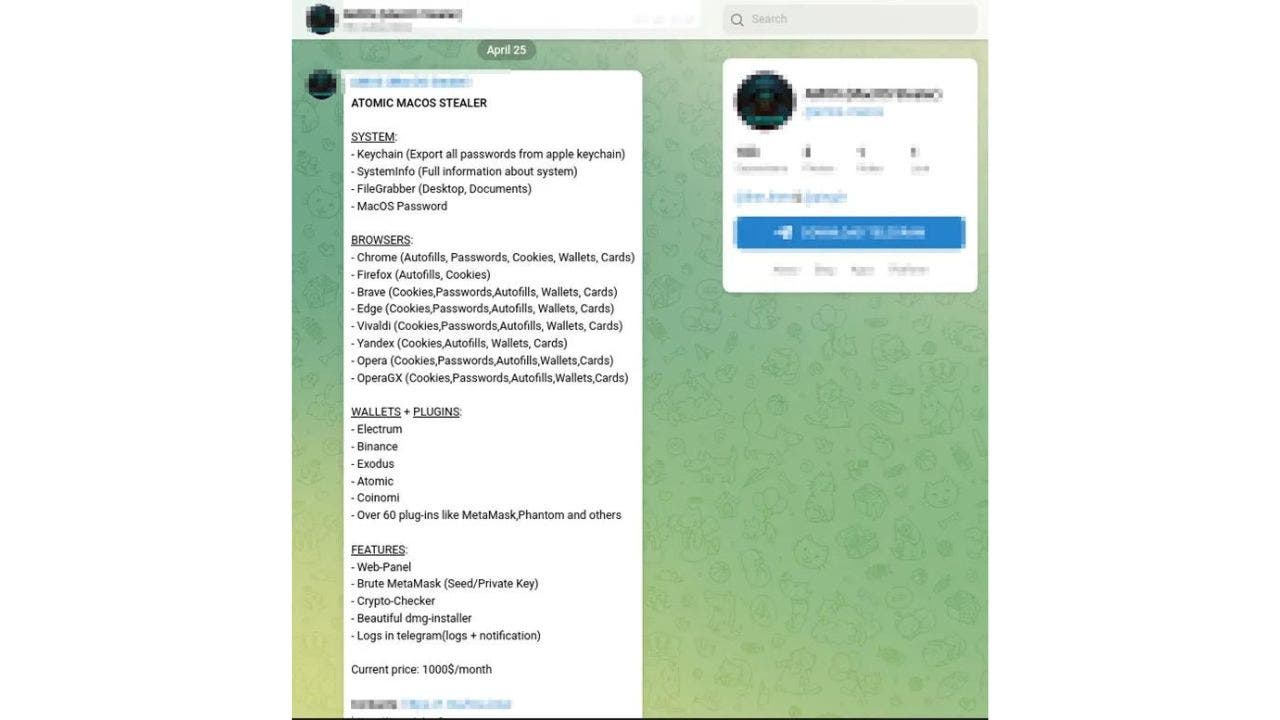
A new malware called Atomic macOS Stealer (AMOS) is targeting macOS devices and stealing sensitive information such as passwords, system information, and credit card information. It spreads through a .dmg file and can infiltrate popular browser apps and crypto wallets. The malware is being sold to hackers for a monthly fee of $1,000 through Telegram. To protect your Mac, be cautious when downloading files, keep your software up-to-date, and have good antivirus software installed on all devices.

McAfee researchers have discovered that a new Android malware named Goldoson has infected 60 different apps on the Google Play Store, collectively having over 100 million downloads. The malware can collect data on installed apps, WiFi, Bluetooth-connected devices, and GPS locations, and can click ads in the background without the user knowing, causing ad fraud. Even the most recent Android models with the most updated software were affected. Users are advised to delete the affected apps immediately and only download apps from trustworthy sources. Having good antivirus software on all devices is also recommended.

A North Korean cybercriminal group called Kimsuky is using a malicious Chrome extension called AF to steal Gmail emails. The attack starts with a phishing email that urges potential victims to install the extension, which immediately begins stealing the contents of emails from the Gmail account. Kimsuky also uses Google Play’s web-to-phone synchronization feature to infect victims’ phones with Android malware. To protect yourself, never click on suspicious emails or download extensions sent to you in an email. Always have antivirus software installed on all your devices and only download apps from the Google Play Store that have been reviewed and given good ratings.

A new Nexus Android banking trojan capable of targeting 450 different banking and financial apps has been discovered by Italian cybersecurity firm Cleafy. The malware is being distributed through phishing pages disguised as legitimate websites called YouTube Vanced. Once installed, the trojan can intercept and steal sensitive data such as login credentials, credit card details, and other financial information. Users are advised to have good antivirus software on all their devices and to be careful where they download apps from.