Hidden 120Hz Scroll Boost in Safari on ProMotion Devices
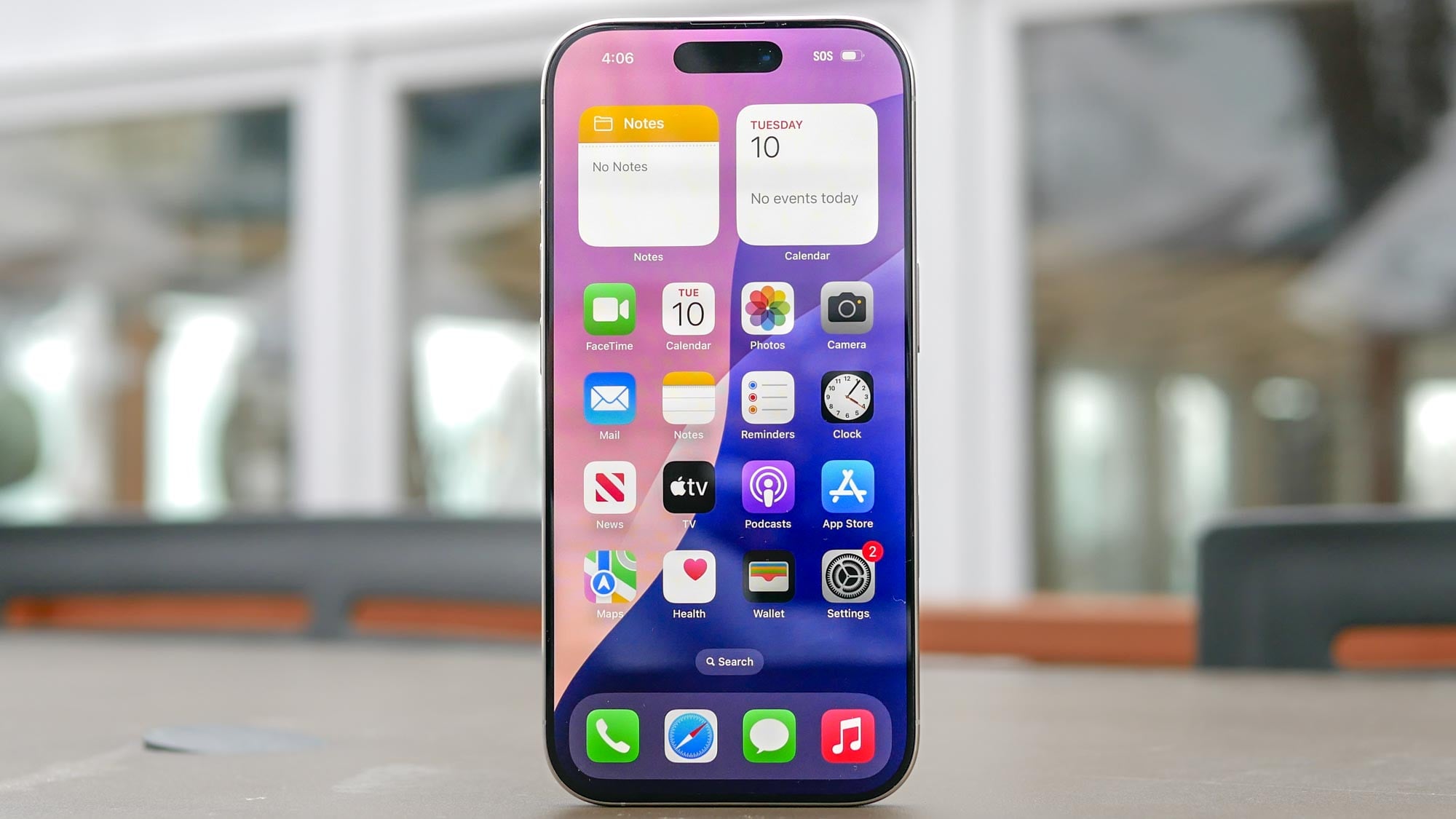
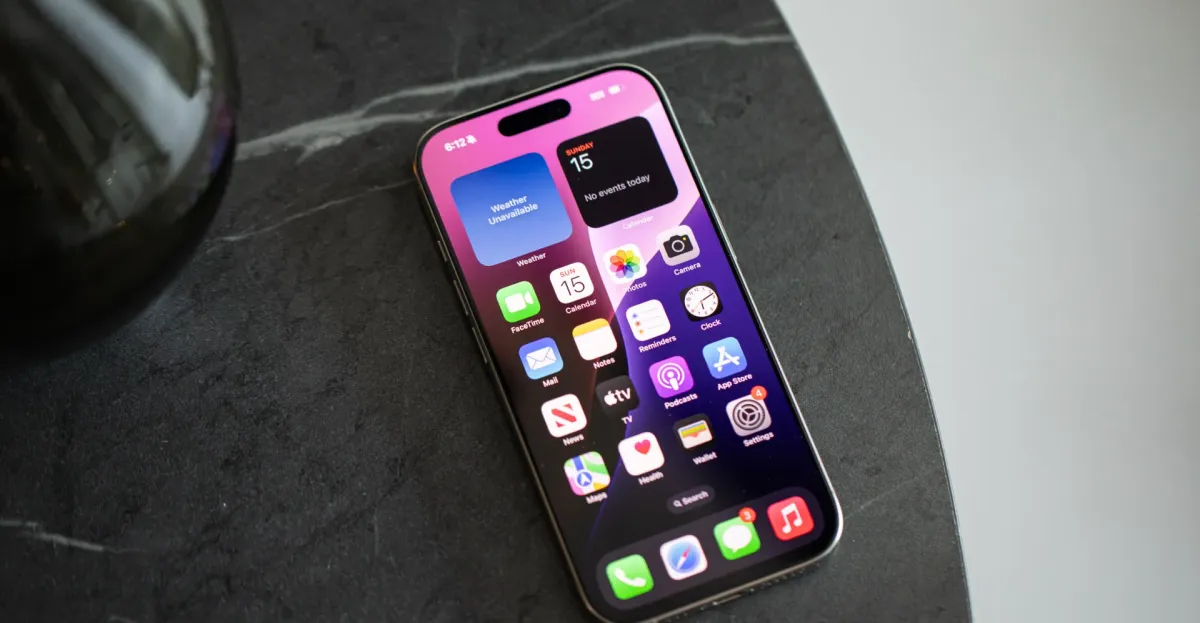
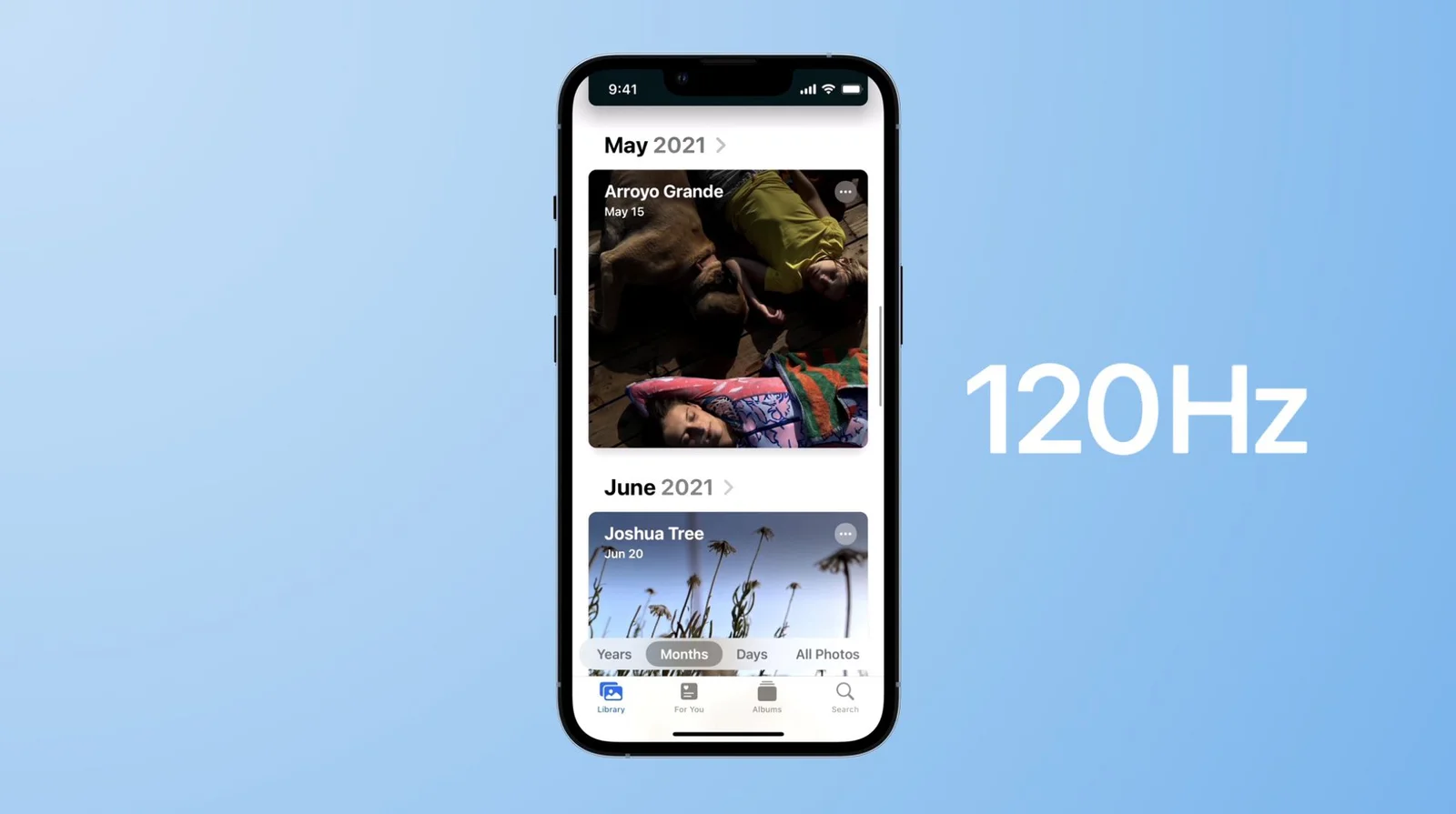
Safari on iPhone, iPad, and Macs with ProMotion can render pages at up to 120Hz by enabling a hidden Feature Flags option. On iPhone/iPad, go to Settings > Safari > Advanced > Feature Flags and turn off 'Prefer Page Rendering Updates near 60fps', then restart Safari; on Mac, enable Show features for web developers in Settings > Advanced, open the Feature Flags tab, search '60fps', and uncheck the 'Prefer Page Rendering Updates near 60fps' option, then restart. Supported devices include ProMotion iPhones (e.g., 13 Pro and later), iPad Pro models, and Macs with ProMotion; higher refresh can affect battery life.