Tag

Browser Extension

All articles tagged with #browser extension

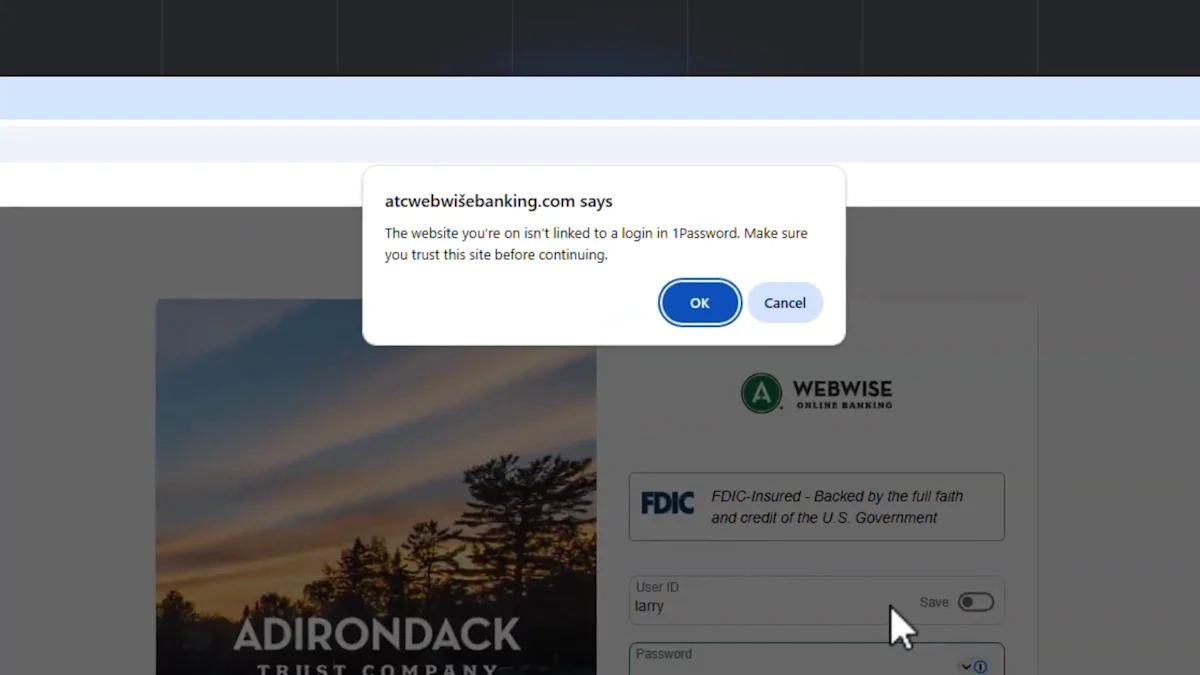
1Password adds phishing-warning guard to its browser extension
tech1 month ago

1Password adds phishing-warning guard to its browser extension

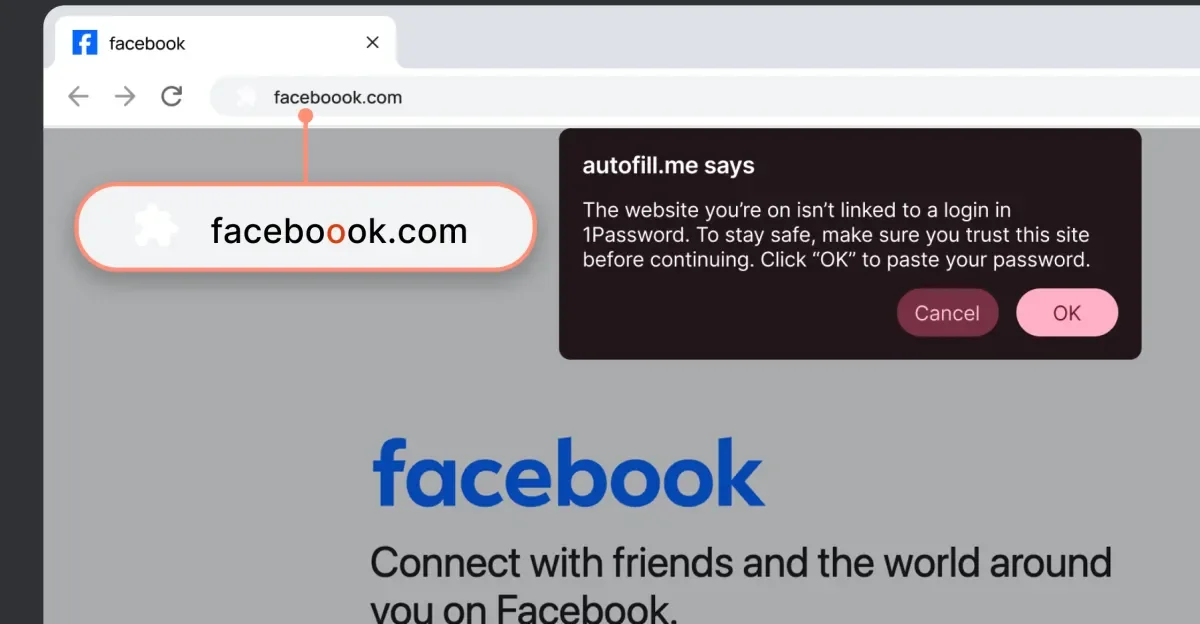
1Password’s browser extension will warn users and halt autofill when a clicked login link leads to a URL that doesn’t match the saved login, aiming to curb phishing. It’s not foolproof, can still be bypassed by manual login entry, and will rollout gradually with individual/family accounts enabled by default when available and business use requiring admin activation.

Microslop Mania: Windows 11 AI Backlash Spurs Rename Extension
technology1 month ago

Microslop Mania: Windows 11 AI Backlash Spurs Rename Extension

Windows 11’s growing AI integration has sparked backlash, with users labeling Microsoft as 'Microslop' and a Chrome extension that visually renames Microsoft to Microslop; the piece traces Copilot’s rollout across Windows 11 since 2023 and how the AI push in core apps has frustrated some users, while industry voices and companies like Dell push back on AI-centric PCs.

Anthropic Launches Claude AI Chrome Extension Amid Browser Security Concerns
technology6 months ago

Anthropic Launches Claude AI Chrome Extension Amid Browser Security Concerns

Anthropic's AI Chrome extension, designed to automate tasks, has significant security vulnerabilities with a 23.6% attack success rate, reduced to 11.2% with safety measures. Experts warn that these risks, including prompt injection and malicious instructions, pose serious security concerns, and current protections are insufficient, placing the burden of security on users.

Top Password Managers Face Critical Clickjacking Vulnerabilities
technology6 months ago

Top Password Managers Face Critical Clickjacking Vulnerabilities

A security researcher revealed that some password manager browser extensions are vulnerable to clickjacking attacks that can steal sensitive data, but desktop and mobile apps are not affected. Several password managers have issued patches or are working on fixes, and users are advised to update their software, disable auto-fill, or use desktop/mobile versions to stay safe. Good cybersecurity practices, like avoiding suspicious links and using VPNs and antivirus software, are also recommended.

"Maximizing Gmail's Tabs with This Game-Changing Extension"
technology1 year ago

"Maximizing Gmail's Tabs with This Game-Changing Extension"

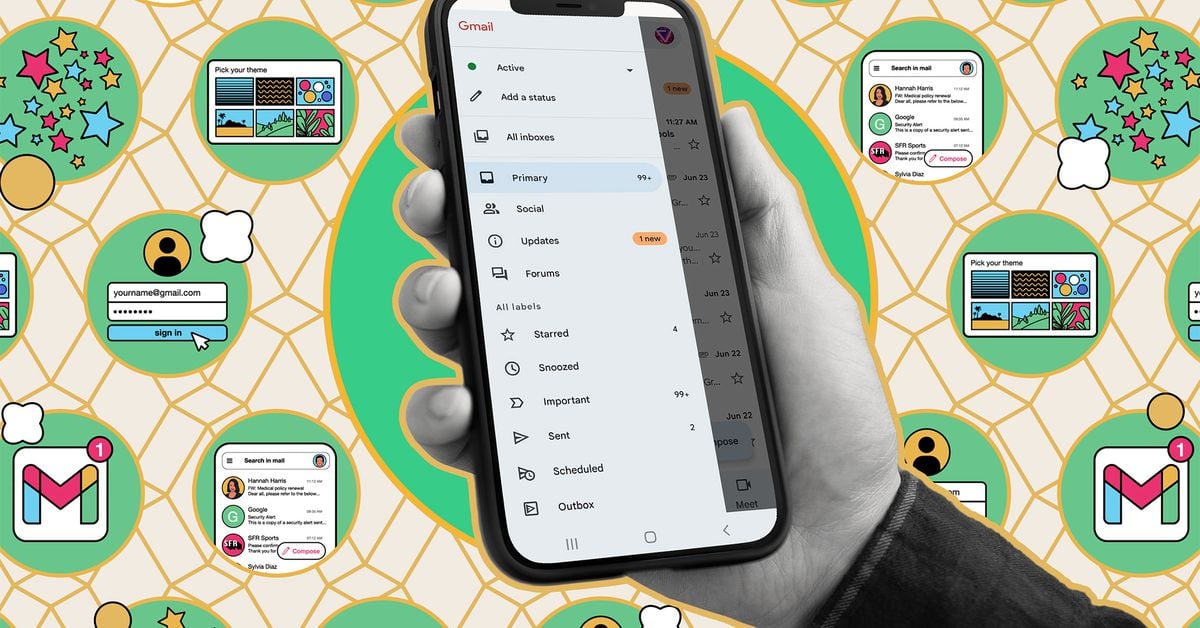
A new browser extension called Gmail Tabs by CloudHQ allows users to customize Gmail's tabs by turning labels or search queries into customizable tabs, providing more flexibility and organization options than the platform's predefined categories. The extension also enables users to set up filters to automatically sort relevant emails into these custom tabs, making email management less overwhelming. While not perfect, the extension offers more flexibility and control over email organization, addressing some long-standing limitations of Gmail's tab system.

"Opera GX Introduces HeartBlockker Extension for Enhanced Privacy and Security"
technology2 years ago

"Opera GX Introduces HeartBlockker Extension for Enhanced Privacy and Security"

Opera GX, a browser designed for gamers, has introduced a new browser extension called HeartBlocker to help users curate an online experience free from love-themed images and texts, just in time for Valentine's Day. The extension features two modes, Normal Mode and Emo Mode, and uses AI capabilities to replace lovey-dovey words and phrases with neutral terms, as well as remove overly pink/red images from the browsing experience.

YouTube's Battle Against Ad Blockers: A Frustrating Fight Explained
technology2 years ago

YouTube's Battle Against Ad Blockers: A Frustrating Fight Explained

A free and open-source browser extension called SponsorBlock for YouTube allows users to block sponsored ads on the platform. The extension relies on crowdsourced "skip segments" submitted by volunteers to automatically skip ad reads in videos. With over 15 million skip segments submitted so far, the extension covers a wide range of YouTube channels. Users can also whitelist channels they want to see sponsorship videos for and have the option to disable automatic skipping. The extension is available for popular browsers and can even be integrated into third-party ad-free apps and smart TVs.

Revive Your Web Browsing Experience with This Chrome Extension
technology2 years ago

Revive Your Web Browsing Experience with This Chrome Extension

The Consent-O-Matic browser extension is a free and open-source tool that helps protect privacy and eliminate annoying cookie consent pop-ups. It outwits deceptive tactics used by websites to trick users into accepting cookies, automatically clicking all the reject buttons for the user. By saving time and ensuring privacy, Consent-O-Matic has become a valuable tool for those frustrated with GDPR pop-ups.

Revamp Your Twitter Feed with These Free Add-Ons.
technology2 years ago

Revamp Your Twitter Feed with These Free Add-Ons.

Twitter Blue, the paid subscription service of Twitter, can be annoying to use as it prioritizes tweets of subscribers and shows them at the top of comment threads. Blue Lite Blocker, a free browser extension, can filter out comments from Twitter Blue subscribers without affecting the people you follow. Other workarounds include using the Following tab, blocking all retweets, and using TweetDeck. However, Twitter may try to find a way to break these tools as they want to turn Blue checkmarks into sellable status symbols.

Rilide Malware Enables Hackers to Bypass 2FA and Steal Crypto
cybersecurity2 years ago

Rilide Malware Enables Hackers to Bypass 2FA and Steal Crypto

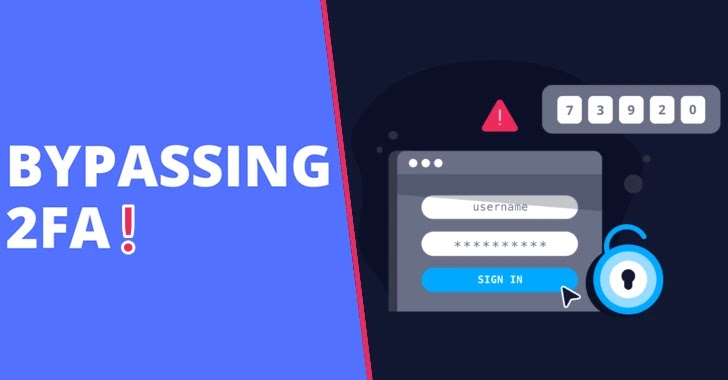
A new malware strain called Rilide has been discovered, which is designed to attack web browsers built on the Chromium platform. It camouflages itself as a legit Google Drive extension to evade detection and leverages inherent Chrome features for malicious purposes. Rilide can monitor browsing history, take screenshots, and inject malicious scripts. It can also exploit counterfeit dialogs to trick users into disclosing their two-factor authentication information, which it then employs to steal cryptocurrencies covertly. The malware bypasses the Content Security Policy feature of a web browser and can capture screenshots and exfiltrate browsing history, which is then transmitted to the attacker’s command-and-control server.