iOS 26.2 introduces new customization options for iPhone users, including an expanded Liquid Glass slider for Lock Screen clock transparency, a new screen flash notification feature, and an 'Urgent' toggle for reminders with customizable alarm options, enhancing personalization and accessibility.
iOS 26.2 introduces new features including an 'Urgent' option for Reminders, offline lyrics for Apple Music, AI-generated chapters and mentions in Apple Podcasts, refined Sleep Score criteria, redesigned Apple News sections, and regulatory changes in the EU affecting AirPods translation and Wi-Fi network syncing. The update is currently in beta and expected for a public release in mid-December.
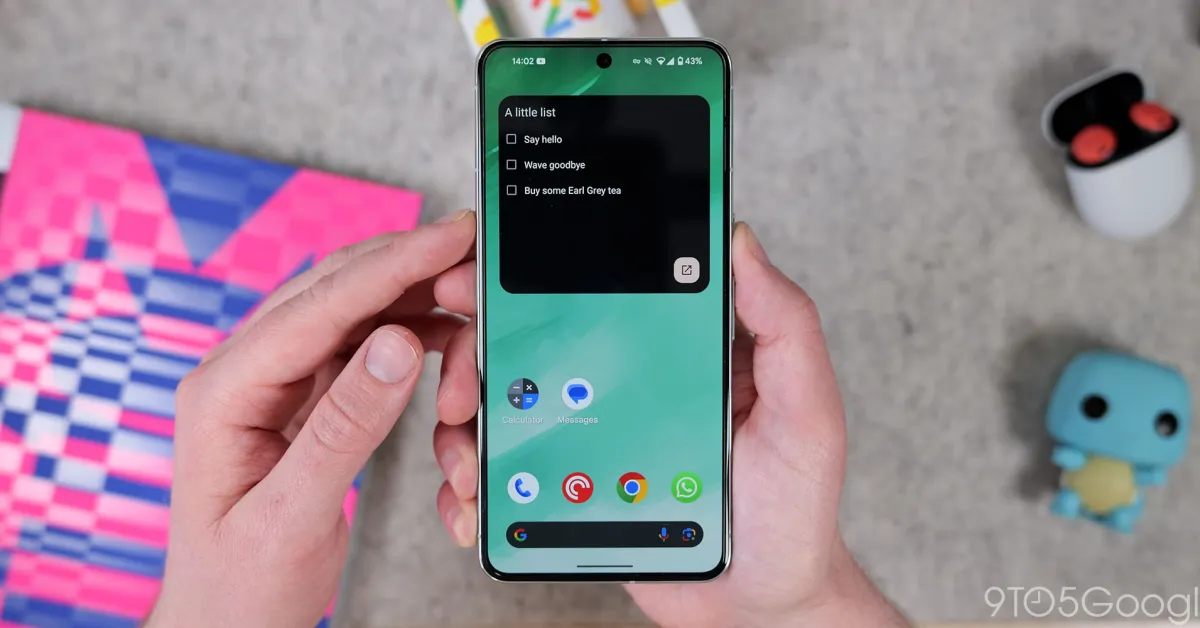
Google Keep is transitioning from its legacy reminders system to Google Tasks, unifying to-dos and reminders across Google Workspace. The migration is rolling out now, with reminders in Keep being automatically saved to Tasks, which are accessible via Calendar and Gemini. Location reminders are no longer supported, and Keep reminder notifications will cease, requiring users to have Calendar or Tasks installed. The update aims to streamline task management across Google's productivity tools.
Google is transitioning from Google Keep's built-in reminders to Google Tasks, which will handle notifications and allow viewing, editing, and completing tasks across Calendar, Keep, and Tasks. Location-based reminders will be discontinued, and there are some limits and adjustments for long, repeating, or distant future tasks. The migration is expected in the second half of 2025.
A new feature is being introduced to enable users to receive notifications for their favorite news stories, ensuring they never miss out on updates. By clicking 'OK' and then 'Allow', users can opt in to receive reminders and stay engaged with the latest content.
Users can now receive notifications and reminders for their favorite news stories by enabling notifications on a website, ensuring they never miss out on new content.
Google Keep offers a variety of features to help users organize their notes, including customizable looks, labels for organization, to-do lists, collaboration, reminders, pinning notes, extracting text from images, hand-drawn scribbles, and the ability to convert notes into Google Docs. The mobile app also includes additional features such as voice notes with transcription, adding photos, and text formatting.
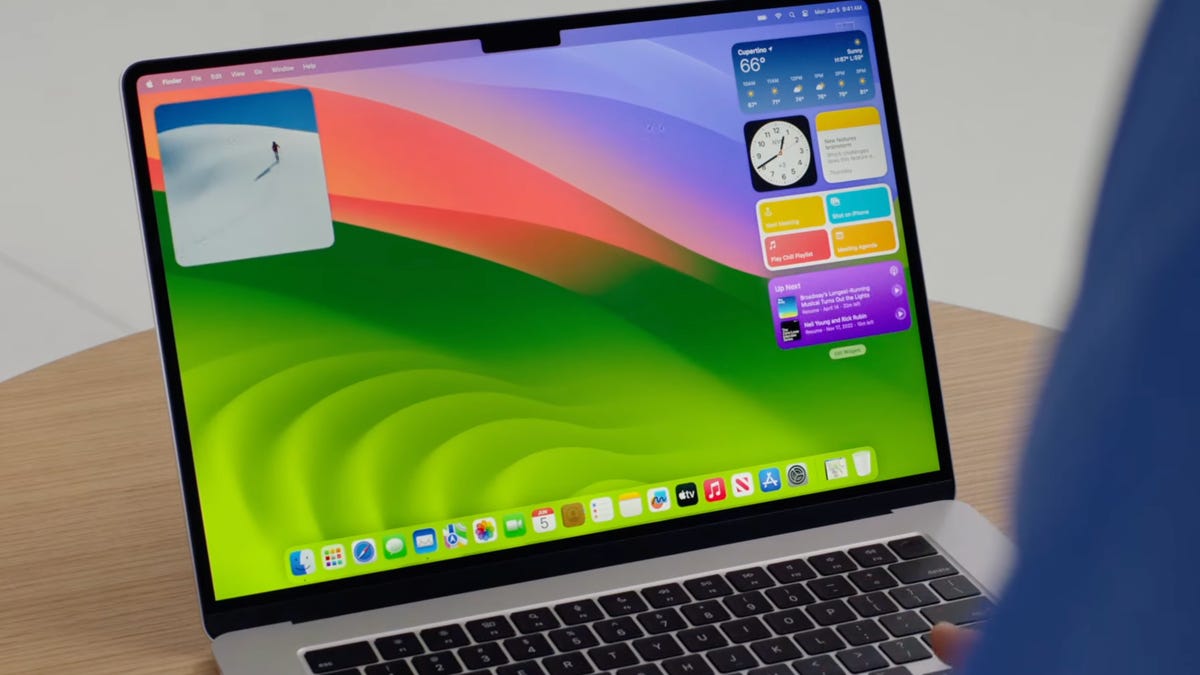
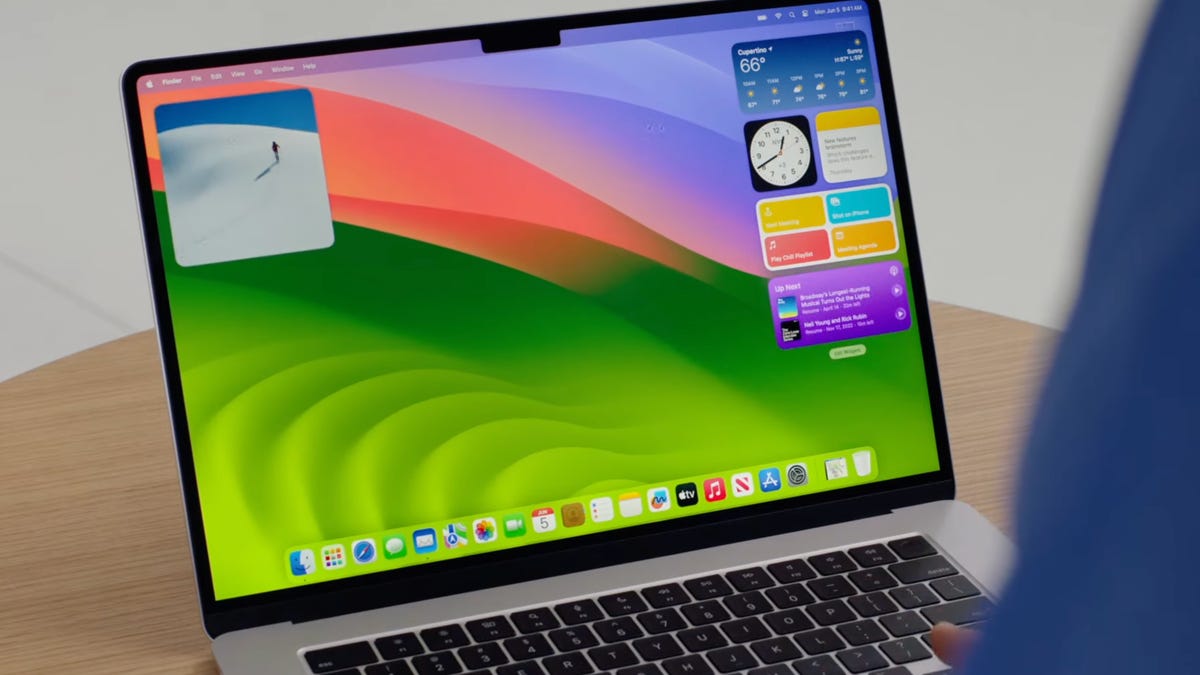
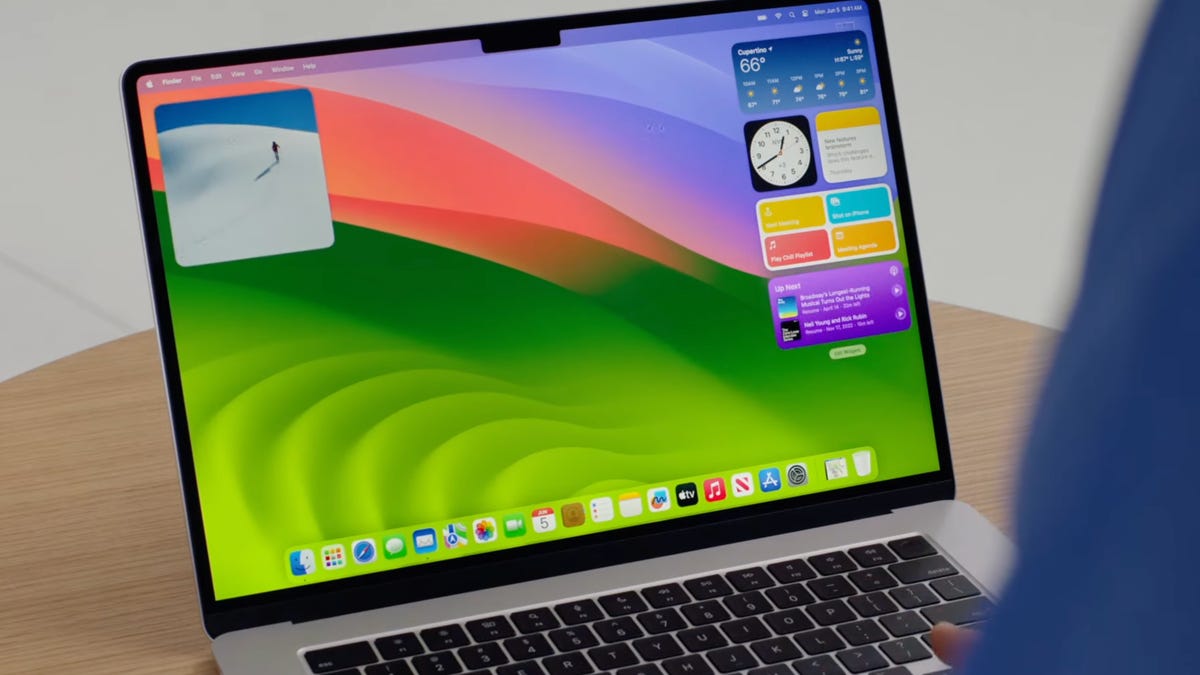
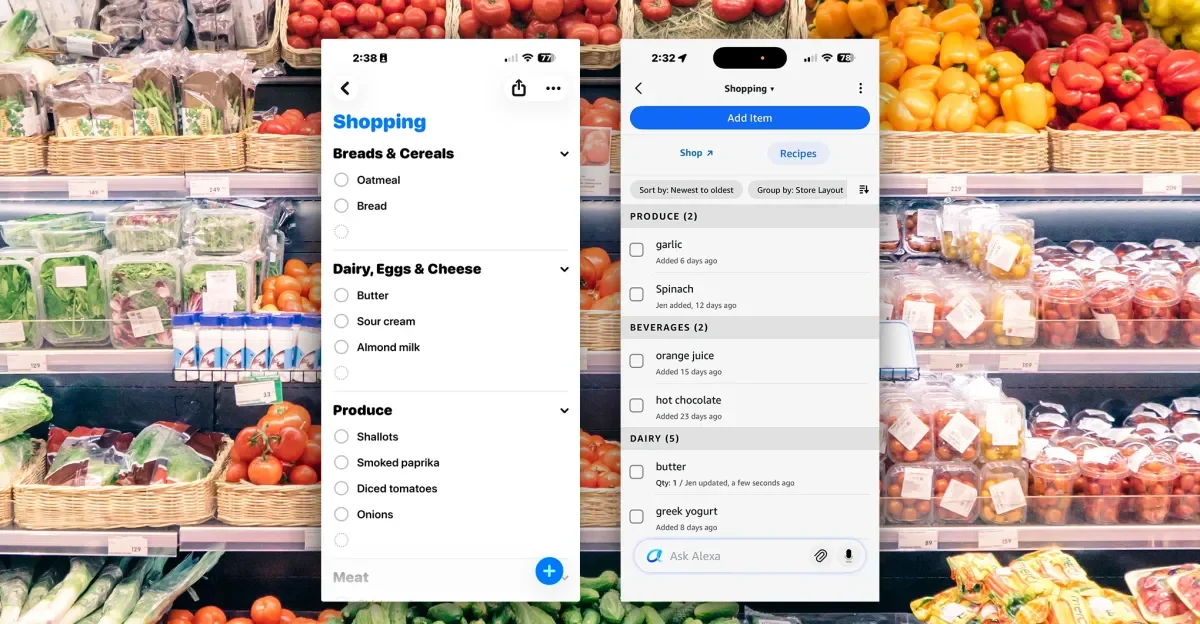
Apple's latest MacOS Sonoma update brings new features that enhance the integration between Mac and iPhone. The update introduces widgets on the desktop, allowing users to customize their workspace and access information more conveniently. Additionally, the Reminders app now includes an auto-sorting grocery list feature, although it may have some bugs. Furthermore, the Messages app on Mac now offers the same functionality as the iPhone, including the ability to reply directly to specific messages. Overall, the MacOS Sonoma update aims to improve the seamless experience between Apple devices.
Apple's MacOS Sonoma update brings new features to Mac that mirror those found on iPhones, including the addition of widgets to the desktop, auto-sorting grocery lists in the Reminders app, and improved messaging capabilities with features like tap-back reactions and the reply function. These updates aim to enhance the integration and functionality between Apple devices.
The latest update of Mac OS Sonoma brings several iPhone features to Mac, including widgets on the desktop, auto-sorting grocery lists in the Reminders app, and improved messaging capabilities that mirror the iPhone experience. Users can now customize their desktop with widgets, drag and drop widgets from the Notification Center, and even add iPhone widgets to their Mac. The Reminders app now offers auto-sorting grocery lists, although the feature may be a bit buggy. Additionally, the messaging experience on Mac has been enhanced with the introduction of the reply function, allowing users to reply directly to specific messages.
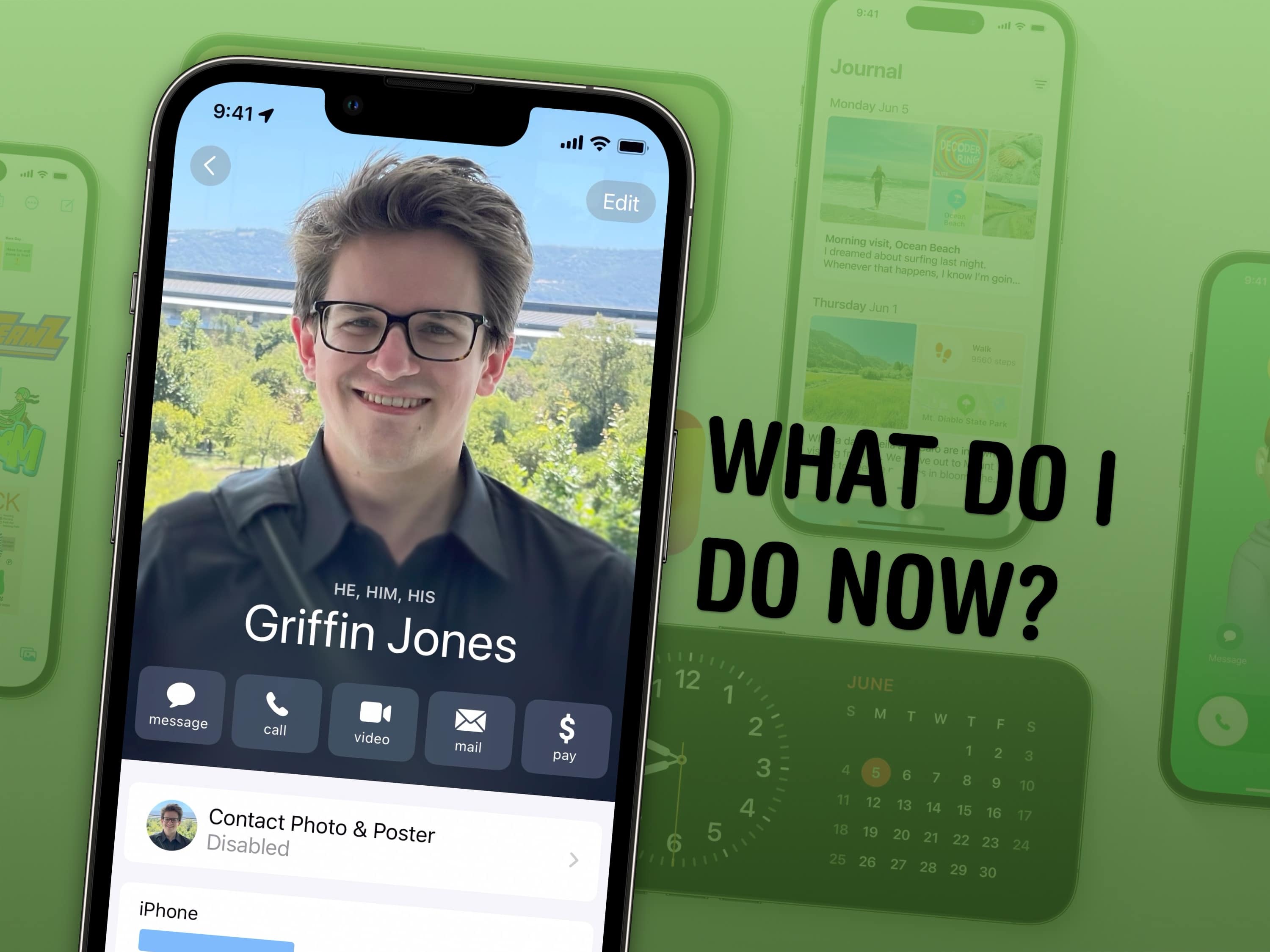
iOS 17 introduces several new features and tweaks that enhance the user experience. These include setting up Contact Posters to customize how you appear when calling someone, configuring StandBy mode to turn your iPhone into a smart display, naming pets in the Photos app for easy organization, using Reminders as a grocery list with automatic sorting, sharing passwords and AirTags with others, creating separate Safari profiles for different accounts, editing Apple Watch widgets for quick access, logging mental health in the Health app, and making stickers from photos. These are just a few of the many features available in iOS 17.
Setting reminders can significantly increase our chances of achieving our goals by addressing the common problem of forgetting them. Psychological studies show that 50 to 70 percent of everyday memory failures involve forgetting our intentions. By using cognitive offloading, where we store our intentions outside of our brains through physical actions like using notepads or smartphone alerts, we can improve our memory performance and free up cognitive resources for other tasks. However, there are potential downsides to offloading, such as the risk of forgetting if we lose the reminder. It is important to make reminders specific, set them close to the task, make them automatic, understand our own memory abilities, and have backups for important tasks.
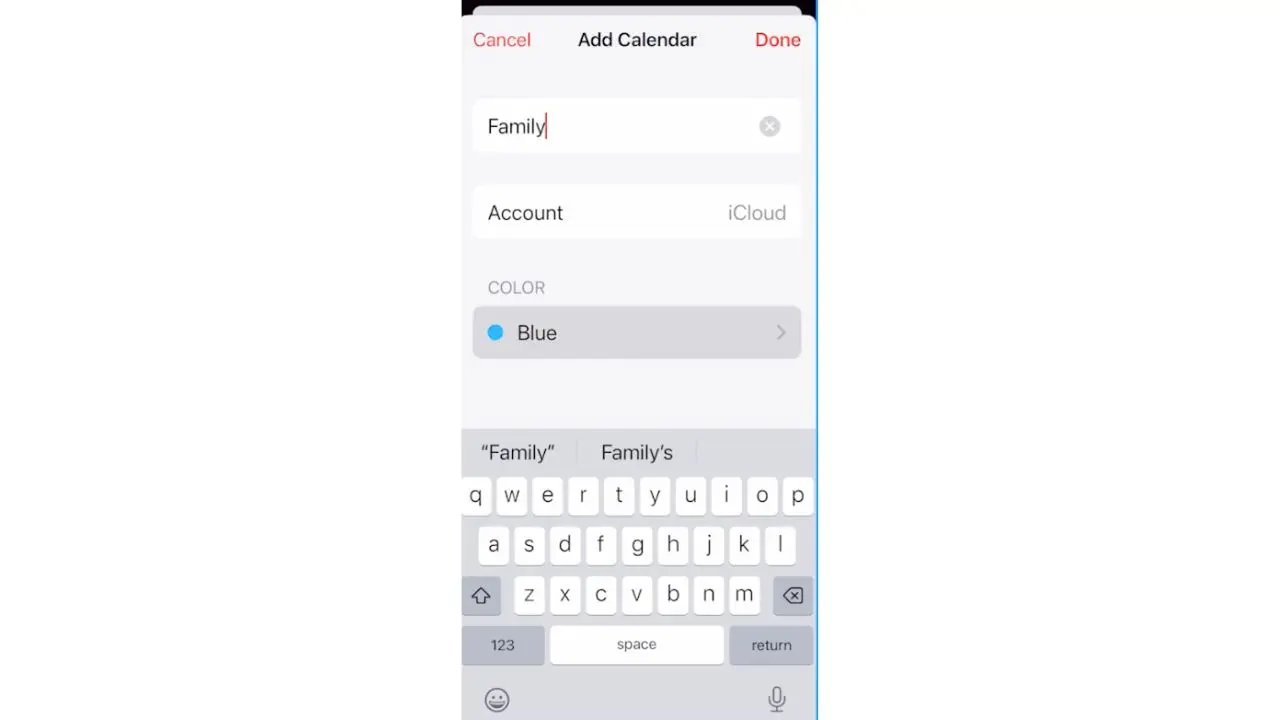
The article provides step-by-step instructions on how to add events to your iPhone and Android calendars, set reminders, and color-code events. Users can also use the Reminder app, Notes app, or Siri to set reminders on their iPhones, while Android users can use Google Keep or Google Assistant. These tools can help users stay organized and improve productivity.