Tag

Contact Posters

All articles tagged with #contact posters

technology2 years ago

"iOS 17: Unleashing the Best Features and Upgrades"

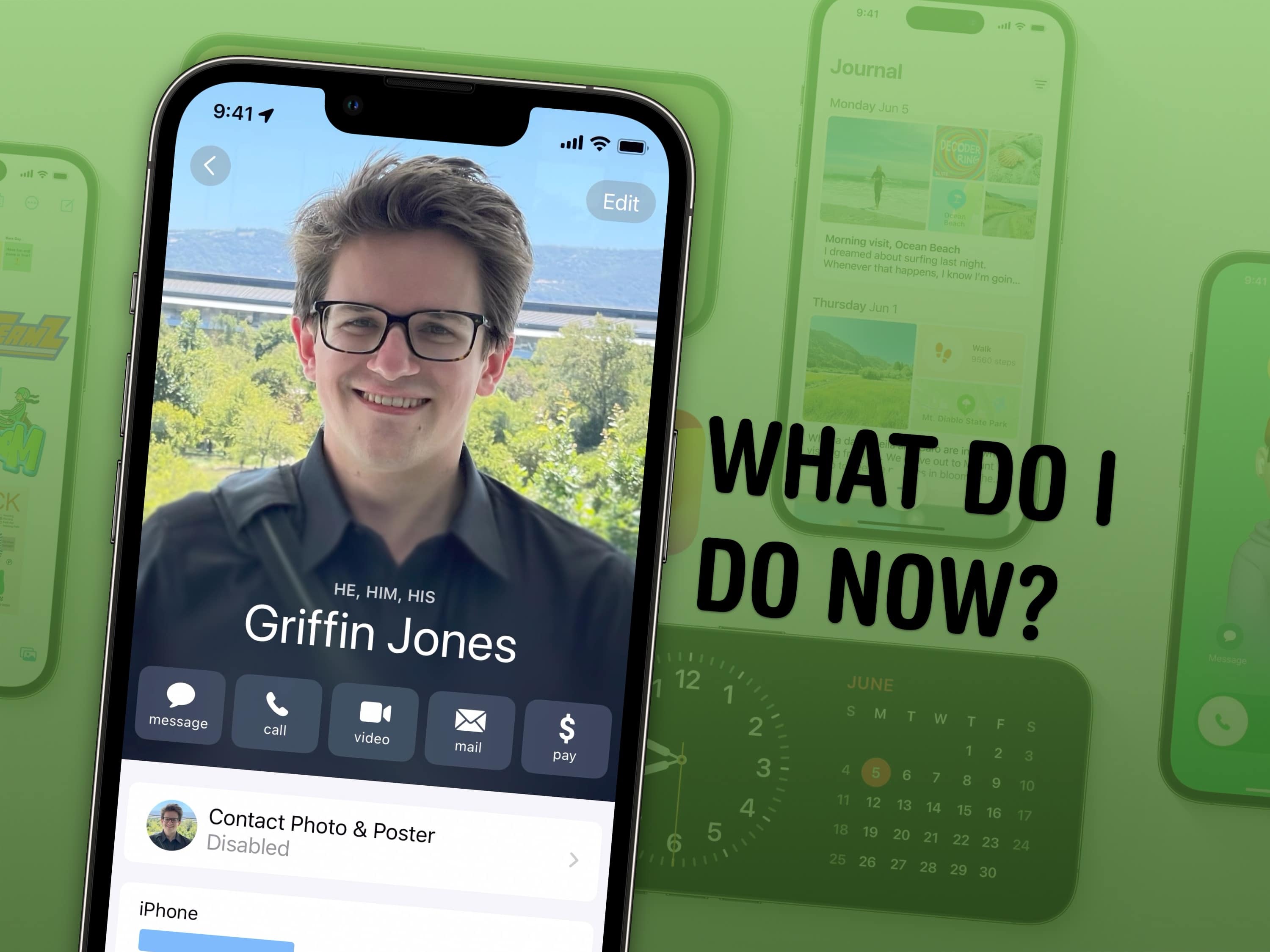
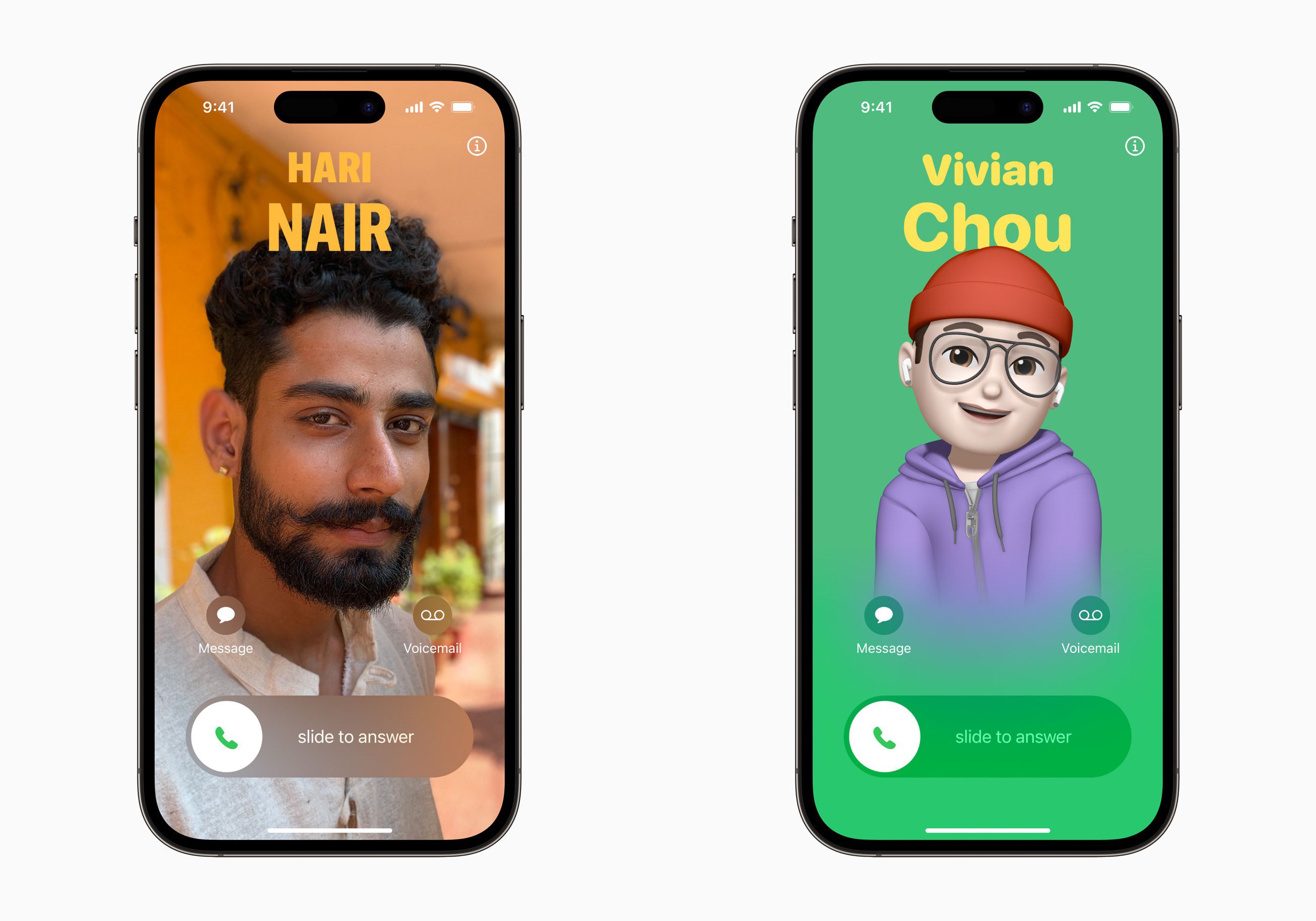
iOS 17 introduces several new features and tweaks that enhance the user experience. These include setting up Contact Posters to customize how you appear when calling someone, configuring StandBy mode to turn your iPhone into a smart display, naming pets in the Photos app for easy organization, using Reminders as a grocery list with automatic sorting, sharing passwords and AirTags with others, creating separate Safari profiles for different accounts, editing Apple Watch widgets for quick access, logging mental health in the Health app, and making stickers from photos. These are just a few of the many features available in iOS 17.
technology2 years ago

iOS 17: New Features and Tips for Contact Management

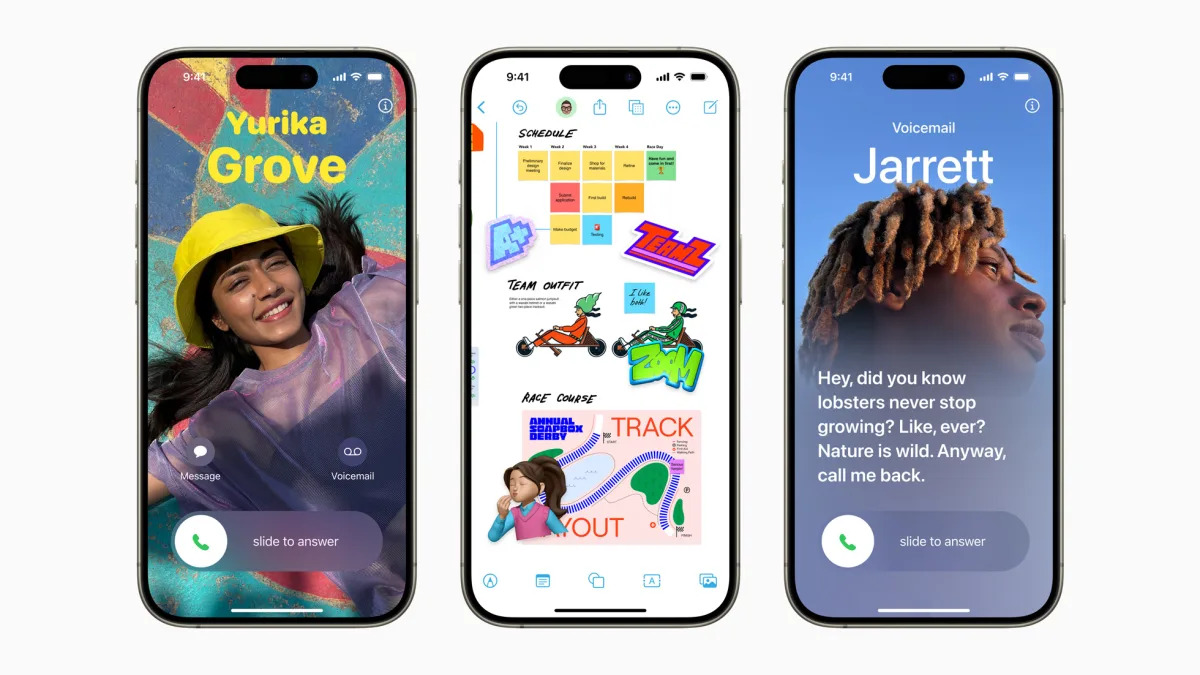
Apple's iOS 17 introduces Contact Posters, allowing users to create digital calling cards that display when calling others. Users can customize their posters with personal information, including social media profiles and pronouns. The feature also allows for the creation of a Medical ID, linking vital medical information to the user's contact card. Contact Posters can be shared with existing contacts or prompted for approval with new contacts, and will also be available for third-party calling apps.

technology2 years ago

"Mastering iOS 17: Designing Personalized Contact Posters Made Easy"

Apple's upcoming iOS 17 update introduces Contact Posters, a new feature in the Phone app that allows users to personalize their representation during calls. Users can customize their Contact Poster with photos, emojis, and typography, which will appear on the recipient's iPhone when they receive a call. The Contact Poster is also integrated into the Contacts app and can be shared with contacts automatically or with permission. The article provides step-by-step instructions on how to create and customize Contact Posters on devices running iOS 17.

technology2 years ago

iOS 17: Crazy Changes, End Call Button Move, New Now Playing Screen, and More!

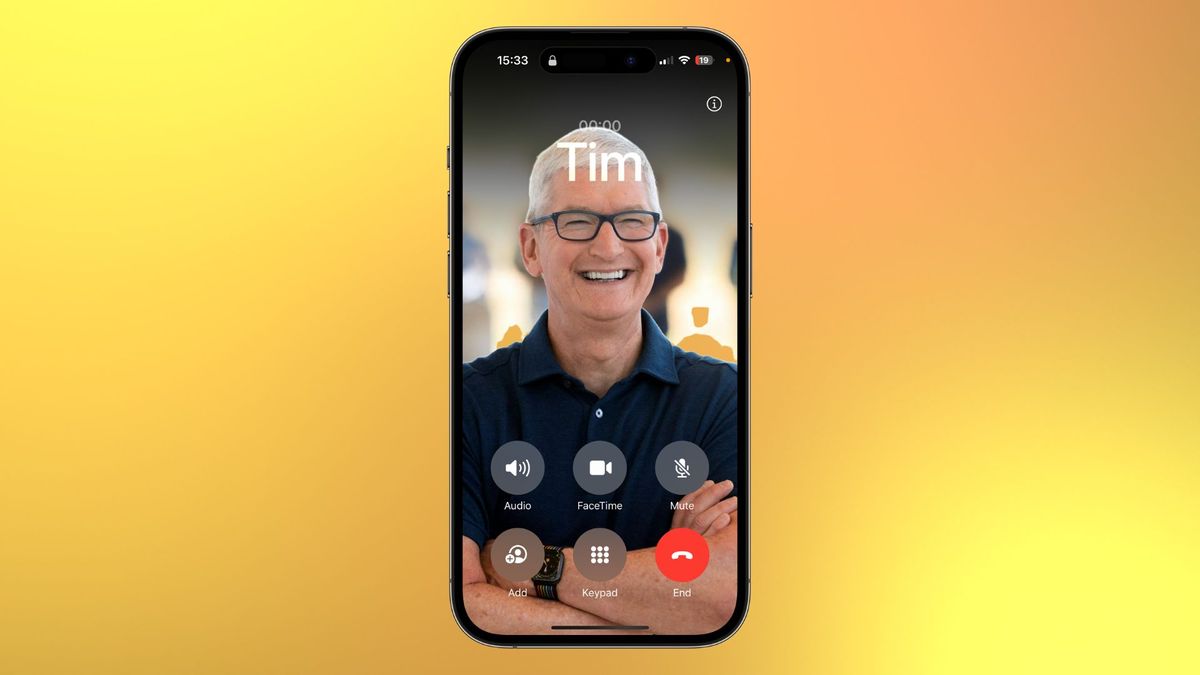
The upcoming release of iOS 17 will feature a change in the placement of the end-call button during phone calls, causing some users to feel disoriented. The button has been moved from the center of the screen to the right, merging it with other phone call controls. This change allows for a better view of the Contact Posters feature, which allows users to customize their full-screen contact images. While some may find the change inconvenient, it offers a fresh look to the Phone app and enhances customization options.

technology2 years ago

"iOS 17: Enhanced Communication Features for Phone and FaceTime"

Apple's iOS 17 upgrade introduces new communication features to the Phone and FaceTime apps. The Phone app now allows users to create Contact Posters, customizing what others see when they call. The Contacts app has been redesigned to accommodate Contact Posters. Live Voicemail transcribes voicemails in real-time, displaying them on the lock screen. The call log now indicates if a missed call resulted in a voicemail. Dual-SIM users can now assign different ringtones for each SIM and sort incoming messages based on SIM. In FaceTime, users can leave video or audio messages after a missed call and react with on-screen effects triggered by gestures. Additionally, FaceTime is now available on Apple TV, requiring an iPhone or iPad as the camera source.