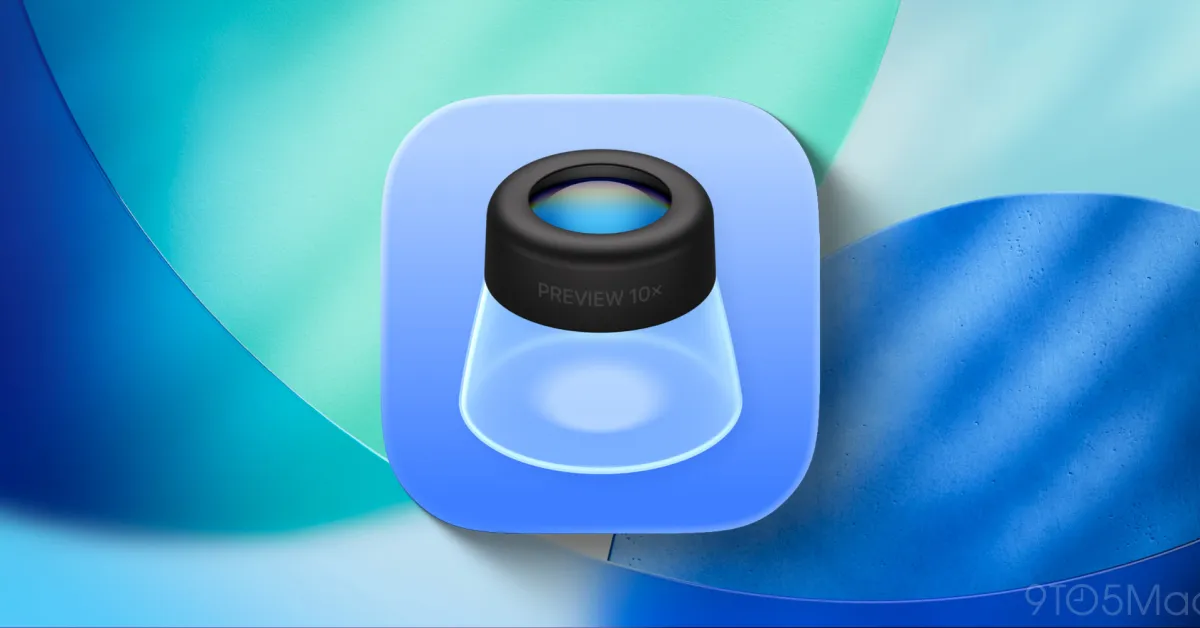
iOS 26 introduces a new Preview app on iPhone and iPad, inspired by the Mac version, offering enhanced PDF and image viewing, editing, and markup capabilities, making document management more efficient and flexible for users.
The new Preview app introduced in iOS 26 on iPhone can be cumbersome, but deleting it restores the Files app's original quick file viewing functionality, offering a simple workaround for users who prefer the older experience.
Apple has launched iOS 26, introducing a new Preview app for iPhone that consolidates image editing, PDF annotation, and document scanning features into a simple, user-friendly interface, enhancing on-the-go document management.
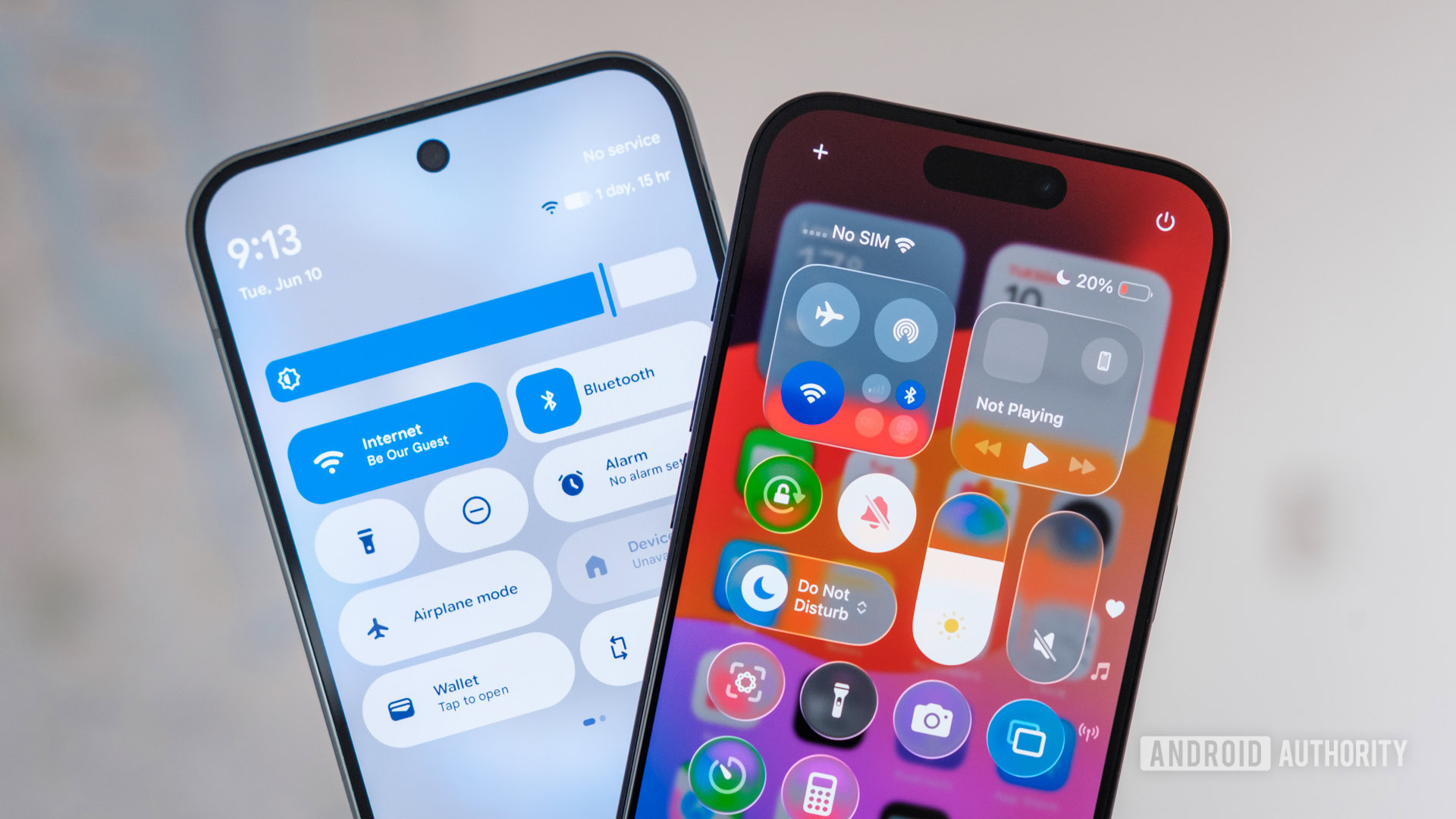
The article compares iOS 26's new Preview app, which offers seamless PDF viewing and signing features borrowed from Mac, to the limited native PDF tools on Pixel phones, highlighting the need for better native PDF editing on Android and suggesting Google could learn from Apple's implementation and third-party apps like PDFGear.
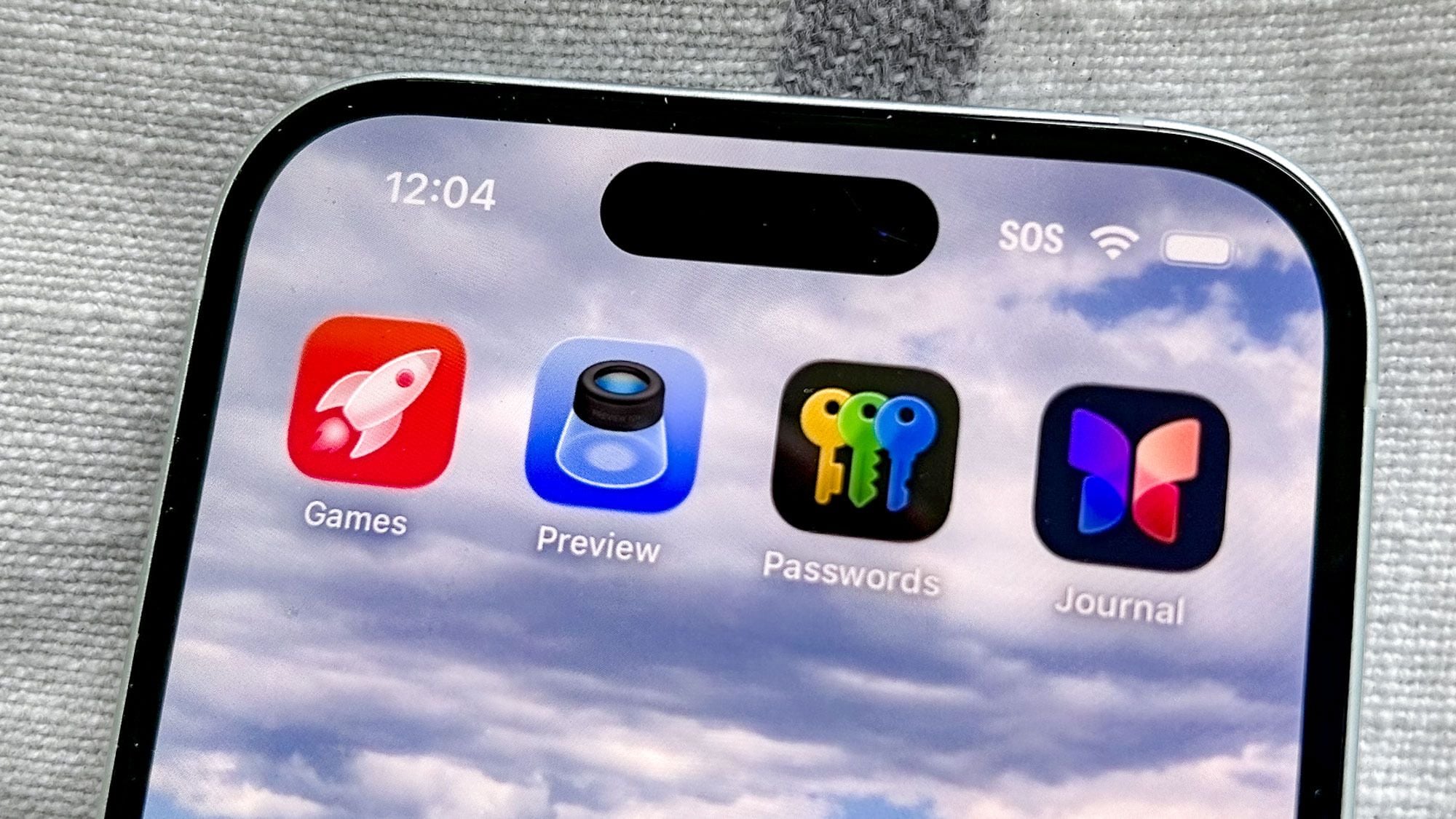
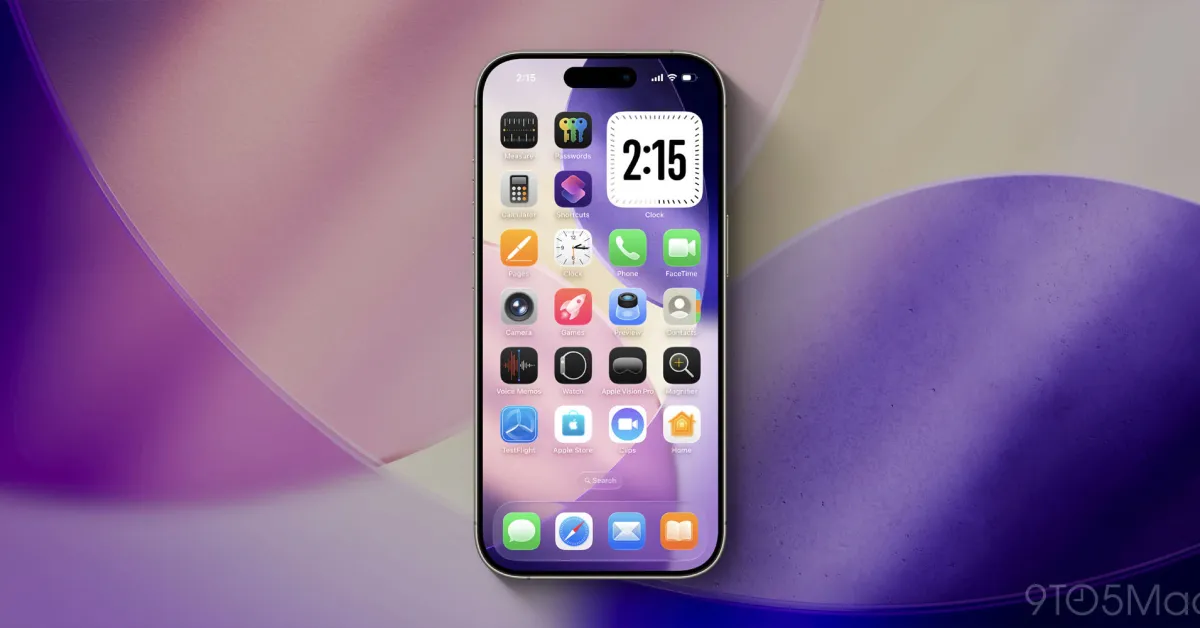
iOS 26 will introduce two new apps to the iPhone Home Screen: Apple Games, a gaming hub with features like recommendations and multiplayer options, and Preview, a utility for viewing and editing PDFs and images, expanding Apple's built-in app ecosystem.
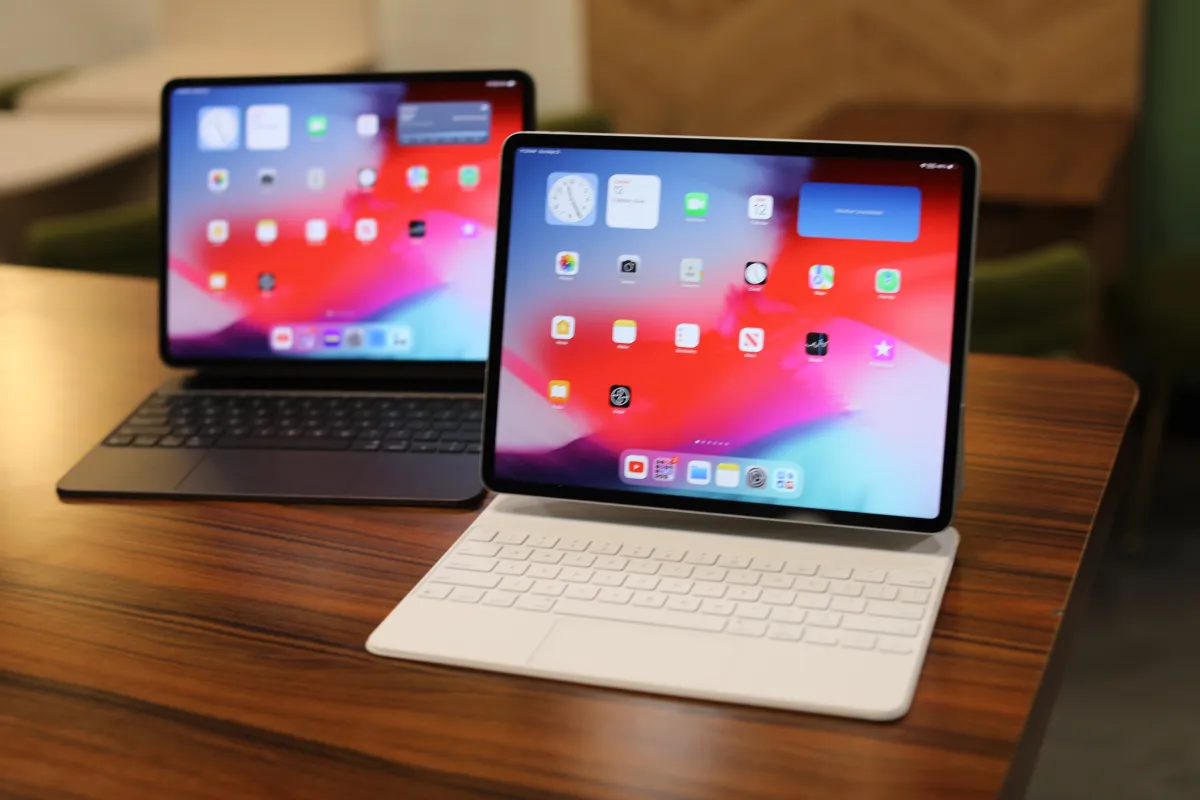
Apple's upcoming iPadOS 26 update promises to significantly enhance iPad productivity with new multitasking tools, a windowing system, and a native PDF editor, potentially transforming the iPad into a more capable computer alternative, especially for multimedia professionals and frequent travelers.