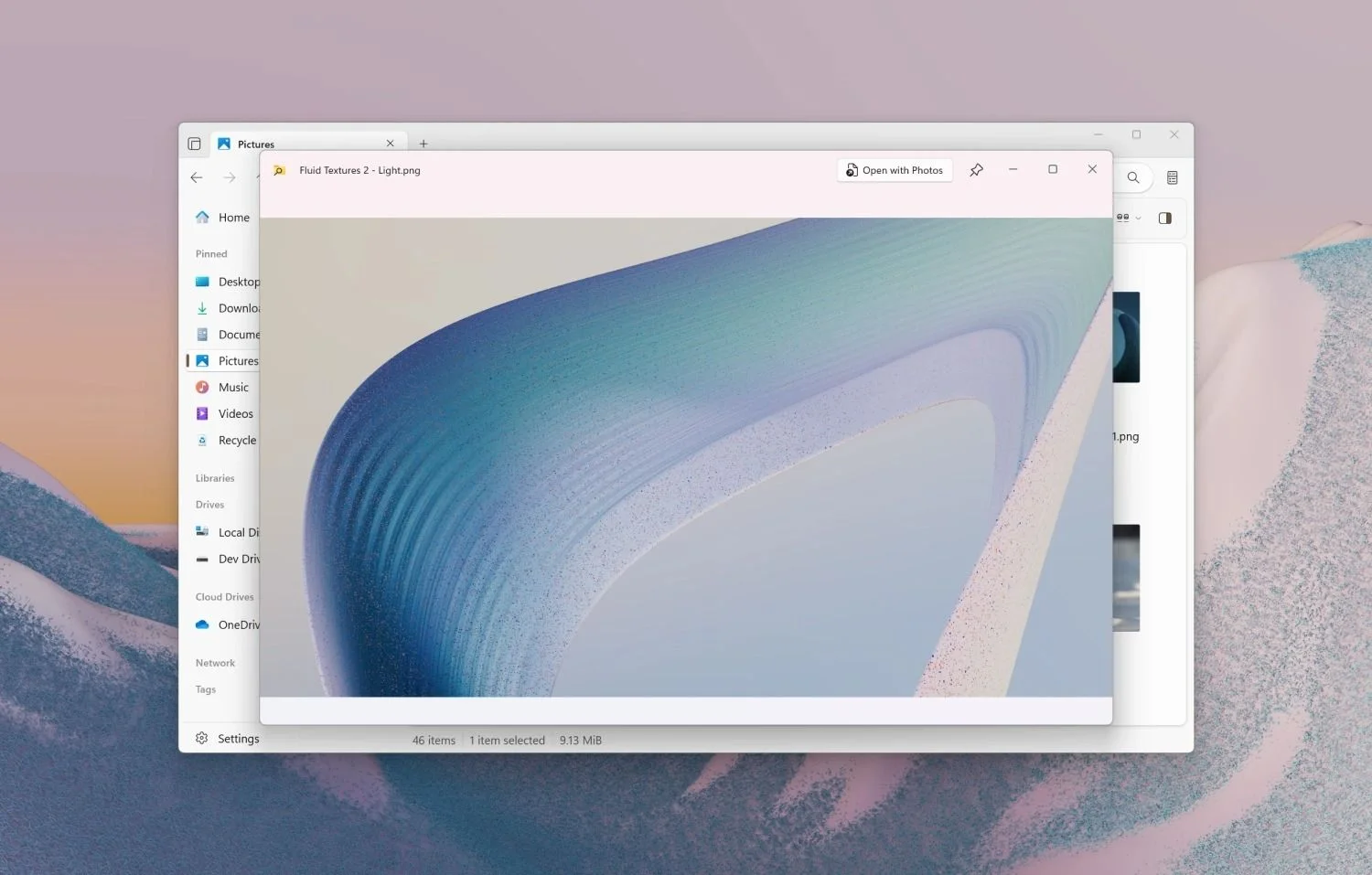
Windows 11 Utilities Merge for a More Polished Experience
The Windows 11 Files app now supports PowerToys Peek, allowing users to preview files with a simple spacebar press, enhancing file management and user experience.

All articles tagged with #files app
The Windows 11 Files app now supports PowerToys Peek, allowing users to preview files with a simple spacebar press, enhancing file management and user experience.

The new Preview app introduced in iOS 26 on iPhone can be cumbersome, but deleting it restores the Files app's original quick file viewing functionality, offering a simple workaround for users who prefer the older experience.
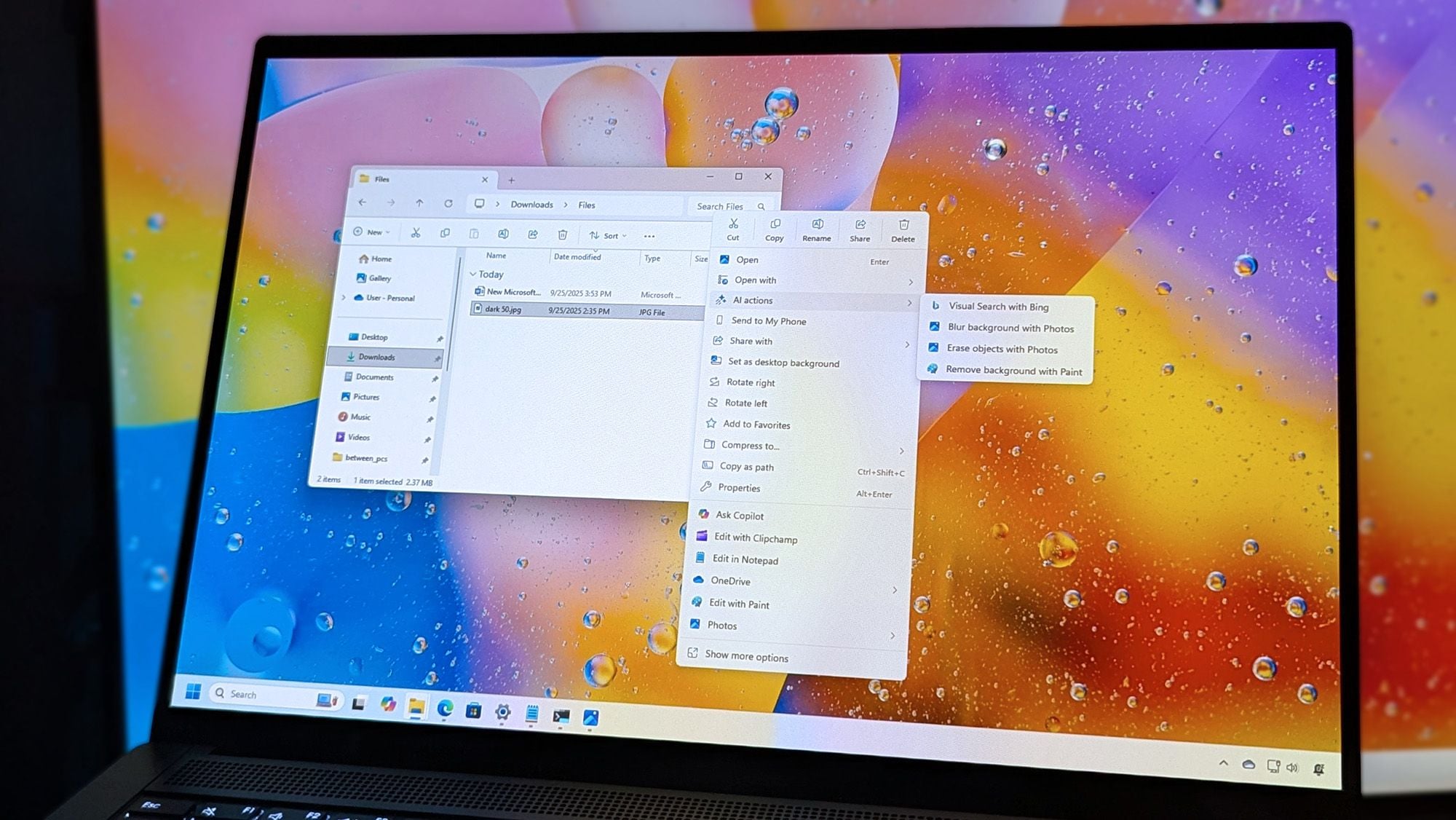
Microsoft's Windows 11 File Explorer remains clunky, but the popular third-party Files App has received a significant update to version 4.0.12, introducing a new 'Discovering' phase for better user feedback and improved 'Cancel' button placement, enhancing overall usability.
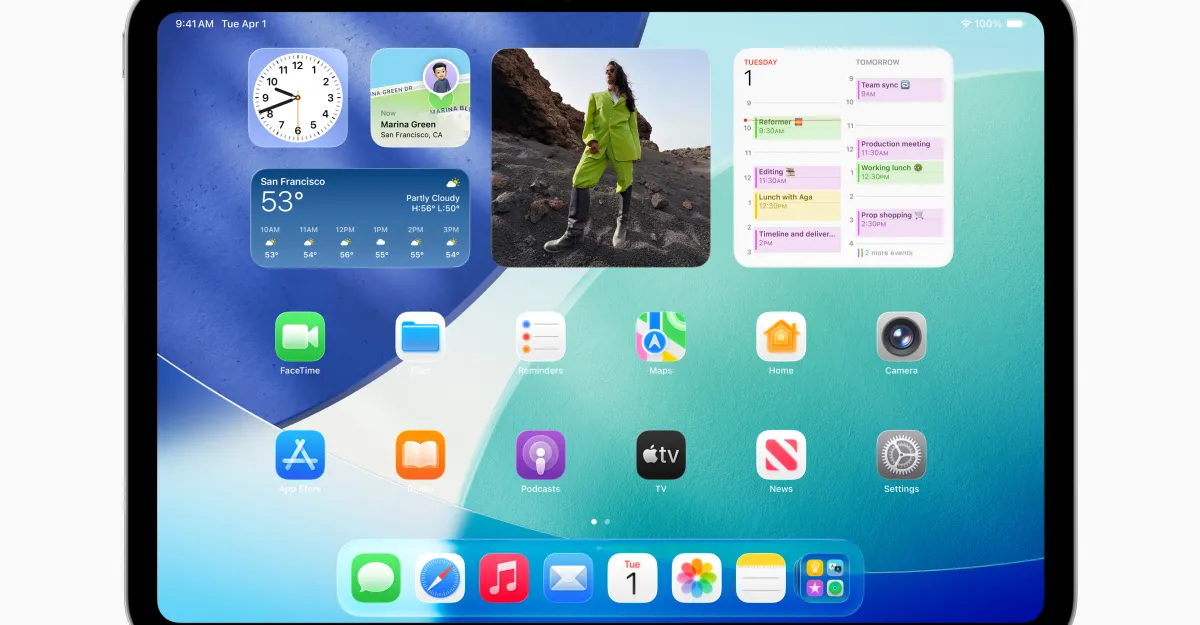
Apple announced iPadOS 26 at WWDC, introducing a new windowing system for fluid multitasking, a Mac-like menu bar, a redesigned Files app, and new features like the Preview app, Journal, and Game Overlay, with availability for developers now and a public beta next month, releasing this fall.
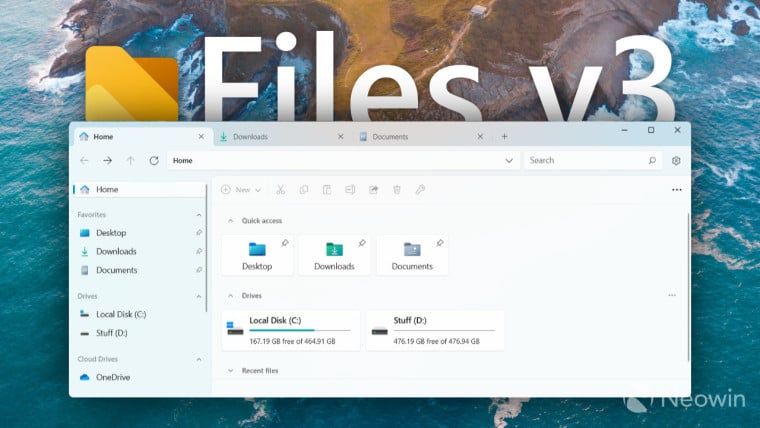
The Files app has released version 3.0, offering a redesigned interface, modern copy-paste progress dialogs, Office document preview, built-in commands, faster performance, new icons, and more. The update includes new icons, a modern design with a rounded files area and reworked sidebar, improved copy-paste dialogs, Office file preview, a command palette for quick actions, and the ability to keep the app running in the background. Additional changes include support for renaming network drives, localized theme names, keyboard shortcuts displayed in the right-click menu, and support for various file formats and operations. The Files app v3 is available for free download from the official website or for purchase in the Microsoft Store.
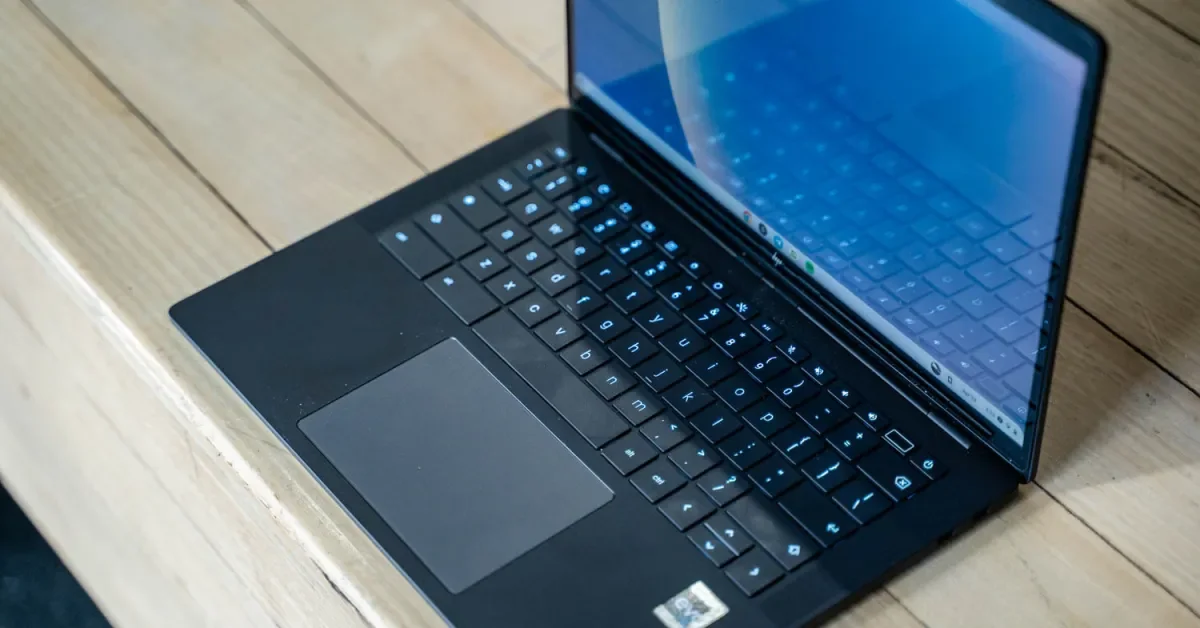
Google is rolling out ChromeOS 116, which includes enhanced Autocorrection, simultaneous search across local and Google Drive content in the Files app, OCR for converting image-based PDFs into text, customizable RGB keyboard options for select Chromebook models, and an updated setup experience with pre-configured customization options.
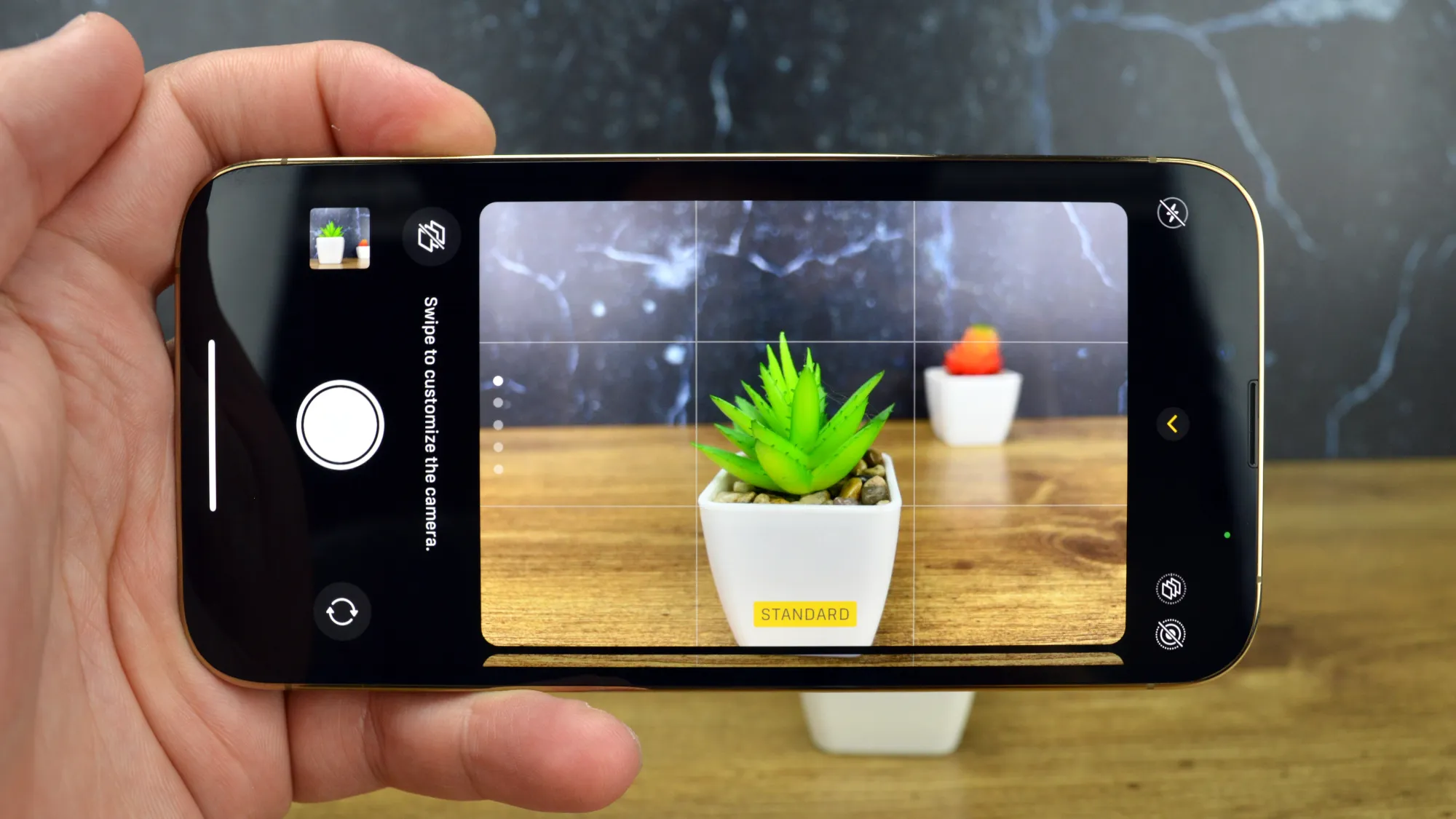
Apple's iOS 16 introduced a feature that allows users to easily remove the background from photos on their iPhones. In the Photos app, users can tap and hold the subject of the image to lift it out and save it as a separate file. The same process can be done in Safari for web images. Additionally, the Files app can be used to remove the background and automatically save the subject as a separate file. This feature is quick and convenient, taking less than five seconds to complete.