The article discusses five Raspberry Pi projects that can replace costly subscriptions: a DIY streaming box, a home NAS for cloud storage, a self-hosted password manager, a personal music server, and a game streaming device, all of which can save money and offer customization.
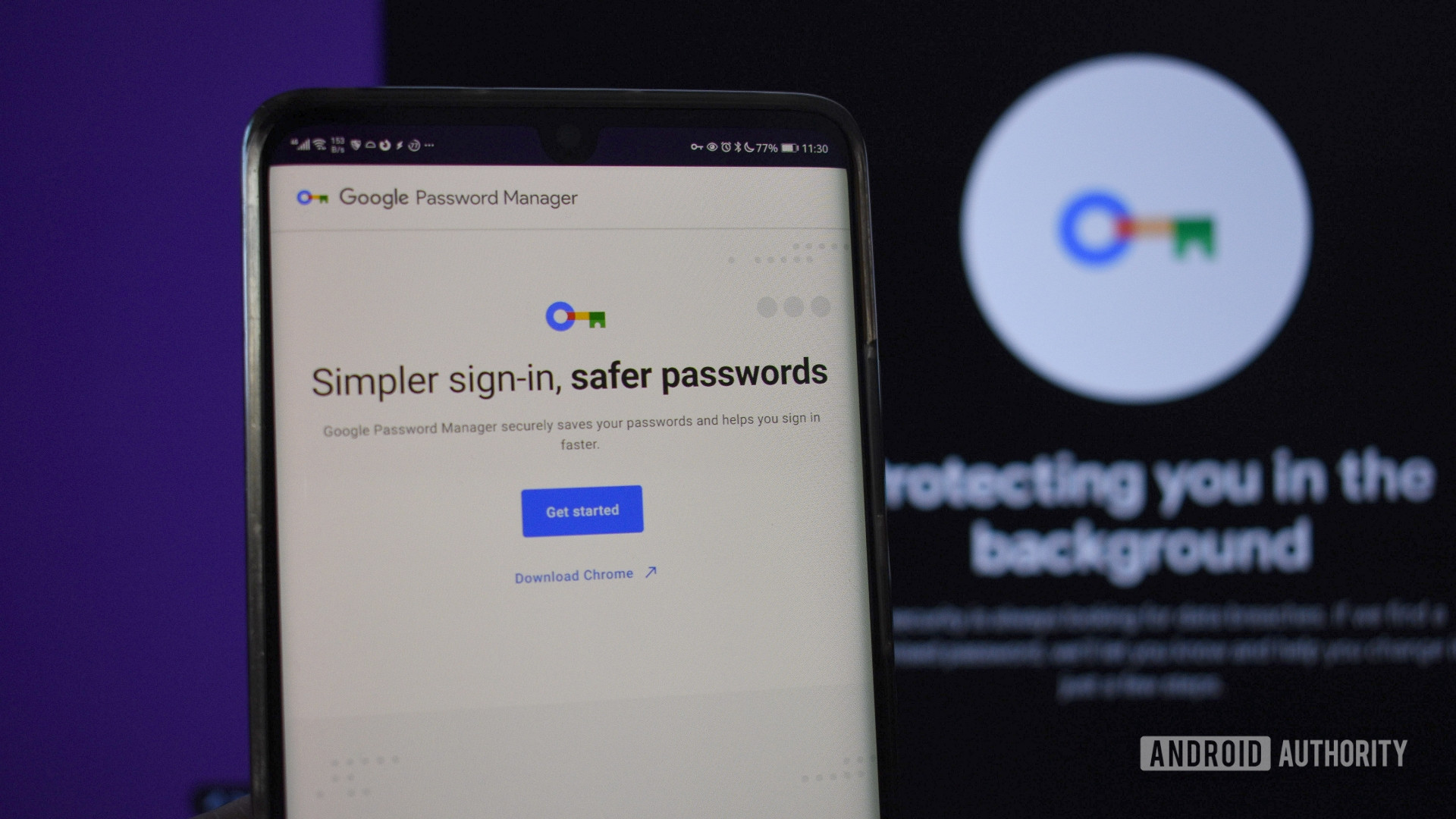
The new standalone Google Passwords app simplifies access to saved passwords on Android, making it easier for users to switch away from Chrome and reduce reliance on Google services, while also highlighting some limitations and the potential for switching to more secure password managers.
A security researcher revealed that some password manager browser extensions are vulnerable to clickjacking attacks that can steal sensitive data, but desktop and mobile apps are not affected. Several password managers have issued patches or are working on fixes, and users are advised to update their software, disable auto-fill, or use desktop/mobile versions to stay safe. Good cybersecurity practices, like avoiding suspicious links and using VPNs and antivirus software, are also recommended.
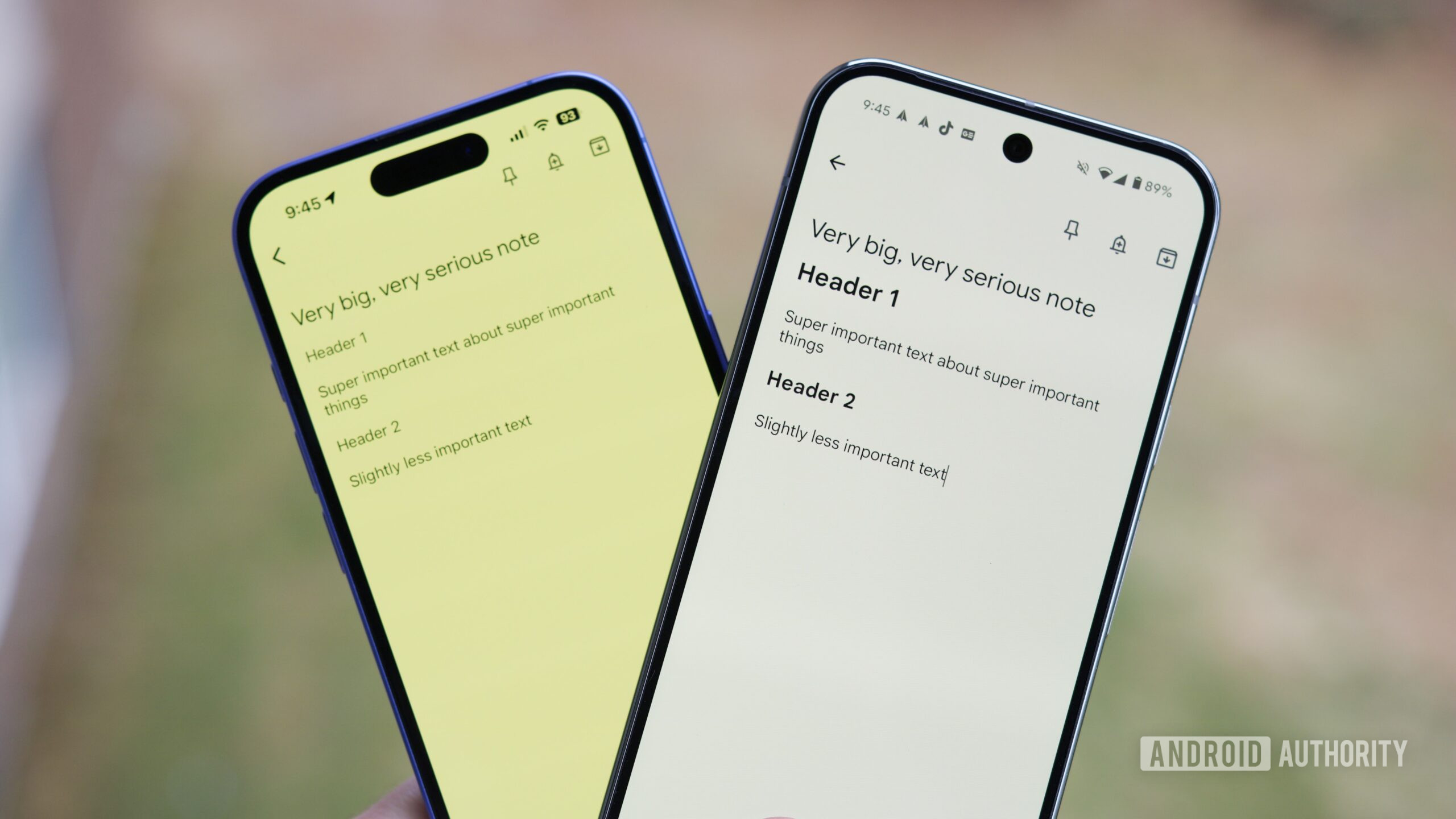
The article highlights five essential productivity apps used by the author, including Enpass for password management, TickTick for task organization, Notion for writing and planning, Google Keep for quick notes, and ChatGPT as an AI assistant for research and idea generation, emphasizing how each app integrates into their daily workflow to enhance productivity.
Dropbox is discontinuing its Passwords service by October 28, urging users to export their data and switch to alternatives like 1Password, as part of its strategy to focus on core products amid financial and security challenges.
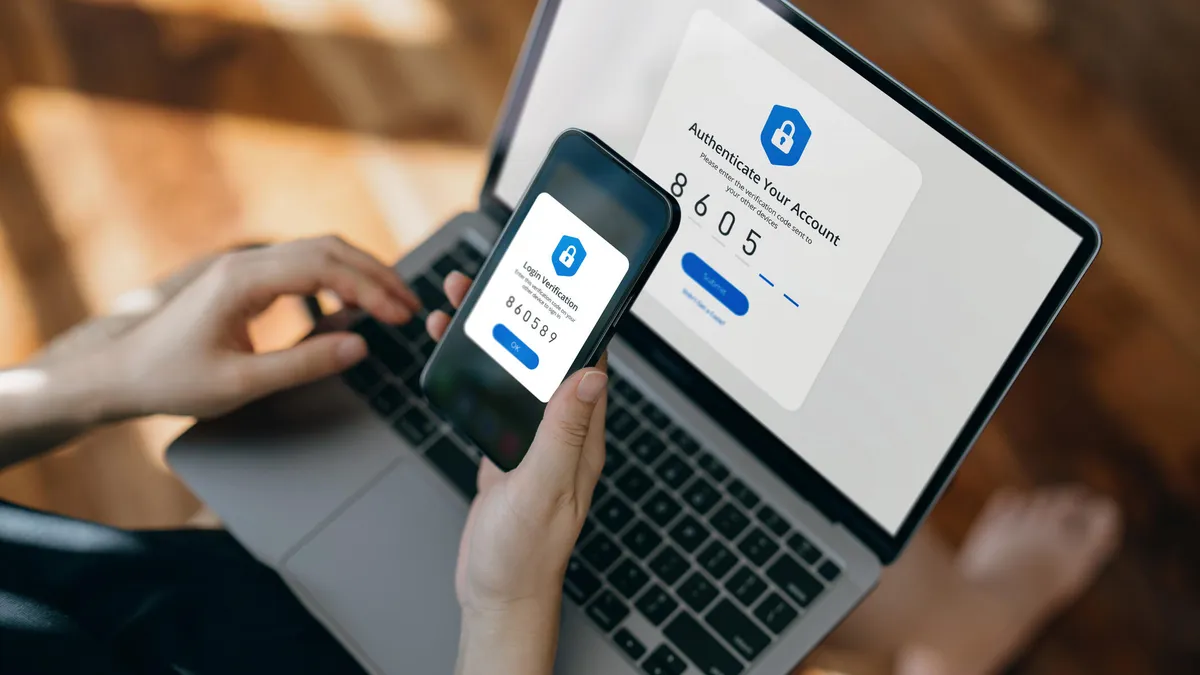
Microsoft Authenticator will cease to function as a password manager starting August, encouraging users to switch to passkeys for better security, with guidance provided on migrating stored passwords and setting up passkeys across devices.
A report by NordPass and NordStellar reveals that weak passwords remain a significant security issue, with '123456' being the most common password for both personal and corporate accounts. The analysis, based on a 2.5TB database from public sources, highlights that these passwords can be cracked in less than a second. The report emphasizes the importance of using strong, unique passwords and suggests using password managers to enhance security.
Google has introduced a new feature in its Password Manager that allows users to share passwords securely with family members. This feature, announced in February 2024 and now rolling out with the May 2024 Google Play Services update, is limited to family groups. Users need to create a family group to use the feature, which may not yet be available on the desktop version of Chrome.
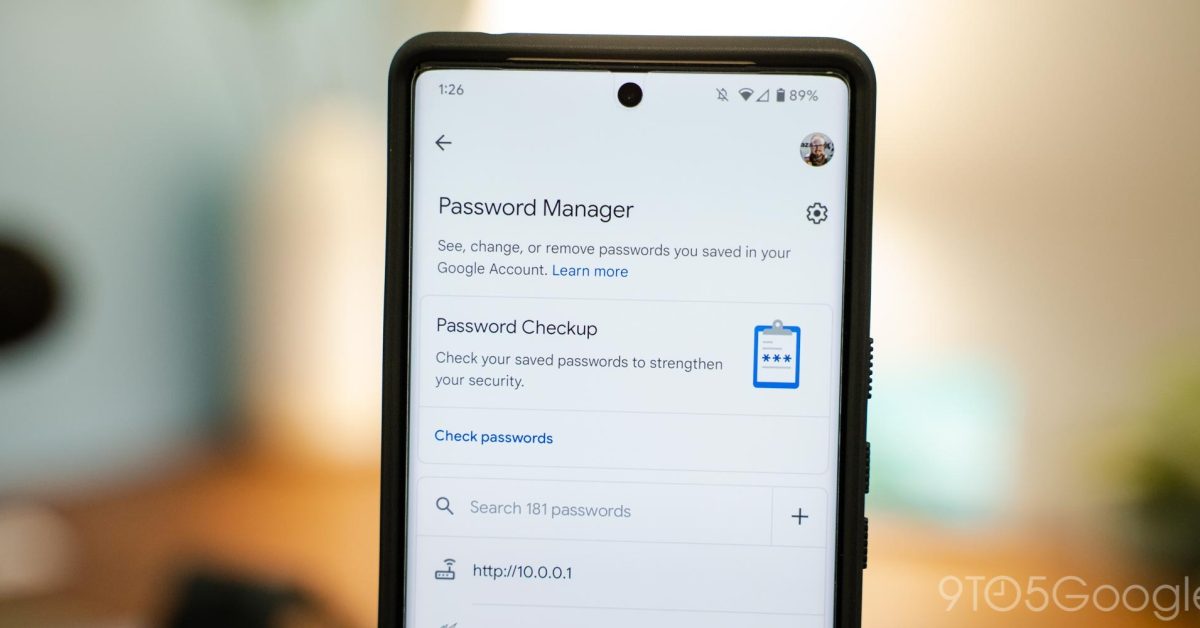
Google Password Manager is rolling out a family password sharing feature, allowing users to securely share passwords with family members in their Google family group. This feature is currently available on mobile with Google Play Services v24.20 but is not yet available on the desktop version of Chrome. The update also includes a Material You redesign for the Password Manager.
Google has introduced a password-sharing feature in its Password Manager as part of the May 2024 Google Play Services update. This feature allows users to share passwords securely with members of their family group, making it easier to manage shared accounts and services.
Shohei Ohtani's former interpreter, Ippei Mizuhara, allegedly stole $16 million from Ohtani's bank account by impersonating him and making fraudulent wire transfers to pay off gambling debts. This incident highlights the importance of securing online accounts. To protect yourself, use a password manager to generate and manage complex, unique passwords for each site, enable multi-factor authentication for extra security, consider using passkeys that rely on biometric information, and use a password manager to generate random answers for security questions.
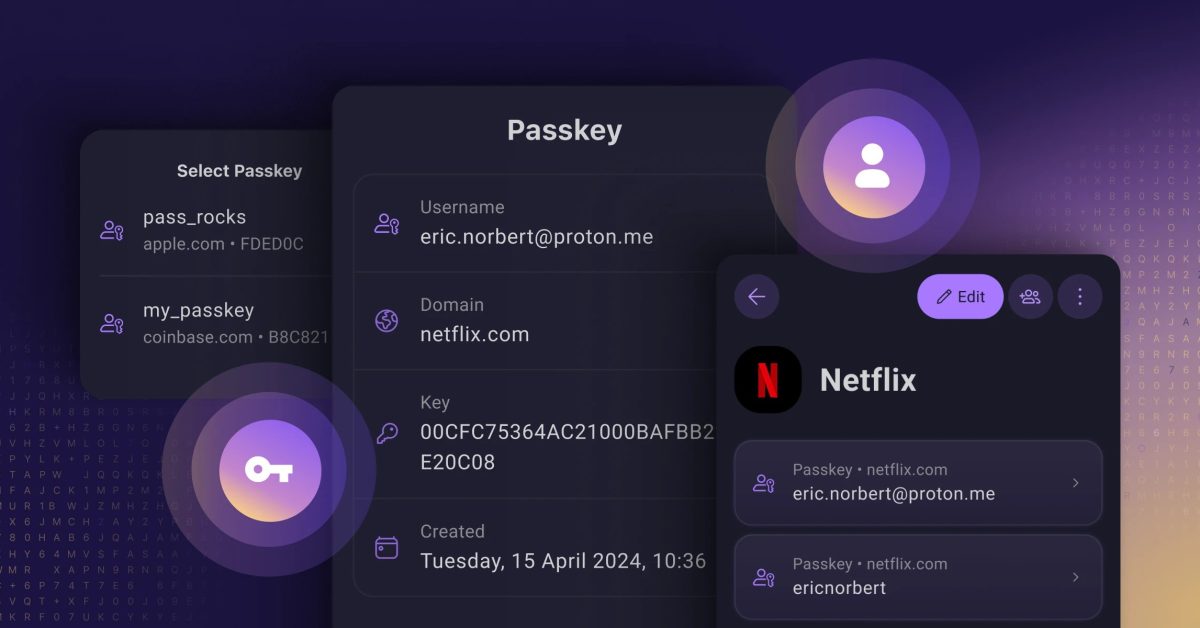
Proton has introduced passkey support for its Proton Pass password manager, emphasizing that access is free, universal, and open-source. The company criticizes big tech's approach to passkey support, stating that it locks customers into specific platforms or requires paid plans. In contrast, Proton aims to make passkeys accessible to everyone, offering a one-click interface, open-source and end-to-end encryption, and compatibility with all standard and business plans.
Google Chrome for Android now allows users to switch from Google's password manager to their preferred app by enabling the "Enable Autofill Virtual View Structure" flag in Chrome's settings. This functionality, spotted by @Leopeva64 on Twitter/X, is available in the latest Chrome releases but is disabled by default and requires manual activation. Once enabled, users can switch to using Android Autofill in Chrome's settings, although the feature does not sync to other devices at this time.
Google is expanding its passkey feature in the Pixel Password Manager to include partnerships with various services such as Adobe, eBay, and PayPal, allowing users to upgrade their accounts to passkeys for simplified sign-ins. The feature will be available on other platforms in the future, and the Pixel Launcher has added a Password Manager shortcut. Additionally, the Google app for iOS is adding Autofill support to its built-in Password Manager, and Chrome is incorporating a full Google Password Manager UI with a desktop shortcut.
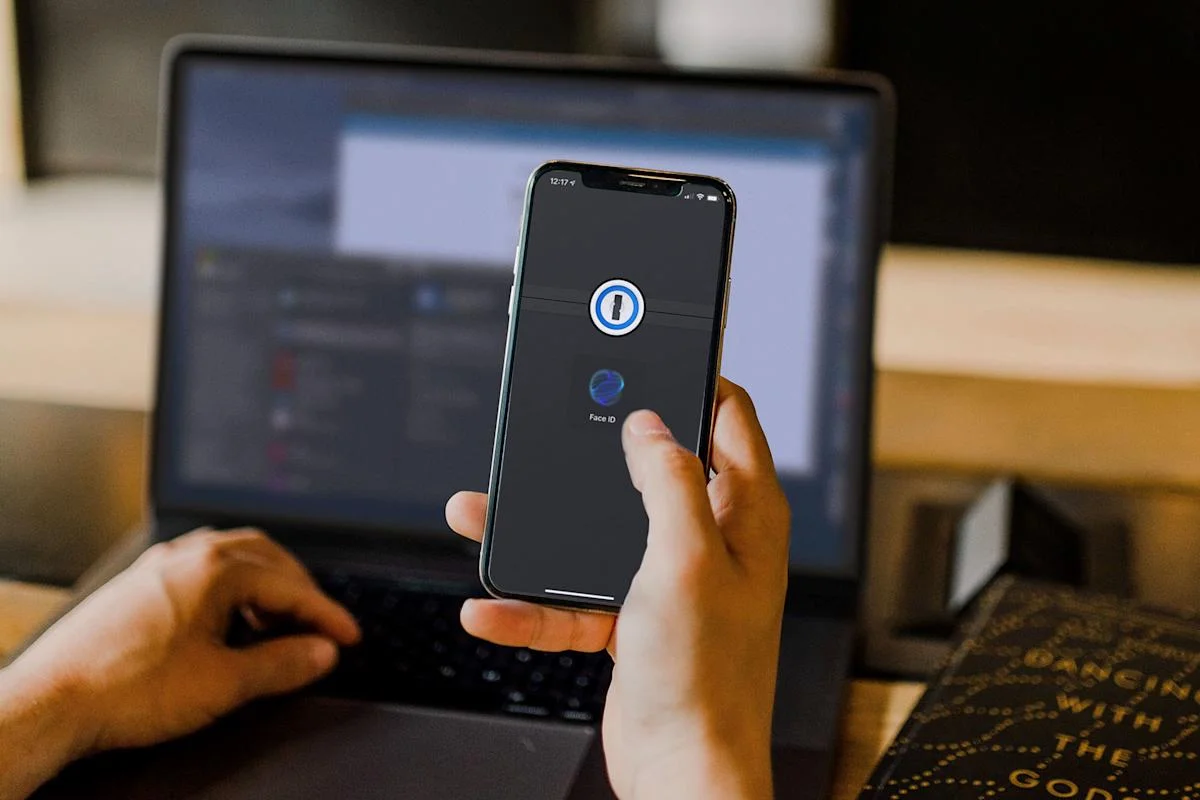
Password manager 1Password is expanding its passkey beta program to the public, allowing users to secure their accounts with a passkey instead of a master password or secret key. Passkeys utilize public-key cryptography, with a private key kept secure and encrypted, and a public key stored on the company's servers for authentication. This method offers a safer and easier way to protect login credentials. The feature is currently available for new accounts only, but will be extended to existing accounts next year.