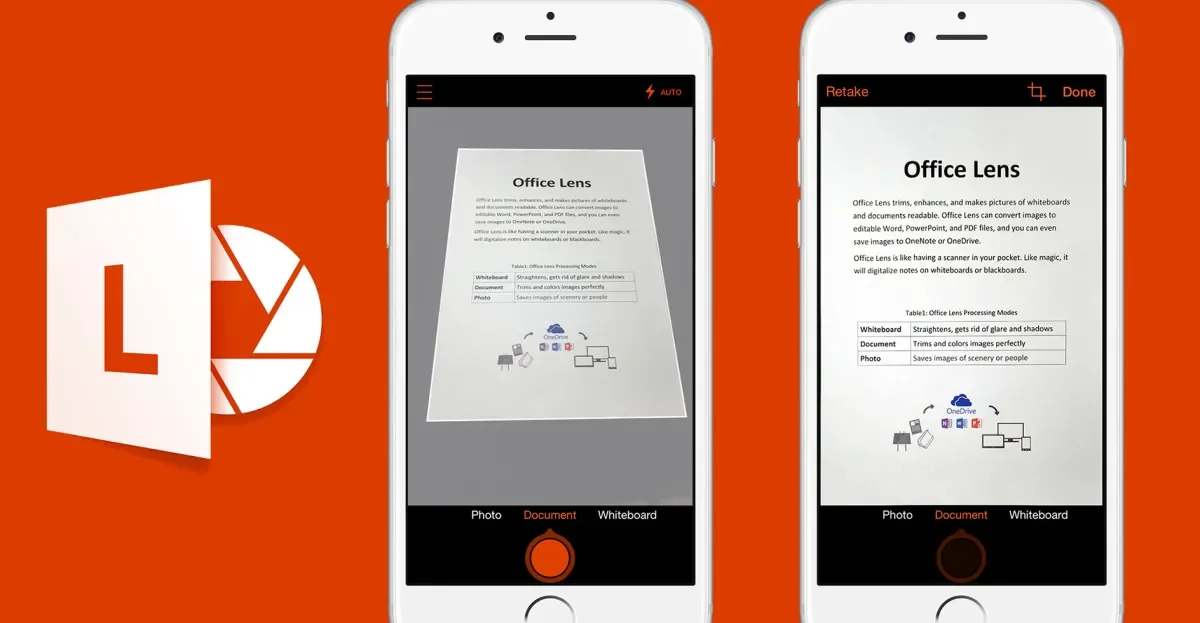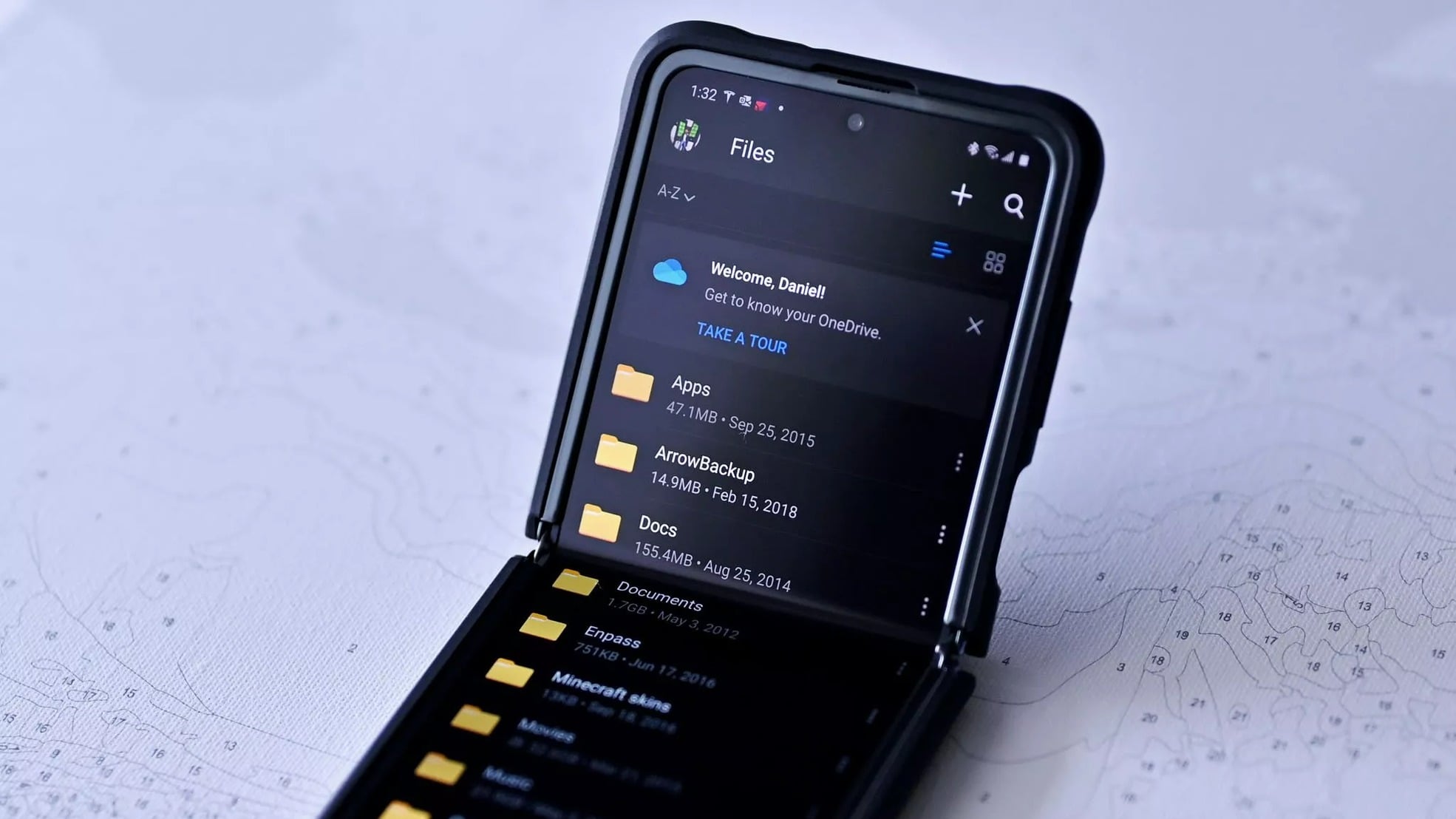
Microsoft is retiring the Office Lens app for iOS and Android, with its scanning features folded into OneDrive. Users can still capture whiteboards, documents, and receipts, then save or export them as Word or PDF within OneDrive.
Microsoft's OneDrive is introducing a feature that uses AI to recognize and group photos by faces, which can be turned off up to three times a year, raising privacy concerns despite Microsoft's assurances that facial data won't be used for AI training or shared. The feature is still in preview and has yet to be widely released.
The article discusses frustrations with Windows Backup and OneDrive, highlighting issues like automatic uploads, intrusive design, and system instability, leading the author to prefer Linux and macOS for their reliability and user control, while criticizing modern OS design trends and corporate practices.
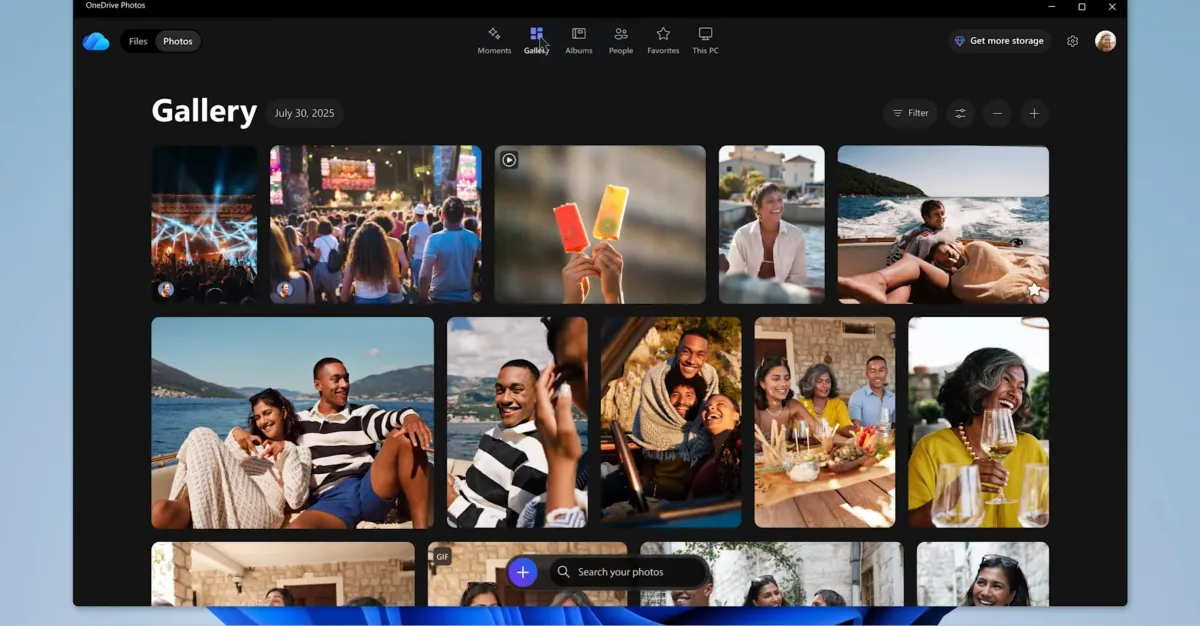
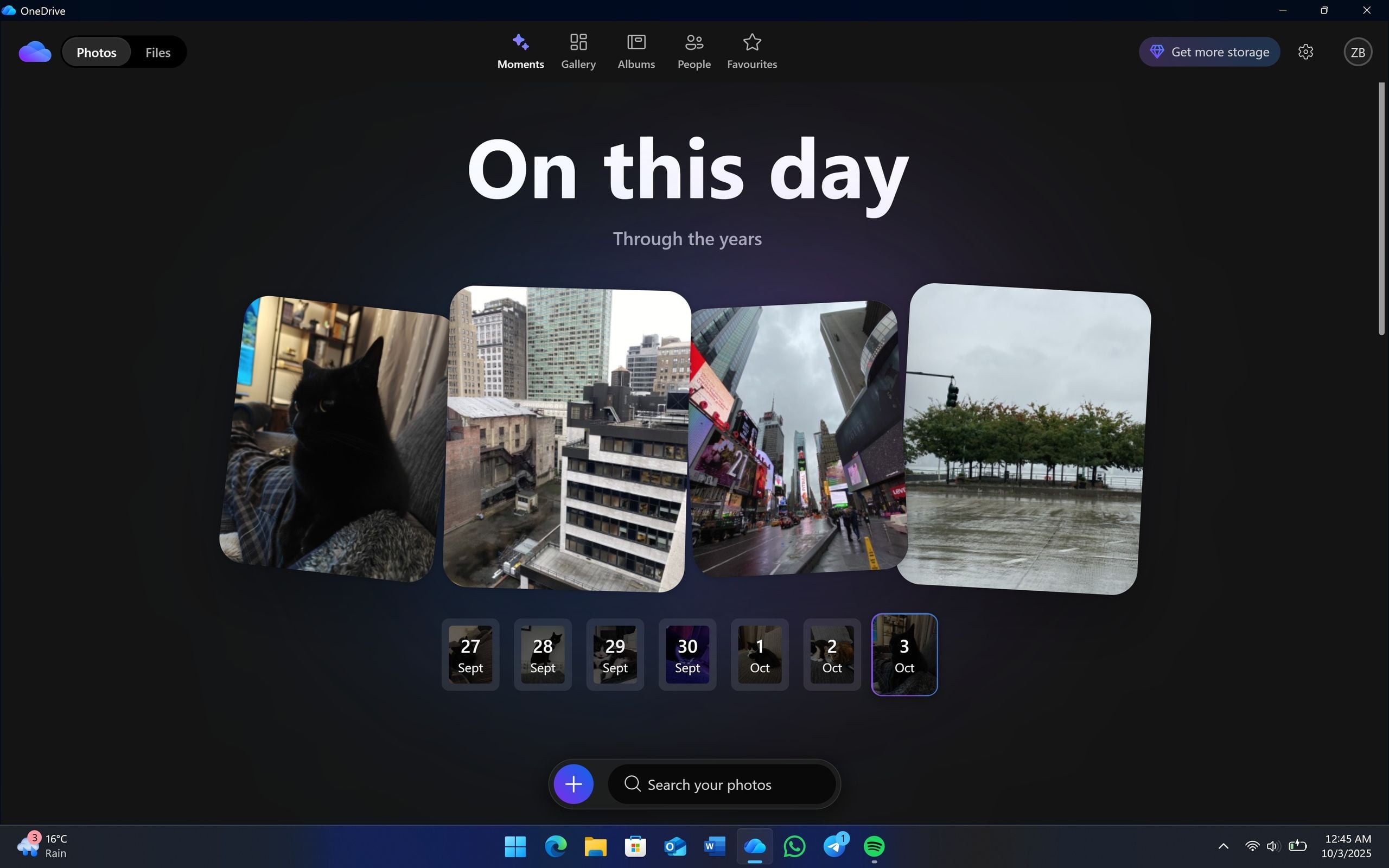
Microsoft is launching a redesigned OneDrive app for Windows with a new photo gallery, face recognition, AI-powered slideshows, and editing features, along with enhanced mobile editing and a new sharing link feature, all integrated with AI and Copilot for a more seamless user experience.
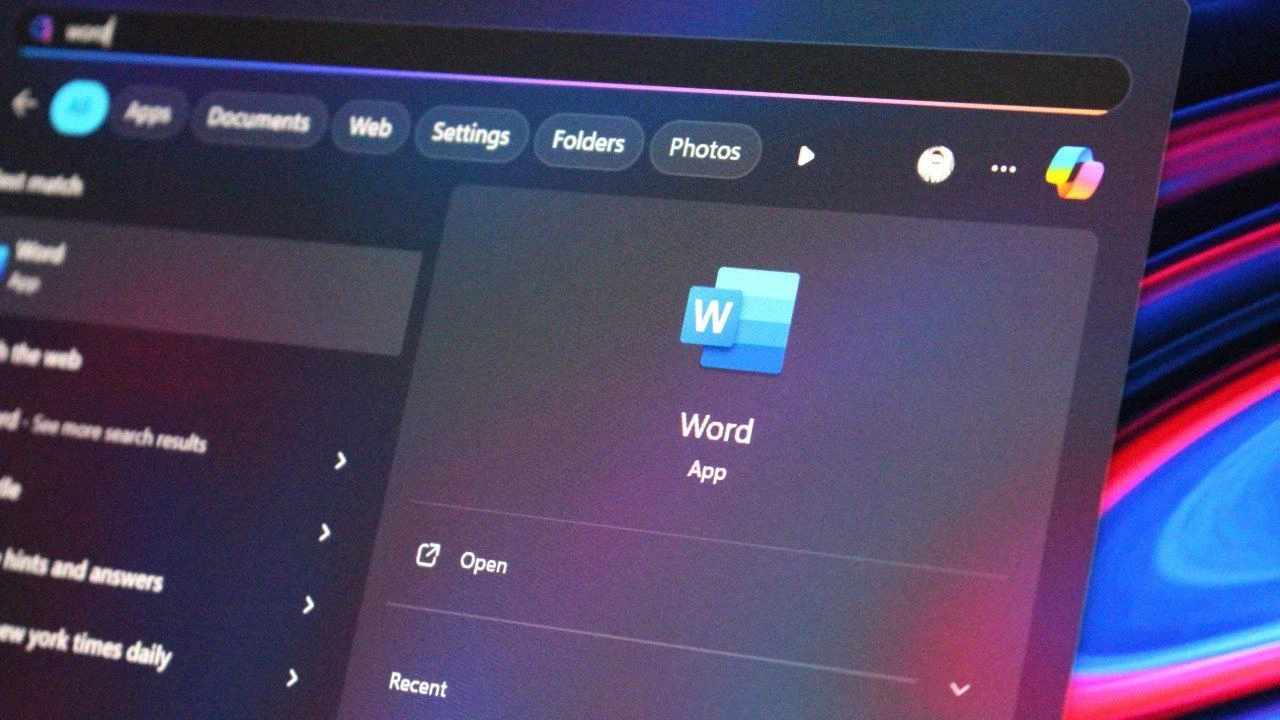
Microsoft announced that new Word documents on Windows will now automatically save to OneDrive with autosave enabled by default, aiming to improve backup and accessibility, though some users may have privacy concerns. Users can disable this feature if desired. Additionally, Microsoft revealed new OneDrive features, including Copilot integration and a dedicated Windows 11 app for easier photo management.
Microsoft acknowledges that features like OneDrive syncing and visual effects in Windows 11/10 can slow down PCs, and suggests disabling or pausing these features to improve performance.
Microsoft is developing a new dedicated OneDrive app for Windows 11 featuring a modern, web-based interface with enhanced photo and video viewing, editing tools, and a mode switch between gallery and file management, aiming to improve user experience and organization.
Samsung is planning to discontinue support for OneDrive as the default photo backup solution on Galaxy phones, replacing it with its own Samsung Cloud service, although users can still manually backup to OneDrive via its app.
The article explains how OneDrive can automatically move your Windows files to the cloud during setup or updates, often without clear warning, by relocating known folders like Documents and Desktop to the OneDrive folder, which can cause confusion and storage issues if not managed properly. It offers guidance on how to disable or control this feature to prevent unwanted file syncing and storage problems.
Microsoft Word on Windows is changing its default save location to automatically save new documents to OneDrive or another cloud destination, offering benefits like access anywhere and collaboration, but users can opt to save locally by adjusting settings in Word options.
Microsoft is offering Windows 10 users a free year of security updates through a cloud backup method using OneDrive, as an alternative to paying $30 for extended security support, with options to extend support until October 2026. This move helps users stay protected while delaying the upgrade to Windows 11, despite potential storage limitations with OneDrive.
Microsoft is ending free security support for Windows 10 in October 2025 but offers a free option to continue receiving updates by enabling cloud backup and linking to OneDrive, with some storage limitations. Users can also pay $30 for a one-year extension or redeem Microsoft Rewards points for a year of updates, providing more time for users to upgrade to Windows 11.
OneDrive's automatic syncing of files, including game settings, can cause conflicts for PC gamers switching between devices, leading to issues with launching games and applying settings. While it's possible to opt out of OneDrive syncing, the process can be cumbersome, and similar problems may arise with other cloud storage services. Microsoft's automatic inclusion of OneDrive on Windows devices should be opt-in rather than opt-out to prevent these issues.
Microsoft is set to release Copilot for OneDrive in late April, an AI-powered feature that can find, summarize, and extract information from various file types including text documents, presentations, spreadsheets, and PDFs. Users can customize the summaries to their preferences and ask Copilot to perform tasks like creating outlines, tables, and lists based on existing files. The chatbot will also respond to natural language prompts, answer specific questions about file contents, and provide advice on document improvement. Initially available for work and school customers with a Copilot for Microsoft 365 license, Copilot will first roll out summaries of shared documents later this month, allowing recipients to read AI-generated summaries in their email before opening the document.
Microsoft is set to introduce Copilot in OneDrive for Web, allowing users to ask questions and obtain information from their files without opening them, as well as summarize multiple file types. However, access to this feature will require a Copilot for Microsoft 365 subscription, priced at $30 per user per month. The rollout is expected to begin in May 2024, subject to change, and the subscription differences between Copilot Pro and Copilot for Microsoft 365 are outlined, with the latter catering to professional and enterprise users.