Tag

Camera App

All articles tagged with #camera app

Blackmagic Camera App 3.2 Enhances Live Streaming to YouTube, Twitch, and More
technology3 months ago

Blackmagic Camera App 3.2 Enhances Live Streaming to YouTube, Twitch, and More

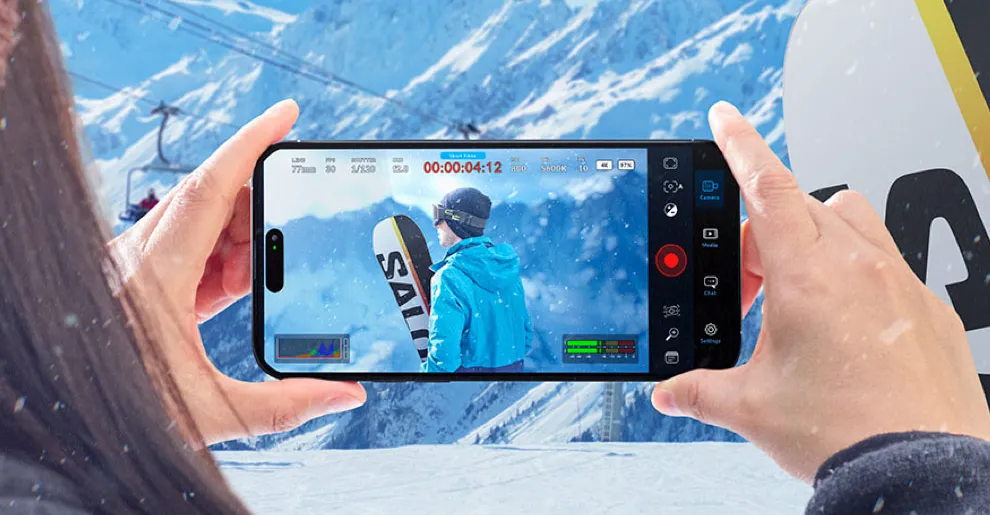
Blackmagic has updated its free camera app to now support direct streaming to YouTube, Twitch, and Vimeo on both Android and iOS, eliminating the need for third-party tools. The update also introduces support for SRT, custom RTMP and SRT servers, and includes new features like external drive alerts and multi-view angle selection, enhancing streaming flexibility and reliability.

New Android App Offers Anti-AI Camera Features
technology1 year ago

New Android App Offers Anti-AI Camera Features

Zerocam is a new Android camera app designed to minimize photo processing, offering RAW image capture without artificial effects. It features a simple interface with just a viewfinder and camera button, similar to Halide's Process Zero on iPhone. Available for free on the Google Play Store, Zerocam limits users to five photos per day unless they subscribe for $0.99/month or $10.99/year. The app is compatible with Android 14 or later.

"Leica LUX App Brings Iconic Leica Lens Simulations to iPhone"
technology1 year ago

"Leica LUX App Brings Iconic Leica Lens Simulations to iPhone"

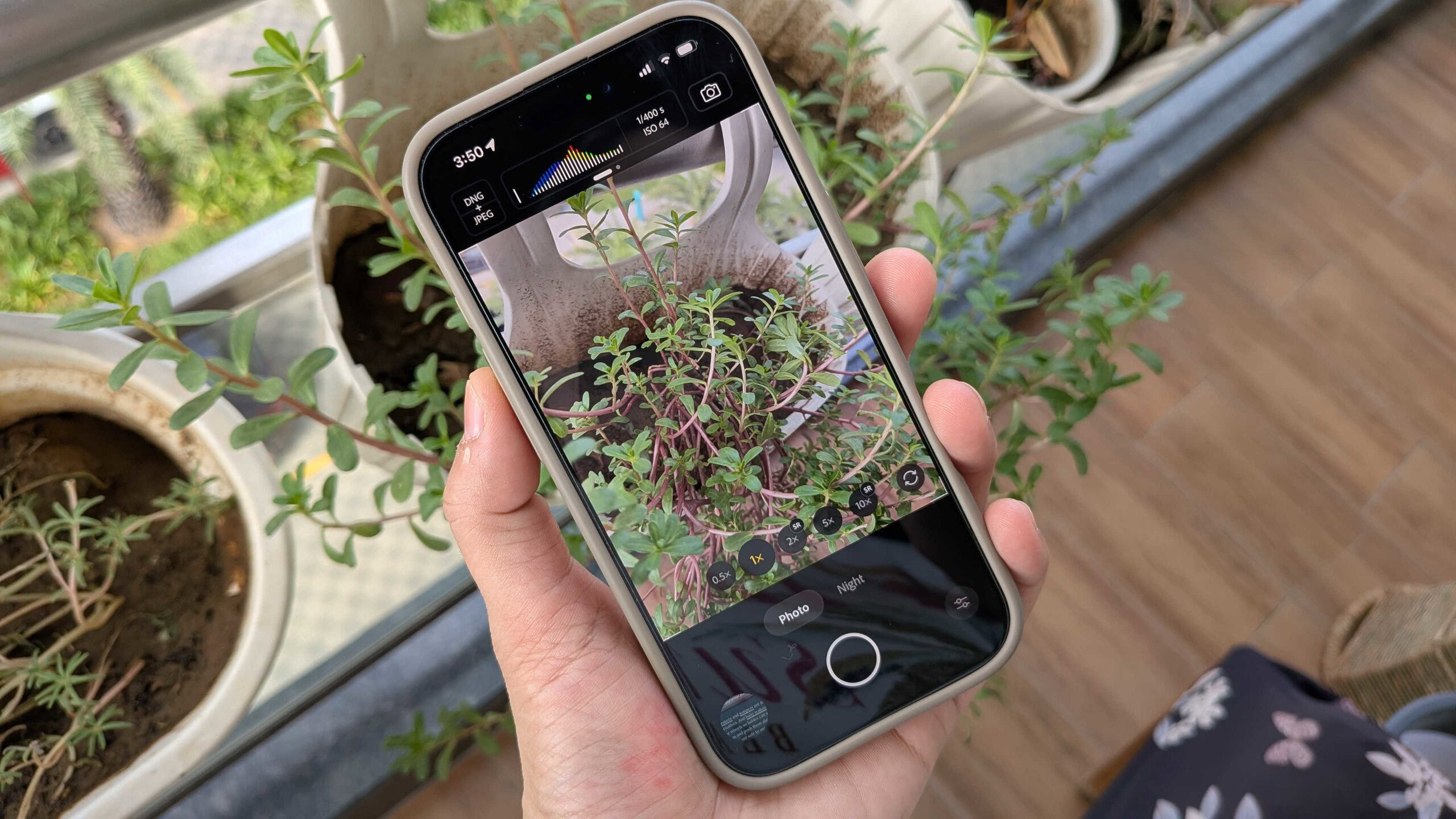
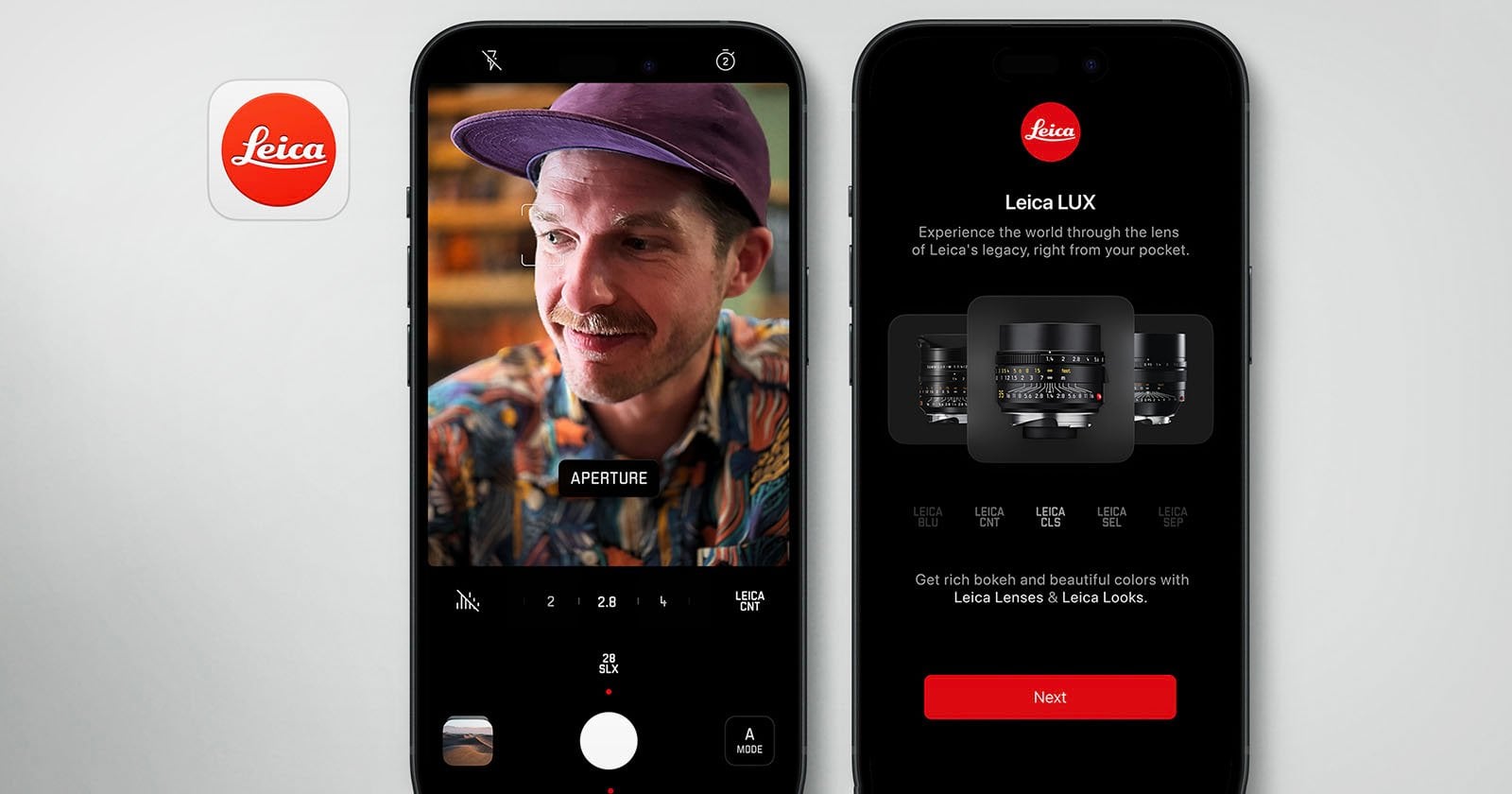
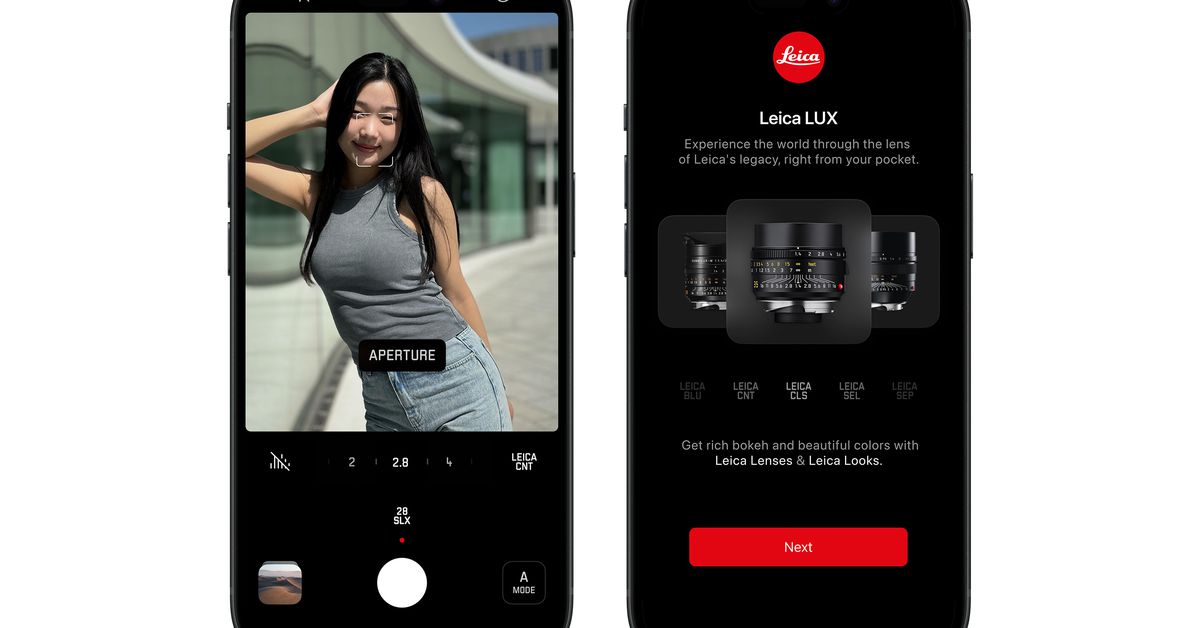
Leica Camera AG has launched Leica LUX, a new iPhone camera app that offers a Leica-inspired user interface, unique Leica Looks, and simulations of iconic Leica lenses. The app aims to bring the distinctive Leica aesthetic to iPhone users, featuring both automatic and manual controls. Available for free with a paid upgrade for full features, Leica LUX is compatible with iPhones running iOS 17, with optimal performance on iPhone 12 Pro or newer models.

"Leica LUX: Transform Your iPhone into a Pro-Grade Leica Camera"
technology1 year ago

"Leica LUX: Transform Your iPhone into a Pro-Grade Leica Camera"

Leica has launched a new app called Leica Lux for iPhone users, offering 11 color profiles and lens simulations to mimic Leica cameras and classic lenses. The app features both automatic and manual modes, with full access to all features requiring a subscription of $6.99 per month or $69.99 per year. Early reviews of the app are mixed, with some issues in portrait mode and pixelation, but it offers a sleek interface and unique features for Leica enthusiasts.

"Enhanced Camera Features for Google Pixel Watch Unveiled"
technology2 years ago

"Enhanced Camera Features for Google Pixel Watch Unveiled"

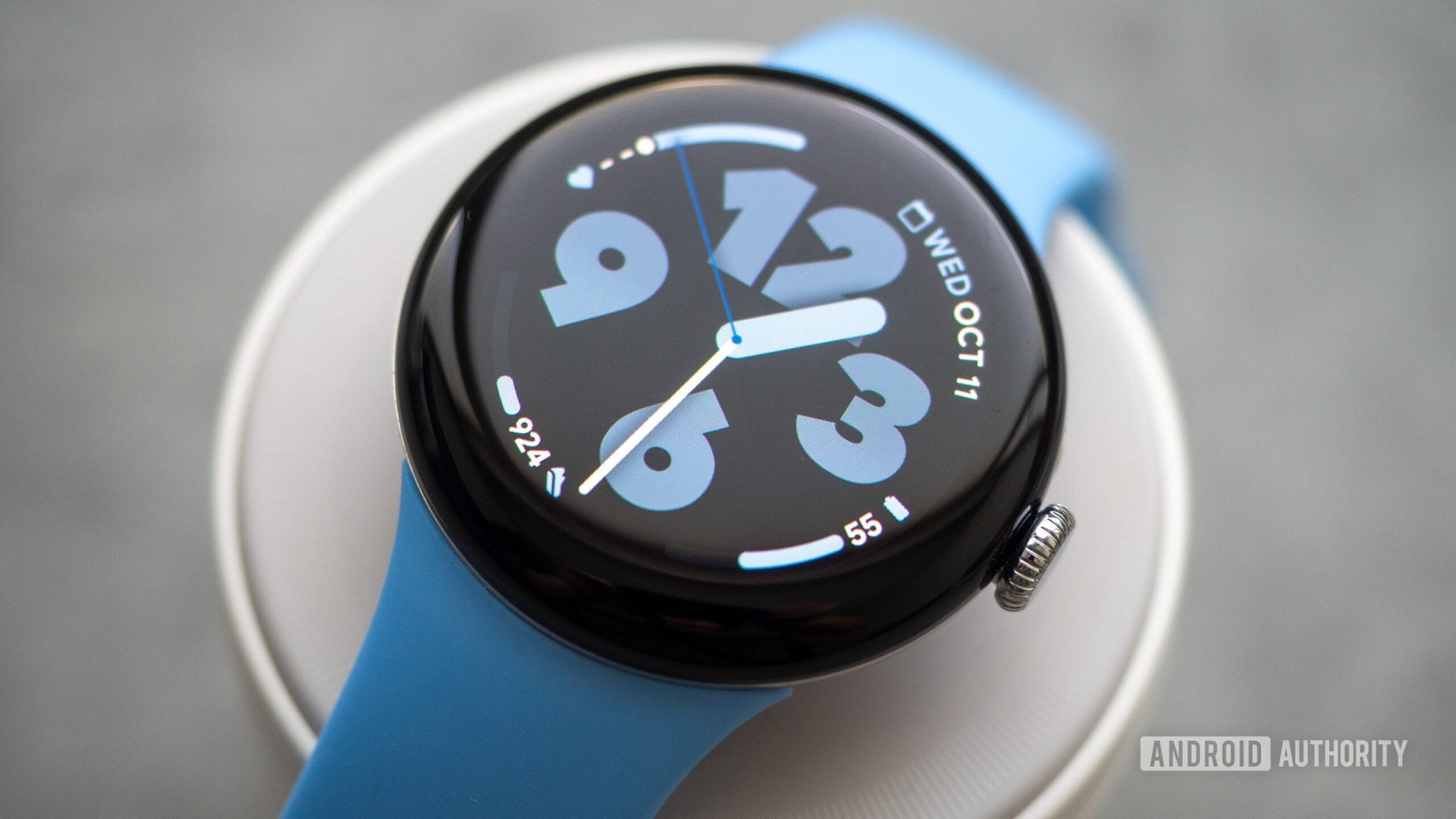
The Google Pixel Watch camera app has received a substantial update, adding the ability to switch between photo/video modes and an improved timer function, making it more versatile and user-friendly. This update brings handy features such as Night Sight and Portrait mode directly to the watch, as well as improved timer options, enhancing the overall photography experience for users.

"Enhanced OnePlus 12: Updates, Reviews, Gaming Breakthroughs, and Preorder Deals"
technology2 years ago

"Enhanced OnePlus 12: Updates, Reviews, Gaming Breakthroughs, and Preorder Deals"

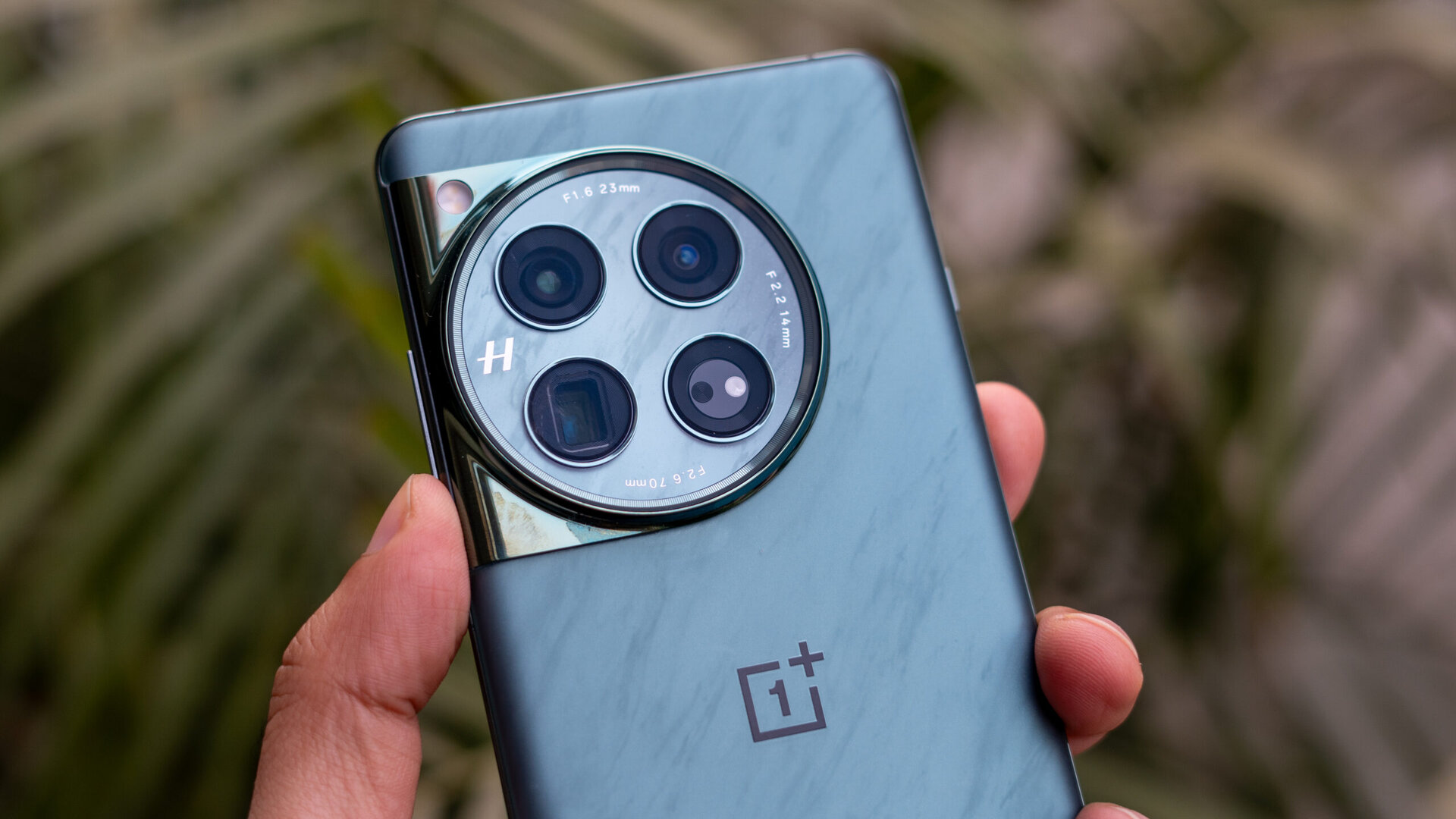
OnePlus is rolling out the first updates to the OnePlus 12, bringing along the Hasselblad Master mode in the camera app, allowing users to set levels for saturation, contrast, sharpness, and vignette before taking a photo. The update also includes improvements to system stability, fingerprint unlock success rate, Wi-Fi, NFC, and Bluetooth connections. The OnePlus 12 boasts a Snapdragon 8 Gen 3 processor, 50W wireless and 80W wired charging, and next-gen Hasselblad cameras.

"Pixel 8 Pro: Reviving Ultrawide Astrophotography with Stellar Support"
technology2 years ago

"Pixel 8 Pro: Reviving Ultrawide Astrophotography with Stellar Support"

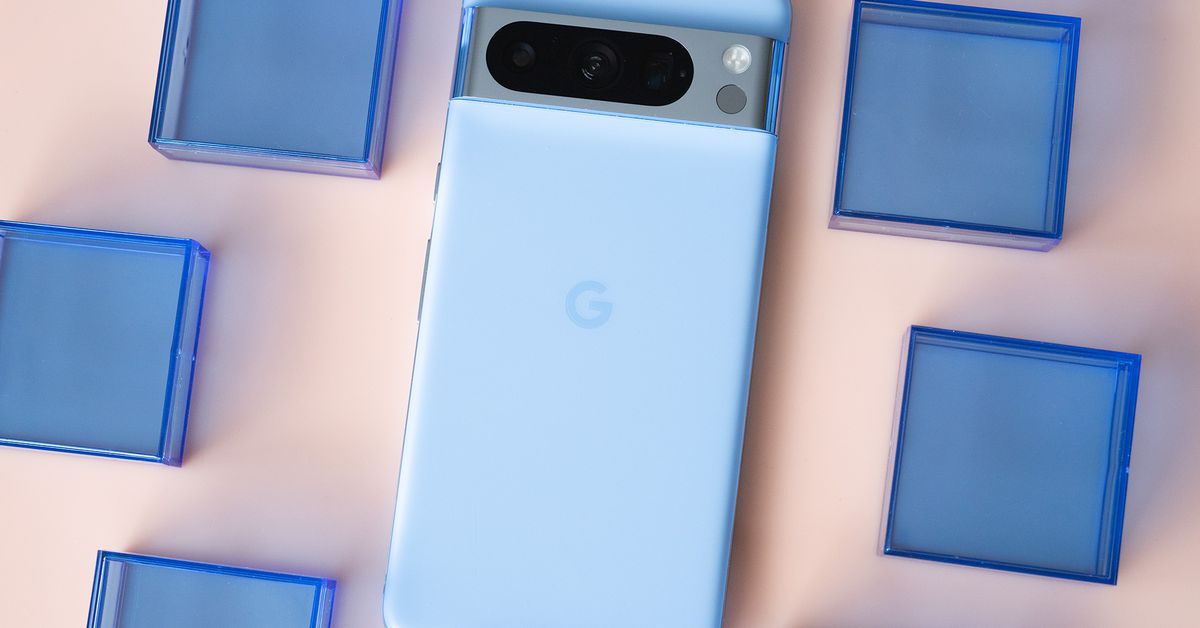
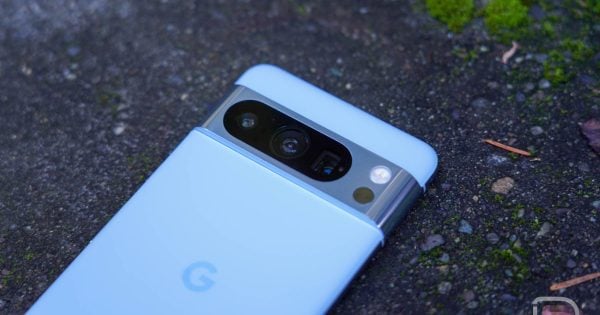
Google Camera is bringing back ultrawide astrophotography, but only on the Pixel 8 Pro. The feature was initially introduced in the Pixel 4 and later expanded to the Pixel 5 and Pixel 4a 5G. However, it was removed in subsequent Pixel devices. Now, with the Pixel 8 Pro, users can take ultrawide astrophotography shots by triggering the astrophotography mode and selecting the 0.5x option. This is likely due to the Pixel 8 Pro using a different hardware sensor for the ultrawide camera.

Unveiling the Power of Video Boost on Google Pixel 8 Pro
technology2 years ago

Unveiling the Power of Video Boost on Google Pixel 8 Pro

Google's Video Boost feature is slowly rolling out to users, and some users have shared samples of Boosted Videos to give an idea of what to expect. The feature, available on the Pixel 8 Pro, enhances video stabilization, color, and details, giving it HDR+ quality. Video processing can take hours, and the maximum recording limit is 10 minutes. The extra data file used for enhancement is deleted after processing, but if the file is moved, it may not be deleted.

"Unlocking the Potential: Google Pixel 8 Pro's New Video Boost Feature Revealed"
technology2 years ago

"Unlocking the Potential: Google Pixel 8 Pro's New Video Boost Feature Revealed"

Pixel 8 Pro owners can now enable the new Video Boost feature, which enhances video quality with better lighting, colors, and details. To enable Video Boost, users need to open the Google Camera app, switch to Video mode, tap Video Settings or swipe up, and turn on Video Boost. The feature supports 4K resolution, SDR, and 30 FPS by default, but users can customize these settings. Video Boost is exclusive to the Pixel 8 Pro and has a maximum recording limit of 10 minutes.

"Google's Video Boost and Camera Upgrades: Enhancing the Pixel 8 and Pixel 8 Pro Experience"
technology2 years ago

"Google's Video Boost and Camera Upgrades: Enhancing the Pixel 8 and Pixel 8 Pro Experience"

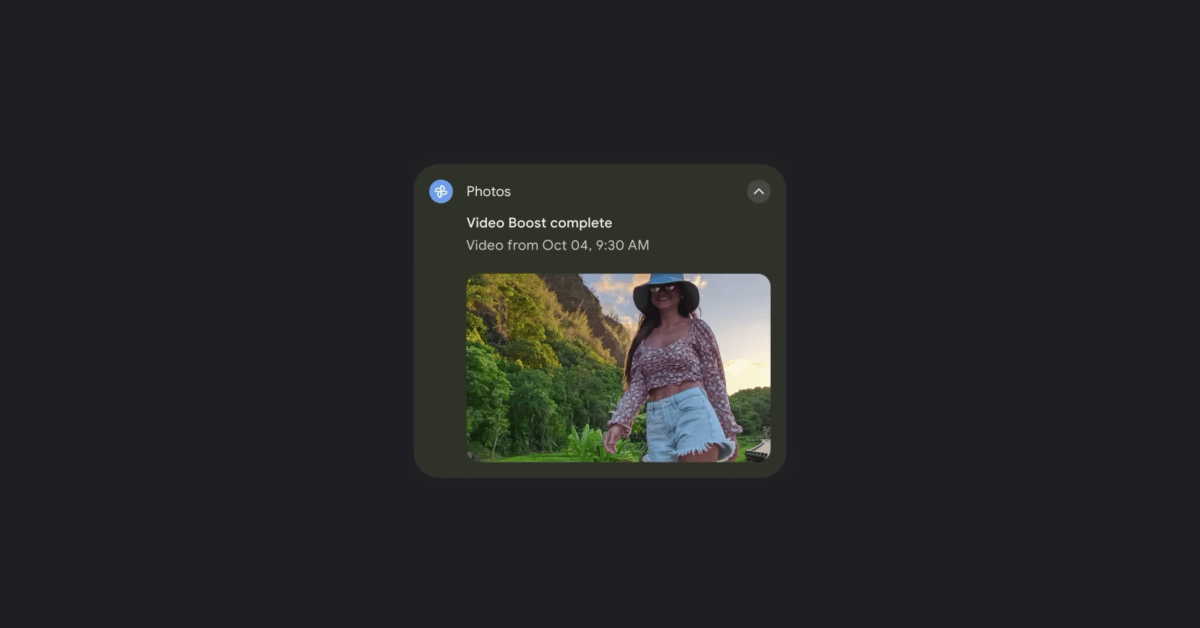
Google is rolling out Video Boost to the Pixel 8 Pro, a feature that enhances lighting, colors, and details in videos. Users can enable Video Boost from the Video Settings panel and adjust settings such as resolution and frame rate. The feature has a maximum recording limit of 10 minutes and creates an initial preview video for viewing, sharing, and editing. A temporary video file is uploaded, following the backup settings in Google Photos, and is automatically deleted once the boosted video is ready. Users receive a notification when the boosted video is available for playback and can download it for the best viewing quality.