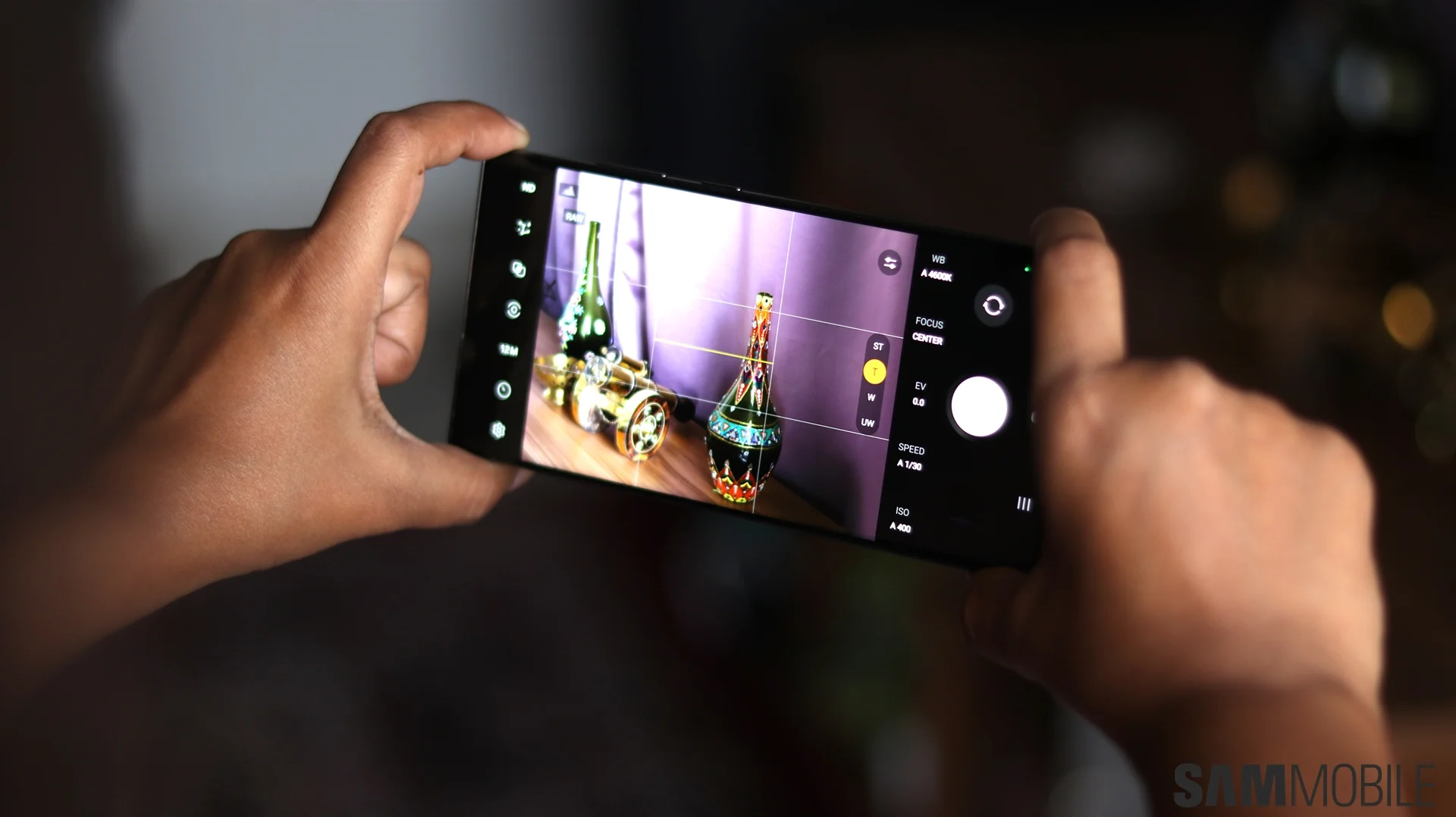
The second beta of Samsung's One UI 8.5 for Galaxy S25 series has caused issues with the Expert RAW camera app, which no longer functions without an update, prompting users to sideload an older version as a temporary workaround.
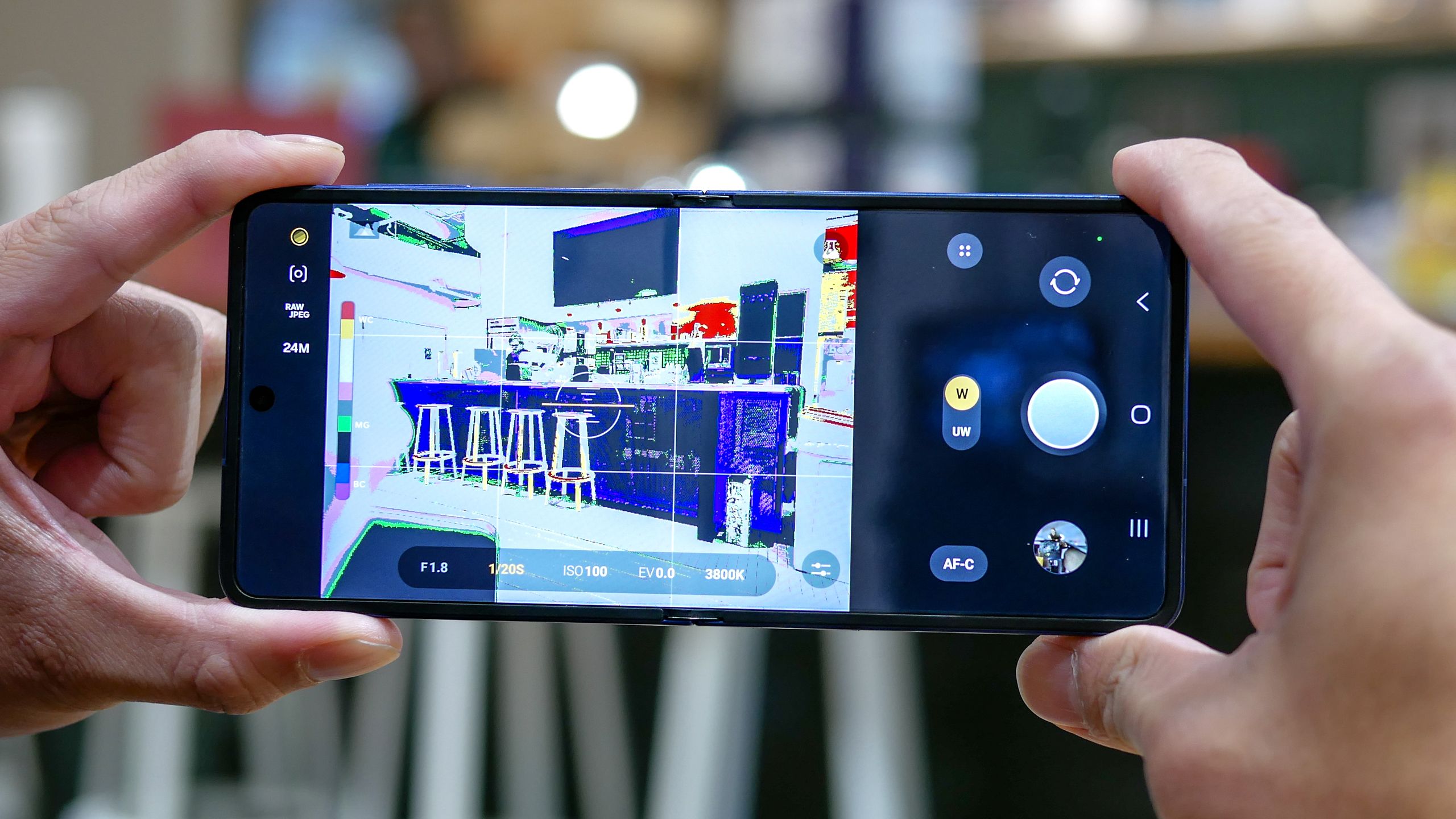
The article highlights Samsung's hidden Expert RAW camera mode, which significantly enhances photography capabilities such as astrophotography, motion blur, and realistic aperture effects, offering users more creative control and better image quality beyond standard modes.
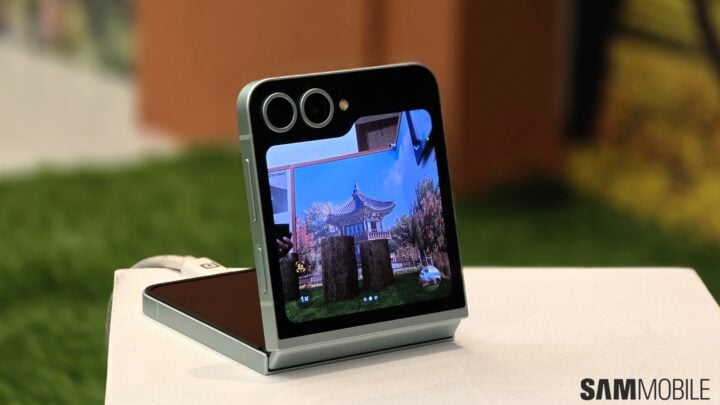
The Galaxy Z Flip 6 is the first in Samsung's flip phone series to support the Expert RAW feature, allowing advanced photo editing and the new AstroPortrait mode for capturing night sky portraits. The phone also includes new camera features like Auto Zoom and Flex Camcorder, enhancing its functionality and bringing it closer to the high-end Galaxy S24.
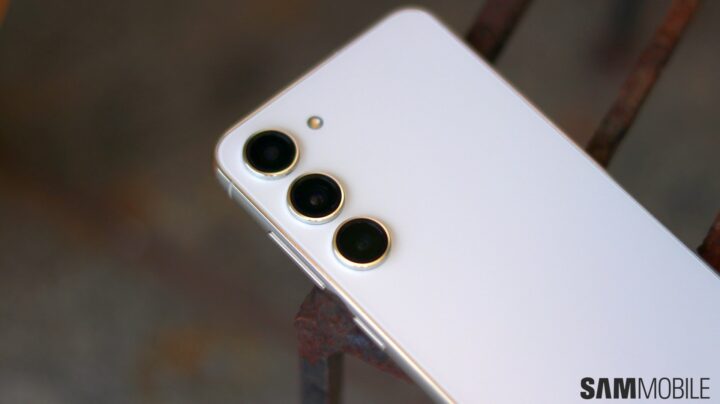
The Samsung Galaxy S23 has some hidden features that can enhance user experience. These include Bixby Text Call, which transcribes calls and allows for text responses; the integration of Expert RAW within the camera app for high-quality image capture and editing with Adobe Lightroom; an image clipping tool that separates the subject from the background; new battery-saving features like Performance Profiles and Protect Battery; and the Pause USB Power Delivery feature, which redirects power directly to the phone's CPU during gaming to enhance performance.
Samsung is set to release an update for its Expert RAW camera app, addressing the issue of oversaturated photos. The upcoming version 2.0.10.6 of Expert RAW for the Galaxy S23 Ultra will reduce color saturation, providing users with more control over the final image. While the update is currently being tested on the Galaxy S23 Ultra, it is expected to roll out globally soon and may also be available for other Samsung devices that support Expert RAW.
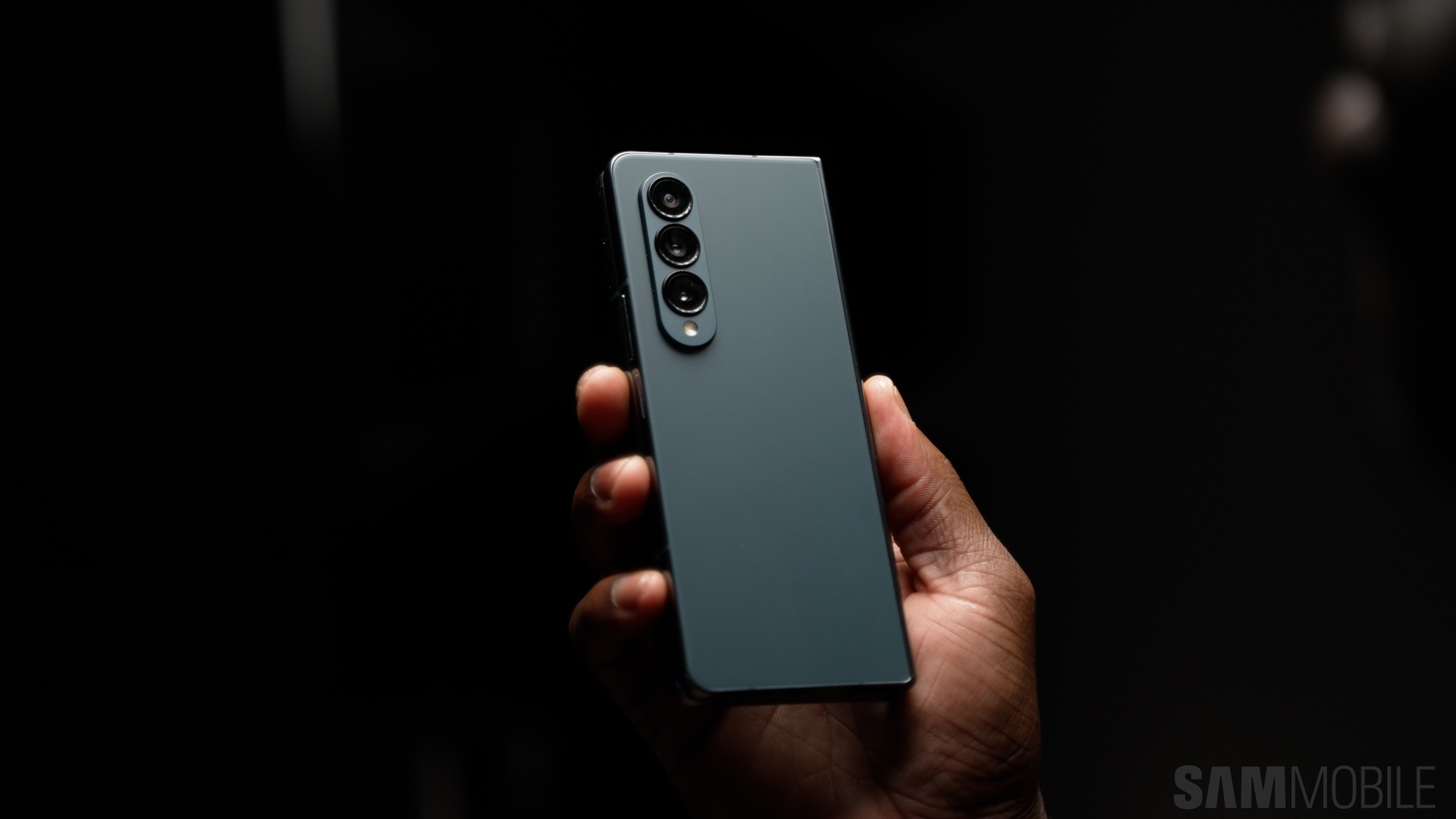
Samsung's latest update to the Expert RAW app has added astrophotography mode to the Galaxy Z Fold 4, allowing users to capture high-quality shots of the night sky. The update also includes constellation location pinpointing and exposure time settings. The feature was previously only available on the Galaxy S21 series, but Samsung has confirmed it will be coming to other eligible devices soon. Users can download the update from the Galaxy Store and start taking astro photos by tapping the last button at the top right of the screen.