
"Stop Samsung TV Plus from Auto-Starting: A Quick Guide"
Originally Published 2 years ago — by SamMobile - Samsung news
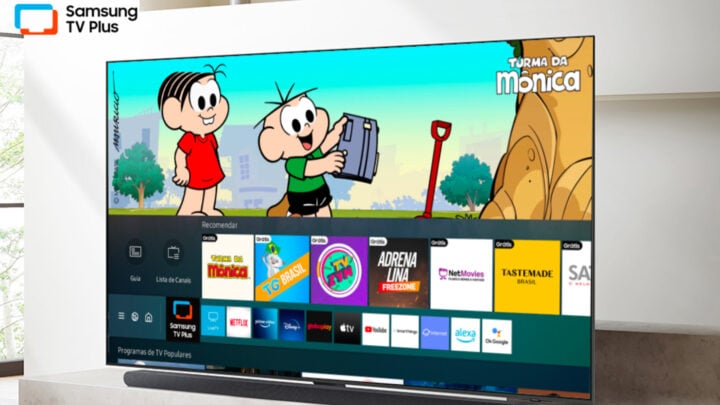
Samsung smart TV customers can prevent their TVs from automatically starting up in TV Plus by accessing the settings menu, navigating to "Smart Features," and disabling the "Autorun Samsung TV Plus" option. This feature, which shows ad-supported content at startup, can be changed to allow users to choose when to access the TV Plus platform.