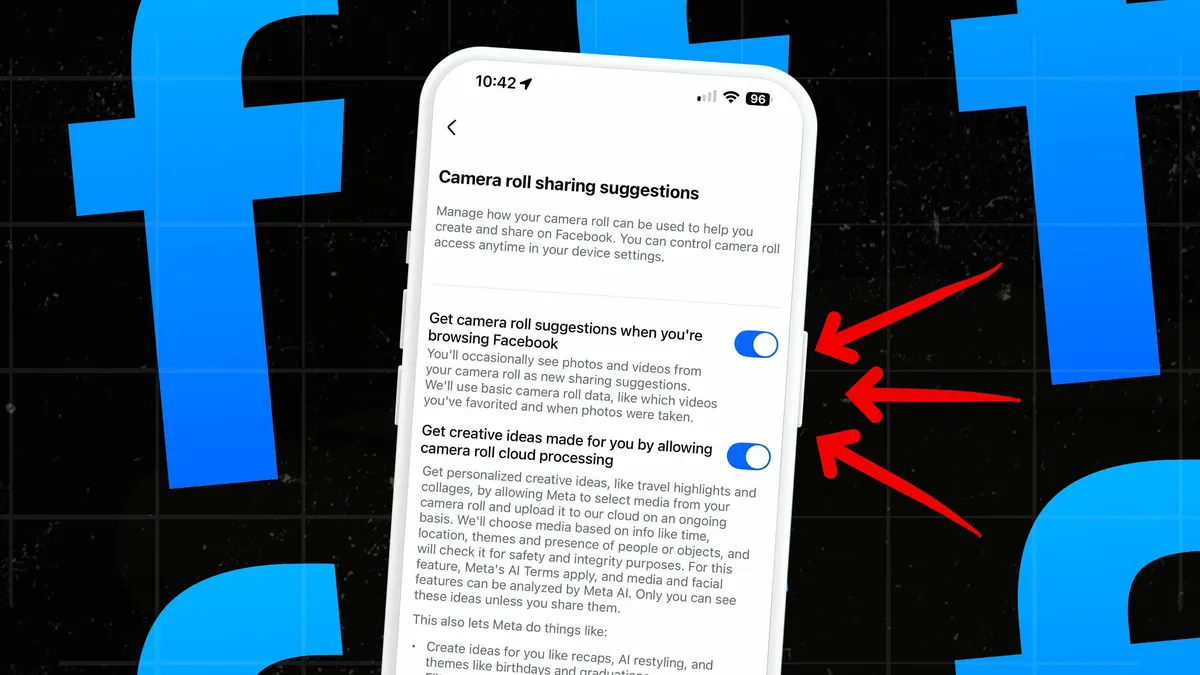
Meta is testing a feature that automatically accesses and analyzes users' camera roll photos for AI-powered suggestions, often enabled by default without clear consent, raising significant privacy concerns. Users can check and disable this feature in their app settings to protect their privacy.
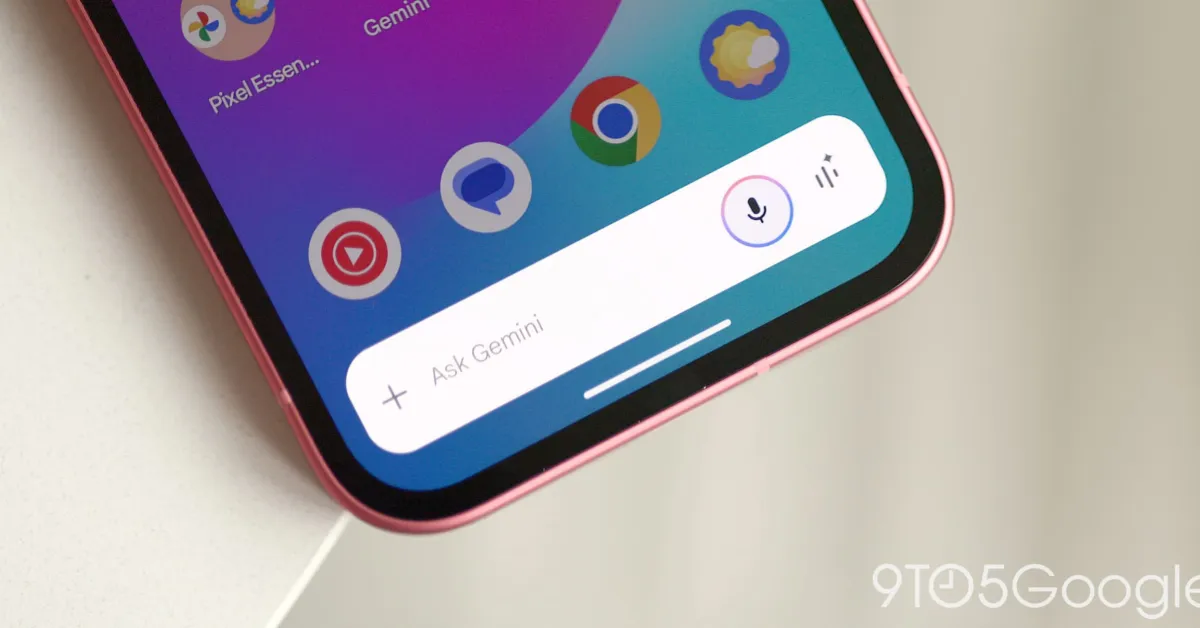
Google's Gemini app is improving its privacy features by allowing users to use basic extensions like Phone, Messages, WhatsApp, and Utilities without enabling the Gemini Apps Activity log, which records prompts for over 72 hours. This change, rolling out from July 7, aims to enhance user control over data while Gemini prepares to replace Google Assistant later this year.
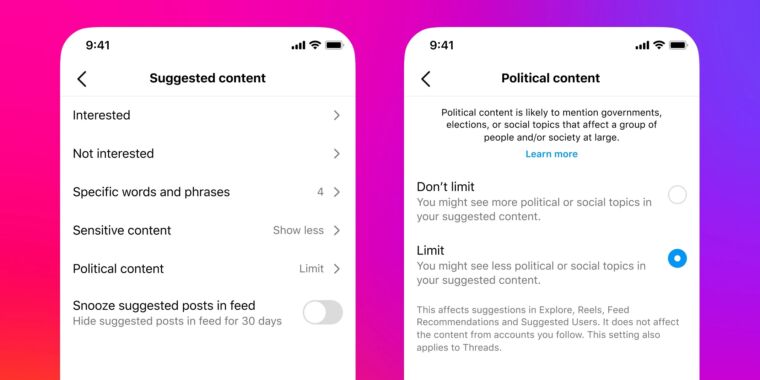
Instagram quietly introduced a default setting to limit the reach of political content in users' feeds, prompting surprise and complaints from users who were unaware of the change. The platform rolled out the update in February without directly notifying users, leading to confusion and frustration. Users can adjust their content preferences in the settings menu to control the amount of political content they see, but the change has sparked concerns about its impact on political outreach and information dissemination, particularly during election seasons.
Dropbox users who have utilized the company's AI tools may have had their documents and files shared with OpenAI. While there is a valid reason for this collaboration, as Dropbox lacks its own chatbot, concerns about customer privacy have been raised. Dropbox AI customer documents pass through and are stored on OpenAI's servers for up to 30 days, but the data-sharing only occurs when users actively engage with the AI features. Users can turn off the "third-party AI" toggle in their account settings to prevent their files from being sent to OpenAI. However, files shared with other Dropbox users who are using AI features may still be sent to OpenAI servers.
Samsung smart TV customers can prevent their TVs from automatically starting up in TV Plus by accessing the settings menu, navigating to "Smart Features," and disabling the "Autorun Samsung TV Plus" option. This feature, which shows ad-supported content at startup, can be changed to allow users to choose when to access the TV Plus platform.