The article highlights the versatile features of Apple's iOS Reminders app, including creating categorized grocery lists, using widgets for quick task management, integrating with Calendar and Messages, assigning tasks to others, and setting urgent or early reminders to enhance productivity on iPhone.
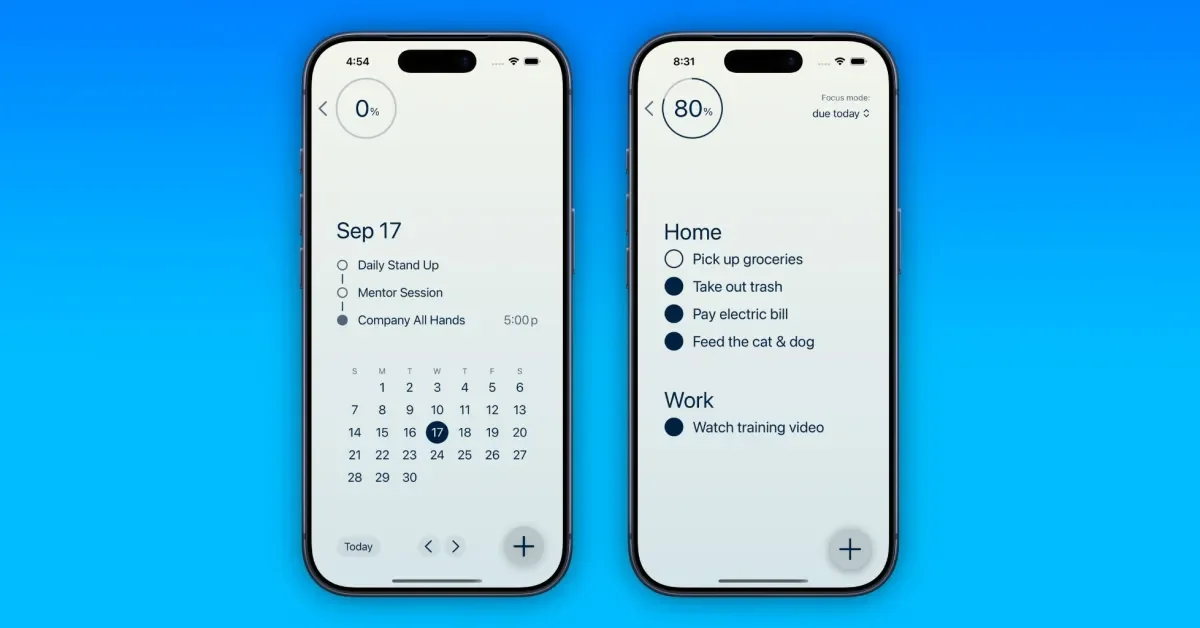
Focii is a clutter-free, minimalist task management app for iOS that offers features like due dates, priorities, categories, timers, and recurring tasks, with a free version and a premium subscription for enhanced features.
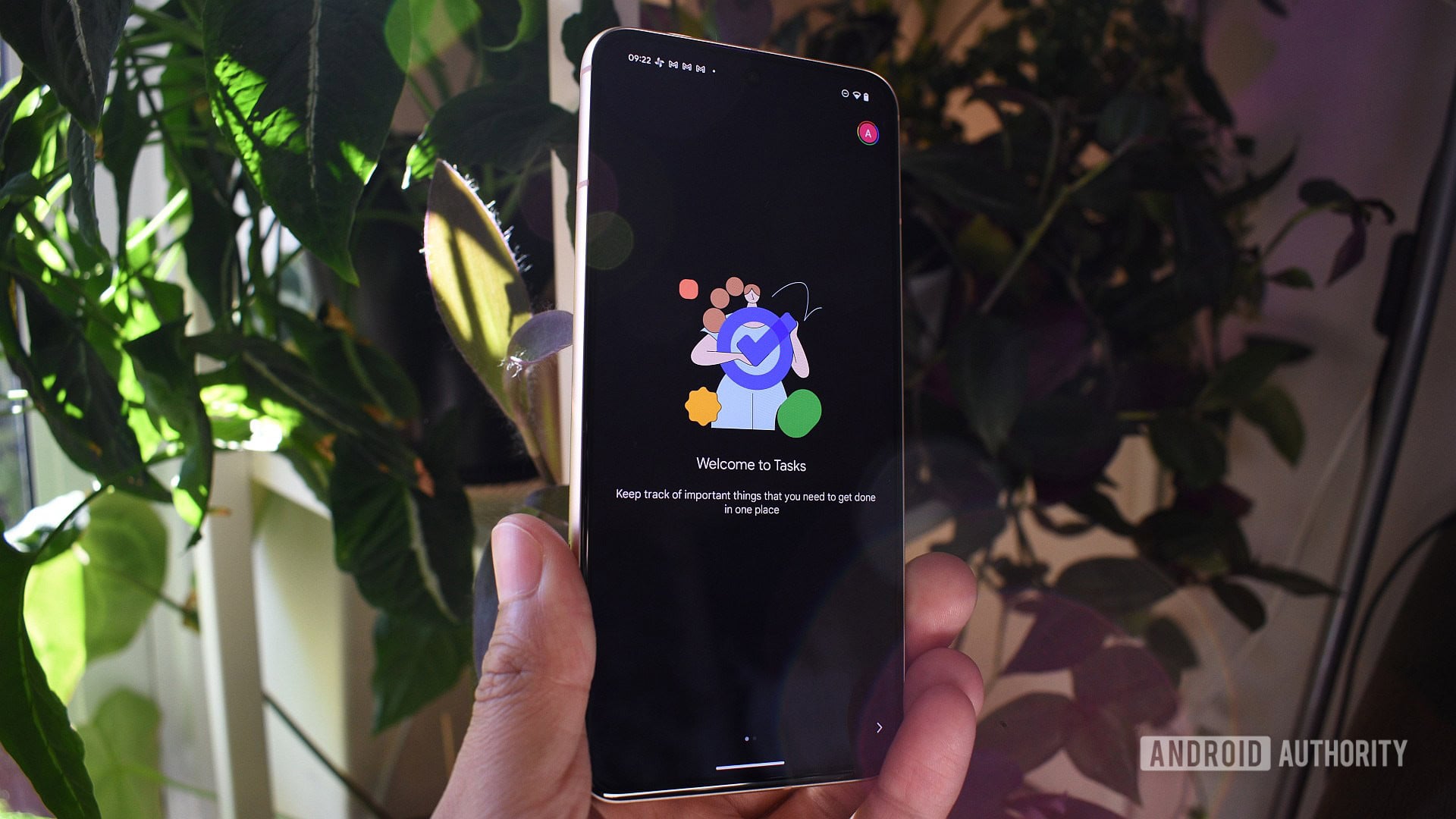
Google Tasks is testing a new feature that allows users to add deadlines to tasks, which can be edited after creation, although the feature is limited to adding due dates without specific times and only visible within the task view, indicating a potential step towards more robust task management capabilities.
Ocean is a new productivity app designed for Gmail users that offers inbox triage, task creation from emails, and meeting scheduling, with a focus on efficient email management and a subscription model for premium features. It integrates with Gmail, provides advanced filtering, and plans to expand with a Mac app and AI features.
Originally Published 5 months ago — by Hacker News
Many users prefer simple solutions like plain text files for task management, but some advocate for more sophisticated, customizable tools like emacs org-mode, which offers extensive features and flexibility. The discussion highlights the trade-offs between simplicity and complexity, the importance of natural workflows, and the potential of integrating digital and physical tools for productivity. Ultimately, the best system depends on individual needs, with some favoring minimalism and others requiring robust, structured approaches.
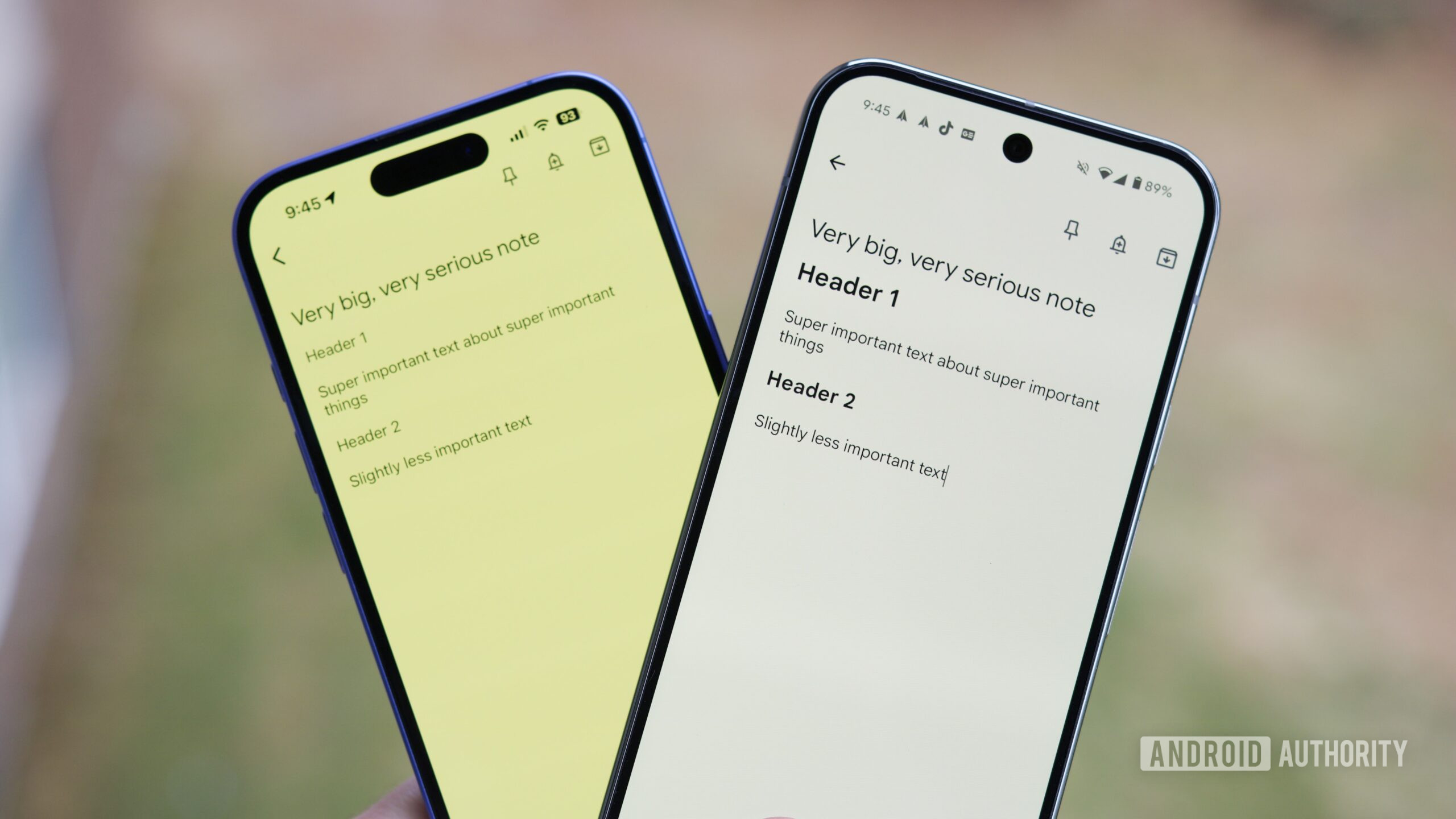
The article highlights five essential productivity apps used by the author, including Enpass for password management, TickTick for task organization, Notion for writing and planning, Google Keep for quick notes, and ChatGPT as an AI assistant for research and idea generation, emphasizing how each app integrates into their daily workflow to enhance productivity.
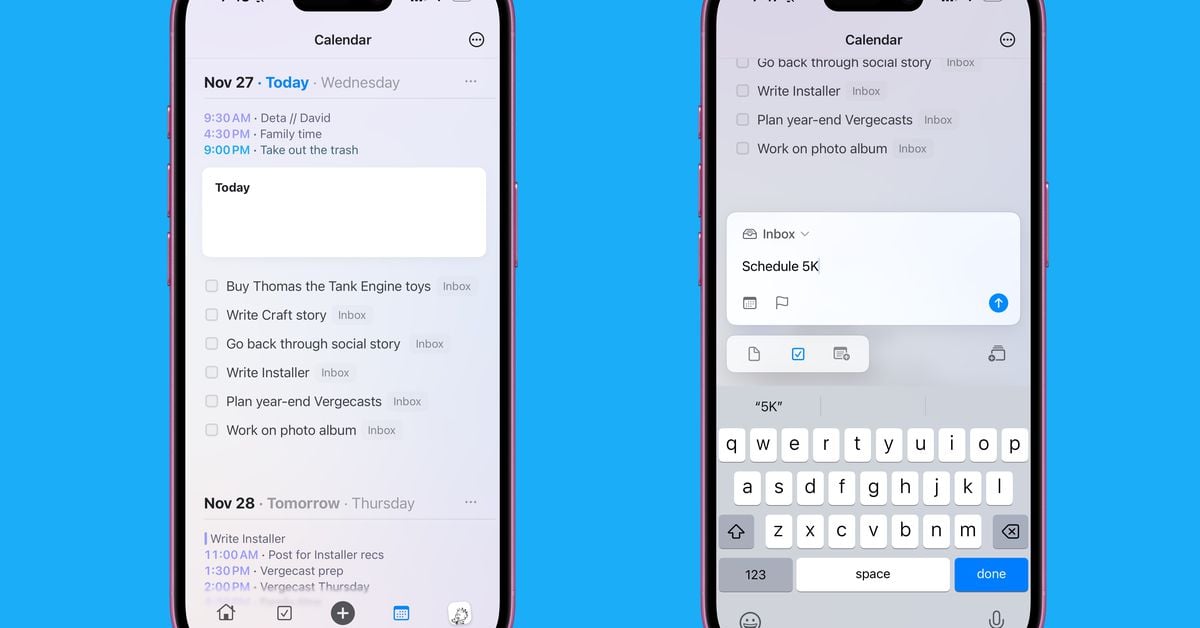
iOS 26 introduces a new 'New Reminder' control for Apple's Reminders app, allowing users to quickly create tasks from the Action button, Lock Screen, or Control Center with natural language input and quick access to key fields, enhancing task input speed and convenience.
Craft 3, the latest version of the note-taking app, has been released with significant updates including enhanced document styling, a new Collections feature, and improved task management tools. The app, available on Apple devices, Windows, and the web, aims to simplify life organization by integrating notes, tasks, and calendar events. After pivoting away from a business-focused model, Craft is now targeting individual users with a streamlined, user-friendly design. Despite some missing features, Craft 3 is praised for its intuitive interface and functionality, aligning closely with user needs.
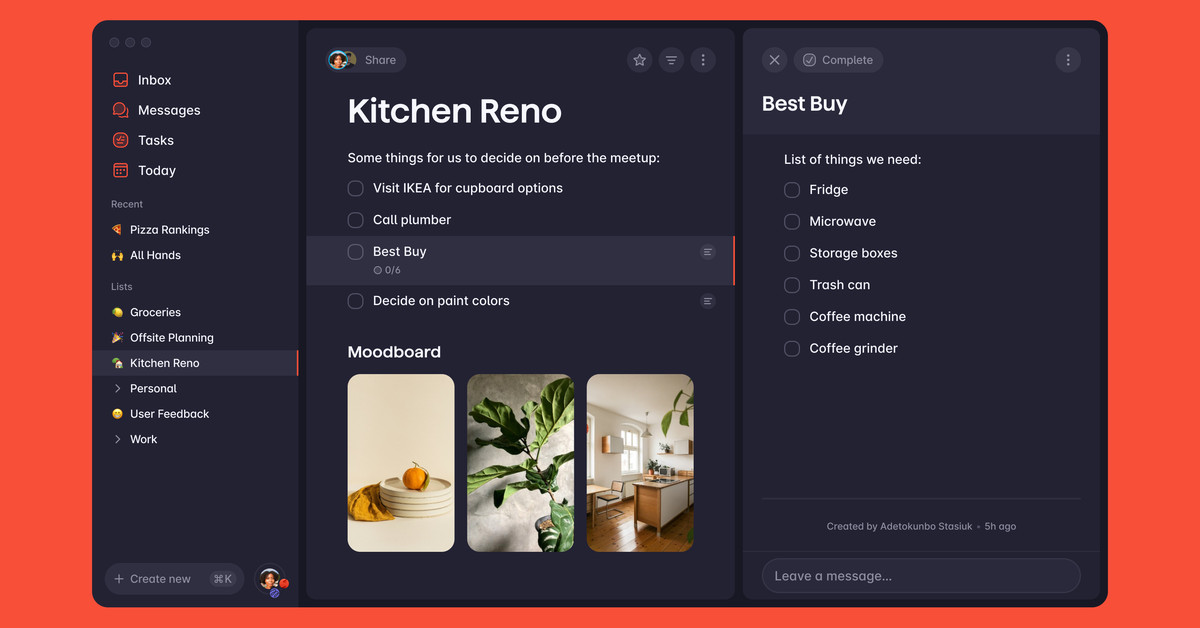
The creators of Wunderlist have returned with a new to-do app called Superlist, which combines task management with notes and lists, aiming to bring back the spirit of Wunderlist. The app is designed for team collaboration, offering features like automatic task organization, integration with other apps, and a focus on business users. While still in its early stages, Superlist aims to strike a balance between simplicity and functionality, with a free account option available and a Pro account priced at $8 per month per user.
Microsoft plans to integrate its planning tools, including Microsoft To Do, Microsoft Planner, and Microsoft Project, into a unified experience called "Microsoft Planner." The new experience will be available in Microsoft Teams in spring 2024 and on the web later in the year. The integration aims to bring together task management, kanban-style planning, and project management under a single umbrella, with an AI copilot to assist users in planning and suggesting tasks.
Microsoft is streamlining its project management services by combining its task management and planning tools, including Microsoft To Do, Microsoft Planner, and Microsoft Project for the web, into a unified experience called Microsoft Planner. The new Planner will offer AI-enabled capabilities and aims to provide a single platform for employees to manage their work. It will be available within the Planner app in Microsoft Teams in spring 2024, with a web experience to follow later that year. The existing Tasks by Planner and To Do apps in Microsoft Teams will be renamed to "Planner," and Microsoft Project for the web will also be renamed in the coming months. The new Planner experience will include features such as easy task finding, scheduling and resourcing tools, and an AI integration called Copilot to assist users in creating plans.
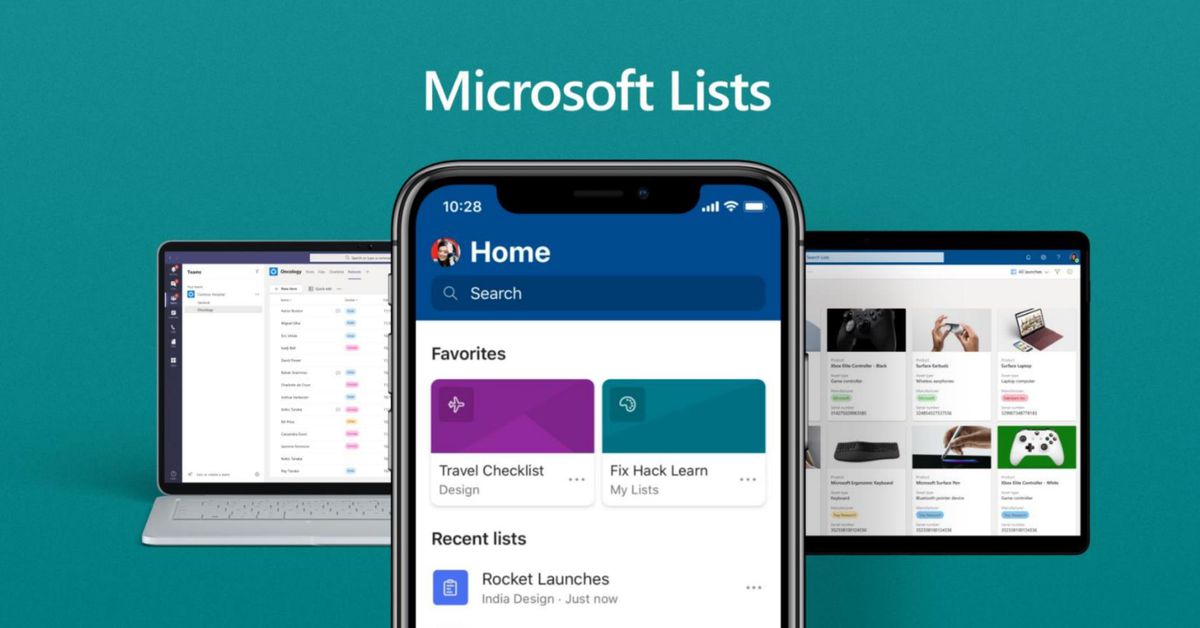
Microsoft Lists, the task management app, is now available for all users on iOS, Android, and the web. Previously limited to business and enterprise users, Microsoft Lists allows users to create, manage, and share lists across devices, with ready-made templates for various tasks. The app offers grid, calendar, and custom layout views, and allows for easy data export. Microsoft has not announced plans for a desktop app or the end of the preview phase.
After years of teasing users with disconnected reminder-setting products, Google has finally consolidated its task management tools into a single, accessible tool called Google Tasks. The integration of reminders from various Google products into Google Tasks has made it easier to manage tasks and stay organized. While Google Tasks may not be as powerful as other project management tools, its ubiquity across Google products and simple interface make it a convenient option for users. However, the lack of integration with Google Keep and difficulties managing multiple Google accounts remain as drawbacks. Overall, Google Tasks is finally a worthwhile app for dumping and organizing tasks.
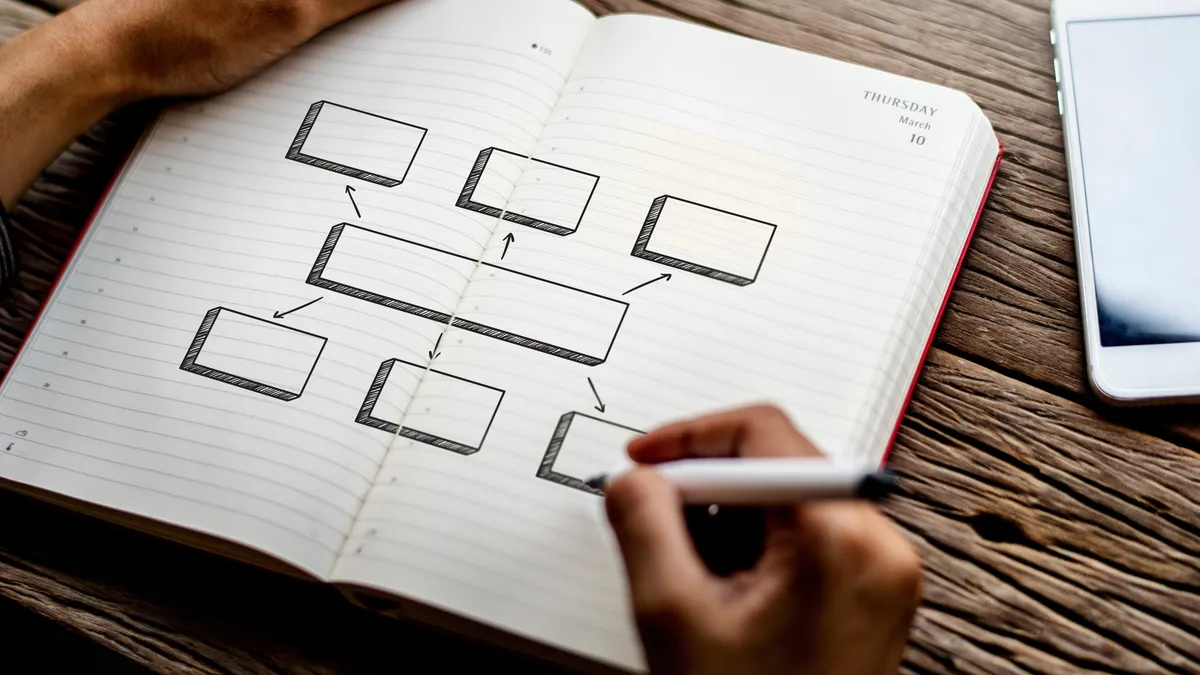
Mind mapping is a productivity hack that can benefit visual learners by organizing tasks in a hierarchical and interconnected way. By using diagrams and arrows, mind maps help individuals visualize and prioritize their tasks, making it easier to understand what needs to be done. Online creativity tools like Canva, Draw.io, Miro, and Mural.co can be used to create mind maps, which are simple, efficient, and effective for quick processing and recall. Mind maps are a great solution for visual learners or anyone looking for a more organized and streamlined approach to task management.