productivity7.51 min read
"Ultimate Desk Organization: 10 Top Gear for Peak Productivity and Storage"
2 years ago•Source: Yanko Design

The latest productivity stories, summarized by AI
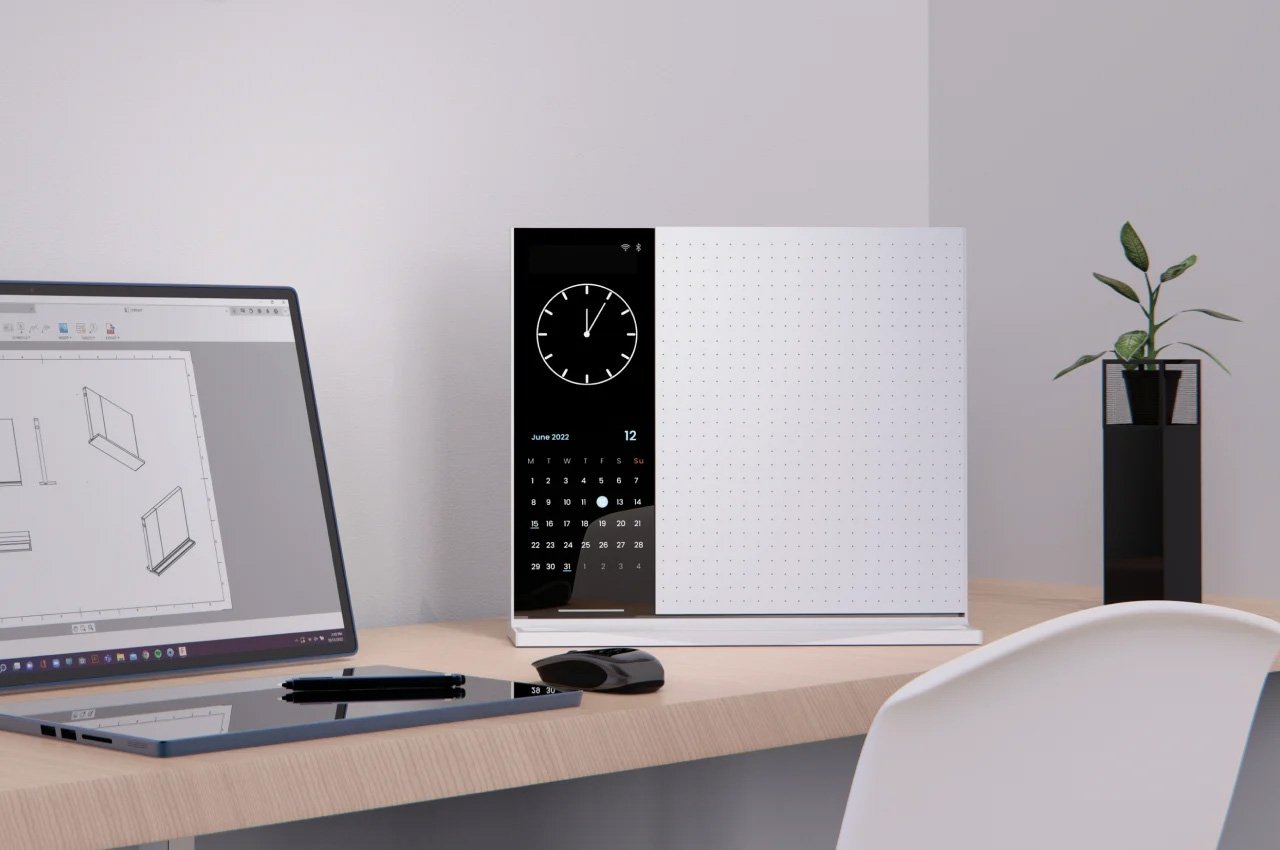
A collection of top 10 note-taking accessories for remote workers includes the Note, a versatile whiteboard, the Everlasting All-Metal Pencil for smooth writing, the MagBoard Clipboard for easy organization, Grovemade’s Note-Taking Kit for a tidy workspace, and the XNote smart notebook that integrates AI. Other accessories include the Japanese Paper Memo Block, The Scripter for voice-to-text transcription, the multifunctional TP Pen, the Levitating Pen 3.0 for a smooth writing experience, and the Wipe, an innovative whiteboard notebook with an eraser.
Google Docs offers a range of lesser-known features that can enhance productivity and document creation. Users can look up definitions, switch to a pageless view for an infinite canvas, create building blocks with templates like meeting notes and email drafts, generate a table of contents automatically, compare documents, explore the web and Google Drive within the document, react with emoji, copy and paste formats, display word count while typing, use text expansion for automatic substitutions, search for tools or features, utilize keyboard shortcuts, and drop in smart chips for dynamic information and linking to other files.
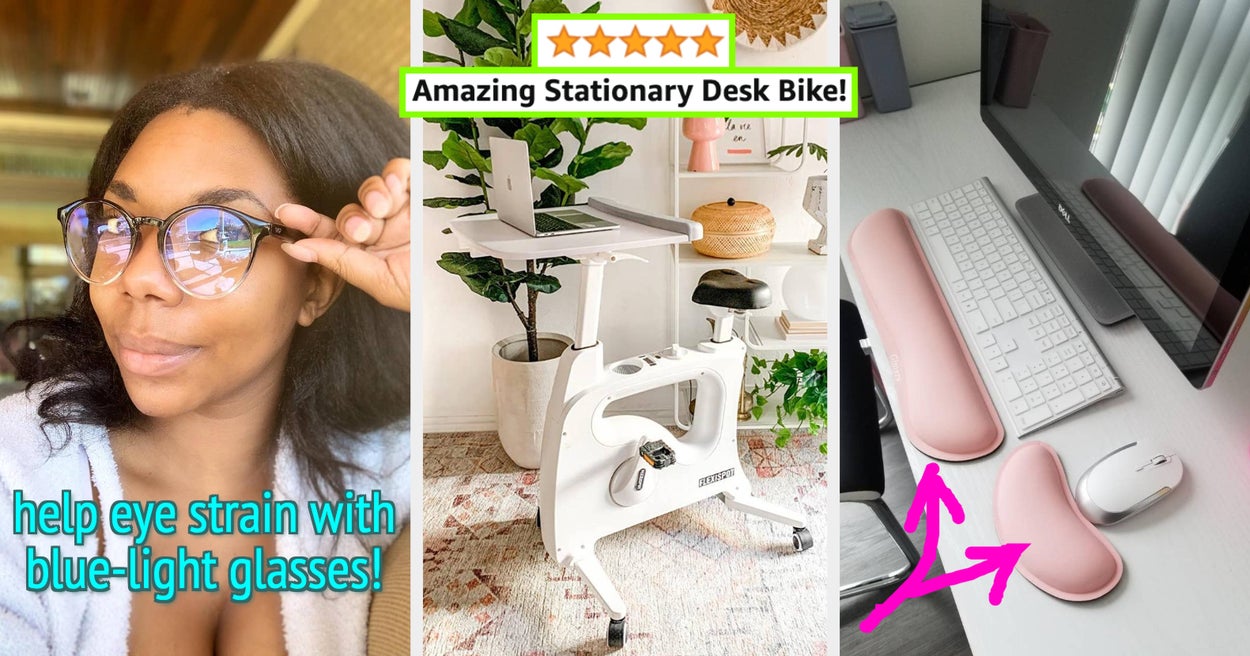
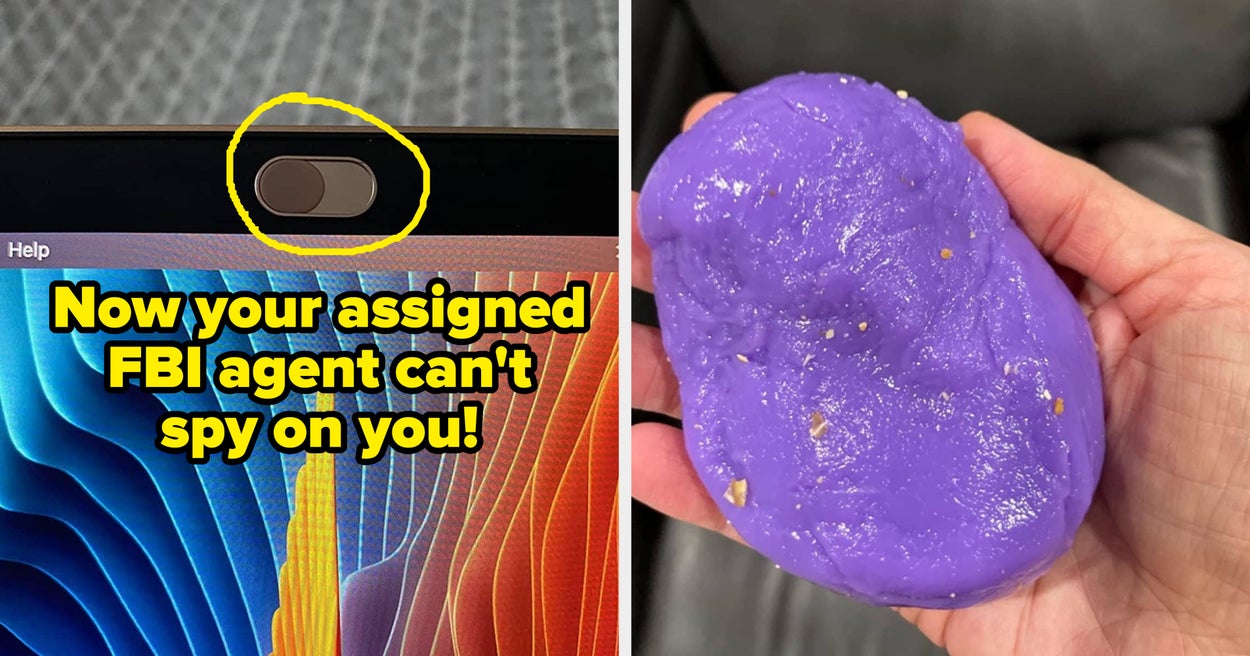
This article features a list of 21 work-from-home items that can enhance comfort, productivity, and overall well-being. The items include an undetectable mouse jiggler, blue-light-blocking glasses, memory foam gel pads for wrist support, a gel-enhanced seat cushion, a reversible waterproof desk mat, a monitor riser with USB ports, noise-reduction earplugs, a clip-on LED light, a laptop stand, a long laptop charging cable, a wooden cord organizer, a compact under-desk electric treadmill, a rolling desk bike, a wireless keyboard and mouse set, wireless Beats headphones, a 360-degree rotating headphone holder, a coffee mug warmer, an ergonomically designed mouse, a padded office chair, an ergonomic swivel chair, and a heated back and neck massager. These items aim to create a more comfortable and efficient work environment for those spending long hours at a desk.
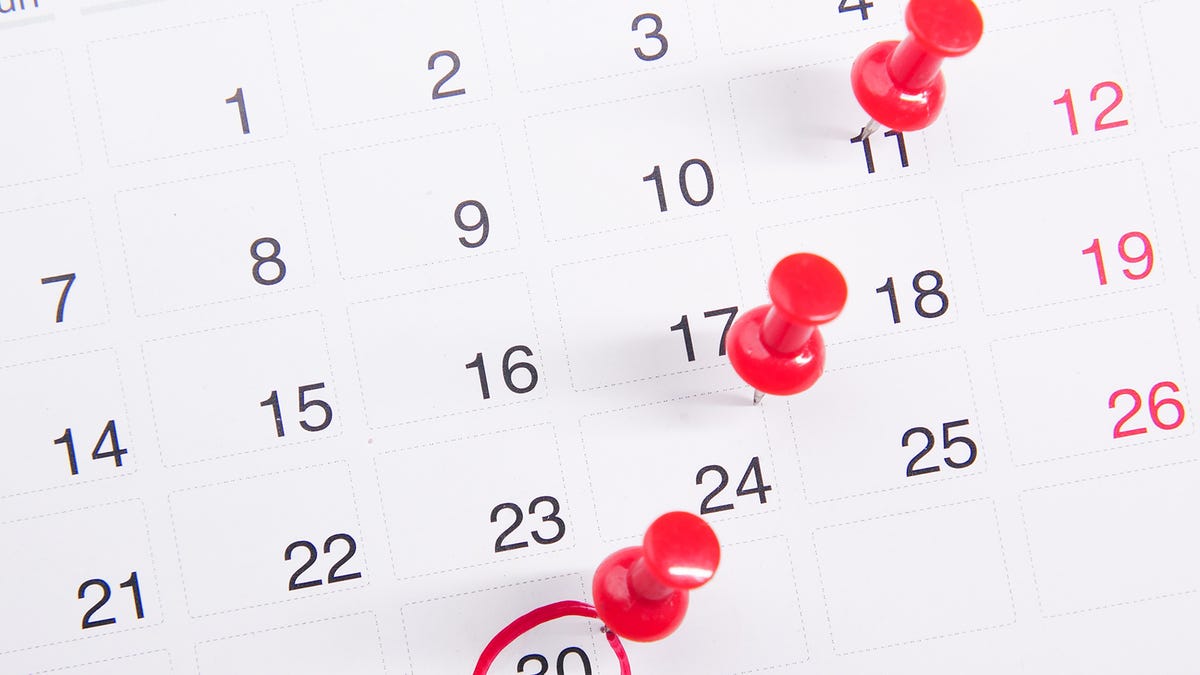
Finding meeting times that work for everyone can be challenging, but there are several apps and features that can help. In Gmail, you can use the "Set up a time to meet" option to offer available time slots in your email conversations. Google Calendar allows you to see the free time slots of all participants and suggests meeting times. Microsoft Outlook's Scheduling Assistant shows the availability of meeting attendees and helps find free rooms. Dedicated apps like Doodle, Sidekick, and SimplyMeet.me offer polling and scheduling features to simplify the process of finding suitable meeting times.
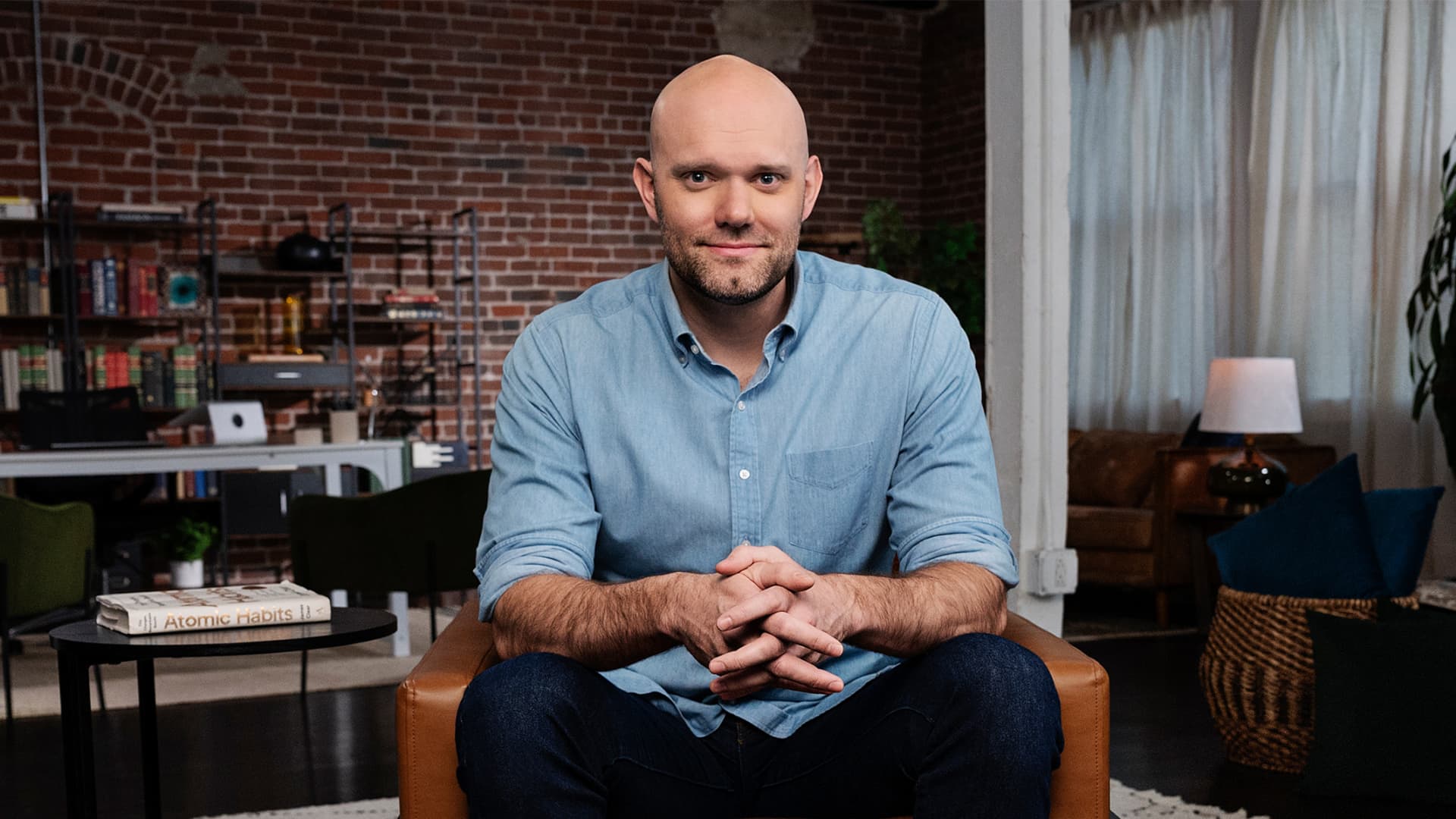
Bestselling author James Clear highlights that mindless scrolling on phones is the biggest interruption to productivity. He suggests creating dedicated zones for specific habits to minimize distractions and optimize consumption habits. By reducing the steps between desired behavior and increasing the steps between undesired behavior, individuals can regain control over their habits. Clear emphasizes the importance of making small improvements each day and focusing on the trajectory rather than the current position to form good habits and enhance productivity.

Shekhinah Bass, head of talent strategy at Goldman Sachs, reveals her top productivity hack for maintaining work-life balance: timeboxing. By allocating specific amounts of time to each task on her to-do list and blocking out distractions, Bass is able to stay focused and productive. She recommends scheduling deep work during times of peak focus and energy, such as the morning. Timeboxing helps prevent feeling overwhelmed by to-do lists and allows for more presence in important family moments. This technique has been ranked as the most effective productivity hack and is used by successful individuals like Michelle Obama and Richard Branson.
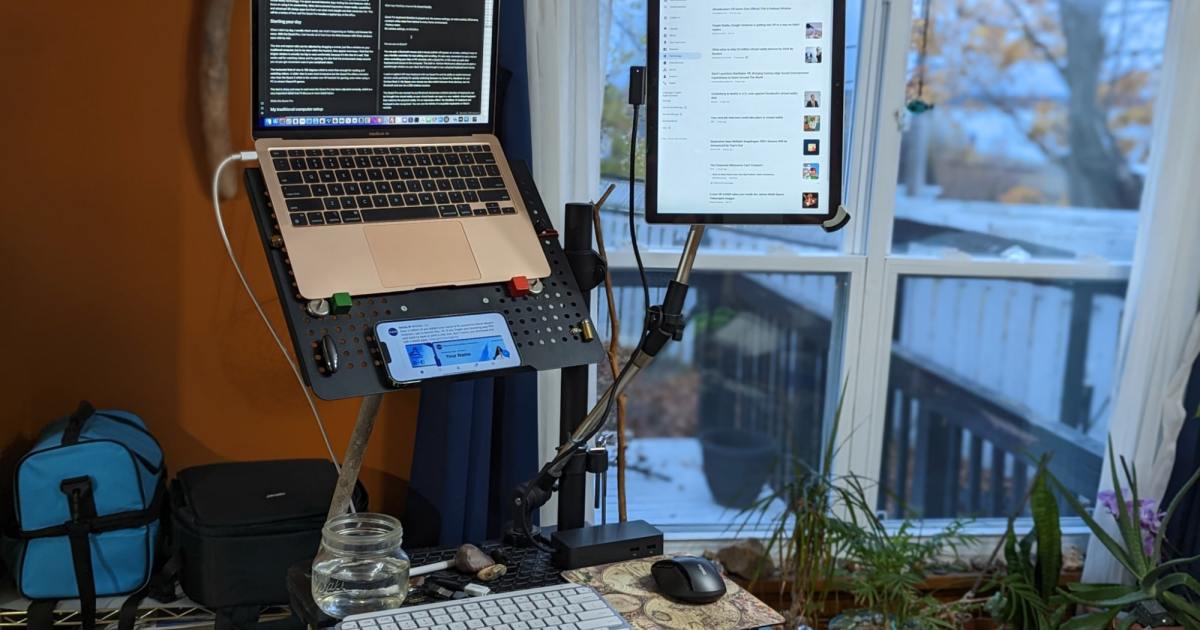
Beeftext is a free text expander app for Windows that supercharges productivity by allowing users to create shortcuts for frequently used words, phrases, and even entire emails. The app runs in the background, monitoring keystrokes and expanding keywords into longer text snippets. Setup involves creating combos with keywords and replacement text. Beeftext is not limited to words and phrases, as it can also include variables and text emoji. While alternatives exist for other operating systems, Beeftext offers a versatile and efficient solution for detail-oriented work.

Computer engineer and assistant professor Alvaro Cintas-Canto suggests using ChatGPT prompts to improve time management skills. By structuring and prioritizing tasks, utilizing industry-standard methods, subtracting nonessential activities, creating a repeatable weekly schedule, setting milestones, and handling interruptions efficiently, individuals can achieve insane productivity and make the most out of their working hours. ChatGPT can serve as a personal AI productivity coach, providing guidance and recommendations to help individuals stay focused and achieve their goals.

ChatGPT can assist in writing more effective emails by reorganizing content into bullet points, creating personalized out of office responses, improving tone, suggesting unique greetings and sign-offs, condensing lengthy emails, grabbing attention with compelling messaging, personalizing emails with recipient-specific information, and providing grammar and spell checks. By utilizing ChatGPT, individuals can enhance the quality and professionalism of their email communication.
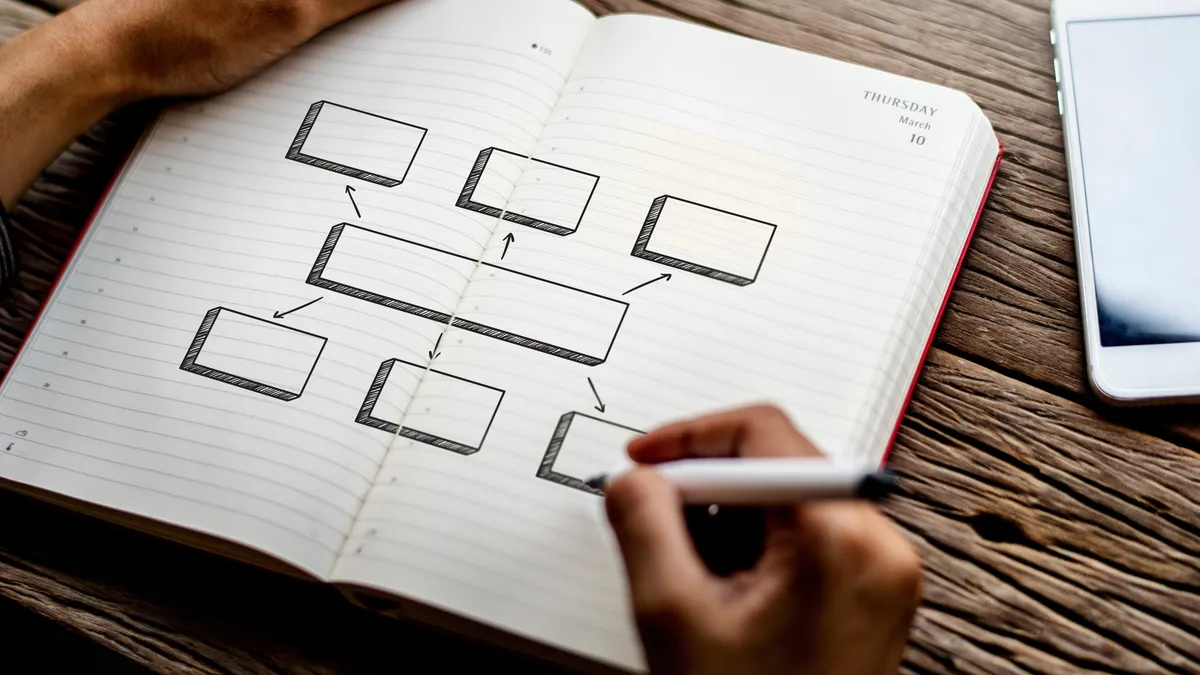
Mind mapping is a productivity hack that can benefit visual learners by organizing tasks in a hierarchical and interconnected way. By using diagrams and arrows, mind maps help individuals visualize and prioritize their tasks, making it easier to understand what needs to be done. Online creativity tools like Canva, Draw.io, Miro, and Mural.co can be used to create mind maps, which are simple, efficient, and effective for quick processing and recall. Mind maps are a great solution for visual learners or anyone looking for a more organized and streamlined approach to task management.

Meetings can be draining, but it's unlikely you can escape them entirely. However, you can try to make them shorter, especially if you're the organizer. Here are some ideas for cutting down the time you're stuck in meeting hell: consider doing away with one-hour or 45-minute meetings, ask yourself if all attendees are necessary, have an agenda, put a limit on small talk, and remind participants that time is money. For hybrid and in-person meetings, consider opening up the online meeting room and in-person space early, adopt a "no phone distractions" policy, include target discussion times for each major topic, and have grab-and-go food if necessary.