Tag

Snipping Tool

All articles tagged with #snipping tool

Microsoft patches Windows 11 Store outage that disabled Notepad, Paint, and Snipping Tool
technology1 month ago

Microsoft patches Windows 11 Store outage that disabled Notepad, Paint, and Snipping Tool

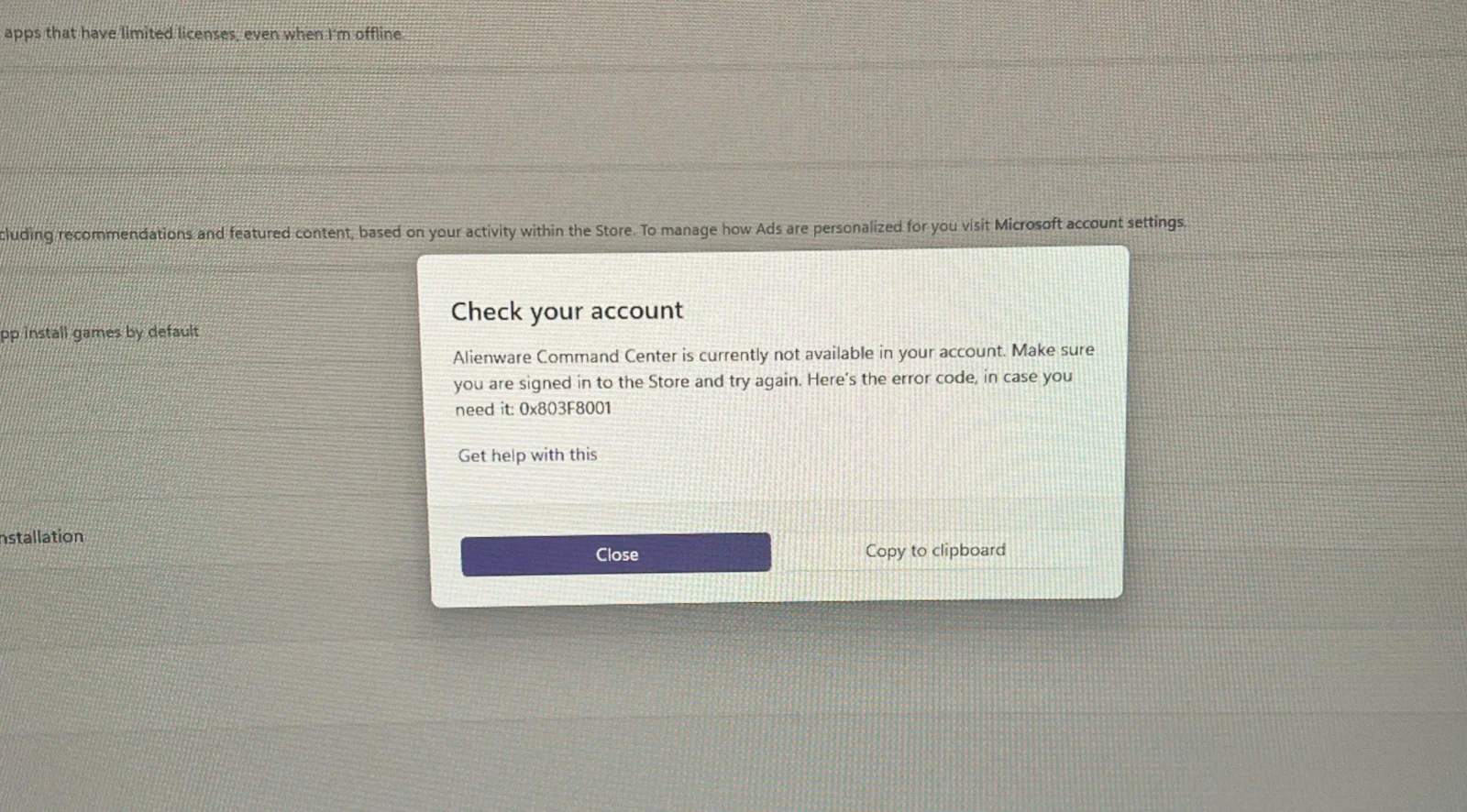
Microsoft confirmed a Windows Store server-side outage briefly prevented opening several Windows 11 inbox apps—Notepad, Snipping Tool, Paint, and even Windows Security—producing error 0x803F8001. The issue affected Store-based activation across apps, but Microsoft says a full fix has been rolled out and activation is now restored. The report also notes other Windows 11 problems tied to January 2026 updates, but the Store-related outage is considered resolved.
Windows 11 Introduces Bing-Powered Google Lens-Like Feature
technology4 months ago

Windows 11 Introduces Bing-Powered Google Lens-Like Feature

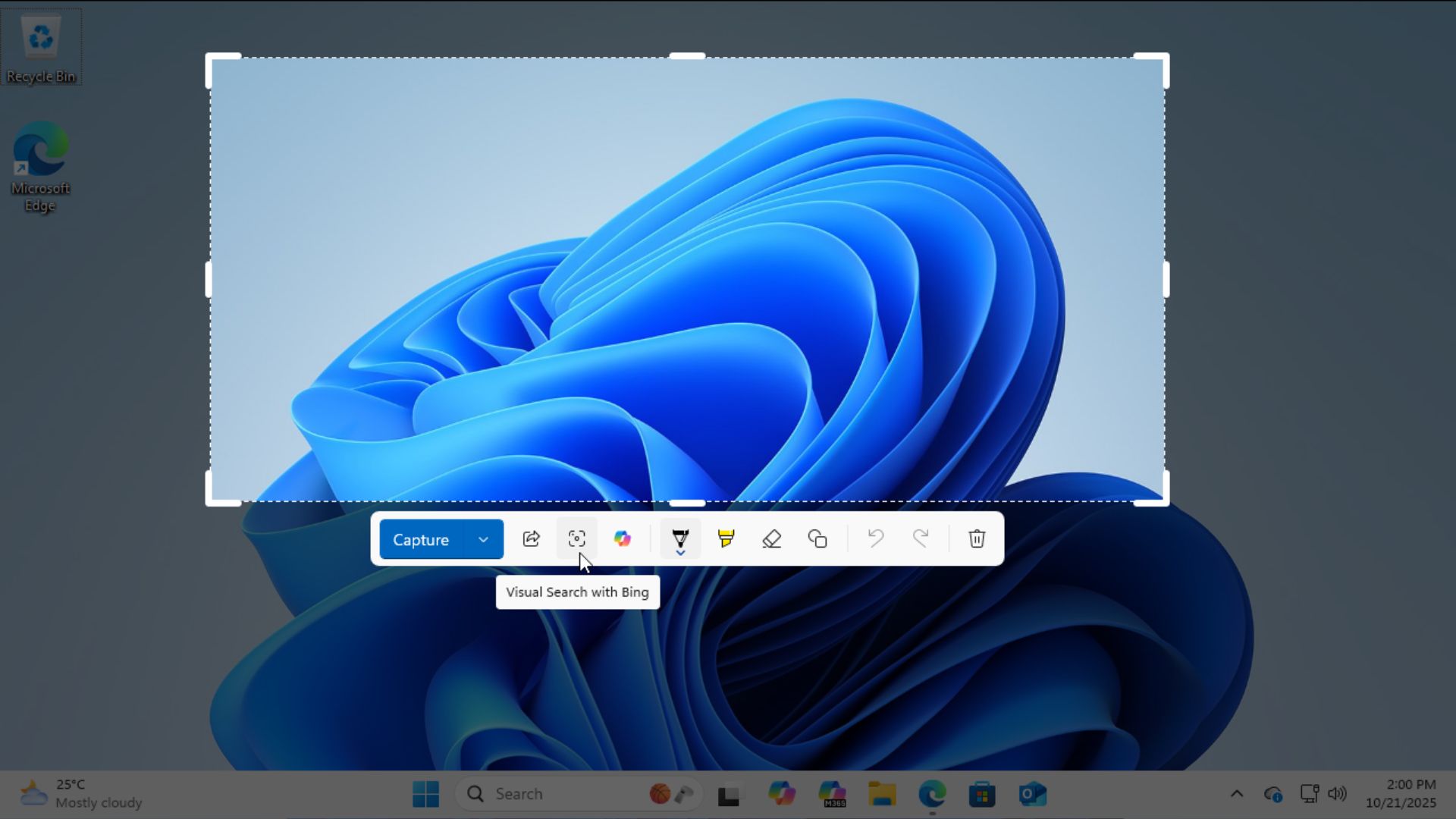
Windows 11's Snipping Tool now includes a Bing-powered Visual Search feature, offering a Google Lens-like experience for screen captures, but Google Lens on Windows still outperforms it in accuracy and convenience. The update enhances the tool's functionality with features like live annotation, color picking, and better sharing options, making it a powerful utility for users, despite some limitations compared to Google Lens.

"Windows 11's 2023 Update Introduces Must-Try Features and Best Apps of the Week"
technology2 years ago

"Windows 11's 2023 Update Introduces Must-Try Features and Best Apps of the Week"

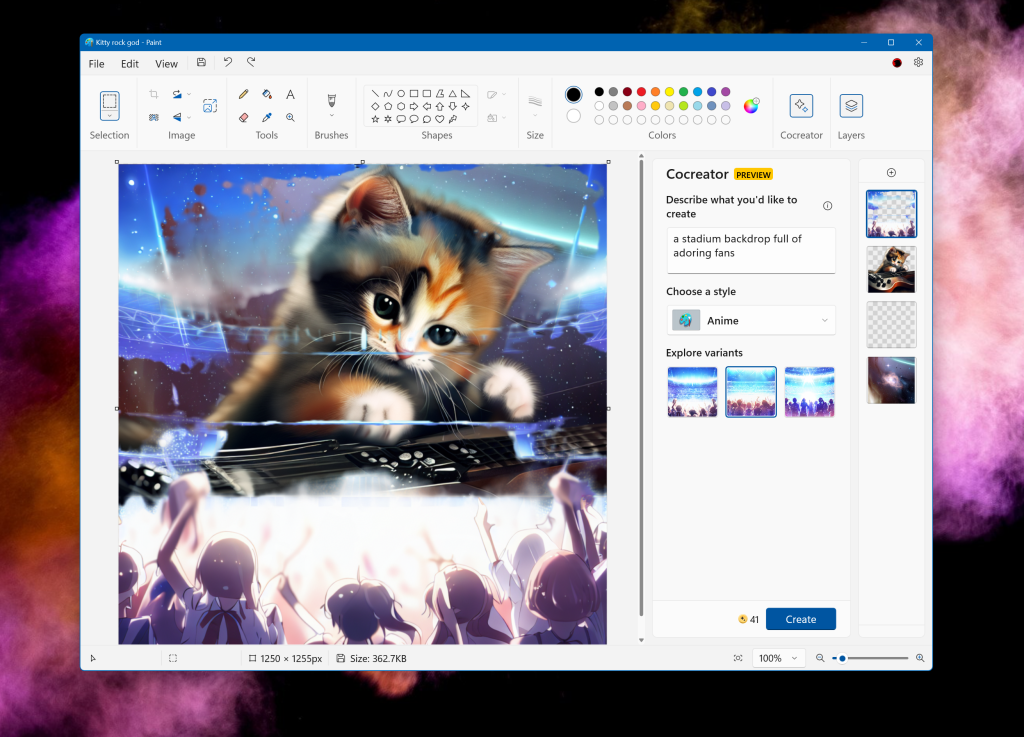
Windows 11's 2023 Update introduces several new features worth trying, including passkeys for password-free logins, Copilot AI chat for PC settings assistance, enhanced capabilities in the Paint app with AI art tools, and improved functionality in the Snipping Tool for text extraction and redaction. Other notable features include Dynamic Lighting for gamers and File Explorer improvements for productivity.

"Windows 11's Latest Update Introduces Exciting Features and Transforms into Windows 12"
technology2 years ago

"Windows 11's Latest Update Introduces Exciting Features and Transforms into Windows 12"

Microsoft is rolling out a major update to Windows 11, introducing several new features. The update includes Windows Copilot, an AI-powered digital assistant integrated into various parts of the operating system. AI enhancements have also been added to Paint, Snipping Tool, and the Photos app, offering features such as transparency and layers in Paint, text extraction and redaction in Snipping Tool, and background blur in Photos. Additionally, the update brings improvements to File Explorer, native RGB lighting controls for PC gamers, support for passkeys as an alternative to passwords, and integration of Windows 365 Cloud PCs for IT admins and developers. More features are planned for a future update in the fourth quarter of 2023.

"Microsoft shakes up Print Screen key in Windows 11 update"
technology2 years ago

"Microsoft shakes up Print Screen key in Windows 11 update"

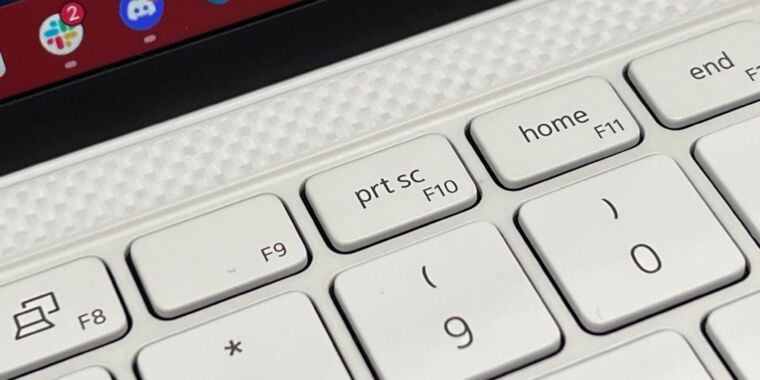
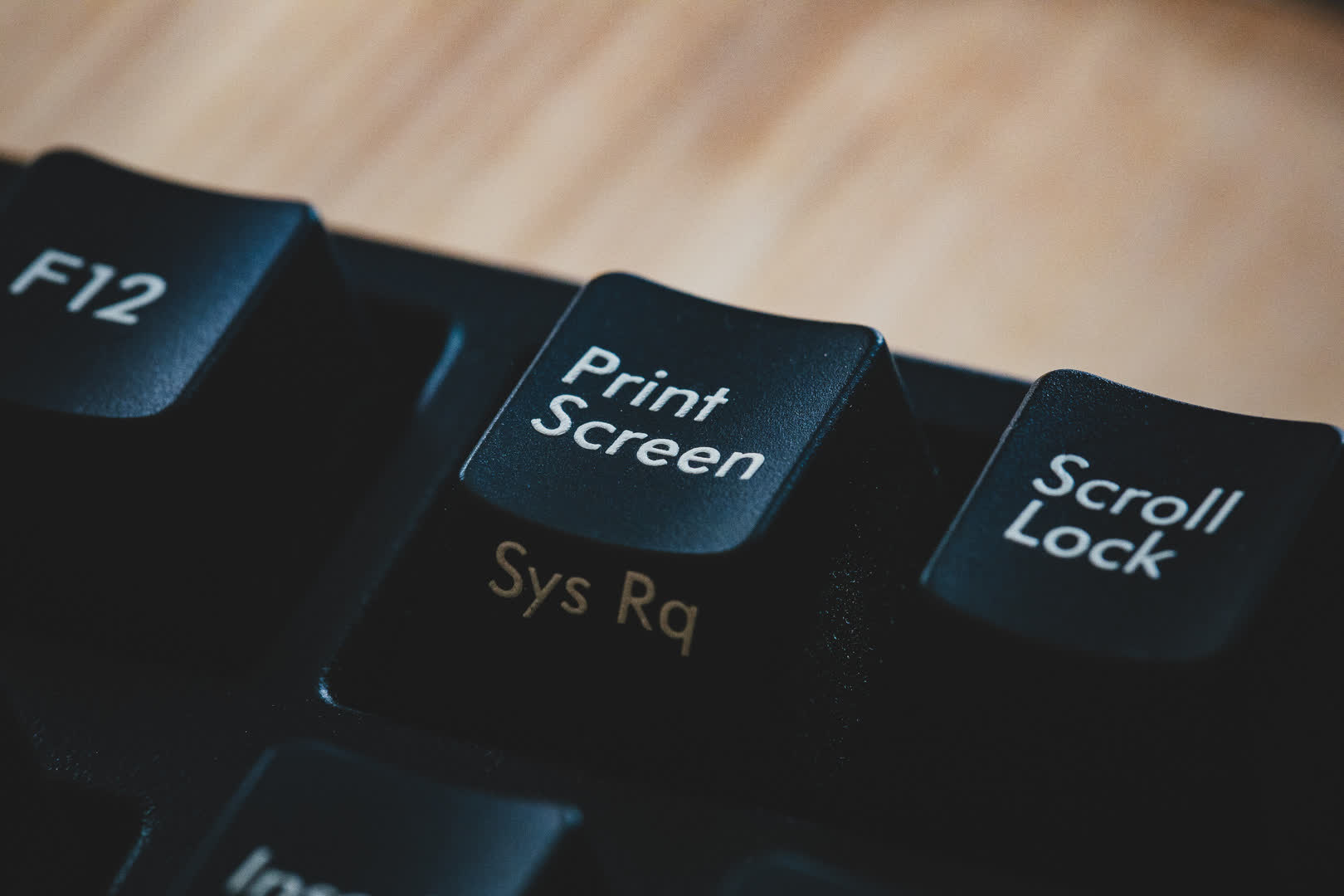
Microsoft is changing the default function of the Print Screen (PrtScr) key in Windows 11 to open the Snipping Tool instead of simply taking a screenshot and storing it on the Clipboard, OneDrive, or third-party apps. Users can still make a copy of the entire screen with Snipping Tool, but it requires an extra step. The change has been met with a shrug by most users, who can turn off the default setting in the Accessibility Settings menu. Some users prefer third-party apps like Greenshot and ShareX. The change reflects the modern user environment of multiple monitors and larger screen sizes.

Microsoft revamps Print Screen button for Windows 11 with Snipping Tool integration.
technology2 years ago

Microsoft revamps Print Screen button for Windows 11 with Snipping Tool integration.

Windows 11 beta changes the default function of the Print Screen button, opening the Snipping Tool instead of copying the screen contents to the clipboard. The change will make the setting on-by-default in the keyboard accessibility settings. The Print Screen key's copy-to-clipboard behavior dates back to Windows 3.0, but the Snipping Tool has been updated in various Windows versions. Users can still use the Windows-Shift-S key combo or disable the new Print Screen setting to revert to the old behavior. Microsoft may revert this change in a future beta.

"Microsoft revamps Print Screen button for Windows 11 with Snipping Tool integration"
technology2 years ago

"Microsoft revamps Print Screen button for Windows 11 with Snipping Tool integration"

Microsoft is testing a new function for the Print Screen button in Windows 11 Insider Preview builds, which launches the Snipping Tool instead of sending a snapshot to the clipboard. The Snipping Tool allows users to capture a section of their screen, and users can still revert the Print Screen button's role to its traditional function through accessibility settings. The change may make the key more useful for some users, but power users may prefer to continue using existing keyboard shortcuts.

"Windows 11's Print Screen key gets a new function with Snipping Tool integration"
technology2 years ago

"Windows 11's Print Screen key gets a new function with Snipping Tool integration"

Microsoft is changing the default behavior of the Print Screen key in Windows 11 to open its own Snipping Tool instead of capturing an image of the entire screen. This change will be implemented in the upcoming KB5025310 update, but users who have previously modified the option in Settings will keep their chosen setting. The Print Screen key has been in need of an overhaul for a long time, and Microsoft's decision may surprise or anger some users, but it can be easily switched back.

"Windows 11 alters traditional Print Screen function for Snipping Tool"
technology2 years ago

"Windows 11 alters traditional Print Screen function for Snipping Tool"

Microsoft is planning to change the default function of the Print Screen key in Windows 11 to open the Snipping Tool instead of taking a screenshot of the current screen and copying it to the clipboard. The Snipping Tool combines features from the legacy Snipping Tool and Snip & Sketch and offers various capture modes, including rectangular, freeform, window, and full-screen. Users can revert this change by going to the Settings > Accessibility > Keyboard menu and toggling the 'Use the Print Screen key to open Snipping Tool' to off.

Windows 11 alters Print Screen key to open Snipping Tool.
technology2 years ago

Windows 11 alters Print Screen key to open Snipping Tool.

Microsoft is changing the default function of the Print Screen key in Windows 11 Insider Preview builds to open Snipping Tool instead of taking a screenshot and copying it to the clipboard. Users can revert back to the original behavior if desired. This change may annoy some users and push Microsoft's own tool at people, but it is still being tested and subject to user feedback.

Microsoft addresses Windows 11 privacy and security vulnerabilities with emergency fixes.
technology2 years ago

Microsoft addresses Windows 11 privacy and security vulnerabilities with emergency fixes.

Microsoft has released emergency updates for Windows 11's Snipping Tool and Windows 10's Snip & Sketch app to fix the "aCropalypse" security flaw that could allow bad actors to partially recover edited images. The flaw was discovered by a retired software engineer and was previously addressed by Google in Android's March security update. Microsoft recommends all users install the updates, which can be manually prompted through the Microsoft Store.

Windows 11 Privacy Bug Causes 'Acropalypse' Panic
technology2 years ago

Windows 11 Privacy Bug Causes 'Acropalypse' Panic

Microsoft is reportedly working on fixing a privacy bug in its Snipping Tool app for Windows 11, which allows cropped-out portions of images to be recovered and viewed. The same issue was found in Google's Markup app for Pixel smartphones, which the company has since patched. Microsoft has created a new version of the Snipping Tool app and is testing it in the Windows Insider Canary channel. It is unclear when the fix will be released to all users or if a fix is coming for the flaw in Windows 10.

Windows 11 Snipping Tool Bugs Fixed by Microsoft
technology2 years ago

Windows 11 Snipping Tool Bugs Fixed by Microsoft

Microsoft has released an updated version of the Windows 11 Snipping Tool that fixes the 'Acropalypse' privacy flaw, which allows the partial restoration of cropped images. The flaw was also found in the Windows 10 Snipping Tool, but no update is available yet. The vulnerability was first disclosed for Google Pixel devices and was fixed as part of the March security updates. The bug is caused by different reasons in Windows Snipping Tool and Google Pixel's Markup Tool, but the end result is the same: cropped-out data is not removed from the file when saving changes to the original file.