
Preventing App Closures on Galaxy Devices: A Clever One UI Trick
Originally Published 2 years ago — by SamMobile - Samsung news
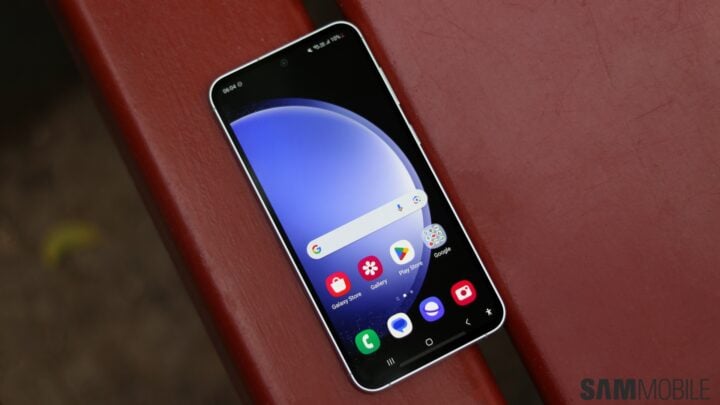
One UI offers a neat trick to prevent apps from closing on Galaxy devices. By tapping the app icon above the desired app in the Recent Apps screen and selecting "Keep open," users can force the app to stay open and avoid accidental closures. This feature is indicated by a lock icon and ensures quick access to the app even when using the "Close all" button. To unlock the app, simply tap the lock icon in the Recent Apps screen.