Tag

App Management

All articles tagged with #app management

technology2 years ago

"Google Play Store Introduces Remote App Uninstall Feature for Cross-Device Convenience"

Google Play Store version 38.8 introduces the ability to uninstall apps remotely from devices connected to the same Google account, making it easier to manage apps on Android TV, Android Auto, and Wear OS. The new feature allows users to order apps by size, group them by device, and provides a more manageable list. The update is gradually rolling out to users.

technology2 years ago

"Google Play Store Introduces Remote App Uninstallation Feature for Android Devices"

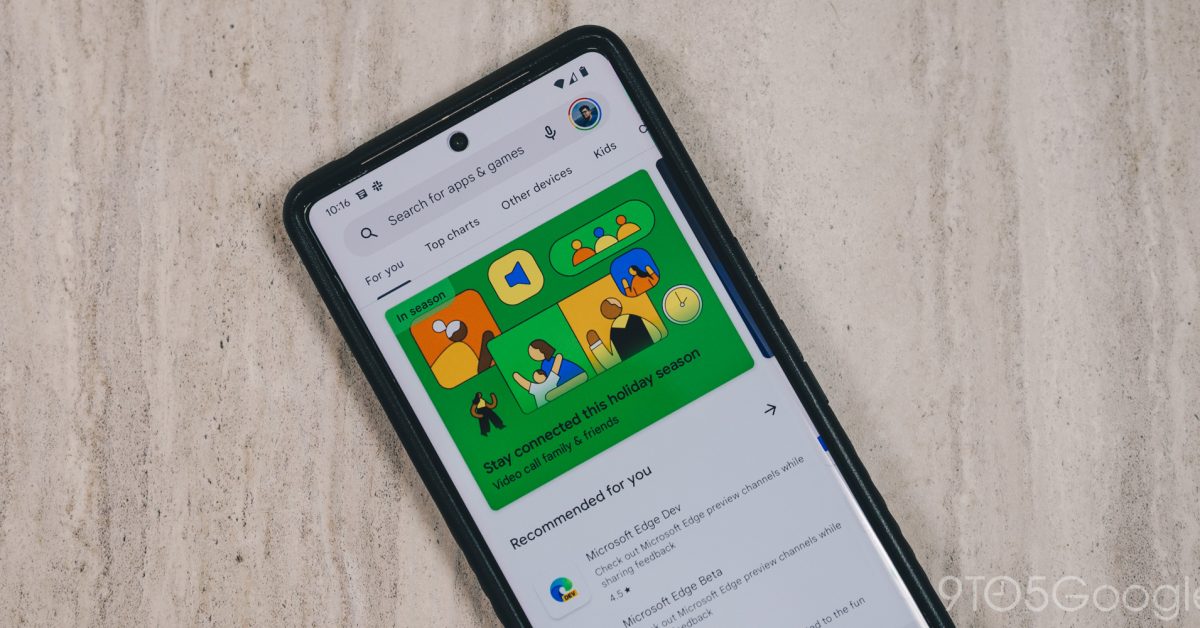
Google Play Store now allows users to remotely uninstall apps from their Android devices using other devices. The feature is available on Auto, PC, Phone, TV, and Wear platforms and comes with the latest version of the Play Store. Users can access this functionality by going to Manage apps & devices > Manage, selecting the device from which they want to uninstall apps, and removing the selected apps from that device.

technology2 years ago

"Play Store Update Enables Remote Uninstallation of Android Apps"

The Google Play Store is introducing a new feature that allows users to remotely uninstall apps from their other connected Android devices. This feature, supported across all instances of Android, is hidden beneath the surface in version 38.8 of the Play Store. Users can access the "Manage Apps" section to view and uninstall apps from a different Android device. The feature also allows sorting the list of apps by storage used. The exact availability of this feature is currently unknown.

technology2 years ago

Preventing App Closures on Galaxy Devices: A Clever One UI Trick

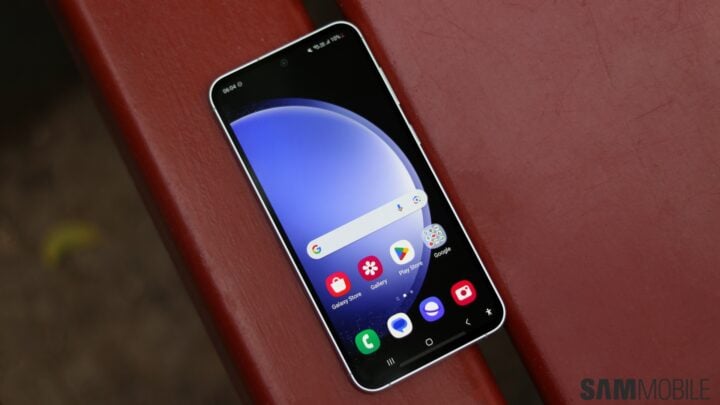
One UI offers a neat trick to prevent apps from closing on Galaxy devices. By tapping the app icon above the desired app in the Recent Apps screen and selecting "Keep open," users can force the app to stay open and avoid accidental closures. This feature is indicated by a lock icon and ensures quick access to the app even when using the "Close all" button. To unlock the app, simply tap the lock icon in the Recent Apps screen.