Tag

Ios 1702

All articles tagged with #ios 1702

technology2 years ago

"Mastering Portrait Mode: Transforming Regular iPhone Photos with Ease"

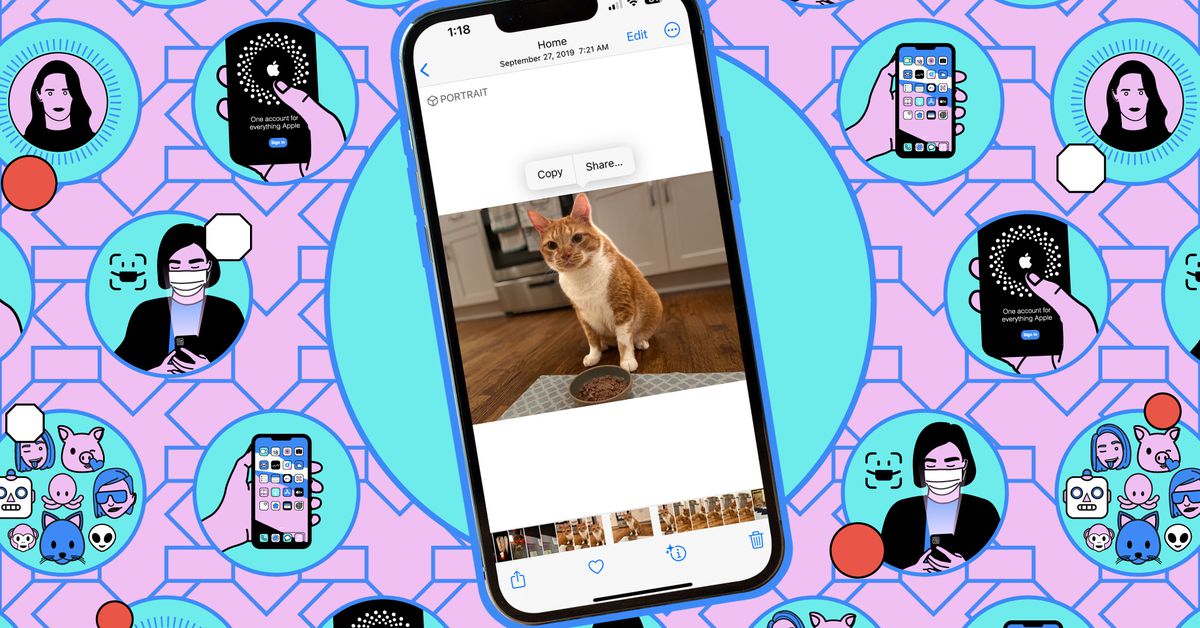
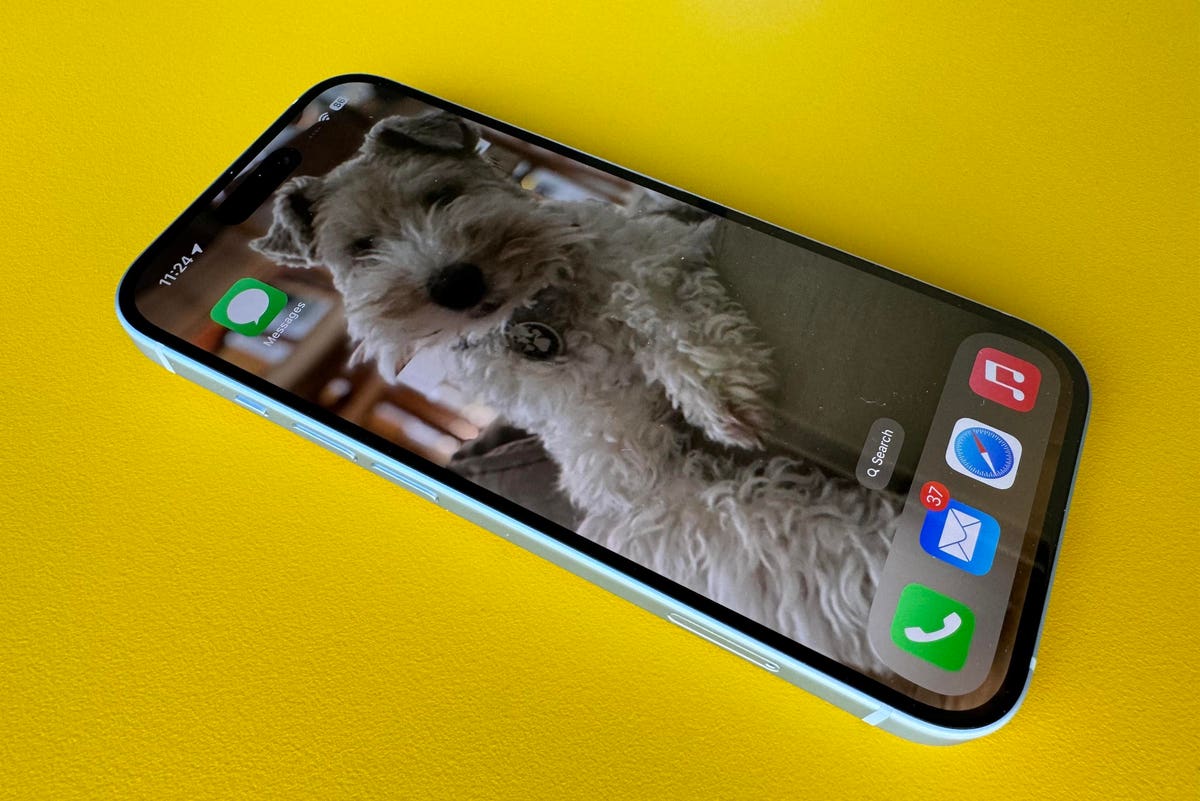
iPhone 15 owners can now apply Portrait mode to photos taken in the standard camera mode, allowing them to add a blurred background and shift focus after capturing the image. The phone automatically saves depth information when it detects faces, cats, or dogs in the frame, or when the user taps to focus on a subject. To apply the Portrait mode effect, users can open the photo in the Photos app, tap the Portrait option, and adjust the background blur strength using the f-stop slider. However, depth information is only saved for the cover frame of Live Photos bursts.
technology2 years ago

"Apple's Latest iOS and iPadOS Update Brings Enhanced Performance and Bug Fixes to iPhones and iPads"

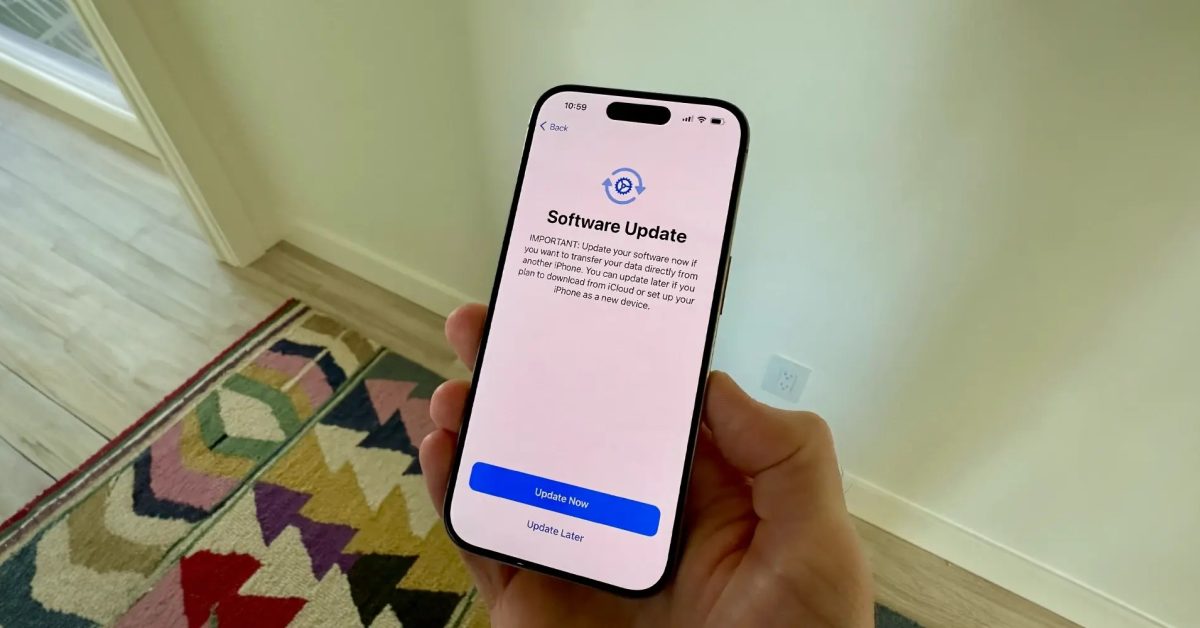
Apple has released iOS 17.0.2 and iPadOS 17.0.2 updates for all iPhones and iPads, following the previous releases of iOS 17.0.1 and iPadOS 17.0.1. The updates fix an issue related to data transfer during setup and are available for download over-the-air. iOS 17.0.2 was initially limited to iPhone 15 owners but is now accessible to all compatible iPhones. iPhone 15 users who already have the software will not see the update.

technology2 years ago

Apple iPhone 15 Series: Serious Issues and Bug Reports Spark Concern

Users of the new Apple iPhone 15 models have reported encountering a bug that can render the device inoperable during the data transfer process from an old iPhone, leaving them stuck on the Apple logo. Apple has addressed this issue with an update, iOS 17.0.2, which users should install during the initial setup. If the prompt to update doesn't appear, users can reset the new iPhone, connect it to a computer, and follow specific steps outlined by Apple to restore and set up the device properly. Alternatively, users can set up the phone as new, install iOS 17.0.2, and then restore their data.

technology2 years ago

iPhone 15 Setup Bug: Apple Logo of Death Fixed with iOS 17.0.2 Update

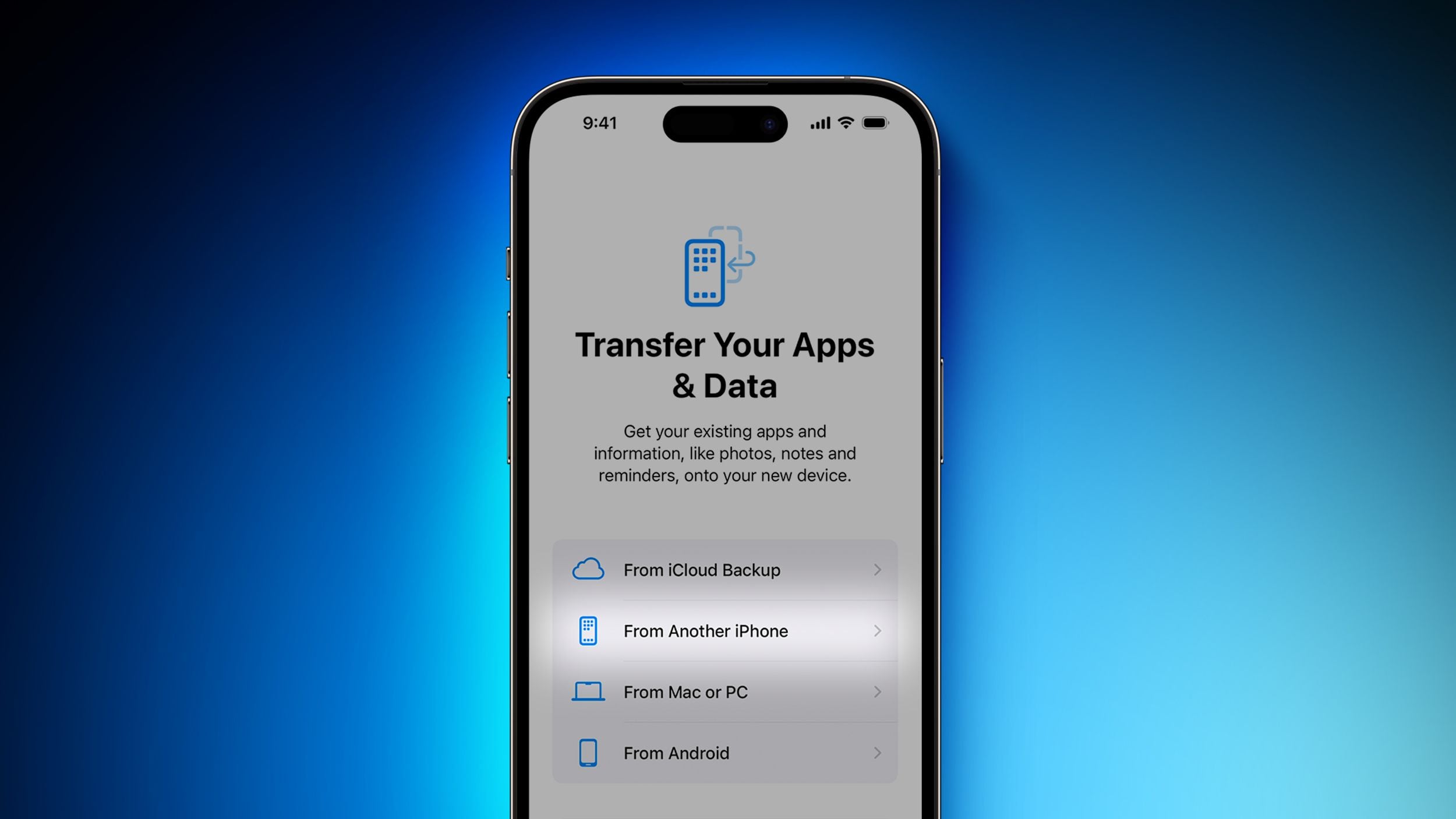
The iPhone 15 has a bug in the initial setup process that may prevent data transfer from old iPhones, causing the device to get stuck on the Apple logo. Apple has released iOS 17.0.2 to resolve this issue, but some users have reported not being prompted to update during setup. If the update is not installed, users can connect their iPhone 15 to a computer and restore it, or set it up as new and install the update later.

technology2 years ago

Quick Troubleshooting Tips for iPhone 15 Setup Breakdowns

Some iPhone 15 models are experiencing a bug during the initial setup process, causing them to get stuck on the Apple logo. Apple has released a day-one software update, iOS 17.0.2, to fix this issue. Users are advised to update their iPhones during setup or manually update to iOS 17.0.2 later. If the bug occurs, users can put their iPhone 15 into DFU mode and restore it from a computer to resolve the problem.

technology2 years ago

"Critical iOS Update Required for Smooth iPhone Data Transfer"

Apple advises users to update their iPhone 15 models to iOS 17.0.2 before transferring data from another iPhone to avoid potential issues. The update fixes a bug that may prevent direct data transfer during the device setup process. If users have already encountered issues and their iPhone 15 is stuck on the Apple logo, Apple has provided steps to restore the device. After restoring and updating to iOS 17.0.2, the data transfer process can be restarted.