
Quick Troubleshooting Tips for iPhone 15 Setup Breakdowns
TL;DR Summary
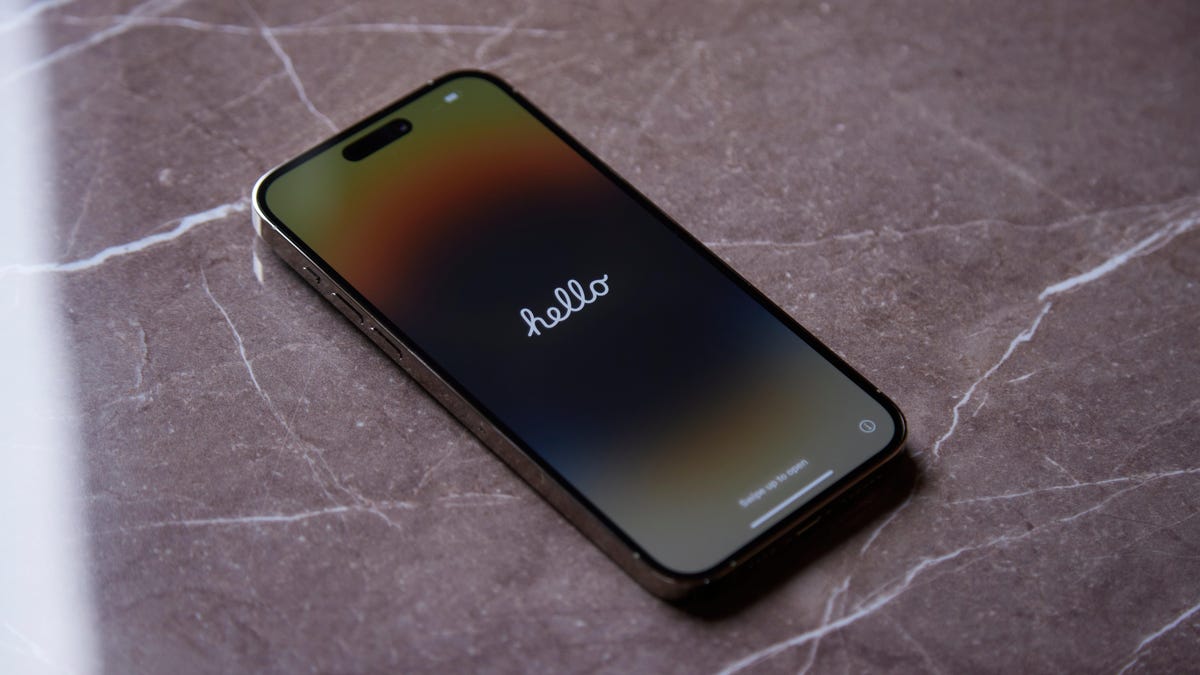
Some iPhone 15 models are experiencing a bug during the initial setup process, causing them to get stuck on the Apple logo. Apple has released a day-one software update, iOS 17.0.2, to fix this issue. Users are advised to update their iPhones during setup or manually update to iOS 17.0.2 later. If the bug occurs, users can put their iPhone 15 into DFU mode and restore it from a computer to resolve the problem.
Reading Insights
Total Reads
0
Unique Readers
9
Time Saved
2 min
vs 3 min read
Condensed
85%
490 → 74 words
Want the full story? Read the original article
Read on Lifehacker